



stats.fm for Spotify

4.40

Information

Category:

Music & Audio

Price:

Free

Rank:

28

Rating:

4.40

Overview

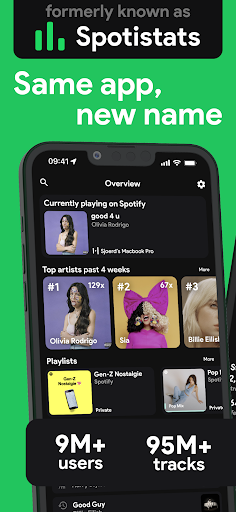
stats.fm for Spotify is an essential music analytics companion that empowers users to dive deep into their listening habits. With over 10 million global users, this app provides detailed insights into your most-played songs, artists, and albums across all periods of your Spotify journey.

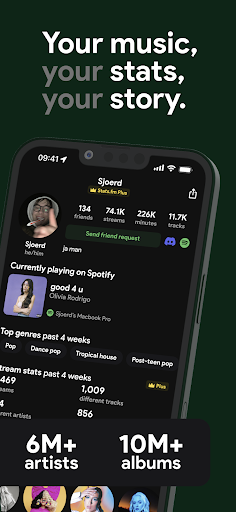
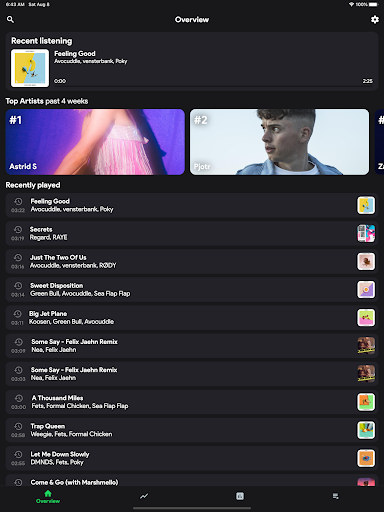
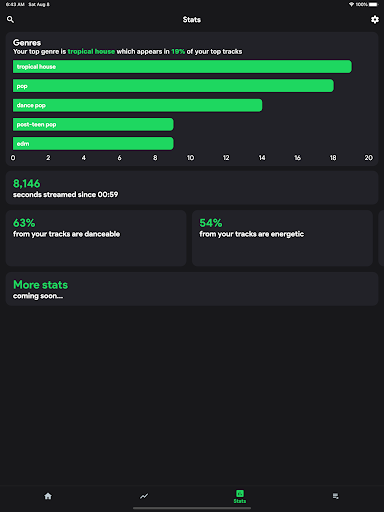
The app offers a comprehensive stats dashboard including top tracks, genres, and even listening times. It goes beyond Spotify Wrapped by delivering real-time statistics throughout the year. The Plus feature allows tracking individual song playcounts, while comparison tools let you benchmark your music taste against friends.

Features

What sets stats.fm apart is its extensive statistical breakdown of user listening patterns. The app analyzes multiple dimensions of music consumption - from basic play counts to advanced metrics like musical liveliness and energy levels.

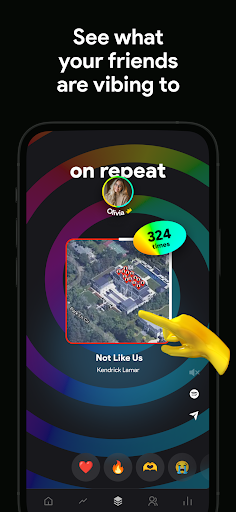
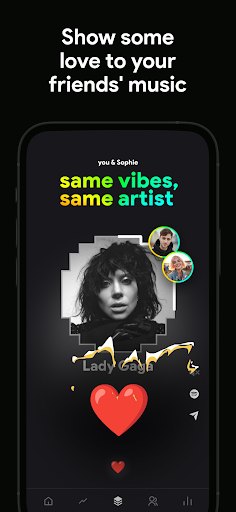
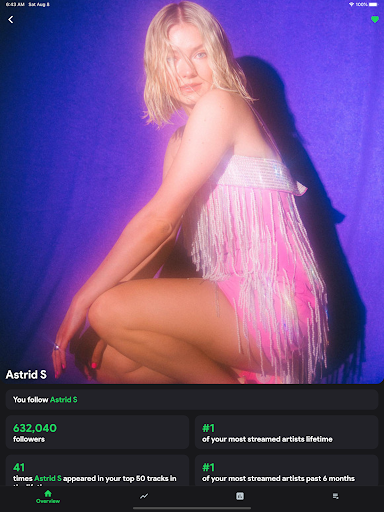
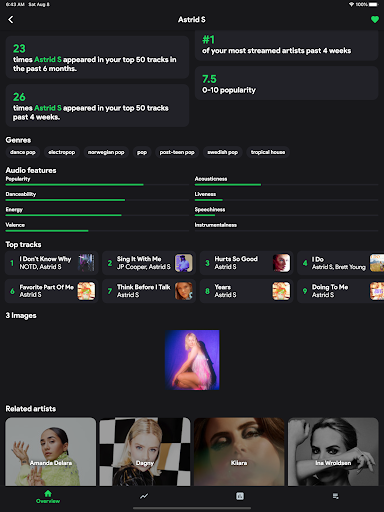
Unique features include the listening clock that maps out daily listening patterns, genre distribution analysis, and detailed artist statistics. Users can explore their streaming history through various visual graphs and charts. The app also enables social comparisons with friends' listening data, creating a competitive yet fun music discovery experience.

Music library size & copyright authenticity

The music library size and copyright authenticity are crucial aspects of any music-related application as they determine the breadth of content available to users and ensure that all tracks are legally accessible. Stats.fm for Spotify boasts an extensive database with over 10M+ stats about tracks, 14M+ albums, and 6M+ artists, providing users with a vast array of music options to explore. This extensive collection allows users to gain insights into their most listened songs and artists from various periods, offering a comprehensive overview of their musical journey. The app ensures copyright authenticity by working within Spotify's framework, which means all tracks are legitimate and properly licensed. Users can enjoy peace of mind knowing that their favorite songs, albums, and artists are part of a legal ecosystem that respects intellectual property rights. With this vast and verified music library, users can dive deep into their listening habits, discover new music, and even compare their tastes with friends. The ability to access detailed statistics about beloved songs, artists, or playlists enhances the user experience by allowing them to understand not just what they listen to, but how and when they do so. This level of detail transforms casual listening into an engaging and insightful activity, making Stats.fm for Spotify an indispensable tool for any music enthusiast looking to enrich their auditory exploration.

Audio quality options

Audio quality options play a significant role in the overall listening experience, affecting everything from sound clarity to file size. Stats.fm for Spotify offers users a variety of audio quality settings that cater to different preferences and needs. Whether you're using high-end headphones or streaming on a mobile device, the app provides customizable audio quality options that ensure optimal performance across devices. These options allow users to adjust the bitrate of their streams, balancing between superior sound quality and data usage efficiency. For audiophiles who prioritize pristine audio, higher bitrate settings deliver rich, detailed soundscapes that capture every nuance of a track. Conversely, those concerned with data consumption can opt for lower bitrate settings without sacrificing too much in terms of audio fidelity. Beyond basic playback, Stats.fm for Spotify also supports advanced audio features such as analyzing the type of music based on its characteristics like liveliness, energy, danceability, and instrumentation. This analytical approach adds another layer of engagement, enabling users to appreciate the technical aspects of their favorite songs. By offering these diverse audio quality options, Stats.fm for Spotify empowers users to tailor their listening experiences according to their specific requirements, enhancing both convenience and enjoyment. This flexibility underscores the app's commitment to delivering a personalized and high-quality auditory experience, solidifying its position as a premier companion for Spotify users worldwide.

Props

User-friendly interface

Comprehensive music stats

Real-time analytics

Social comparison tools

Detailed artist insights

Cons

Premium features locked

Spotify only support

Import process required

Some data limitations

Occasional sync delays

Features and Functions

What is this app and what can I use it for?

A music analytics app providing detailed Spotify listening statistics

How do I download and install this app on my device?

Search 'stats.fm' on Google Play Store and tap install

How do I get started after opening the app for the first time?

Sign in with Spotify and grant necessary permissions

What are the main features and capabilities of this app?

Offers top tracks, listening patterns, and music type analysis

How can I customize my experience and adjust preferences?

Adjust settings through the app's preference menu

How do I save or bookmark my favorite content for later access?

Save favorite stats via the bookmark feature

How can I share content with friends or on social media?

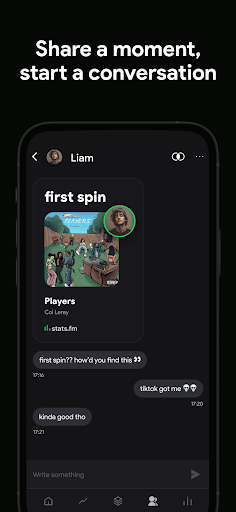
Share music insights directly to social platforms

How do I access detailed information and explore more content?

Explore detailed stats through the main dashboard

What permissions does this app need and how do I manage them?

Requires basic account and listening data access

How do I check for updates and keep the app running smoothly?

Enable automatic updates in device settings
Show more

User Reveiws

{{ comment.reviewer_name }}
{{ comment.review_date_formatted}}
{{ comment.review_content }}
{{ tab.name }}
{{ comment.reviewer_name }}
{{ comment.review_date_formatted}}
{{ comment.review_content }}
No reviews with this rating