

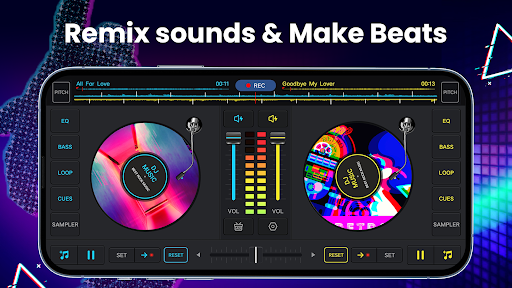
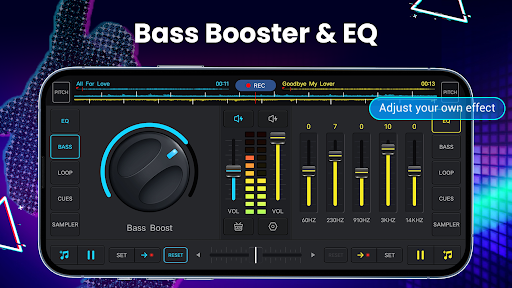
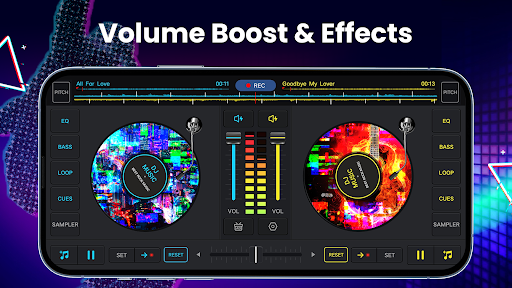


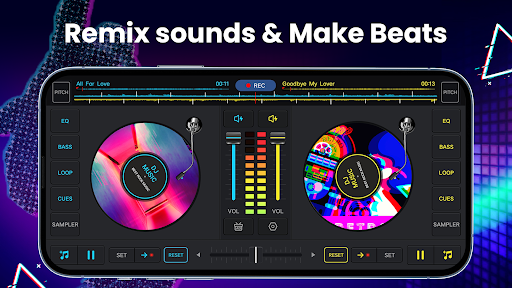
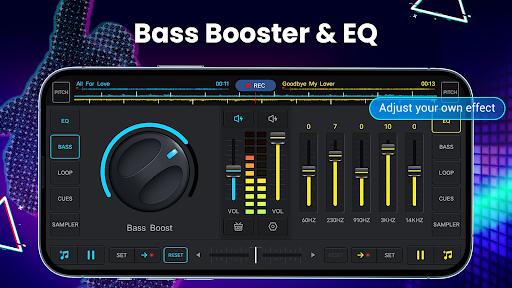
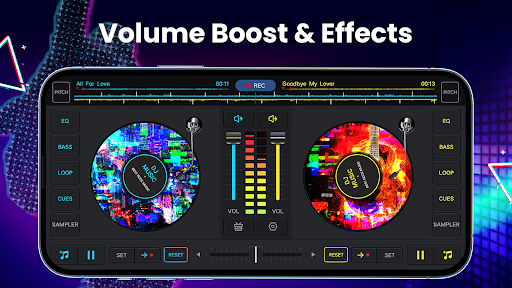
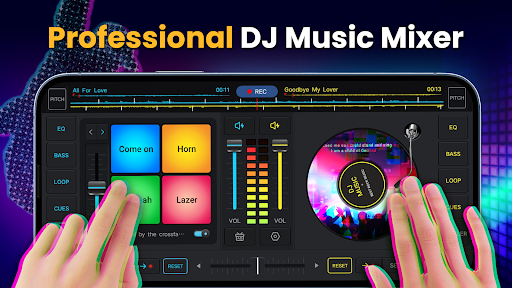
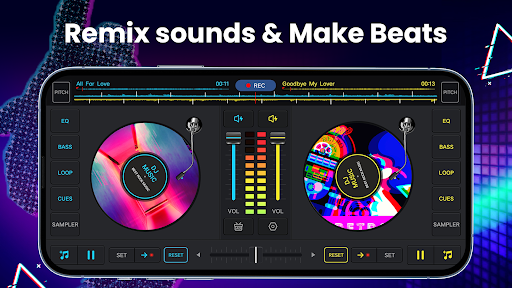
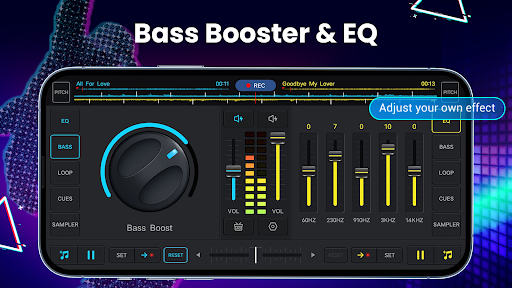

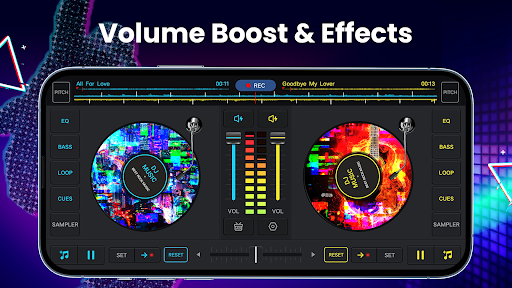
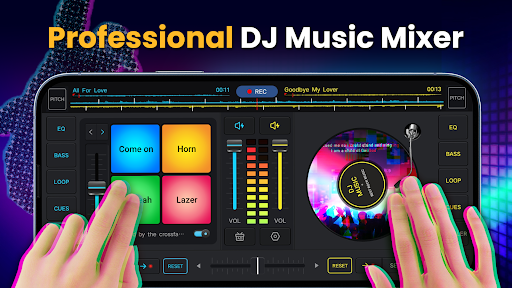
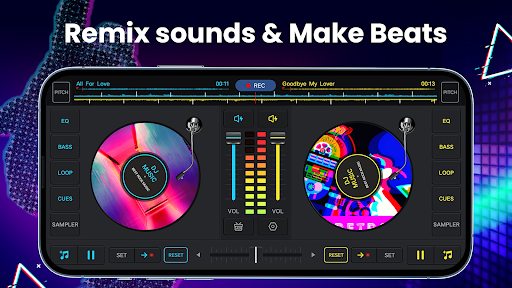
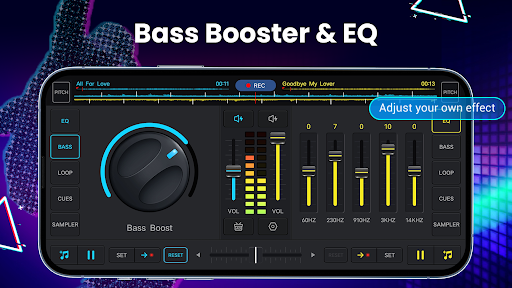
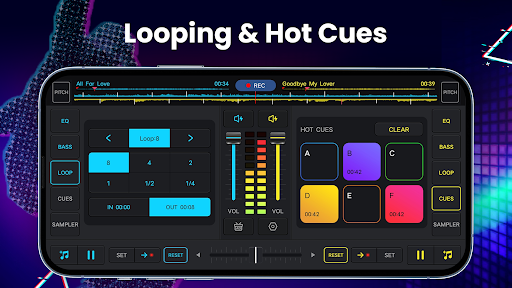
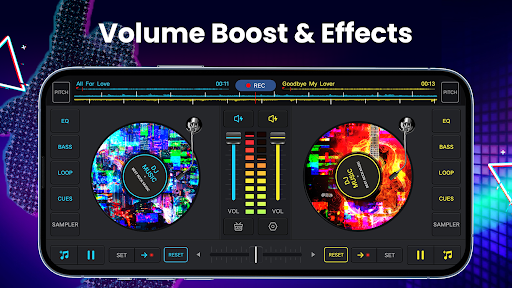
DJ Music Mixer - DJ Mix Studio is a feature-rich music production app designed for both professional DJs and music enthusiasts. The application provides an intuitive virtual DJ mixer interface with two turntables, allowing users to seamlessly mix tracks, apply sound effects, and create custom beats. With its built-in equalizer and bass booster, users can fine-tune audio levels to achieve studio-quality mixes.
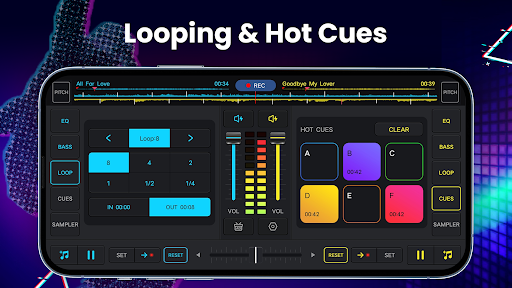
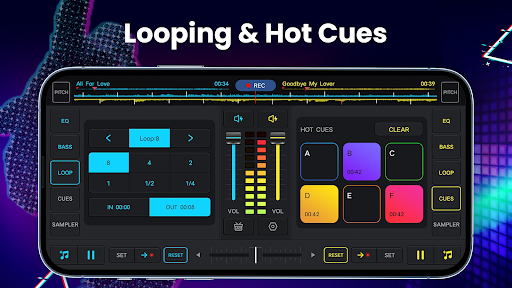
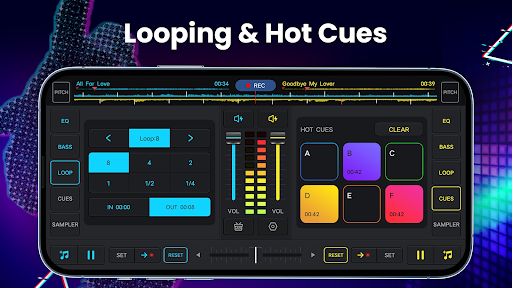
The app stands out with its advanced mixing tools including hot cues, loops, and sample pads that offer creative freedom. Whether you're preparing for a live set or creating music for personal enjoyment, this app delivers the essential functionalities of a real DJ setup in a mobile format. Its user-friendly design makes it accessible for beginners while offering enough depth for experienced users to explore complex mixing techniques.
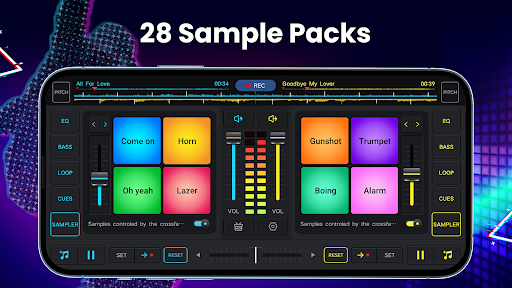
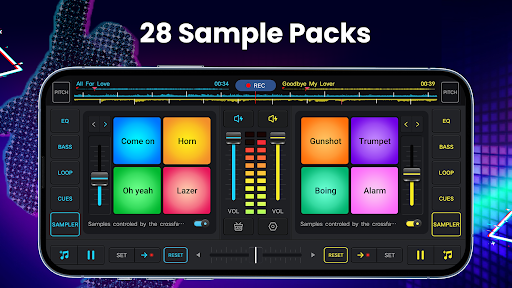
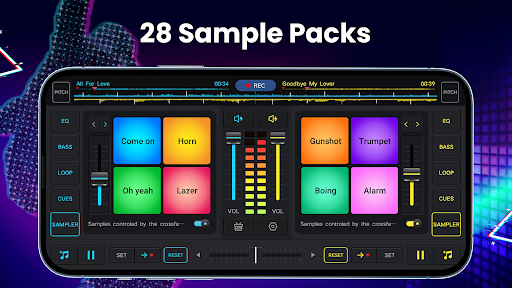
DJ Music Mixer offers an impressive array of features that cater to various music production needs. The app includes professional-grade mixing tools such as crossfaders, five-band equalizers, and adjustable pitch controls. Users can access up to 28 free sample packs containing various sound effects like gunshots, booms, and scratches, enhancing their creative possibilities.
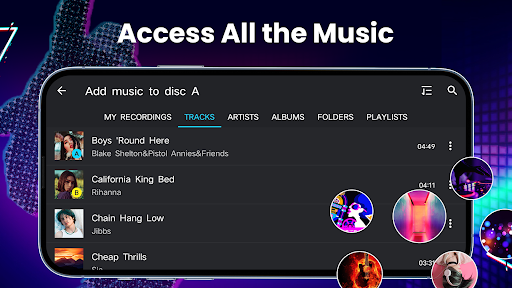
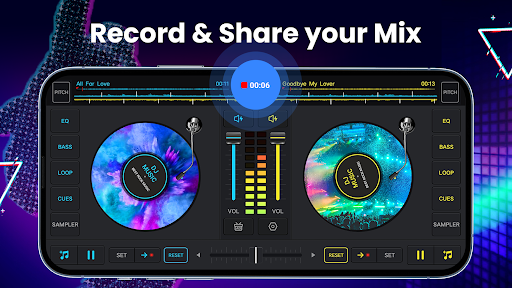
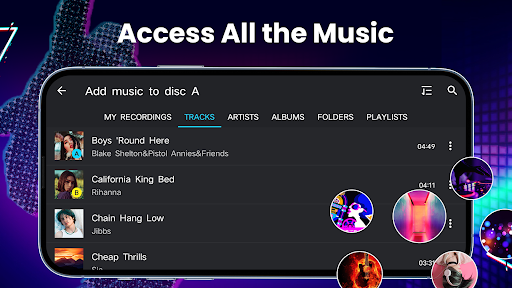
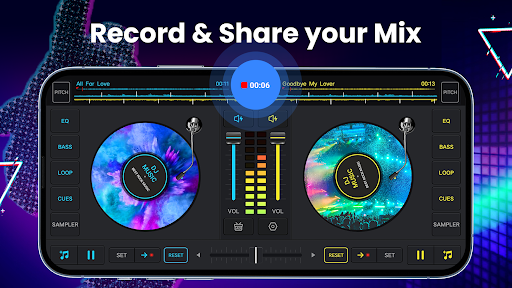
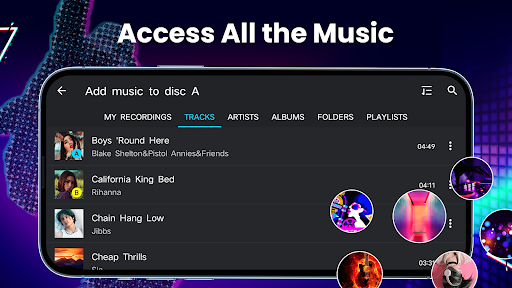
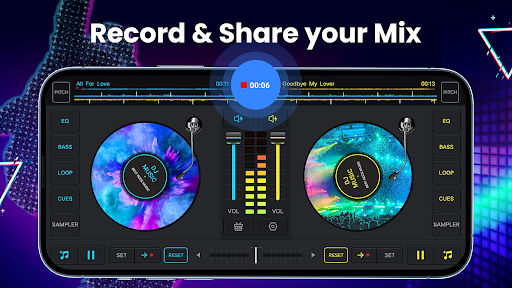
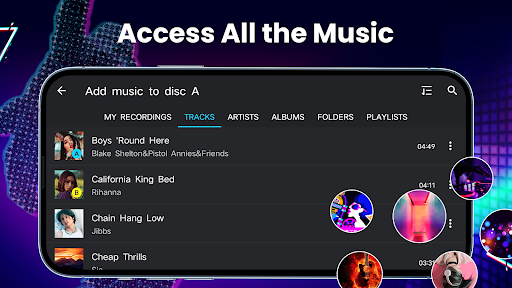
One of the standout features is its high-quality audio recording capability in MP3 format. This allows DJs to capture their mixes with precision, whether using internal audio or external microphones. The app supports comprehensive music library management, enabling users to organize tracks by artists, albums, and folders. Additionally, its advanced beat detection and wide audio spectrum ensure accurate tempo matching and smooth transitions between tracks.
User-friendly interface
Professional mixing tools
Extensive sound effects library
High-quality recording options
Comprehensive music library management
Limited advanced features in free version
Occasional performance issues on older devices
Steep learning curve for beginners
Ads in free version can be intrusive
Some features require premium purchase

Turn your phone into a musical instrument from the future!
 3.90
3.90
Make music anywhere. Turn your device into an instrument.
4.5
Pay Once, no monthly payment
4.60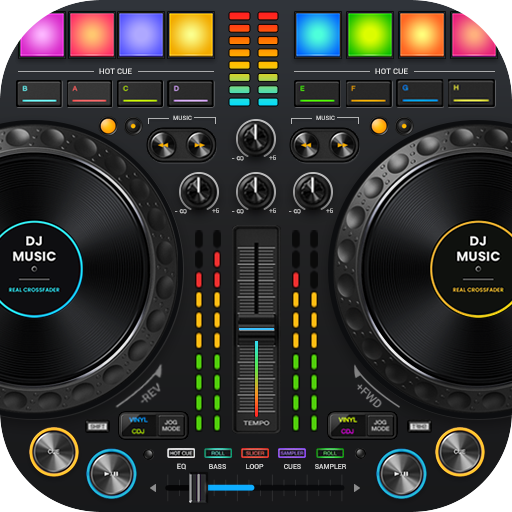
DJ Music Mixer Pro is a real DJ controllers and DJ Music Studio to remix DJ.
4.40
Most Advanced AI Song Generator and Music Creator. Rap, Pop, Rock, Gospel & more
4.70
Simple & Intuitive Metronome
4.70
Network/Cloud Streaming, Visualization, Graphic Equalizer and Sound Effects.
4.20
Bass Booster & Volume Equalizer Pro improves your music and video sound quality
4.60
Enjoy singing any song, no matter how high or low it is
4.30
Music, News & Sports Radio Tuner App. Tune in Live FM & AM Radio Stations.
4.80
Ultimate Sonos Controller
4.70
Over 100 million tracks available for high quality streaming and download
4.60
Visualize the guitar fretboard, master scales & play through changes like a pro!
4.50
Ringtone Maker is free app create ringtone from music files or your recording.
4.40
Smart piano keyboard, Classical to Pop, Real-time multiplayer connection!
4.20
Background pads for your band
3.80
The iconic iOS metronome app is now on Android.
3.70
Simple mp3 and mp4 player with advanced features.
3.40
Simply convert wav to mp3. Clear. Reliable. Safe.
4.1


User Reveiws