Realtime Charts for Torque Pro

4.20

Information

Category:

Auto & Vehicles

Price:

$ 2.49

Rank:

6

Rating:

4.20

Overview

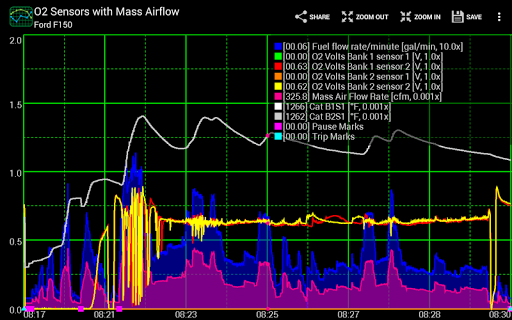
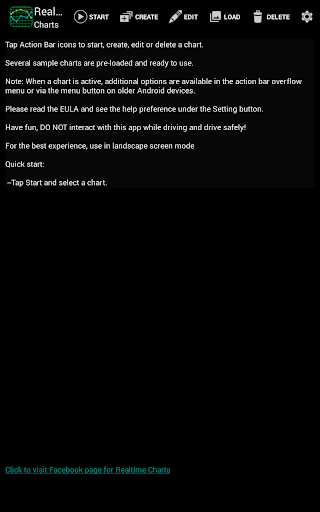
Realtime Charts for Torque Pro is a specialized plugin designed to enhance vehicle performance monitoring for automotive enthusiasts and professionals. This app allows users to graph up to 10 engine sensors simultaneously, providing real-time data visualization on Android devices. With features like scatter plot analysis and custom chart creation, it offers detailed performance tracking and diagnostic capabilities.

The application supports advanced functionalities such as sensor data capture based on specific criteria and auto-pause options when the vehicle is stationary. Users can create and save up to 100 unique charts, customize visual attributes, and export data in Excel CSV format. These tools are essential for in-depth vehicle analysis and tuning, making it a valuable asset for both hobbyists and professional mechanics.

Features

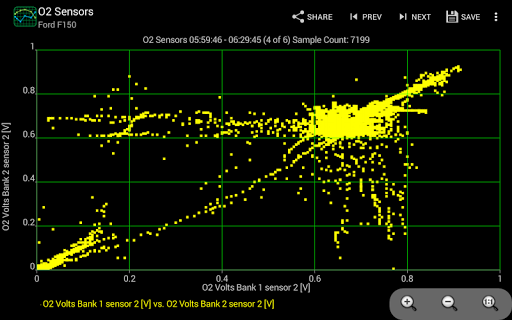
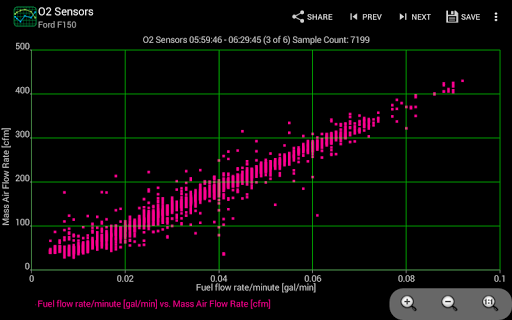
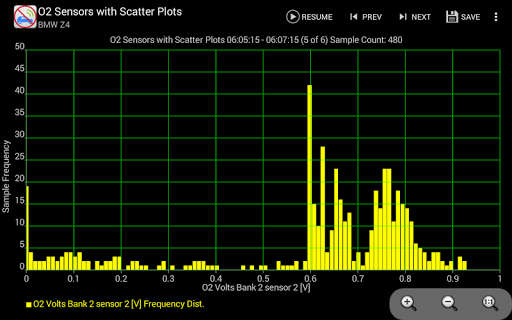
Realtime Charts stands out with its ability to monitor and graph multiple engine parameters in real time. The app provides comprehensive analytical tools including scatter plot and frequency analysis, which help users understand complex engine behaviors. Its customizable charting system allows users to tailor the display to their specific needs, choosing from various sampling frequencies and visual styles.

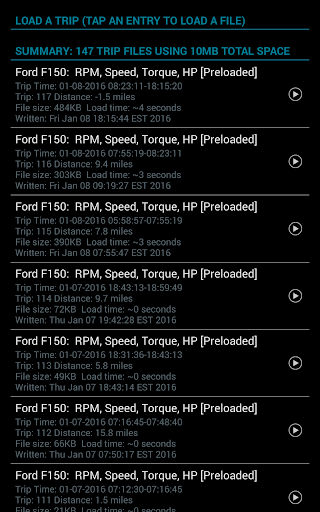
Advanced features include dynamic scaling of data points, running averages of engine sensors, and automatic trip data storage management. The app also supports background sensor recording, enabling uninterrupted data collection even while using other applications. These robust functionalities make Realtime Charts an indispensable tool for detailed vehicle diagnostics and performance optimization.

Detailed vehicle information

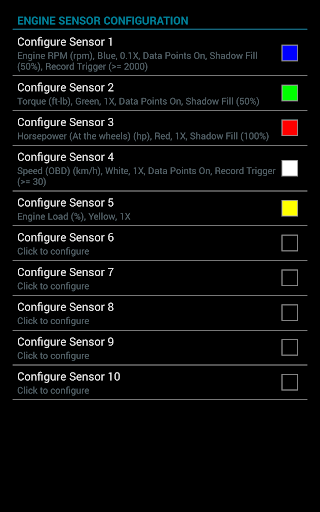
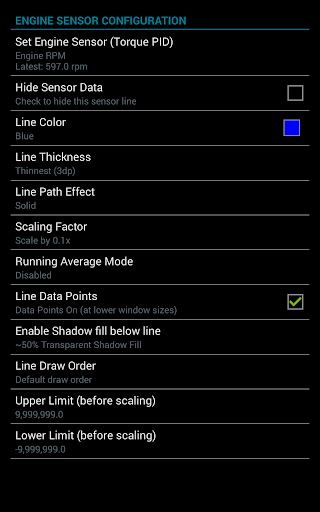
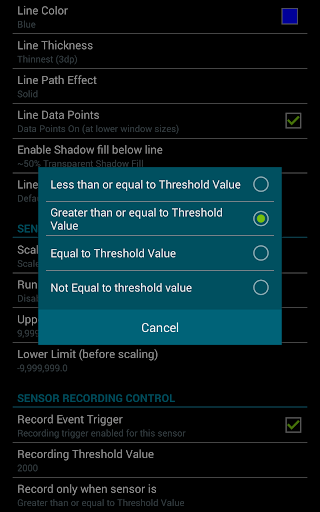
Detailed vehicle information is crucial for automotive enthusiasts mechanics and professionals who need to monitor and analyze a car's performance accurately. Realtime Charts for Torque Pro offers an extensive solution by enabling users to graph multiple engine sensors simultaneously in real-time on their Android devices. This plugin app supports up to ten different Parameter IDs (PIDs) such as RPM speed MPG HP and torque allowing for comprehensive monitoring of the vehicle's performance. Each engine sensor is graphed as a distinct series providing users with in-depth insights into how various components interact and affect overall performance. The ability to create custom charts further enhances this feature letting users specify which sensors to monitor set sampling frequencies choose chart colors and adjust series attributes. With support for scatter plot analysis both in real time and on recorded sessions users can perform detailed analyses that reveal patterns and correlations within the data. Additionally features like auto-pausing charts when the vehicle stops or triggering data capture based on specific sensor thresholds ensure that only relevant information is captured and analyzed. These capabilities make it easier for users to diagnose issues tune performance and understand their vehicleu2019s behavior under different conditions ultimately leading to more informed decisions about maintenance tuning and upgrades.

Price transparency

Price transparency is essential for consumers looking to make informed purchasing decisions especially when it comes to automotive tools and diagnostics software. Realtime Charts for Torque Pro addresses this need by offering clear information regarding its cost structure and what users can expect from their investment. As a plugin application designed specifically for use with the Torque Pro app it provides advanced functionalities without hidden fees or additional costs beyond the initial purchase price. Users are required to have a wireless OBD2 adapter for their car along with the Torque Pro app installed on their device but once these prerequisites are met there are no further expenses associated with accessing the full range of features provided by Realtime Charts. This includes the ability to monitor and graph up to ten engine sensors in real-time create custom charts save data for later review and perform scatter plot analysis among other capabilities. Furthermore updates introducing new functionalities such as starting capture based on specific criteria or performing scatter plot analysis do not incur extra charges ensuring that all users have access to the latest tools needed for effective vehicle performance monitoring. By clearly outlining these requirements and maintaining transparency around pricing Realtime Charts empowers users to budget effectively while gaining valuable insights into their vehicle's operation without worrying about unexpected expenses.

Props

User-friendly interface

Highly customizable charts

Real-time data visualization

Comprehensive diagnostic tools

Supports background recording

Cons

Requires Torque Pro app

Needs OBD2 adapter

Complex for beginners

Limited to Android

No iOS support

Features and Functions

What is this app and what can I use it for?

A plugin for Torque Pro to monitor vehicle performance via real-time sensor graphs

How do I download and install this app on my device?

Search 'Realtime Charts for Torque Pro' on Google Play Store and tap install

How do I get started after opening the app for the first time?

Pair your OBD2 adapter, open the app, and follow setup prompts to begin

What are the main features and capabilities of this app?

Real-time graphing, scatter plot analysis, custom charts, and data exporting

How can I customize my experience and adjust preferences?

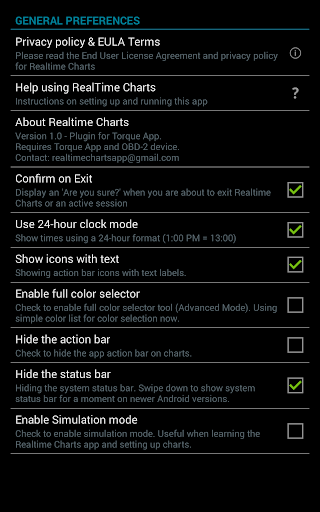
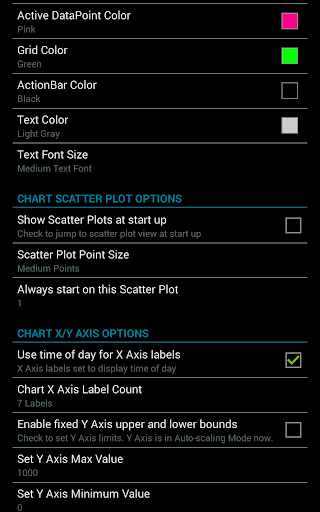
Adjust chart settings through the customization menu to fit your preferences

How do I save or bookmark my favorite content for later access?

Use the save feature to store charts and data locally for future access

How can I share content with friends or on social media?

Export charts as images or CSV files and share via social media or email

How do I access detailed information and explore more content?

Access detailed sensor data by interacting with individual chart series

What permissions does this app need and how do I manage them?

The app requires OBD2 permissions managed through Android device settings

How do I check for updates and keep the app running smoothly?

Check Google Play Store or app settings for updates and enable auto-save for smooth operation
Show more

User Reveiws

{{ comment.reviewer_name }}
{{ comment.review_date_formatted}}
{{ comment.review_content }}
{{ tab.name }}
{{ comment.reviewer_name }}
{{ comment.review_date_formatted}}
{{ comment.review_content }}
No reviews with this rating