


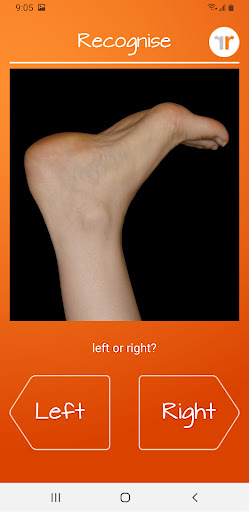
Recognise Foot is a specialized health and fitness application designed to assist users in managing pain, enhancing performance, and supporting rehabilitation through a structured Graded Motor Imagery program. The app focuses on improving the user's ability to distinguish between left and right body parts, which is crucial for recovery from various complex pain conditions and injuries.
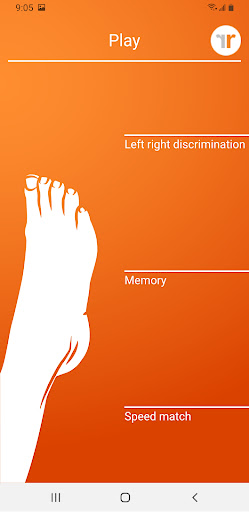
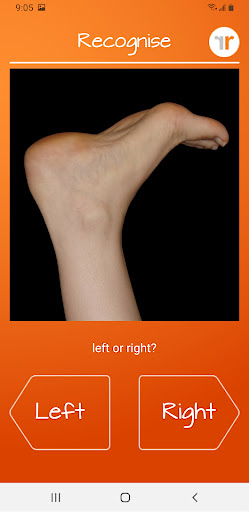
The application offers two main modes of engagement - TEST and TRAIN. In TEST mode, users can evaluate their proficiency in recognizing images of body areas as either left or right, known as 'Left/Right Discrimination.' TRAIN mode allows users to leverage their brain's neuroplasticity with diverse tools aimed at enhancing this critical skill.
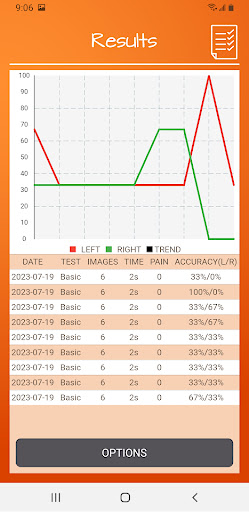
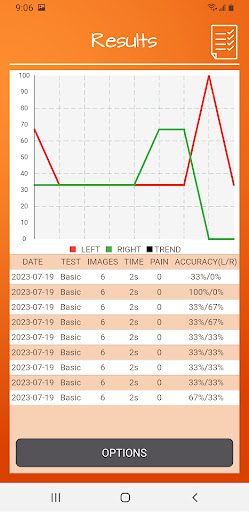
Recognise Foot stands out by integrating clinical tools that allow users to track progress with detailed graphs and export results to healthcare providers. This feature-rich app is invaluable for patients undergoing physical rehabilitation, as it provides personalized training modules and integrates real-world imagery captured on the device for a tailored experience.
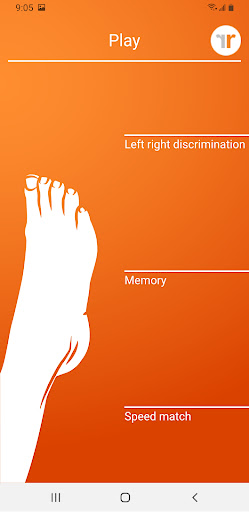
Recognise Foot boasts an array of sophisticated features that cater to users seeking advanced rehabilitation options. The app includes 'Memory' and 'Speed match' functionalities that elevate the training experience, allowing users to challenge themselves with graded difficulty levels and strive for personal bests.
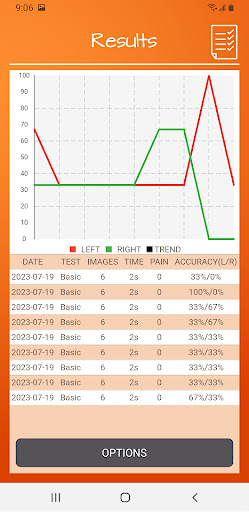
One of the standout features is the detailed onscreen analytics provided through graphs and result summaries, enabling users to monitor their improvement over time closely. Additionally, Recognise Foot facilitates powerful clinical integration by offering tools to export and email performance data directly to clinicians or therapists, ensuring professional oversight and guidance.
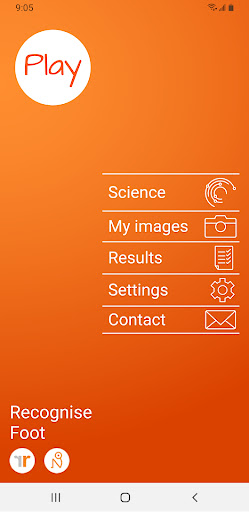
Users can also capture and incorporate their own images into training sessions, providing a personalized touch to the rehabilitation process. With comprehensive explanations of the science behind Left/Right Discrimination and Graded Motor Imagery, Recognise Foot ensures users understand the theory and practice underlying their recovery journey.
User-friendly interface
Comprehensive progress tracking
Clinical integration capabilities
Customizable training modules
Science-backed methodology
Premium version required
Limited free content
Steep learning curve
Highly specialized focus
Requires professional guidance

Easy access to health benefits
 4.70
4.70
Labs, Hair Loss, Sexual Health
4.60
Weight loss app: home workout for women to lose weight & burn calories.
4.80
App to stop smoking slowly or now with a motivational badges and helpful tips
4.80
Build Healthy Habits!
4.60
A brain game that moves you
4.70
Walk, track, and burn calories with step counter & GPS walking tracker
4.20
Understand your body’s most meaningful messages and transform your health.
3.90
Jogging app for calorie counter and distance tracker. Running app to lose weight
4.20
a fun app full of surprises :)
4.70
Walk. Earn: Get rewarded for every step! Walk, move, and earn real rewards.
4.70
See what's really going on inside your head! Real time EEG graphs from your Muse
4.40
This is an application that serves as a companion app for smart watch.
4.20
Pack of 66 calming lullabies for smooth fall asleep and relaxation
4.10
Get alert about getting out of desired heart rate zone.
4.10
Monitor, analyze, track, and convert blood sugar & help you control diabetes.
4.10
beat yesterday.
4.00
GloryFit is a companion app for the smart bracelet.
3.60
A simple way to calculate peptide doses and also to convert different units.
4.2


User Reveiws