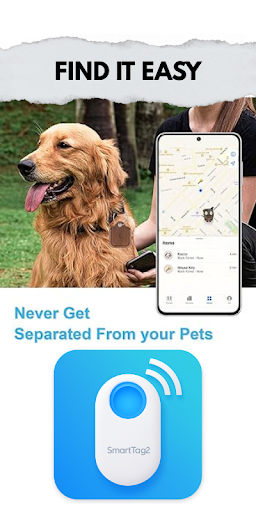
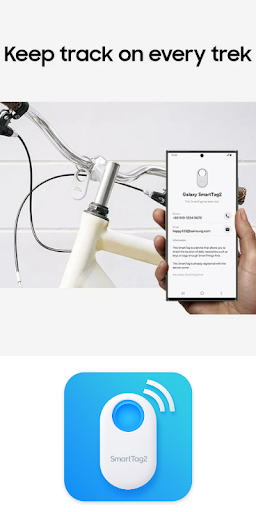

Samsung Galaxy SmartTag is a powerful device management application that allows users to connect, configure, and manage their Galaxy SmartTag devices. The app provides comprehensive setup instructions for both Galaxy SmartTag and SmartTag+, including general settings, battery replacement guidance, and smart beacon usage.
Designed as an educational tool, the app offers step-by-step procedures and tips for maximizing the utility of your SmartTag devices. Whether you're a new user looking to understand the layout and functionality of your SmartTag or need detailed guidance on its configuration, this app serves as a complete knowledge base.
The app's value lies in its ability to help users efficiently locate and manage their tagged items, making it ideal for those who frequently misplace everyday objects like keys or bags. By providing reliable information from trusted sources, it ensures users can optimize their SmartTag experience.
One of the standout features of Samsung Galaxy SmartTag is its detailed configuration support for SmartTag and SmartTag+ devices. Users can access specific instructions for setting up their smart tags, adjusting general settings, and even replacing batteries when needed.
In addition to setup assistance, the app provides practical tips for using smart beacons effectively. These tips help users understand how to leverage Bluetooth technology to locate their belongings quickly. The inclusion of pre-usage guidelines ensures that users are well-prepared before starting with their SmartTag devices.
Another notable feature is the app's educational approach, offering insights into the layout and design of Galaxy SmartTag devices. This makes it easier for users to familiarize themselves with the hardware while understanding its full potential through carefully curated content from reliable sources.
User-friendly interface
Comprehensive setup guide
Step-by-step instructions
Smart beacon tips
Reliable source material
Limited official support
No direct device control
Battery not included
Bluetooth range issues
Third-party app
SmartCast mirrors Android phone to TV screen With Cast Screen, Chromecast.
 4.80
4.80
Wireless reverse charging using phone now is possible
4.30
Connect and find your Smarttag devices through our app.
4.00
Al QURAN-القرأن الكريم app to read Quran offline just like an actual Quran book
4.30
Turn your phone into a wireless Xbox controller – play, stream & control anytime
4.4
An impressive collection of tools, characters, weapons, skins and more!
4.30
Simulator of real black light
3.50
Mirror phone to TV effortlessly! Stream, share & connect with Airplay ease.
3.60
Experience virtual reality on your smartphone with Cardboard.
3.50
Game booster GFX may reduce interruptions and improve gaming experience.
4.50
Tune your game graphics with our GFX optimizer for optimal gaming experience
4.50
Manage apps & elevate your gaming experience with Game Launcher: Gaming Hub app.
4.30
With Endoscope Camera Connector you can connect your phone with endoscope cam
3.70
Ps2 plugins for 64 bit artitechture
3.70
CloudEye 365 is a easy-handling APP
3.60
Mobs maker Minecraft help MCPE creators make their own mob by using Blockbench
3.50
Now Available on Android ™
3.40
A great tool help you to format Micro SD memory Card
3.10
Collection of high-quality, trendy skins and outfits!
4.1


User Reveiws