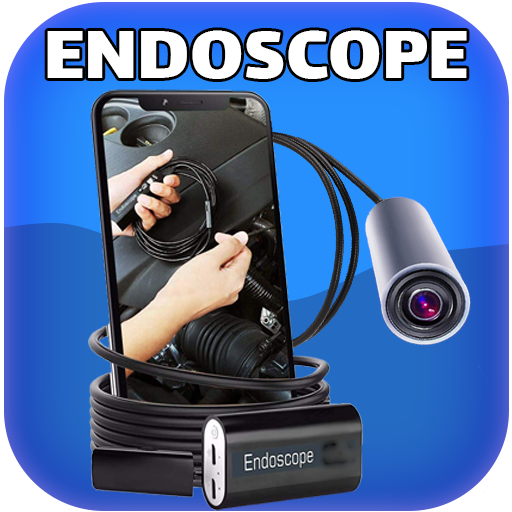
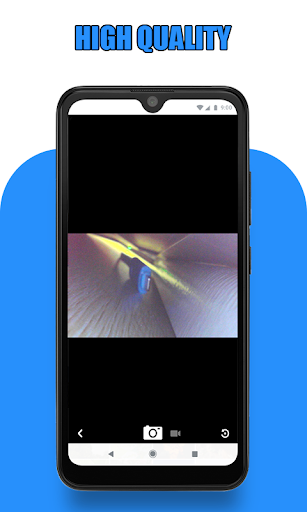
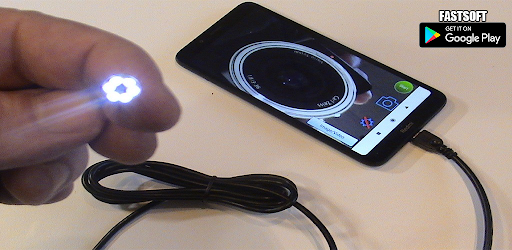
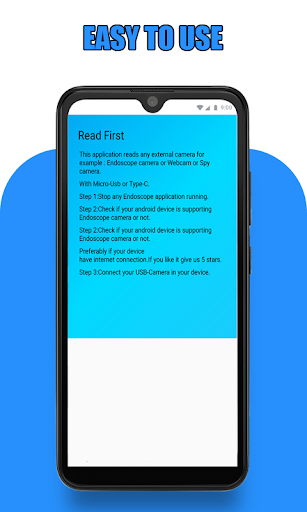
Endoscope Camera Connector is a specialized application designed to connect Android devices with external cameras such as endoscopes, USB cameras, or Borescope cameras. This app allows users to view live feeds, record videos, and capture images from these external devices directly on their smartphones.
The app functions as an OTG (On-The-Go) viewer, enabling the connection of UVC-compatible cameras via USB OTG or Type-C ports. It provides essential tools for managing media files, including recording video with sound and accessing a gallery for storing and retrieving pictures and videos.
Useful in various scenarios like sewer inspections or plumbing repairs, this app eliminates the need for separate drain cameras or plumbing cams. By simply connecting the camera to the phone and launching the app, users can efficiently inspect blocked drains or other hard-to-reach areas.
Endoscope Camera Connector offers a range of features tailored for seamless integration with external cameras. The app includes an OTG checker to verify device compatibility, ensuring that your smartphone supports USB OTG technology before use. This feature helps prevent connectivity issues and ensures a smooth user experience.
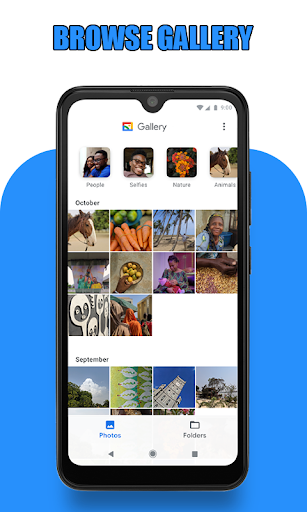
Once connected, users can easily control the external camera through a simple interface. The app allows taking photos, recording videos, and viewing them instantly in the built-in gallery. Media management is straightforward, with options to delete unwanted files directly from the gallery by long-pressing on the item.
Additionally, the app supports various external cameras, making it versatile for different inspection tasks. Whether you're examining blocked drains or conducting detailed inspections with a Borescope, Endoscope Camera Connector provides the necessary tools to capture and review critical visual data effectively.
User-friendly interface
Wide device compatibility
Efficient media management
Real-time camera feed
Versatile inspection tool
Limited to compatible devices
Requires OTG support
No advanced editing tools
Dependent on external hardware
Basic feature set

If you are looking for melon playground mod that fun you deffinitely try our app
 2.70
2.70
Block and secure the microphone and protect from secret listening and recording.
4.50
Android secret code for smart phone, mobile codes, with secret codes app
4.20
Collection of Maps and Mods for Dmod
3.30
use your smartphone as Remote control drones .
4.20
Mirror link car connector to share your screen with car dashboard
3.80
MirrorLink for connecting your Android phone to your car’s infotainment screen.
4.50
Turn your phone into a wireless Xbox controller – play, stream & control anytime
4.1
Manage apps & elevate your gaming experience with Game Launcher: Gaming Hub app.
4.30
Read Holy Quran Feel Like Real Quran & Listen Al Quran Mp3 Audio Online Offline.
4.70
Tune your game graphics with our GFX optimizer for optimal gaming experience
4.50
Block, disable and secure phone camera from secretly taking photos by spyware.
4.50
Unlock the hidden menus of your phone with our mobile secret codes app.
4.20
a wireless controller that provides a seamless and gaming experience for players
3.80
Ps2 plugins for 64 bit artitechture
3.70
Simulator of real black light
3.50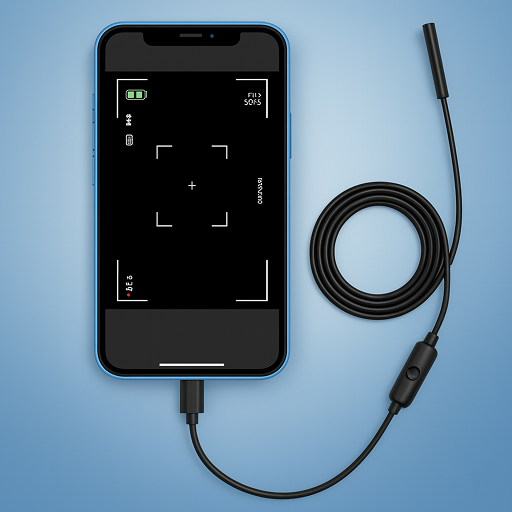
Endoscope camera an app to connect with endoscope cam or any device
3.30
Looking to connect your phone to your car screen? Mirror Link is the solution.
3.20
A great tool help you to format Micro SD memory Card
3.10


User Reveiws