
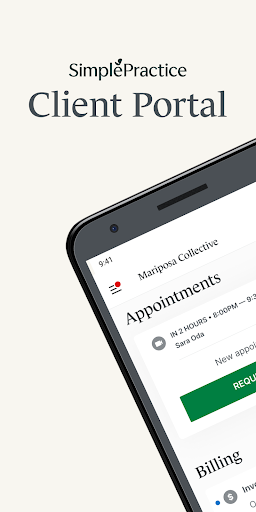

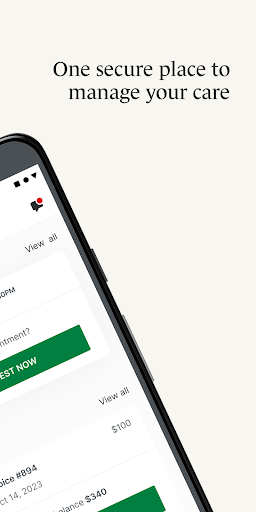
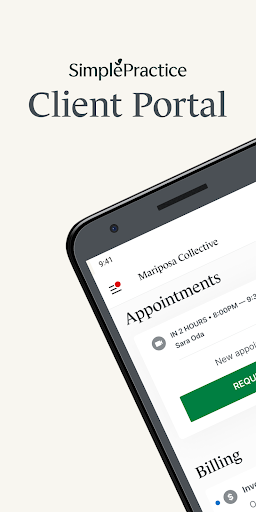
SimplePractice Client Portal is a comprehensive mobile application designed for individuals receiving various wellness services from practitioners who utilize SimplePractice. This app serves as a secure hub where users can manage their healthcare needs efficiently. With its user-friendly interface, the app allows seamless communication with practitioners, appointment scheduling, and access to important documents and invoices.
The app offers several key features that enhance the client experience. Users can enjoy passwordless login through biometrics or a passcode, receive personalized notifications about messages and appointments, engage in secure messaging, schedule and request appointments, make digital payments including HSA and FSA transactions, complete necessary paperwork digitally, participate in telehealth sessions, and switch between multiple profiles effortlessly. These functionalities ensure that clients have a streamlined and secure way to handle their healthcare management.
Whether you are managing your own healthcare or that of a loved one, the SimplePractice Client Portal app provides a convenient solution. It empowers users to stay connected with their practitioners and manage all aspects of their care from one place, ensuring privacy and accessibility. This makes it an invaluable tool for anyone seeking efficient and secure healthcare management.
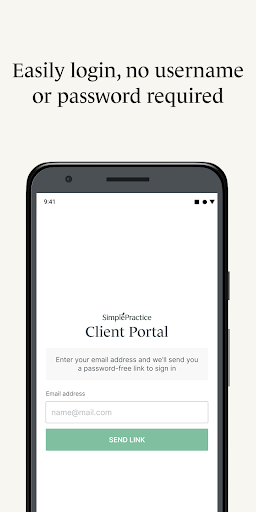
SimplePractice Client Portal stands out due to its robust set of features tailored to enhance client-practitioner interactions. One of the primary features is the passwordless login option, which allows users to securely access their accounts using biometrics or a simple passcode, eliminating the need to remember complex usernames and passwords. This feature not only enhances security but also simplifies the login process significantly.
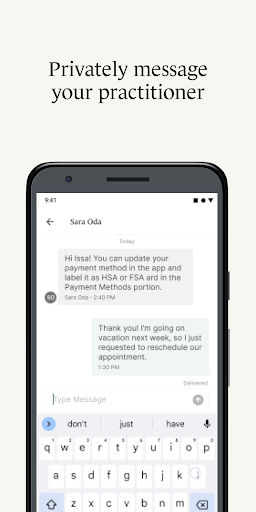
Another notable feature is the personalized notification system. Clients receive push notifications directly on their phones regarding new messages, invoices, and documents sent by their practitioners. This ensures timely communication and helps users stay updated on their healthcare matters. Additionally, the secure messaging function enables direct and private communication with practitioners, fostering a more connected and responsive healthcare experience.
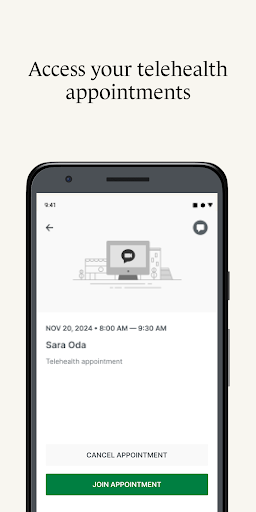
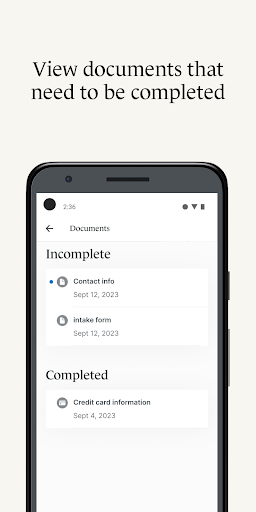
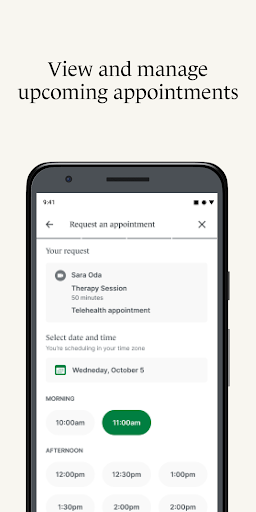
The app also supports viewing and managing upcoming appointments, requesting new ones, making digital payments, completing digital paperwork, participating in telehealth sessions, and switching between different client profiles. Each of these features is designed to provide convenience, security, and efficiency, ultimately enhancing the overall client experience and ensuring that users can manage their healthcare needs effectively.
User-friendly interface
Secure messaging
Personalized notifications
Digital payments
Telehealth support
Limited to invited users
Feature availability varies
Requires practitioner setup
No standalone use
Device compatibility issues

We’ve made it easy for Oscar members to get care on the go.
 4.30
4.30
Blue Cross and Blue Shield of Texas member information
4.60
Molina Members: My Molina. Manage your health anytime, anywhere!
4.30
Radiographic Positioning Guide for Medical Imaging Professionals and Students
4.50
Manage your prescriptions and pharmacy care anytime, anywhere.
4.80
Remote, medical-grade heart care at your fingertips
4.70
Internal medicine literature at your fingertips.
4.50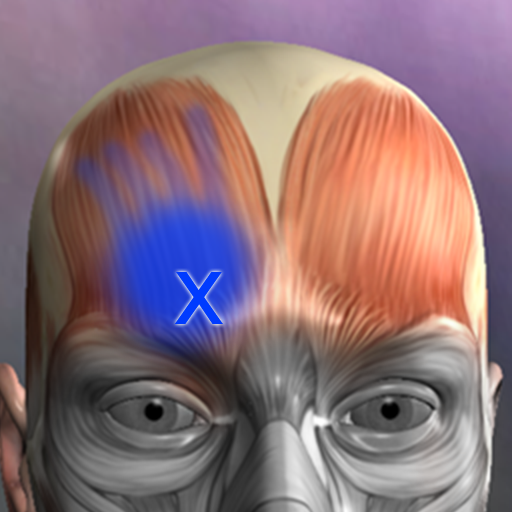
Discover the source of pain with Muscle Trigger Point Anatomy.
4.70
Manage your healthcare through the FollowMyHealth® Universal Health Record.
4.80
Spruce is the leading platform for HIPAA-compliant communication and care.
4.90
Manage your prescriptions anytime, anywhere with the Publix Pharmacy mobile app.
4.80
The doctor will see you now
4.70
World's largest contact lens store
4.60
Log your symptoms in the MyZio app — the perfect companion to the Zio monitor!
4.60
ASCCP Management Guidelines- There’s an app for that!
4.60
Secure video visits with your VA care team from anywhere
4.50
Assess and treat left neglect more effectively in stroke and brain injury rehab.
4.30
A scientifically-proven method to help people with dementia or memory impairment
4.0
OKN Strips, OptoDrum, OKN
4.2


User Reveiws