
Currency Converter Pro

4.60

Information

Category:

Finance

Price:

$ 2.99

Rank:

14

Rating:

4.60

Overview

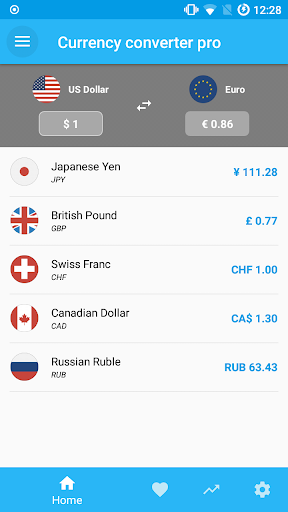
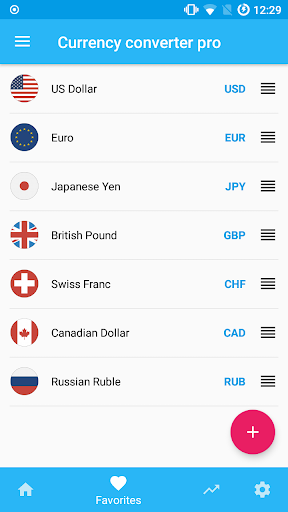
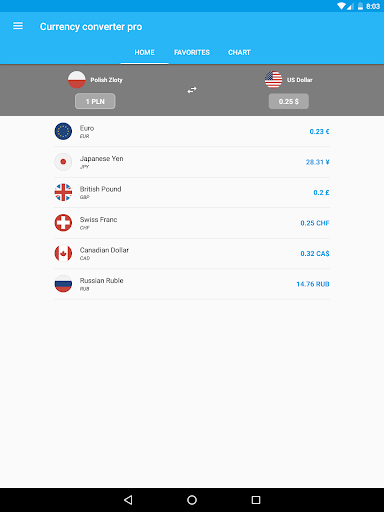
Currency Converter Pro is a powerful financial tool designed for seamless currency conversion across over 180 global currencies. With its updated exchange rates and offline functionality, users can access accurate conversions anytime, anywhere. The app also supports popular cryptocurrencies like Bitcoin and Ethereum, making it versatile for various financial needs.

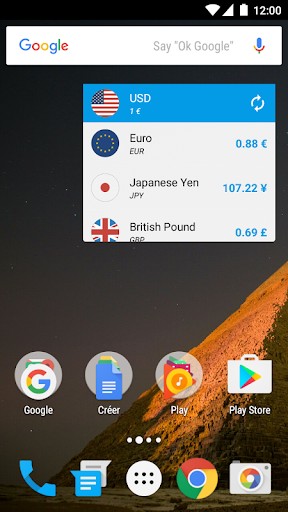
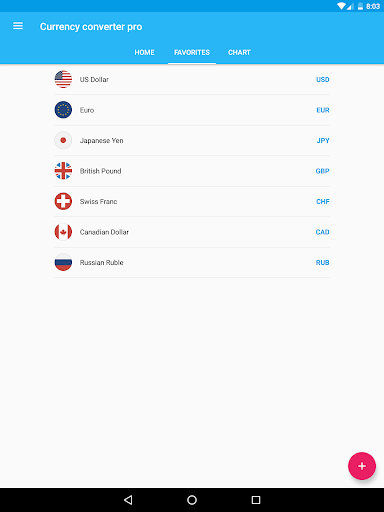
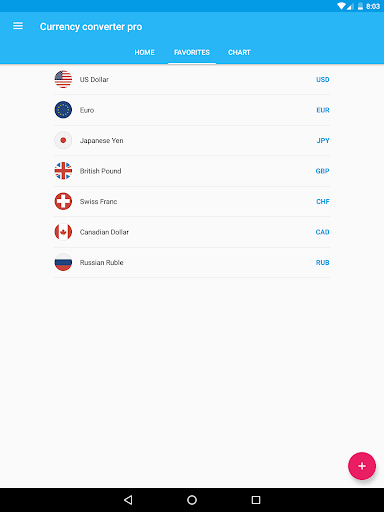
One of the standout features is its customizable widget, which allows users to track their favorite currencies effortlessly. Whether you're a frequent traveler or involved in international business, this app provides reliable data with an intuitive interface that simplifies complex financial decisions.

Features

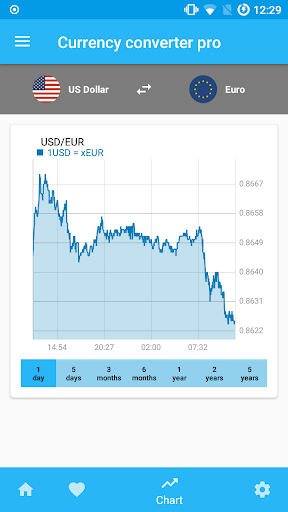
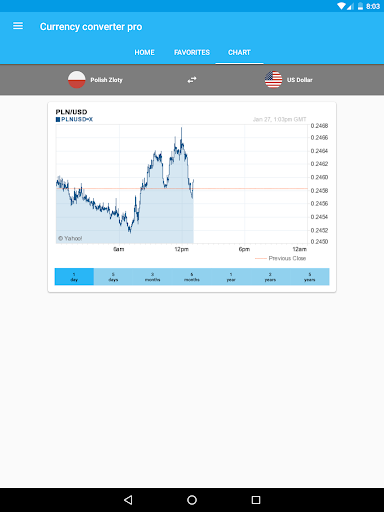
The app boasts several advanced features that enhance user experience. Its quick update system ensures that exchange rates are consistently refreshed, offering both live and historical data spanning up to five years. This feature is particularly useful for analyzing trends in currency fluctuations.

Another notable aspect is the offline mode, which stores the latest rates locally on your device. This ensures uninterrupted access to crucial financial information even without an internet connection. Additionally, the interactive charts provide visual insights into currency performance, catering to both casual users and finance professionals.

Account and Fund Security

In the realm of finance applications like Currency Converter Pro security plays a pivotal role in ensuring user trust and data integrity. Account and fund security encompasses multiple layers of protection mechanisms designed to safeguard user information and financial data. Currency Converter Pro employs state-of-the-art encryption protocols to protect sensitive data both in transit and at rest. This means that whether users are accessing current exchange rates or reviewing historical currency charts their data is encrypted using industry-standard practices. Furthermore the app's offline mode adds an additional layer of security by allowing users to perform conversions without needing an internet connection thus reducing exposure to potential online threats. The absence of ads within the application not only enhances user experience but also mitigates risks associated with malicious advertisements. Additionally customizable widgets enable users to monitor their favorite currencies without exposing unnecessary personal information. With its focus on material design the app ensures that all interactive elements are intuitive and secure preventing accidental data leaks. Regular updates further reinforce security measures by patching any vulnerabilities and introducing new protective features. By prioritizing these comprehensive security measures Currency Converter Pro establishes itself as a reliable tool for managing currency conversions while maintaining the highest standards of account and fund security.

Transaction experience

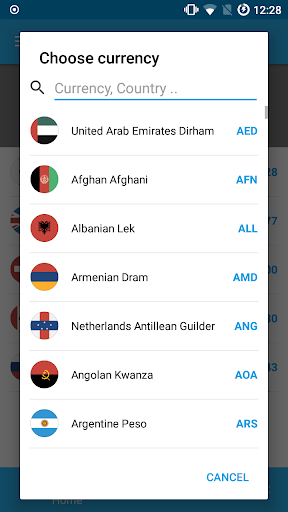
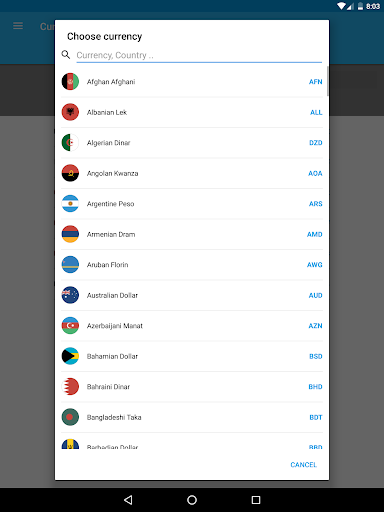
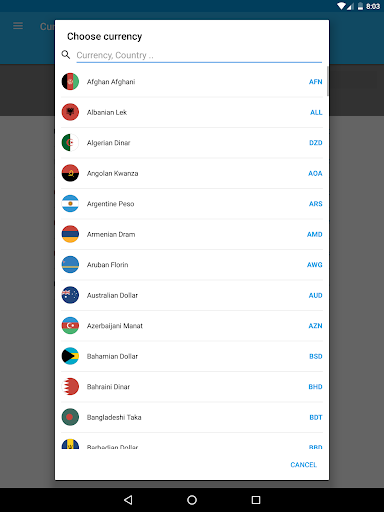
The transaction experience in financial applications such as Currency Converter Pro is crucial for providing users with seamless and efficient interactions when performing currency conversions. A superior transaction experience involves several key components including speed accuracy and ease of use. Currency Converter Pro excels in delivering real-time updated exchange rates for over 180 currencies worldwide ensuring that users have access to the most current and accurate information available. The inclusion of popular cryptocurrencies like Bitcoin and Ethereum broadens the scope of transactions catering to a diverse range of financial needs. One standout feature is the app's offline mode which allows users to convert prices without internet access making it invaluable for travelers or those in areas with limited connectivity. This functionality is supported by the app's ability to store the last updated rates locally ensuring consistent performance even when offline. Moreover the interactive historical currency charts spanning from one day to five years offer users deep insights into market trends empowering them to make informed decisions. The search function simplifies adding new currencies by country name enhancing the overall usability. With its ad-free environment and quick update cycles Currency Converter Pro provides a smooth and uninterrupted transaction experience. These attributes combined with the app's beautiful material design create an engaging and trustworthy platform where users can confidently manage their currency conversion tasks knowing they are backed by fresh consistent and reliable exchange rate data.

Props

User-friendly interface

Offline functionality

Accurate exchange rates

Supports cryptocurrencies

Customizable widgets

Cons

Premium version required

Limited free features

No multi-device sync

Occasional update delays

Ads in free version

Features and Functions

What is this app and what can I use it for?

A currency converter supporting 180+ currencies and cryptocurrencies

How do I download and install this app on my device?

Visit Google Play Store, search for Currency Converter Pro, and tap install

How do I get started after opening the app for the first time?

Open the app, select your base currency, and start converting

What are the main features and capabilities of this app?

Live rates, offline mode, historical charts, and cryptocurrency support

How can I customize my experience and adjust preferences?

Adjust settings via the preferences menu to customize your experience

How do I save or bookmark my favorite content for later access?

Tap the star icon next to any currency to save it for later use

How can I share content with friends or on social media?

Use the share button to send currency details via social media or messaging apps

How do I access detailed information and explore more content?

Access detailed charts by tapping on specific currencies in the list

What permissions does this app need and how do I manage them?

The app requires location and storage permissions managed in device settings

How do I check for updates and keep the app running smoothly?

Enable automatic updates in Google Play Store to keep the app current
Show more

User Reveiws

{{ comment.reviewer_name }}
{{ comment.review_date_formatted}}
{{ comment.review_content }}
{{ tab.name }}
{{ comment.reviewer_name }}
{{ comment.review_date_formatted}}
{{ comment.review_content }}
No reviews with this rating