
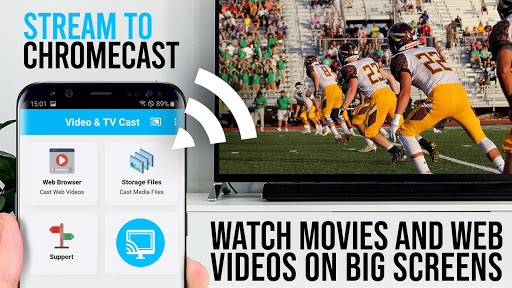

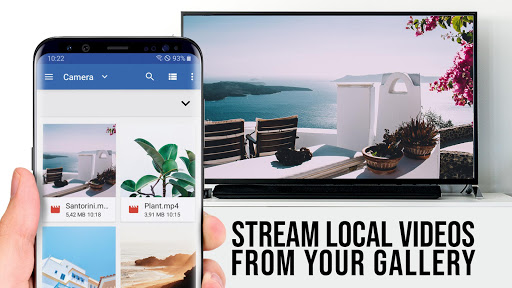
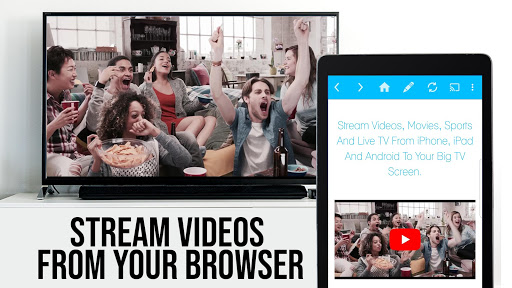

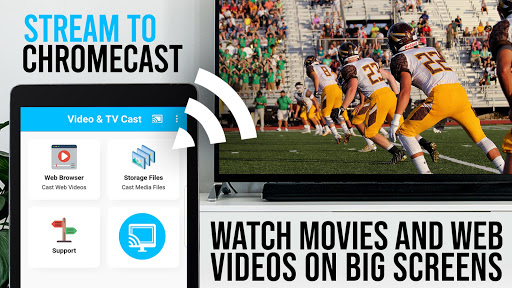
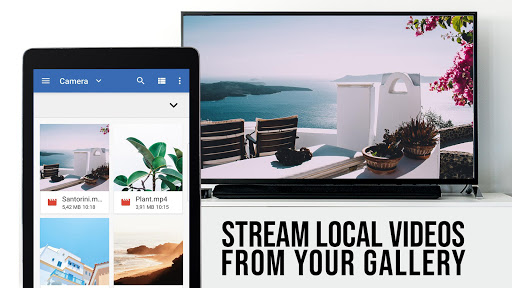
TV Cast Pro for Chromecast is the leading browser app designed specifically for streaming video content directly to your Chromecast-enabled devices. With over 10 million users across Android and iOS platforms, this application allows you to cast web videos, online movies, IPTV, livestreams, and live TV shows effortlessly onto your big screen. Supporting a wide range of video formats including MP4, M3U8, HLS livestreams, and Full HD content, it ensures high-quality playback.
This PRO edition unlocks all premium features, offering an enhanced casting experience without limitations. It's tailored exclusively for Chromecast and Google Cast/Android TV devices, making it the go-to solution for enjoying web-based entertainment on your television. Whether you're looking to stream content from popular websites or lesser-known sources, TV Cast Pro provides seamless integration with your existing setup.
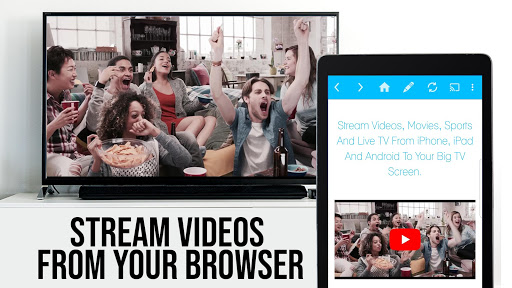
TV Cast Pro stands out with its comprehensive feature set that caters to diverse streaming needs. The app's intuitive interface lets you browse the web and cast any compatible video with a single tap, displaying discovered videos below the browser for easy access. Its unique ability to push only the video component of websites to your Chromecast ensures optimized performance without mirroring your entire device.
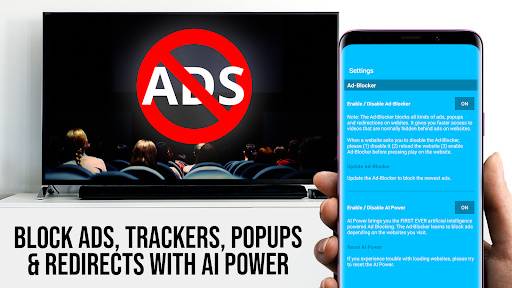
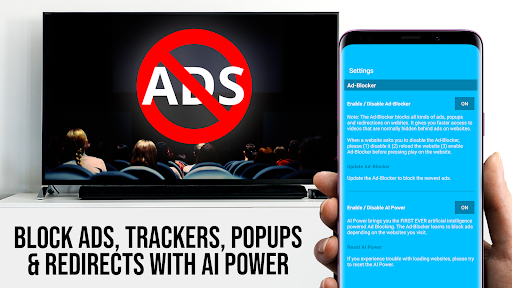
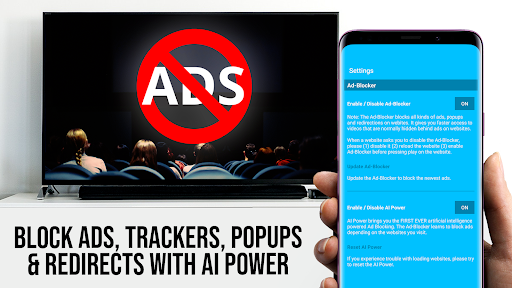
Premium features include the Remote Playbar, which offers advanced video controls like scrubbing, forward, rewind, play, pause, and stop - all synced across multiple devices. An integrated Ad-Blocker enhances your browsing experience by eliminating ads and popups on most websites. Additional functionalities such as customizable bookmarks, Desktop Mode for accessing full desktop sites, and personalized homepage settings provide unparalleled flexibility in managing your streaming preferences.
The app maintains minimal permissions for user safety, respecting privacy by avoiding access to identity data, accounts, or location information. This commitment to security, combined with regular updates and responsive customer support, makes TV Cast Pro a reliable choice for discerning users seeking premium streaming capabilities.
User-friendly interface
Wide format compatibility
Advanced remote controls
Effective ad-blocking
Customizable settings
No Flash video support
Limited DRM content
Device-specific functionality
Occasional connectivity issues
Premium version cost

Binge-worthy short dramas on DramaRush—engaging stories that fit your day.
 3.90
3.90
EVP Recorder / Voice Recorder for ghost hunting, to communicate with ghosts.
4.5
Journey to the world’s oldest rainforest and meet its Indigenous Custodians.
4.2
Pathfinder 2e initiative tracker with bestiary, HP, reaction, conditions, etc
4.80
Stories that spark in seconds.
4.80
Your choice of 350+ networks plus movies and full TV series on-demand.
3.70
Just play games to earn gift cards. Keep playing, keep earning.
4.50
Your Avatar, Endless Fun
4.60
An app made just for kids
4.20
Time tracking, lap counting and much more for Carrera® Digital 132/124
4.80
Find out if you're on Santa's Naughty or Nice List with this magical scanner!
4.60
Underrated short-drama gems that hit hard and keep your heart hooked.
4.50
Heroclix search units with multi filter , team builder, collection manager.
4.40
Rain and lightning effects for your Philips Hue lights
4.30
Build and Share AI
4.20
Create your Songs. Cover Maker with any Voice, Song Generator
3.30
Air Horn - Siren Sounds Prank, Fun way to wake up your Friends and Family
4.4
Music visualizer and party effects for your Nanoleaf devices
4.3
Collaboration with popular VTubers
4.1


User Reveiws