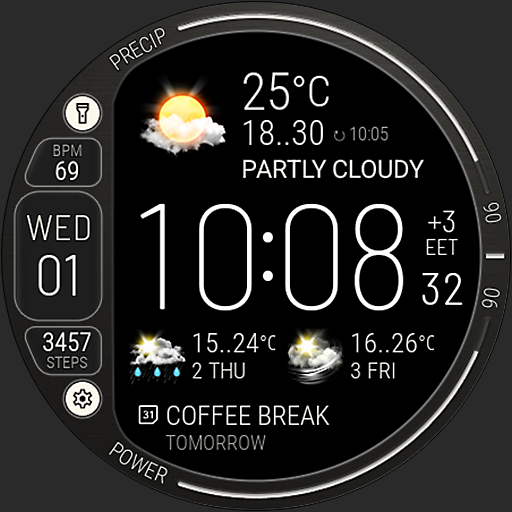
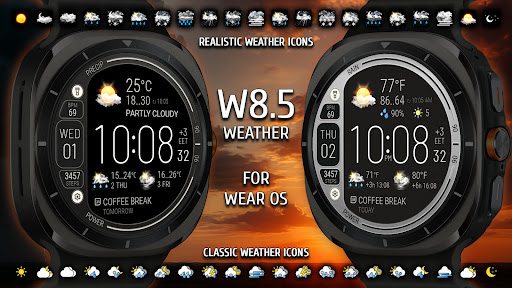

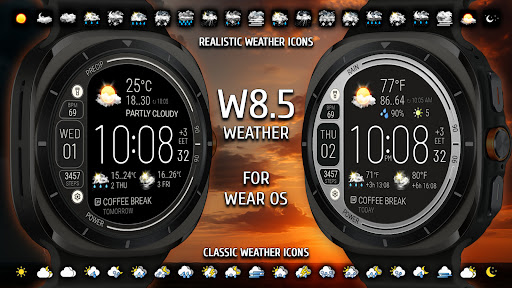

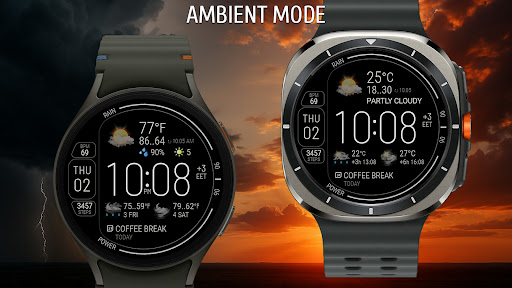
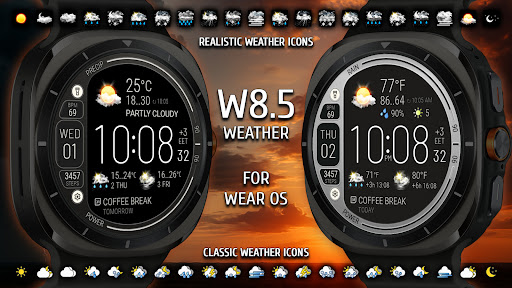

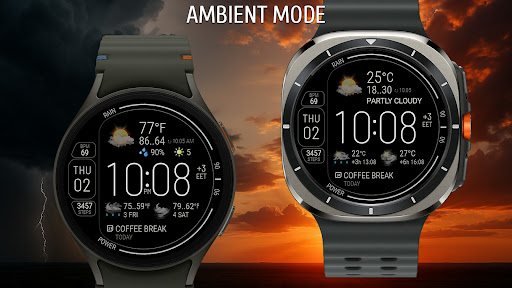

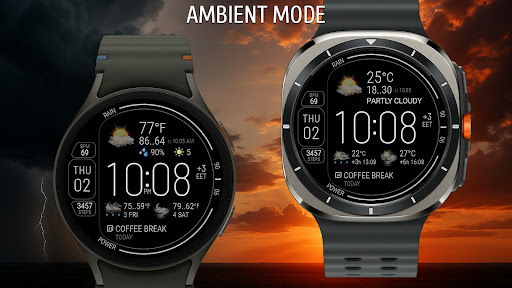
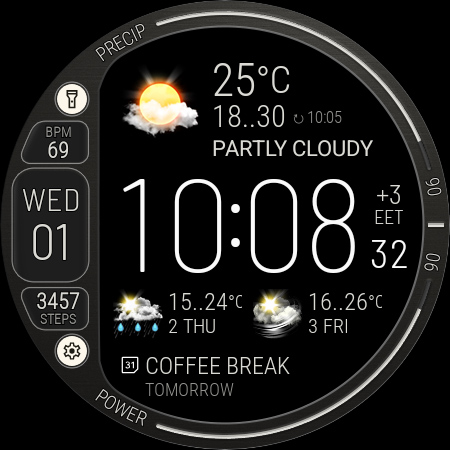


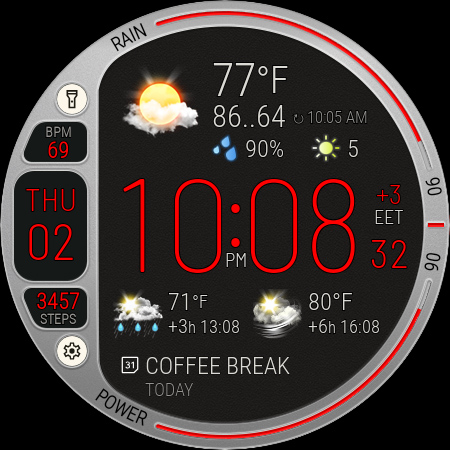
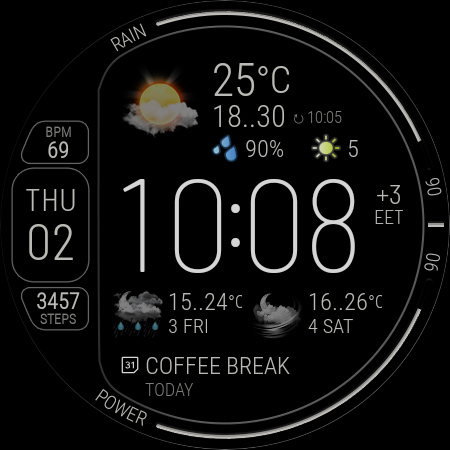
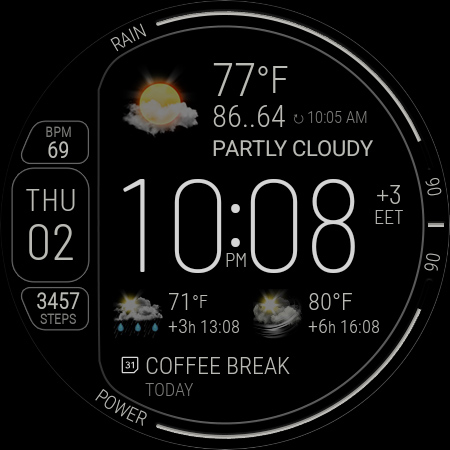
Weather Watch Face W8.5 is a sophisticated digital watch face designed specifically for smartwatch users who value both aesthetics and functionality. This application brings together elegant design elements with real-time weather tracking capabilities, making it an essential tool for those who want to stay informed about weather conditions while enjoying a visually appealing interface.
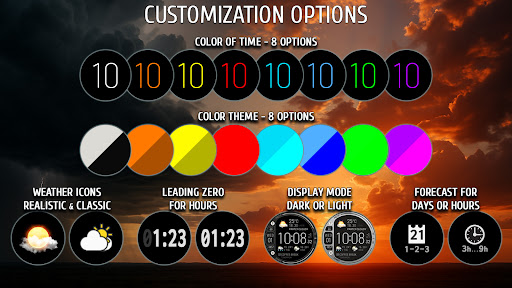
The watch face offers comprehensive weather details including live updates, 2-day forecasts, hourly forecasts at 3 and 6-hour intervals, precipitation chances, temperature readings, and UV index information. It also features health stats monitoring and customizable options that allow users to tailor the display to their preferences. Compatible exclusively with Wear OS 5+ devices, this application optimizes the experience on Galaxy Watch and Pixel Watch models.
Whether you're an outdoor enthusiast needing accurate weather predictions or a professional seeking a sleek, informative watch face, Weather Watch Face W8.5 provides both style and substance right on your wrist.
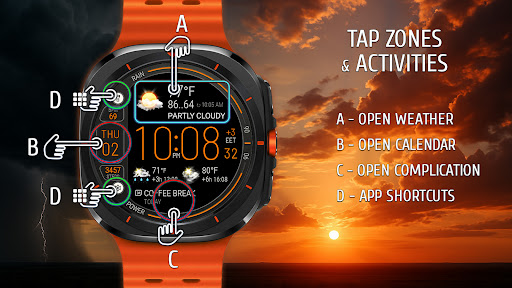
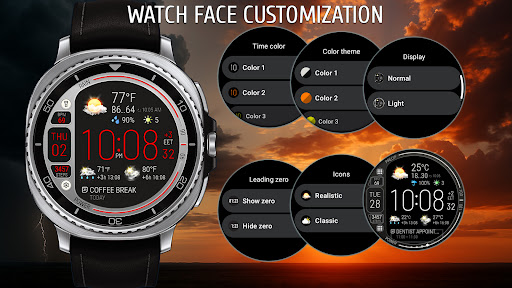
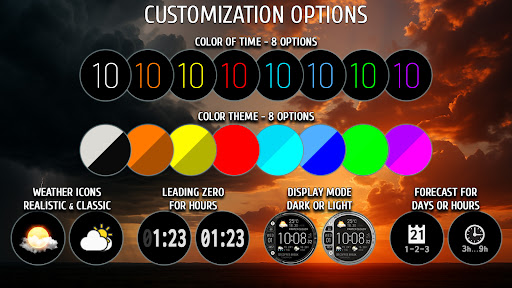
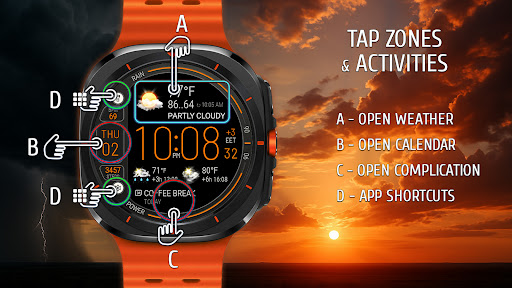
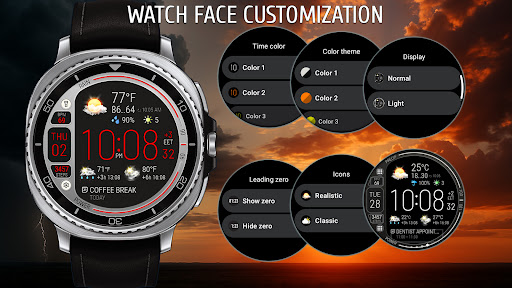
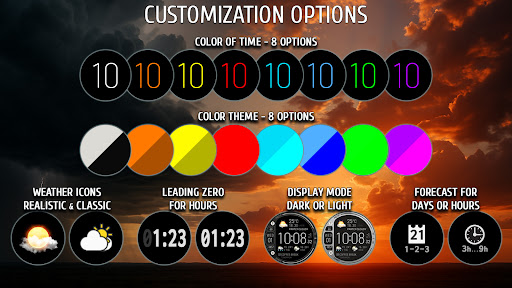
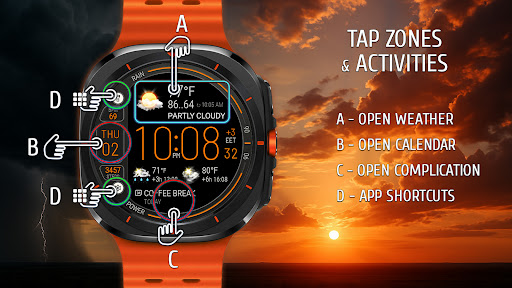
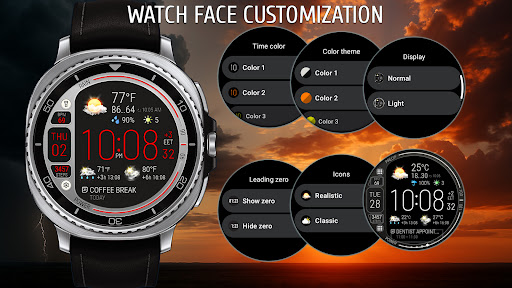
Weather Watch Face W8.5 stands out with its powerful customization options and real-time data integration. Users can choose from 8 different color themes and switch between battery-saving dark mode or bright exclusive mode based on their needs. The application supports up to 2 app shortcuts for quick access and allows customization of 3 complication areas, ensuring a personalized experience.
Beyond weather tracking, the watch face displays useful smartwatch information at a glance. This includes a step counter, heart rate monitor, battery level indicator, date, timezone, and a compact layout optimized for AMOLED screens. These features ensure that users have quick access to essential data without compromising on design.
Powered by The Weather Channel or the system's default weather provider, Weather Watch Face W8.5 ensures reliable and accurate weather updates. Its seamless integration with supported devices and focus on user-centric design make it a top choice for smartwatch users looking to enhance their wearable experience.
Real-time weather updates
Customizable color themes
Health stats monitoring
Optimized for AMOLED
User-friendly interface
Limited to Wear OS 5+
No iOS compatibility
Requires API 34+
Premium features may cost extra
Complex setup for beginners
Nuts Weather, your ideal choice for knowing weather forecast & weather radar
 4.70
4.70
Local weather forecast, reliable daily weather report
4.30
An unofficial app version of the National Weather Service (Weather.gov)
3.90
Accurate Thermometer: indoor & outdoor temperature, humidity, pressure, and wind
4.50
Room Temperature Thermometer meter shows indoor, outdoor temperature, humidity.
4.40
Super-res, real-time weather radar. Be prepared for extreme weather.
4.50
The reliable and trusted global air quality, wildfire, pollen, PM2.5 forecast
4.70
Powerful US and worldwide earthquake feed with earthquake alerts and maps.
4.70
Live NOAA weather app to track storm, rain, wind, lightning & real local updates
4.20
Weather radar, hyperlocal tracker and weather maps: follow your weather station
4.80
Live local weather updates: various widgets & radar maps & hourly forecast.
4.70
View weather widget and map. Wind direction and speed. Tides times and waves
4.70
The weather channel, tiempo weather forecast, weather radar & weather map
4.70
Local forecast, alerts, rain, snow and wind radar, air quality & weather widget
4.60
Weather related custom complications for Wear OS. UV, Hi-Lo, AQI and more!
4.40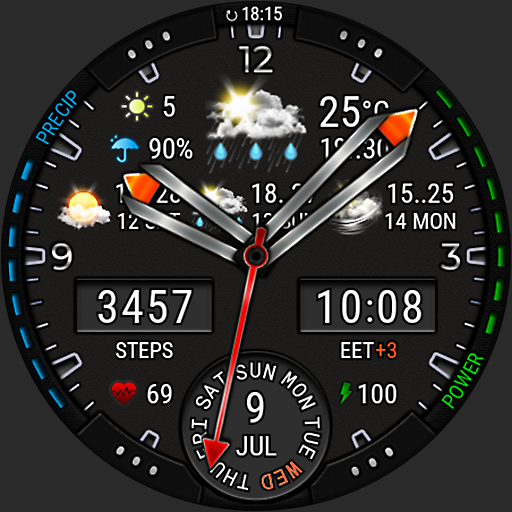
Analog Weather Watch Face for Wear OS 5+
4.10
Your Personal Weather Assistant
4.00
Stay Ahead Of Changing Weather Conditions
4.00
Moon phase calendar with live wallpaper, lunar widget, & 3D simulation.
3.60


User Reveiws