
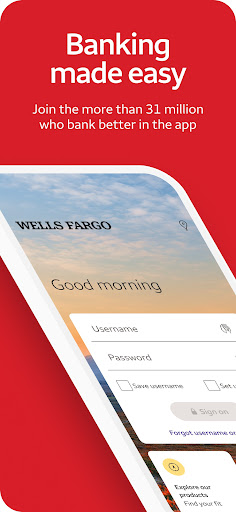
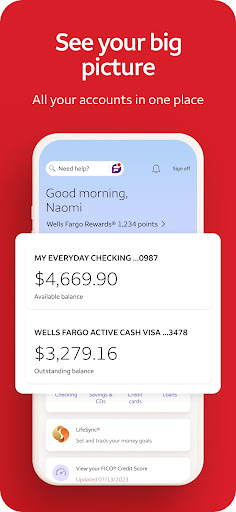
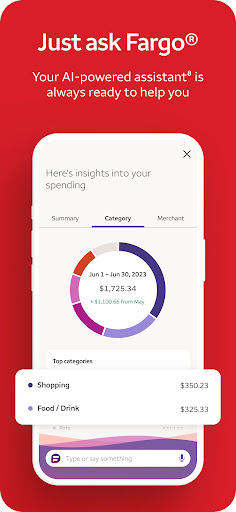
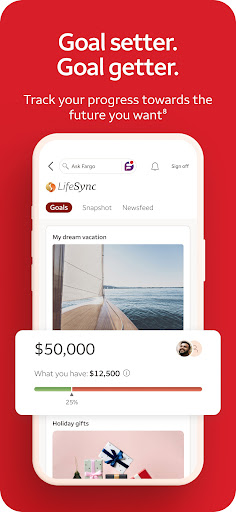

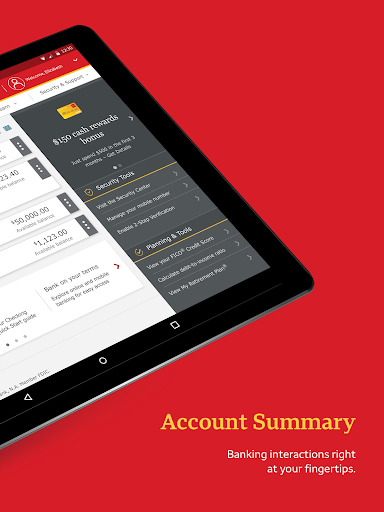
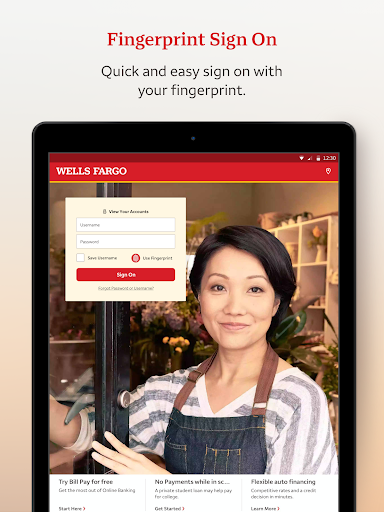
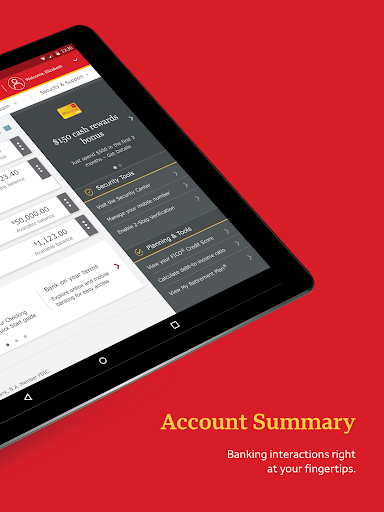
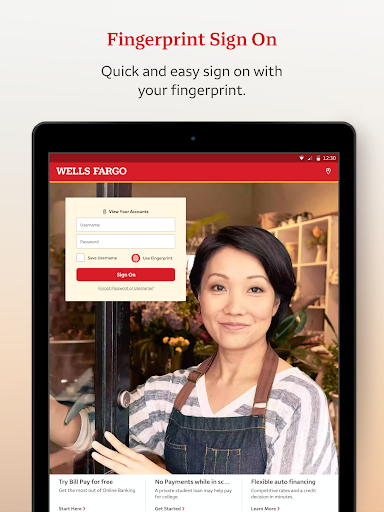

Wells Fargo Mobile is a comprehensive financial management application designed to provide users with convenient access to their banking, credit, and investment accounts. The app supports biometric authentication, allowing secure and quick login through fingerprint or facial recognition on compatible devices. Users can manage their finances effectively by reviewing account balances, transaction history, and even controlling card settings such as activation or deactivation.
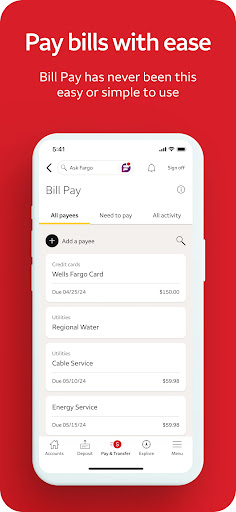
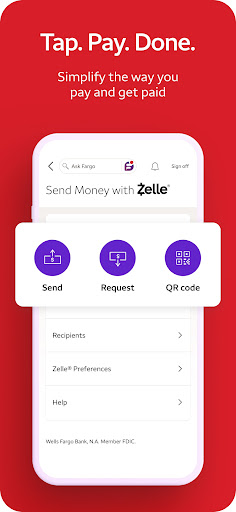
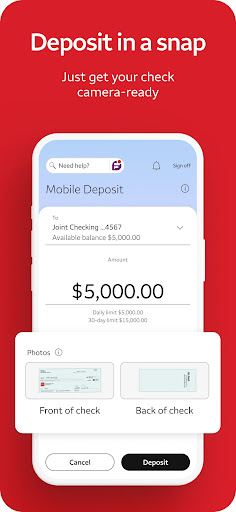
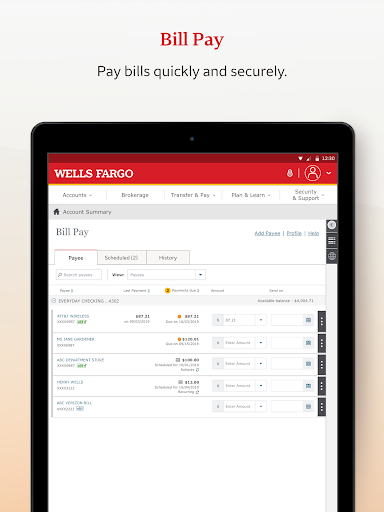
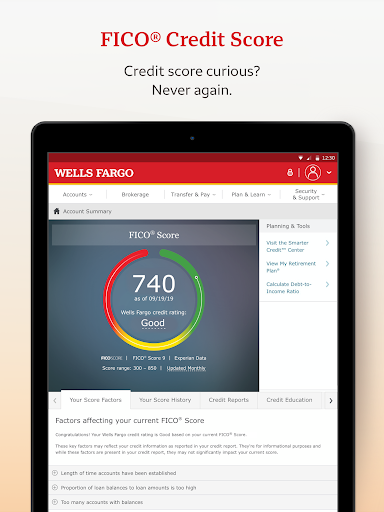
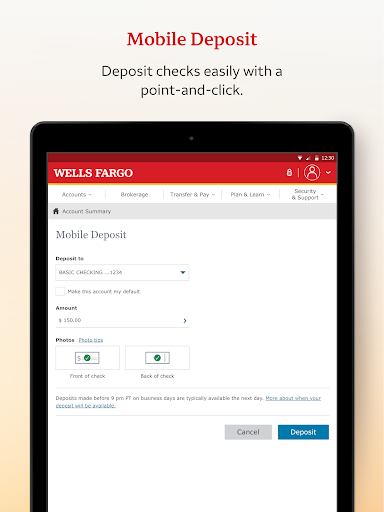
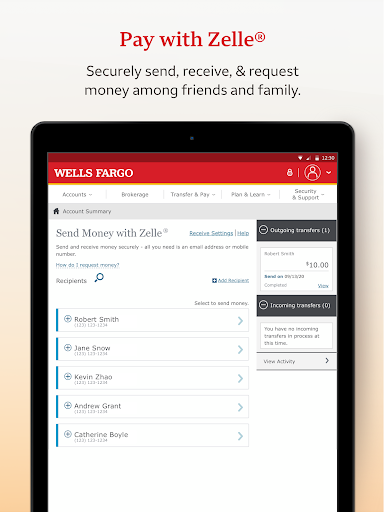
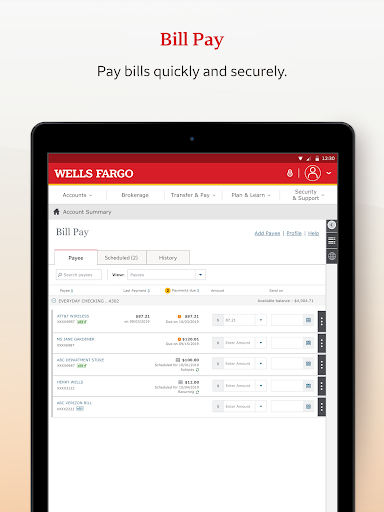
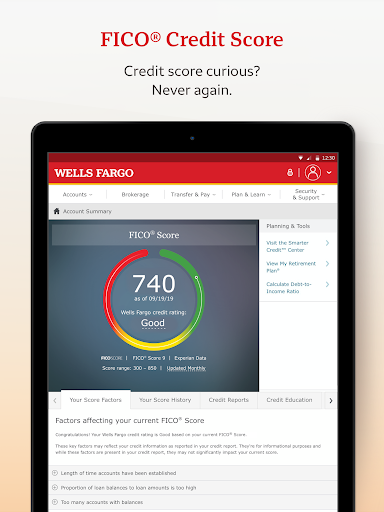
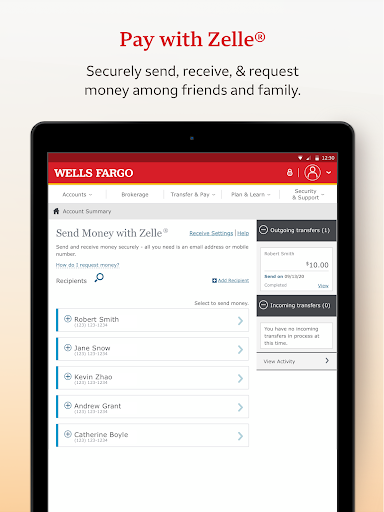
In addition to account management, the app offers functionalities for depositing checks via the device's camera, transferring funds between accounts, and making payments. Integration with Zelle® enables users to send and receive money using just a phone number or email. The investment tracking feature provides real-time data and analytics for WellsTrade® accounts, empowering users to make informed decisions. With an emphasis on security, Wells Fargo Mobile includes fraud reporting tools, customizable alerts, and FICO® Credit Score access, ensuring users maintain control over their financial safety.
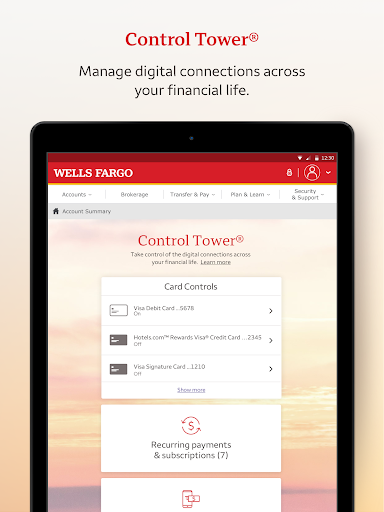
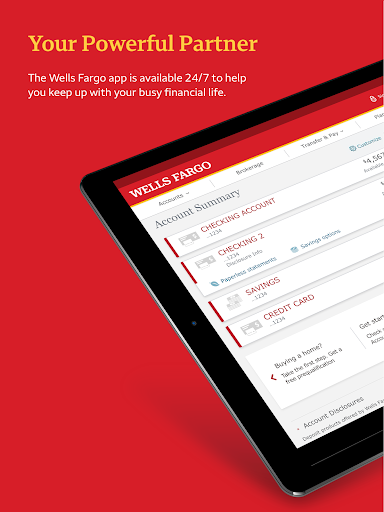
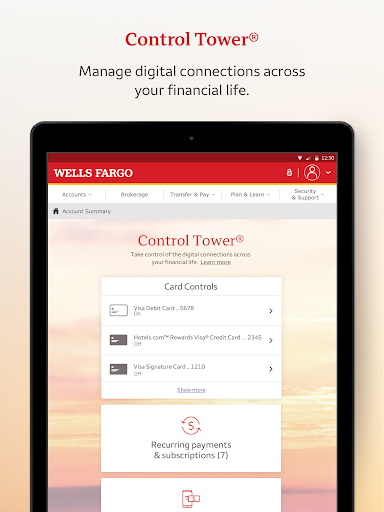
One of the standout features of Wells Fargo Mobile is its robust account management system. Users can access various types of accounts including cash, credit, and investment portfolios. The app supports advanced security measures like Fingerprint Sign On and Biometric Sign On for eligible devices, ensuring that only authorized users can access sensitive information. Additionally, the Card Settings feature allows users to activate or deactivate cards, add them to digital wallets, and view recurring payments, providing a high level of account control.
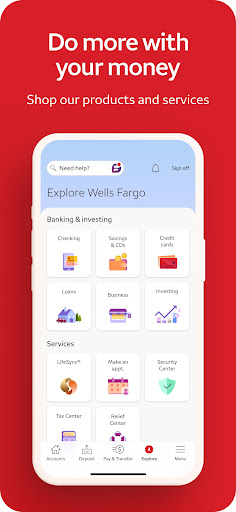
The app also excels in facilitating financial transactions. Users can deposit checks instantly using their smartphone cameras, transfer funds between Wells Fargo accounts and other financial institutions, and utilize Zelle® for peer-to-peer payments. For investors, the app offers detailed insights into investment accounts with real-time quotes and market data. Furthermore, the Security Center is a valuable asset, offering tools to report fraud, manage alerts, and monitor suspicious activities, thereby enhancing overall account security.
User-friendly interface
Comprehensive account management
Robust security features
Seamless fund transfers
Real-time investment tracking
Limited to Wells Fargo customers
Some features require enrollment
Device compatibility issues
Occasional bugs reported
Deposits have restrictions

Over 180 currencies conversion rates with live exchange rates and offline mode.
 4.60
4.60
Currency Converter, Exchange Rates, Widgets
4.90
Early payday cash advance up to $150 a day with a max of $1,000 per pay period
4.70
Payday cash advance & Instant cash advance: Borrow money instantly, Get cash now
4.60
NFC mobile payment app Use your phone as a contactless bank card
4.00
“Money Manager” is an optimized application for personal asset management.
4.70
StockTiles lets you view prices & charts of your favorite stock assets
2.30
Read and extract public data on NFC Contactless banking card (VISA, MasterCard
4.30
Banking with no monthly fees, fee-free overdraft, and early payday.
4.70
Manage your Discover account conveniently from anywhere.
4.80
No credit checked needed.
4.80
Easy budgeting planning on a calendar!
4.80
Join 12M+ users. Instant cash advances, personal loans, build credit, save money
4.80
No credit check, no interest, no worries.
4.70
Send money and bitcoin easily. Invest, bank and do more with your money
4.70
Get a cash advance instantly. File taxes & cover unexpected bills in minutes.
4.60
Manage and cancel subscriptions, lower bills, track expenses, create budgets.
4.60
Registration of your debts and Mdionatk and assembled, as well as a significant reports
4.30
The PayPal app is the secure way to send and receive money, shop and pay in 4.
4.20


User Reveiws