
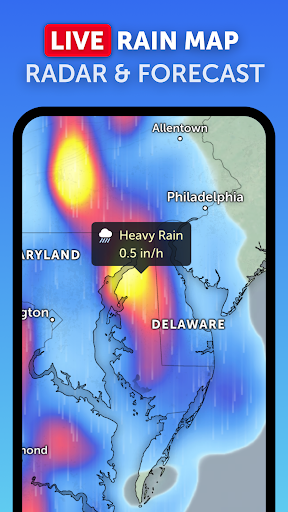
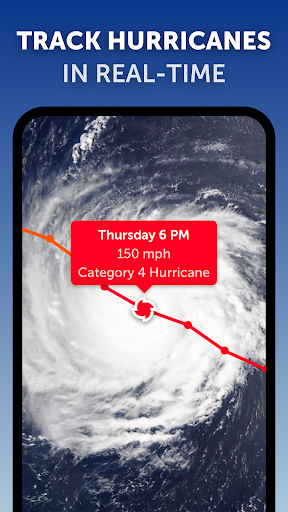
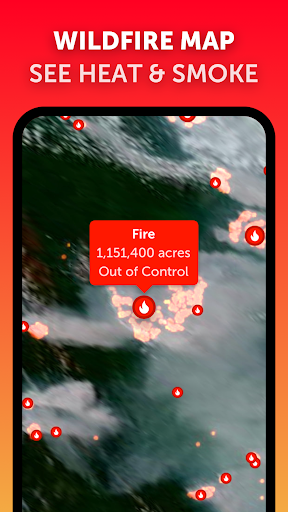
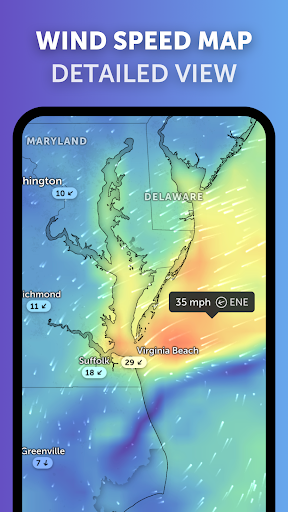
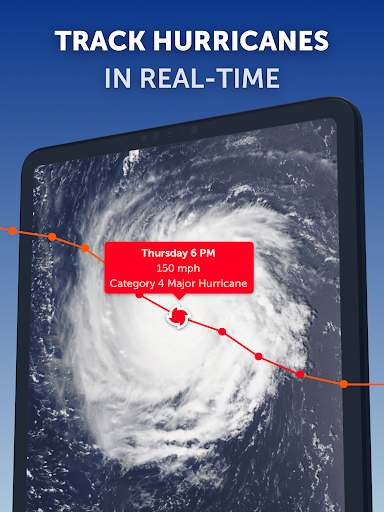
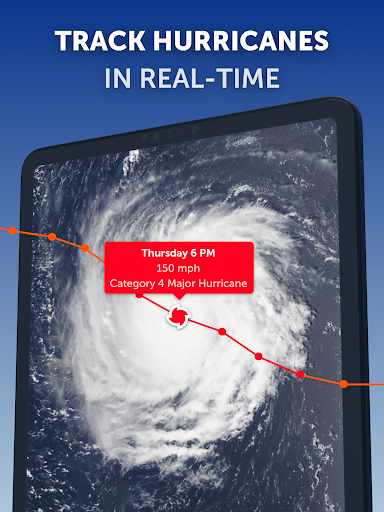
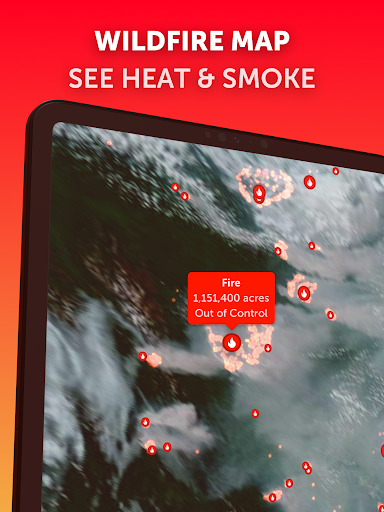
Zoom Earth is a premier interactive weather map application that provides users with real-time tracking of hurricanes, storms, and severe weather conditions. The app leverages near real-time satellite imagery updated every 10 minutes from geostationary satellites like NOAA GOES and JMA Himawari, ensuring the most current meteorological data is at your fingertips.
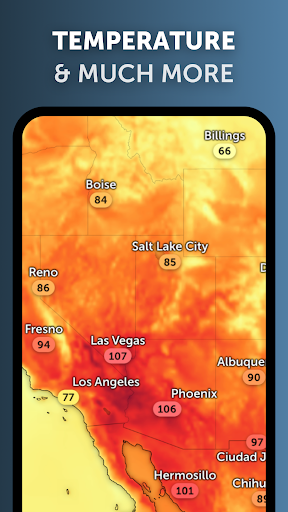
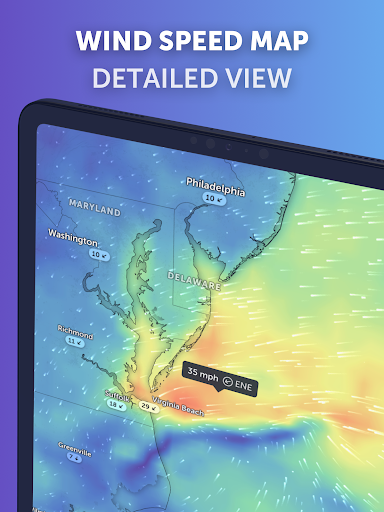
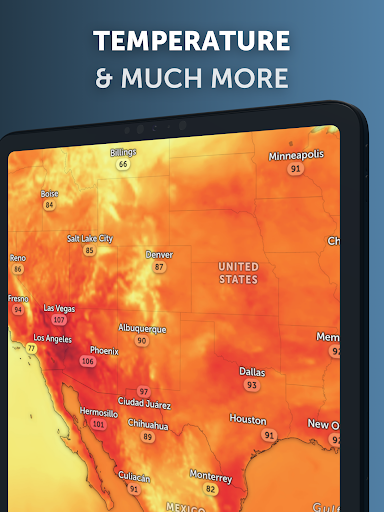
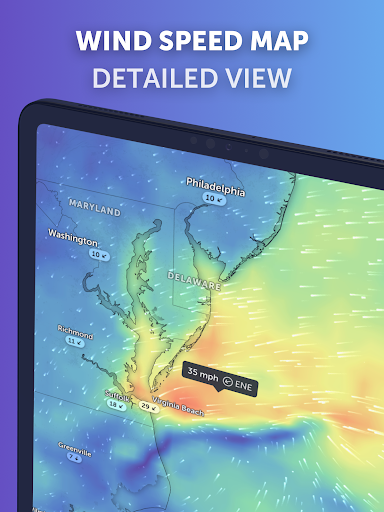
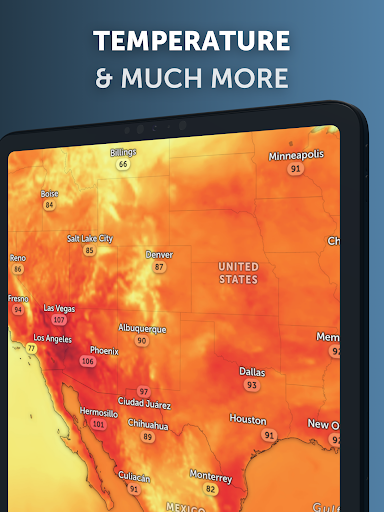
In addition to its robust satellite capabilities, Zoom Earth offers an array of interactive weather maps including rain radar, wind speed forecasts, temperature predictions, and more. Users can explore detailed visualizations such as precipitation forecasts, 'feels like' temperatures, and atmospheric pressure levels, all designed to keep you informed about impending weather changes.
This application is particularly useful for those living in areas prone to extreme weather events or anyone interested in monitoring global climate patterns. With customizable settings and features available through Zoom Earth Pro subscriptions, it delivers both free and premium tools tailored to meet diverse user needs while maintaining high standards of accuracy and reliability.
One of the standout features of Zoom Earth is its comprehensive satellite imagery system which updates images twice daily via NASA's polar-orbiting satellites Aqua and Terra. This ensures users receive high-definition visuals alongside frequent updates every 10-40 minutes depending on the source, providing unparalleled insight into evolving weather systems worldwide.
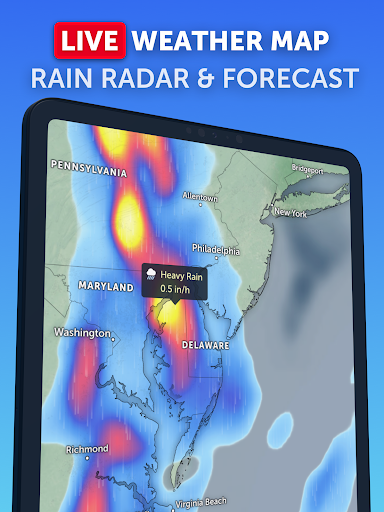
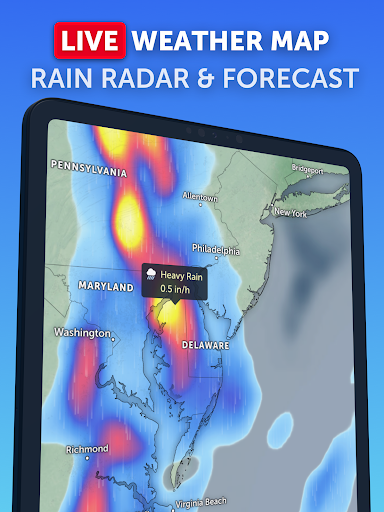
The Rain Radar & Nowcast feature allows users to stay ahead of storms by displaying real-time rain and snow detected by ground-based Doppler radar. Additionally, instant short-term forecasts are generated using advanced nowcasting techniques, giving users immediate insights into upcoming weather conditions.
Customization options abound within Zoom Earth; users can adjust temperature units, wind measurements, time zones, animation styles among other preferences. These personalized settings enhance user experience significantly making it adaptable for various professional fields including aviation, agriculture, emergency response teams who rely heavily on precise meteorological information.
Real-time hurricane tracking
Interactive weather maps
High-definition satellite imagery
Comprehensive customization options
Detailed forecast visualizations
Premium features require subscription
Occasional delays in image updates
Limited offline functionality
Some advanced tools locked behind paywall
Interface may overwhelm new users

Weather for Indiana, Kentucky and Ohio
 4.90
4.90
Check forecasts, watch live news & track storms with FOX Weather.
3.80
Most precise & accurate compass app give true North South East West directions.
3.00
Weather radar, satellite, wind, waves, ocean and hurricane forecasts.
4.70
Industry leading whitetail movement predictor & hunting app.
4.60
Advanced weather toolkit, providing detailed weather information for any season!
3.50
14-day & 24-hour Forecast | Real-time Alert | Accurate & Fast
4.40
Check room temperature with this indoor thermometer. thermostat & hydrometer
4.70
Precision Weather, Right at Your Fingertips
4.40
Local weather forecast app, your personal 7*24 local weather forecast assistant.
4.90
Aviation weather made simple. Visual decoder for METAR & TAF
4.90
Ultimate weather forecast + moon phase for Wear OS 5+ (Pixel, Galaxy, et al.)
4.70
Thermometer shows indoor and outdoor temperature
4.70
My Aurora Forecast Pro is the app for the Northern Lights and Aurora Borealis.
4.70
Your ultimate app for real-time weather information!
4.70
Your Reliable Weather Companion
4.10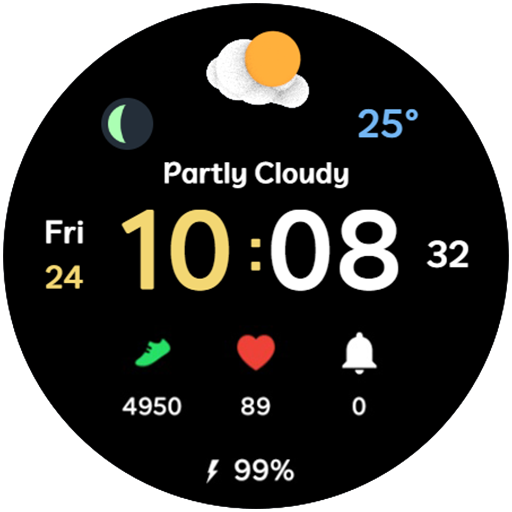
3D Animation Weather Icon
4.00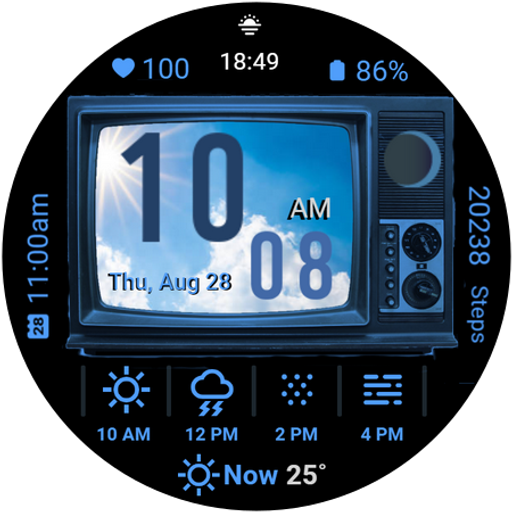
Retro TV-style digital watch face with weather, heart rate, steps & events!
4.2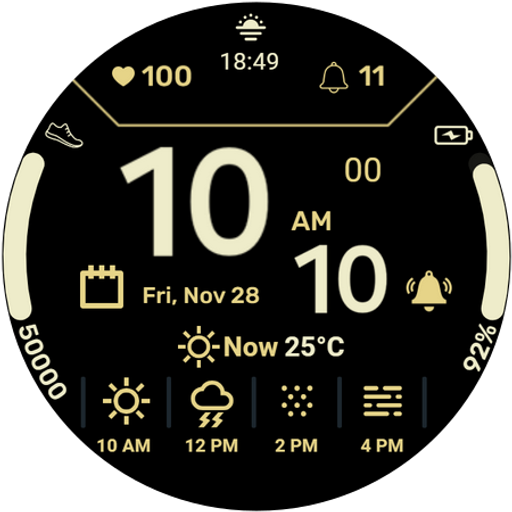
Get instant weather & temperature predictions right on your Wear OS smartwatch!
4.3


User Reveiws