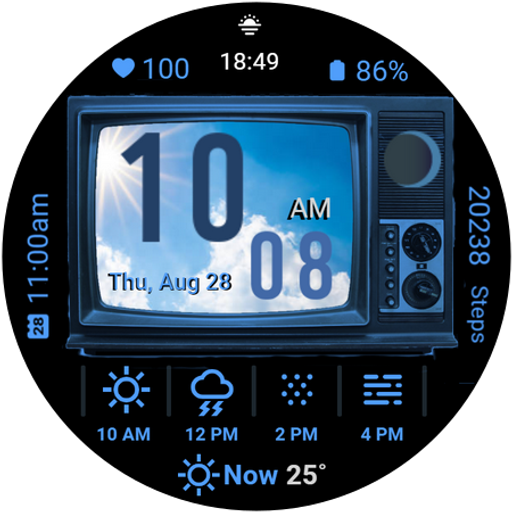

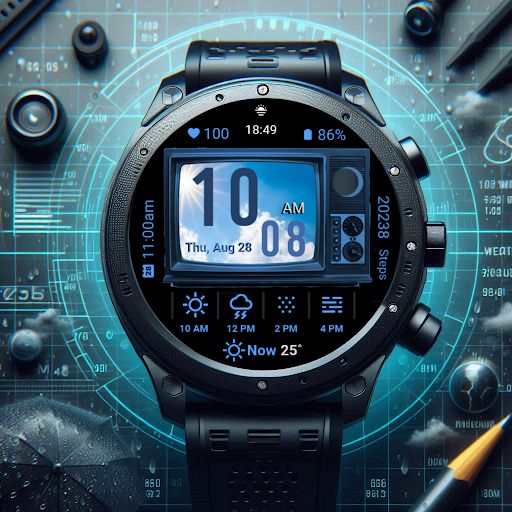
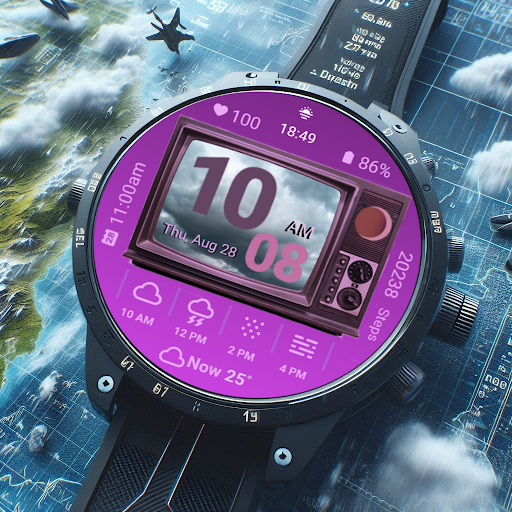

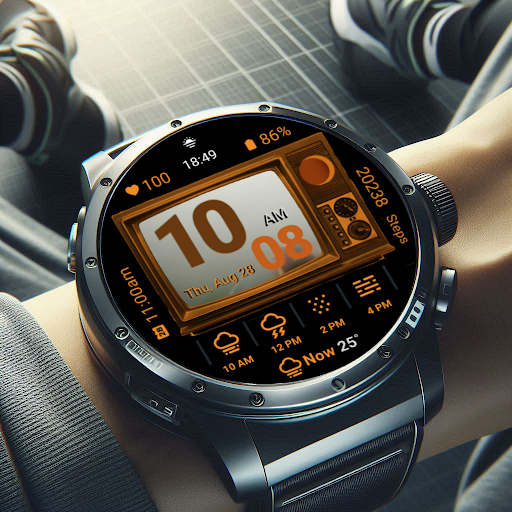
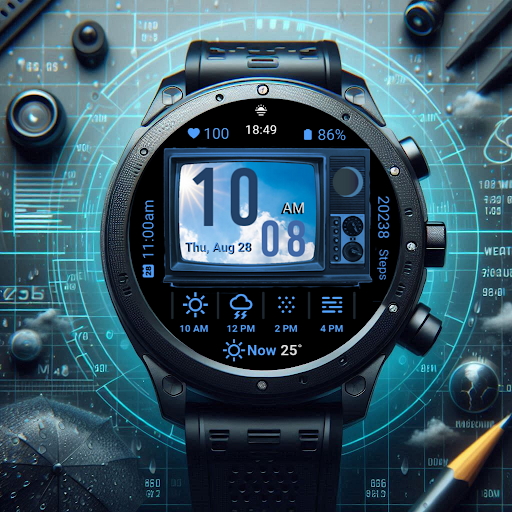
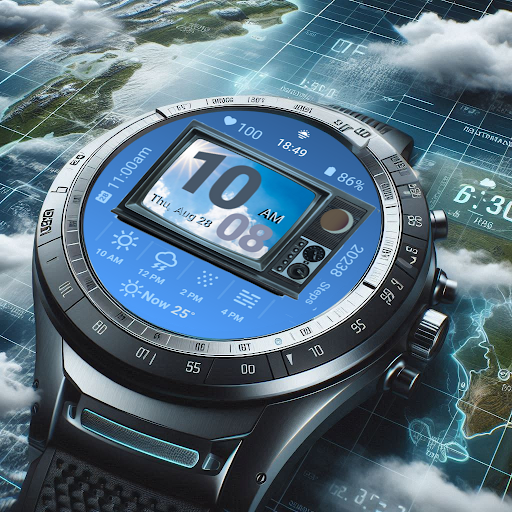
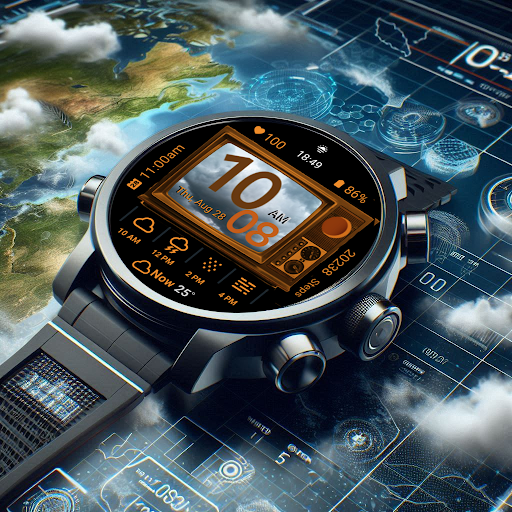
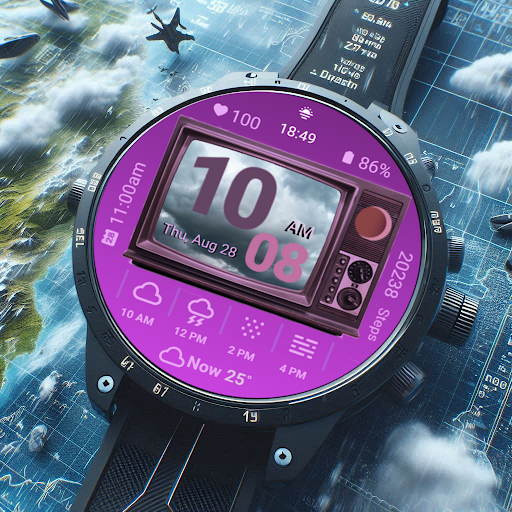
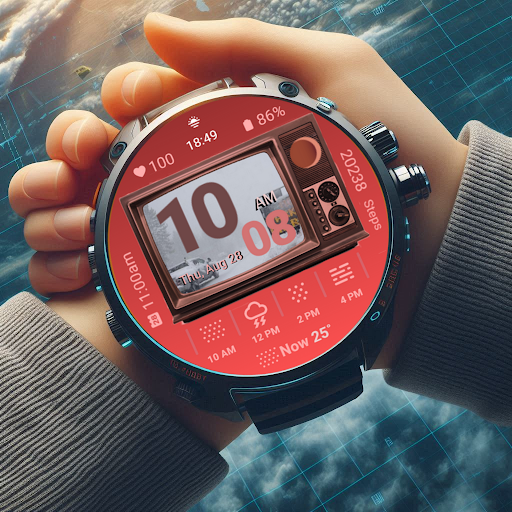
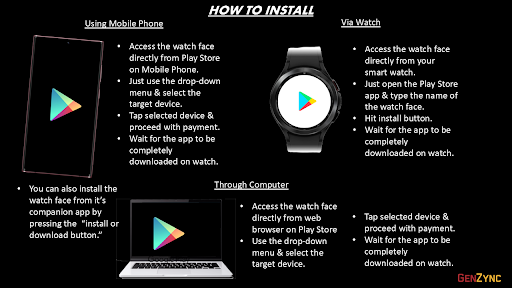
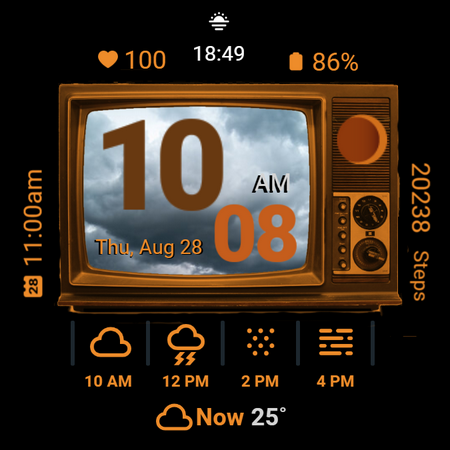
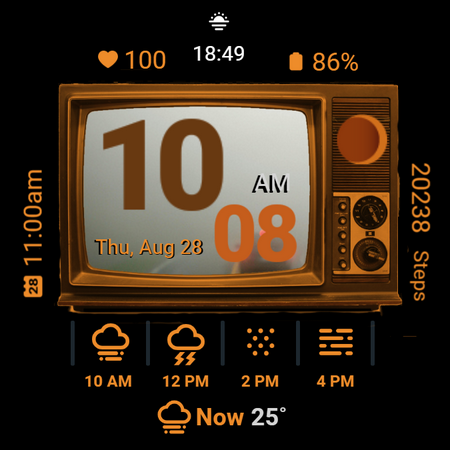
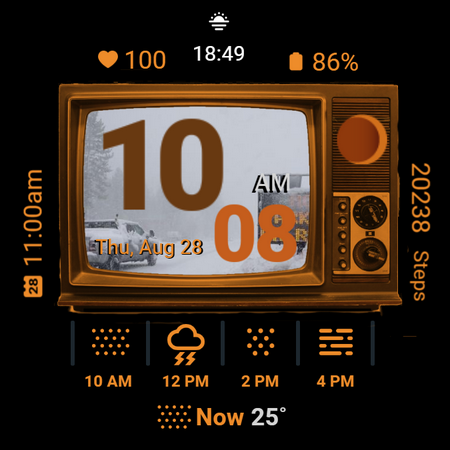
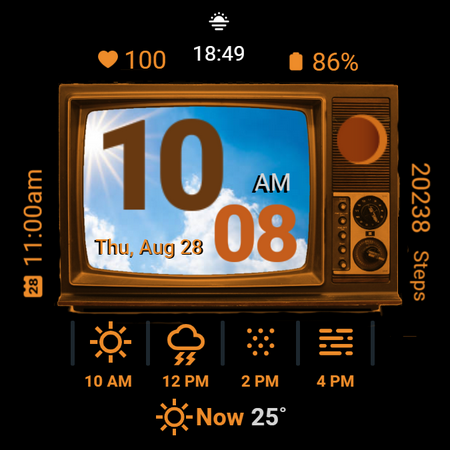
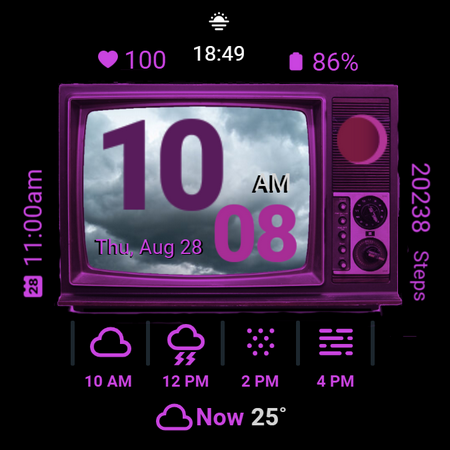
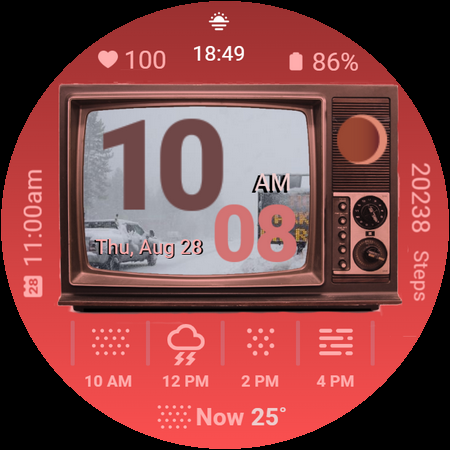
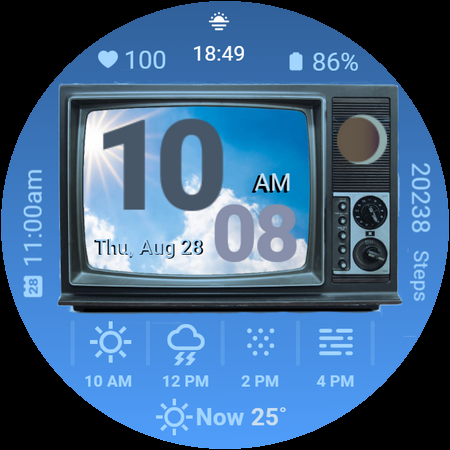
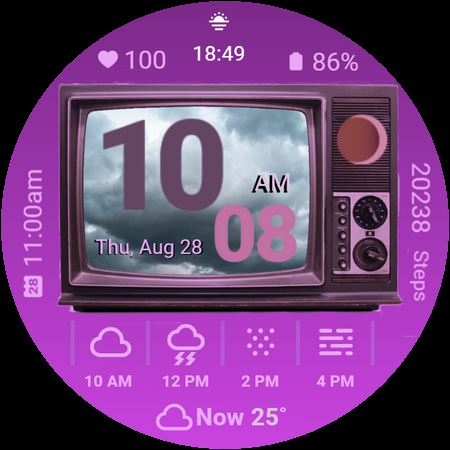
Retro Weather TV Watch Face is a stylish digital watch face for Wear OS devices, combining vintage TV aesthetics with modern smartwatch functionality. Designed to emulate the charm of classic television screens, this app provides users with real-time updates on weather, health metrics, and daily schedules, all wrapped in a nostalgic design.
Key features include a retro TV display, weather photo display, digital time format options, moon phase tracking, next event reminders, step counting, heart rate monitoring, battery status indicators, date and day displays, customizable colors, and ambient mode support. Whether you're checking the weather or monitoring your fitness goals, Retro Weather TV Watch Face offers both style and substance.
This app is perfect for users who appreciate a blend of nostalgia and technology, providing an engaging way to stay informed while enjoying the timeless appeal of retro aesthetics.
Retro Weather TV Watch Face stands out with its unique combination of vintage design and modern functionality. The app's Retro TV Display mimics the look of classic television screens, offering users a nostalgic experience while delivering essential information such as weather updates, health metrics, and calendar events.
Among its innovative features are the Weather Photo Display, which visually represents current weather conditions on the screen, and new additions like Moon Phase tracking and shortcut buttons for settings and calendar access. Users can customize their experience with adjustable color schemes and enjoy uninterrupted service through Ambient Mode Support, ensuring the display remains active even when not in use.
Each feature is thoughtfully integrated to enhance user convenience without compromising the retro aesthetic. From digital time formats to health monitoring tools, Retro Weather TV Watch Face ensures that users have all the information they need at a glance, making it a versatile companion for everyday wear.
User-friendly interface
Customizable display options
Real-time weather updates
Health and fitness tracking
Vintage aesthetic design
Limited to Wear OS devices
Some features may drain battery
No advanced analytics
Design might not appeal to all
Occasional syncing issues
An unofficial app version of the National Weather Service (Weather.gov)
 3.90
3.90
Live weather radar, widgets & forecasts. Track rain, storms & temperature.
4.20
Live weather forecast for your everyday life
4.60
Weather forecast & live radar map
4.20
Accurate Weather App: various widgets, real-time storm radar, hurricane tracker.
4.50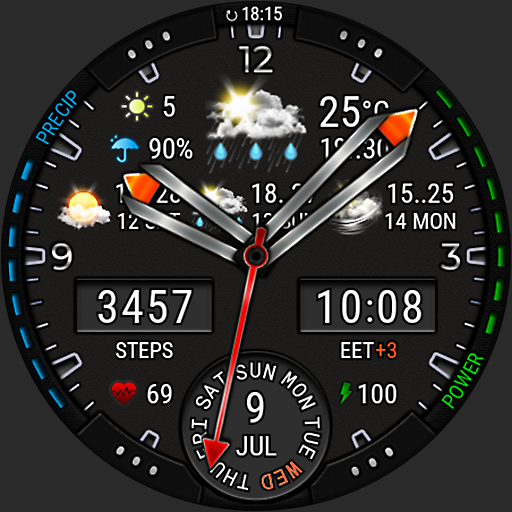
Analog Weather Watch Face for Wear OS 5+
4.10
The weather channel, tiempo weather forecast, weather radar & weather map
4.70
Your ultimate app for real-time weather information!
4.70
Live NOAA weather app to track storm, rain, wind, lightning & real local updates
4.20
Local Weather provides accurate and current hourly and daily forecasts.
4.80
Live local weather updates: various widgets & radar maps & hourly forecast.
4.70
My Aurora Forecast is the app for Northern Lights and Aurora Borealis alerts.
4.60
Get the ad-free version of the highly rated WeatherBug app for accurate weather!
4.50
Your Trusted Weather Companion
4.40
Weather watch face for Wear OS 5
4.40
14-day & 24-hour Forecast | Real-time Alert | Accurate & Fast
4.40
Weather watch face for Wear OS 5+
4.10
Your Personal Weather Assistant
4.00
Check forecasts, watch live news & track storms with FOX Weather.
3.80


User Reveiws