AlmostTI

4.20

Information

Category:

Education

Price:

$ 4.99

Rank:

46

Rating:

4.20

Overview

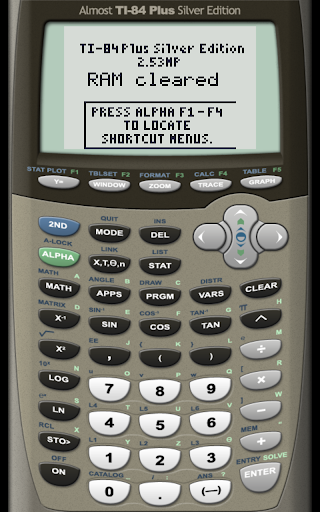
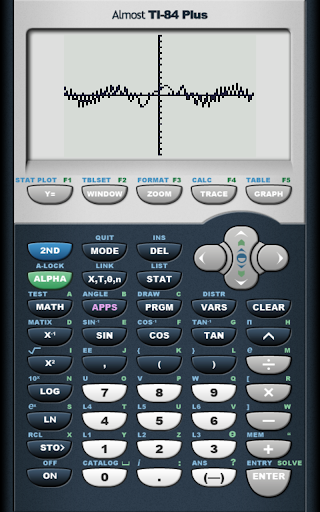
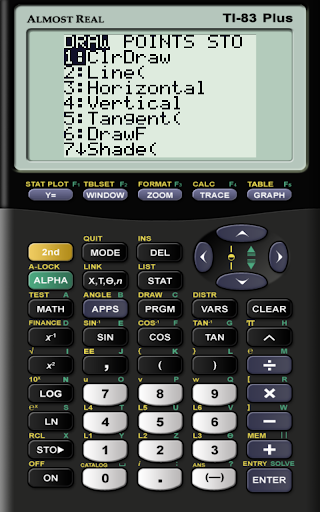
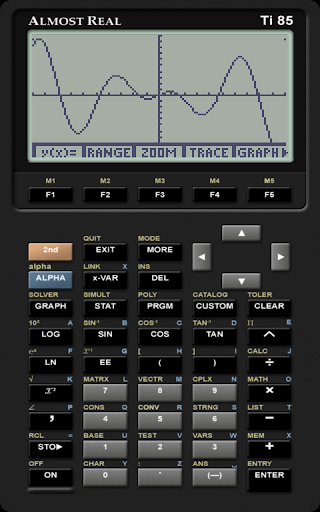
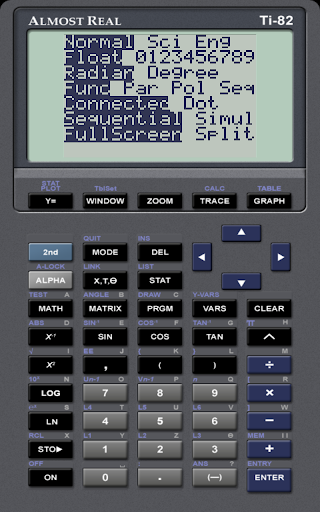
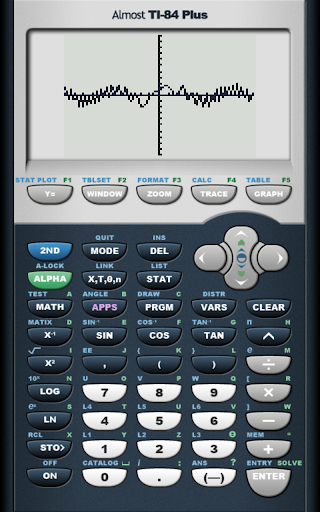
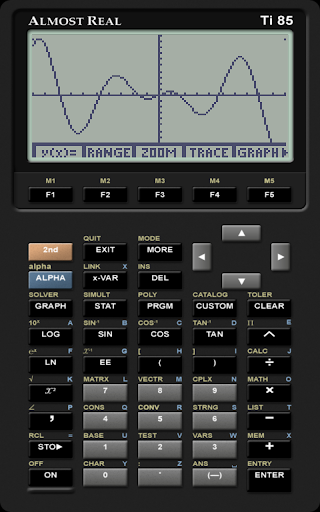
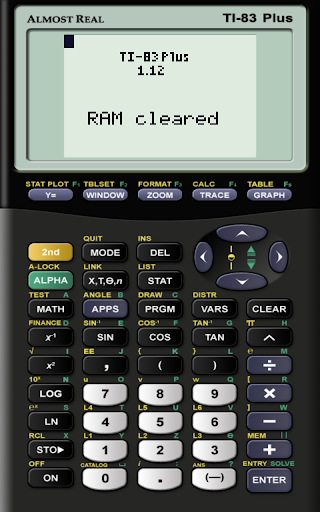
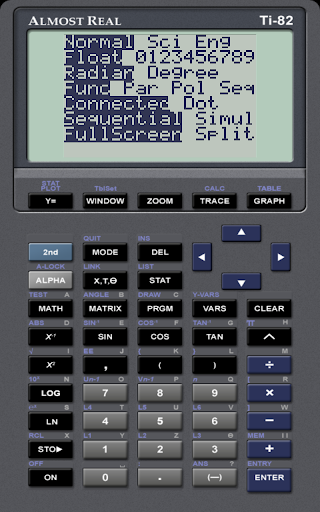
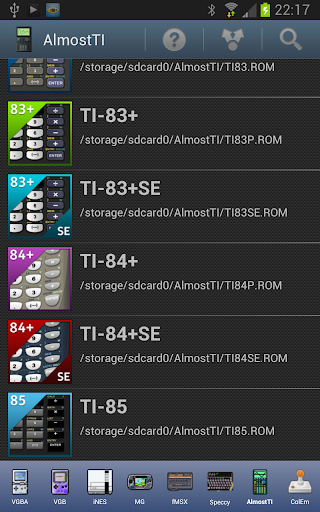
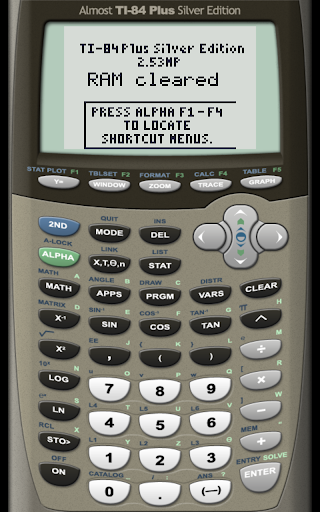
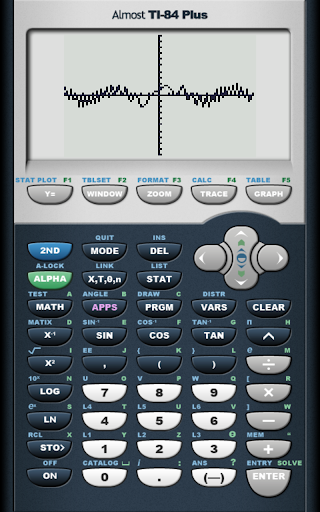
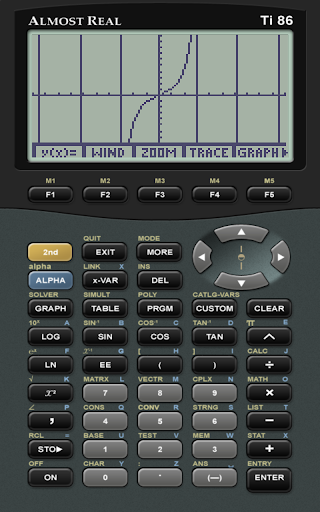
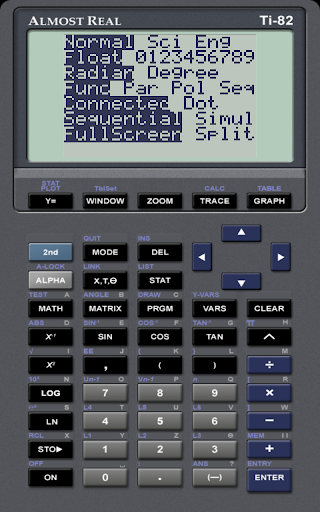
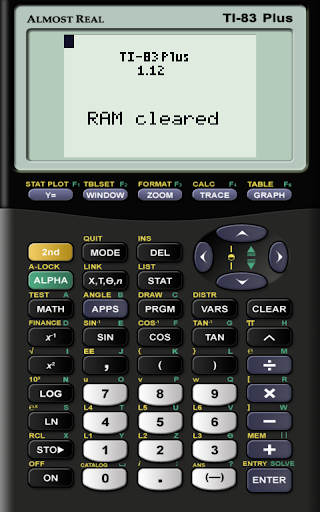
AlmostTI is an advanced educational application that transforms your Android device into a fully functional Texas Instruments graphing calculator. The app meticulously emulates a range of TI calculators including the TI-84+, TI-83+, and TI-82 series, offering users the exact functionality they would expect from the physical devices.

A standout feature is its ability to save calculations at any point, allowing students and professionals to seamlessly switch between various complex tasks. Whether you are using a smartphone or a tablet, AlmostTI delivers a genuine calculator experience with the added benefit of a larger display for enhanced visibility and interaction.

Features

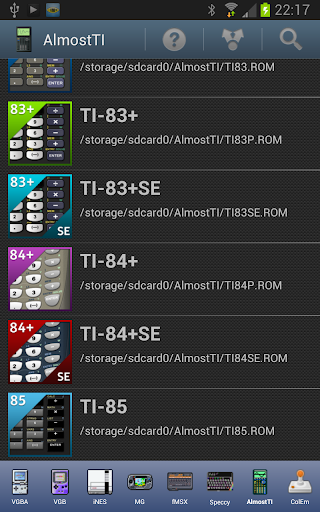
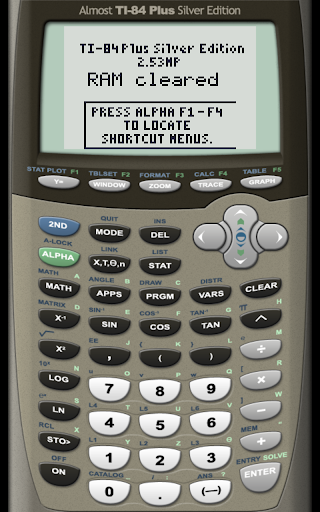
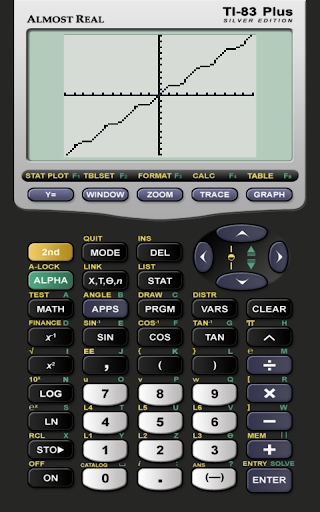
AlmostTI stands out with its comprehensive emulation capabilities. It supports multiple calculator models, each with its unique ROM file requirement, ensuring authentic operation that mirrors the original hardware. This includes popular models like the TI-84+ Silver Edition and TI-83+ Silver Edition.

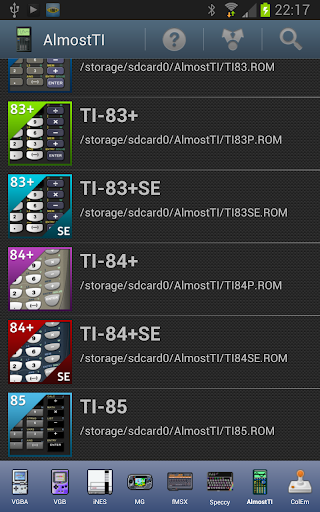
The app's architecture allows users to place their calculator's ROM file onto the device's internal storage, enabling precise emulation. With support for both upper and lower case ROM filenames, AlmostTI ensures compatibility and ease of use. Additionally, the ability to save and retrieve calculation states enhances workflow efficiency, making it ideal for complex problem-solving sessions in academic or professional settings.

Content accuracy & authority

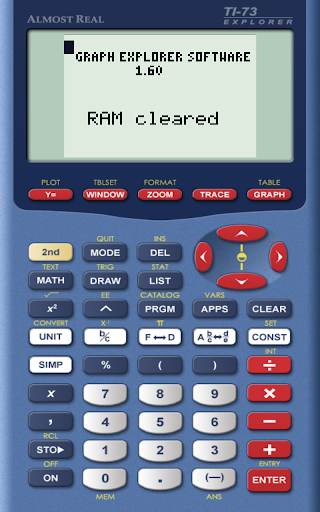
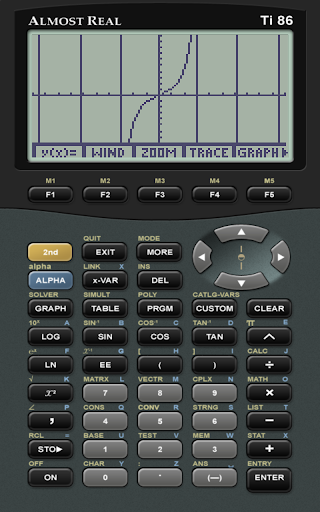
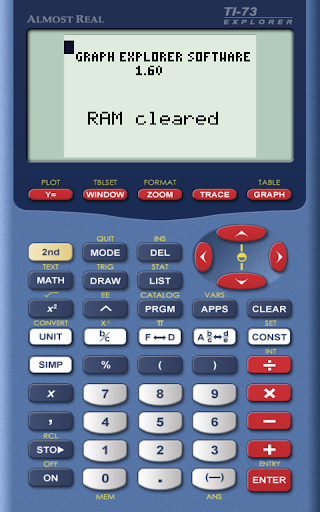
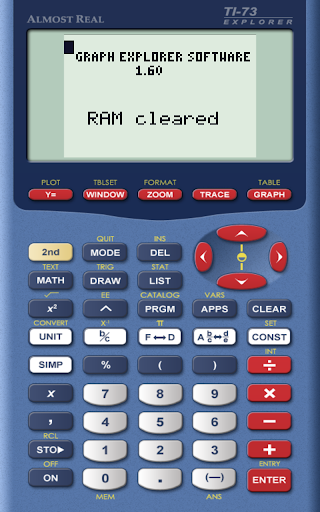
In the realm of educational applications, content accuracy and authority stand as pivotal elements that determine an app's reliability and effectiveness. AlmostTI positions itself as a robust emulator for Texas Instruments graphing calculators, encompassing models like TI-84+, TI-83+, TI-73, among others. The essence of this application lies in its ability to precisely emulate the functionalities and operations of these calculators, thus providing users with an authentic experience akin to using the physical devices. This emulation extends beyond mere visual replication; it delves into accurately mimicking the calculator's operational logic, mathematical functions, and even the nuances of their programming environments. Such detailed attention ensures that students, educators, and enthusiasts can rely on AlmostTI for learning, teaching, or exploring mathematical concepts without worrying about discrepancies or inaccuracies. The authority of AlmostTI is further bolstered by its requirement for original calculator ROMs to function. This approach not only respects intellectual property rights but also guarantees that the emulation remains true to the original devices' specifications and behaviors. Users are encouraged to use ROMs dumped from their own calculators, ensuring that the emulation mirrors the exact version they are accustomed to. By adhering strictly to the original specifications and requiring legitimate ROM files such as TI85.ROM, TI86.ROM, etc., AlmostTI establishes itself as a trustworthy tool in the educational landscape. The emphasis on utilizing genuine ROMs underscores the applicationu2019s commitment to delivering precise and authoritative content, making it an invaluable resource for those seeking to leverage the capabilities of Texas Instruments calculators on their Android devices.

Personalized learning paths

The concept of personalized learning paths represents a significant advancement in educational technology, allowing learners to tailor their educational experiences according to their unique needs, preferences, and pace. AlmostTI embraces this concept by offering features that inherently support customization and adaptability in learning mathematical concepts through emulated Texas Instruments calculators. Upon launching the application, users encounter a versatile environment where they can select from a wide array of emulated calculator models, each catering to different levels of complexity and functionality. This selection process itself acts as the first step towards personalizing the learning journey, enabling users to choose a model that aligns with their current understanding and objectives. Beyond the initial setup, AlmostTI facilitates personalized learning through its capability to save calculations at any point and retrieve them later. This feature allows learners to pause their exploration of mathematical problems, revisit previous work, and build upon their progress over time. Such flexibility supports varied learning styles, whether someone prefers short, focused sessions or extended periods of study. Moreover, the necessity to provide oneu2019s own calculator ROM file adds another layer of personalization. By using a ROM from a calculator they physically own, users ensure that their virtual experience closely matches their tangible interactions with the device. This alignment between physical and virtual tools fosters a seamless transition between different learning environments, enhancing the overall coherence of the educational experience. Additionally, AlmostTI indirectly promotes personalized learning paths by integrating with external resources. Links to guides on dumping ROMs, general information pages, and discussion groups create a network of support that empowers users to troubleshoot issues, share insights, and collaborate with peers. These community-driven elements enrich the learning process, allowing individuals to carve out their distinct trajectories within the broader context of mathematics education. Through these multifaceted approaches, AlmostTI exemplifies how technological solutions can be leveraged to craft personalized learning paths that cater to diverse educational requirements and aspirations.

Props

User-friendly interface

Wide device compatibility

Accurate emulation

Efficient task management

Enhanced display options

Cons

Requires external ROM files

No built-in calculator ROMs

Limited to Texas Instruments models

Dependent on user's calculator ownership

Potential complexity for beginners

Features and Functions

What is this app and what can I use it for?

A versatile emulator for Texas Instruments calculators

How do I download and install this app on my device?

Download from Google Play Store and follow installation prompts

How do I get started after opening the app for the first time?

Place required ROM file in storage and launch the app

What are the main features and capabilities of this app?

Emulates TI-84+, TI-83+, TI-82 series calculators

How can I customize my experience and adjust preferences?

Adjust settings via app preferences menu options

How do I save or bookmark my favorite content for later access?

Save states manually through dedicated save function

How can I share content with friends or on social media?

Share results by exporting data to compatible apps

How do I access detailed information and explore more content?

Access detailed help through official web resources

What permissions does this app need and how do I manage them?

App needs storage permission to load calculator ROMs

How do I check for updates and keep the app running smoothly?

Check Google Play Store for updates and enable auto-update
Show more

User Reveiws

{{ comment.reviewer_name }}
{{ comment.review_date_formatted}}
{{ comment.review_content }}
{{ tab.name }}
{{ comment.reviewer_name }}
{{ comment.review_date_formatted}}
{{ comment.review_content }}
No reviews with this rating