
ARSpiders.com

4.60

Information

Category:

Entertainment

Price:

$ 2.99

Rank:

37

Rating:

4.60

Overview

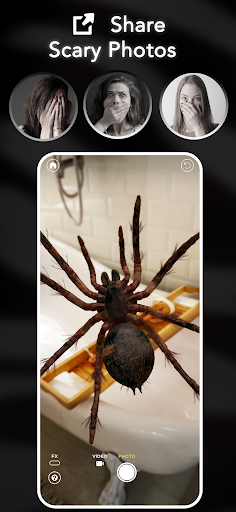
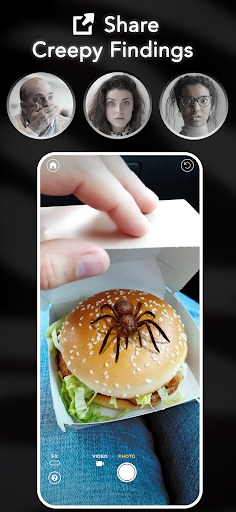
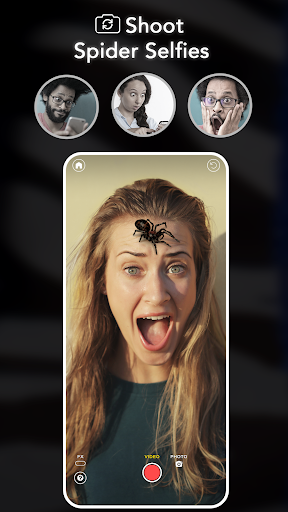
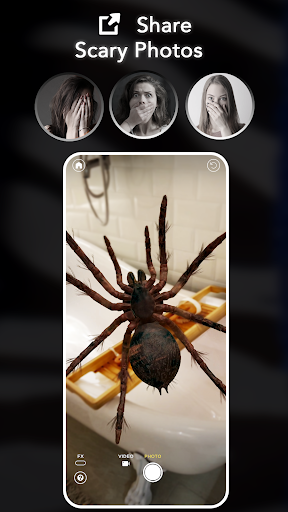
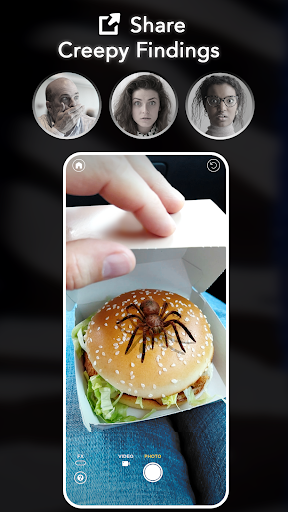
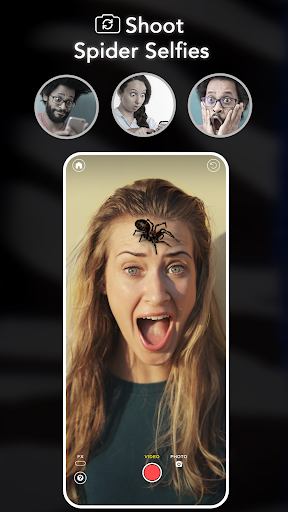
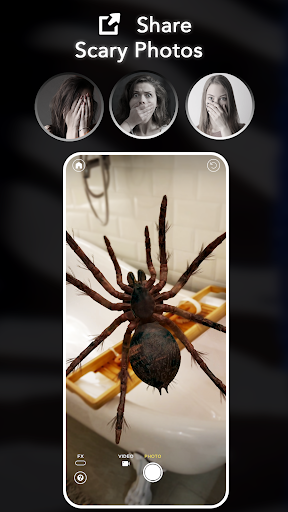
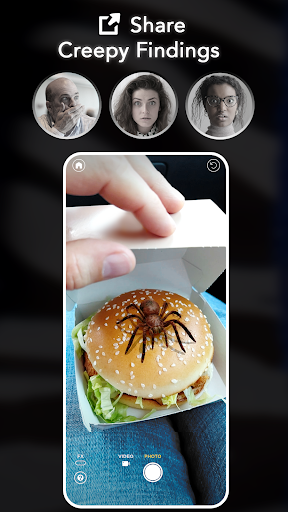
ARSpiders.com is an innovative entertainment app that brings realistic 3D spiders and other creepy crawlies to life through augmented reality. The app allows users to place ultra-realistic spiders, tarantulas, and scorpions in their environment using AR technology. These creatures can crawl on walls, floors, tables, or even the user's face, creating a truly immersive and potentially frightening experience.

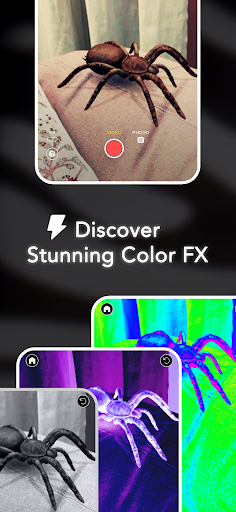
The app features interactive gameplay elements where users can control the movements of these virtual creatures, making them 'attack' for dramatic effect. It also includes professional-grade camera effects like Color Correction, Vignette, and Film Grain to enhance the realism of captured photos and videos. With its offline functionality and lack of ads or in-app purchases, ARSpiders.com offers a complete package for those interested in horror-themed entertainment and pranks.

Features

ARSpiders.com stands out with its advanced AR capabilities that allow for precise placement of 3D creatures in real-world environments. The app utilizes sophisticated AR algorithms to ensure smooth tracking and realistic movement patterns of spiders and scorpions. Users can enjoy unrestricted access to all features without worrying about internet connectivity, thanks to its robust offline mode.

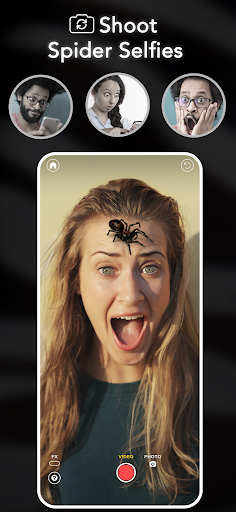
A key highlight is the interactive gameplay feature, which lets users direct the actions of the virtual creatures. This includes making them crawl in specific directions or simulate attacks. The app also offers specialized camera effects that elevate the quality of captured media. Additionally, the unique Spider Selfie Mode (available on devices with TrueDepth API support) enables users to create convincing spider selfies for social media sharing or pranking purposes.

Content variety & freshness

In the realm of entertainment applications ARSpiders.com stands out by offering a unique blend of augmented reality experiences and interactive gameplay centered around realistic 3D spiders and other creatures This app not only taps into the widespread popularity of AR filters and effects but also introduces an element of surprise and horror that keeps the content fresh and engaging for users The variety within ARSpiders.com is evident through its multiple features such as placing spiders via AR interactive gameplay where users can control the creatures to simulate attacks and the ability to capture these moments in photos or videos The cinematic camera effects like Color Correction Vignette and Film Grain further enhance this variety providing users with tools to create professional looking horror scenes With everything included for free and no in app purchases users have immediate access to all features ensuring that they can explore and utilize the full range of content without any barriers The offline mode adds another layer of convenience allowing users to enjoy these features anytime anywhere which is crucial for maintaining user interest and engagement over time As more creatures are planned to be added based on user feedback the app promises ongoing content variety and freshness keeping pace with user expectations and seasonal trends In summary ARSpiders.com excels in delivering diverse and continually updated content that caters to fans of AR filters pranks and horror effects making it a standout choice in the entertainment category

User engagement duration & retention

ARSpiders.com demonstrates a keen understanding of user engagement and retention strategies by incorporating several key elements designed to keep users coming back to the app One of the primary factors contributing to prolonged user engagement is the app s use of augmented reality to create ultra realistic 3D spiders and other creatures that users can place in their environment This realism combined with interactive gameplay options allows users to not just passively view content but actively participate in creating unique and shocking prank scenarios The ability to control the creatures and make them attack enhances this interactivity leading to longer session durations as users experiment with different settings and scenarios Additionally the app s feature set supports extensive sharing capabilities Users can capture their spider infested scenes in photos or videos and share them with friends via social media This sharing aspect not only extends the reach of the app but also encourages users to return and create more content to share especially given the app s high quality AR effects and cinematic camera features The lack of ads and in app purchases removes common friction points that can deter users from prolonged engagement while the offline mode ensures that users can access the app s features at any time further boosting retention rates Moreover the app s focus on continuous improvement through user feedback and the promise of adding more creatures provides a roadmap for sustained user interest Over time these features collectively contribute to higher user retention as individuals look forward to new content and updates thereby solidifying ARSpiders.com s position as a compelling entertainment application

Props

User-friendly interface

High-quality AR effects

No in-app purchases

Offline functionality

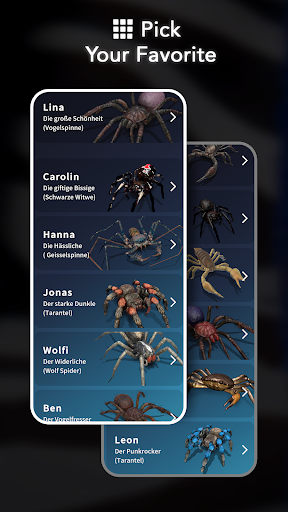
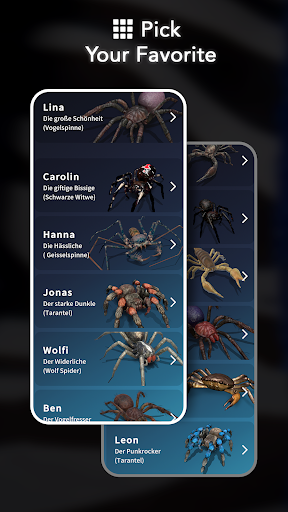
Variety of creatures

Cons

Limited to supported devices

Potentially scary content

Requires storage space

May cause discomfort

Not for arachnophobes

Features and Functions

What is this app and what can I use it for?

An AR app for placing realistic 3D spiders and scorpions in your environment

How do I download and install this app on my device?

Search ARSpiders.com on Google Play Store and tap Install

How do I get started after opening the app for the first time?

Grant necessary permissions and follow the on-screen tutorial

What are the main features and capabilities of this app?

AR creature placement, interactive controls, video capture, and camera effects

How can I customize my experience and adjust preferences?

Adjust AR sensitivity and creature behavior in Settings menu

How do I save or bookmark my favorite content for later access?

Save creations to device gallery or use built-in bookmarking

How can I share content with friends or on social media?

Use integrated sharing options for social media platforms

How do I access detailed information and explore more content?

Explore detailed creature info in the app's encyclopedia section

What permissions does this app need and how do I manage them?

App needs camera and storage access, managed in system settings

How do I check for updates and keep the app running smoothly?

Enable automatic updates in Google Play Store settings
Show more

User Reveiws

{{ comment.reviewer_name }}
{{ comment.review_date_formatted}}
{{ comment.review_content }}
{{ tab.name }}
{{ comment.reviewer_name }}
{{ comment.review_date_formatted}}
{{ comment.review_content }}
No reviews with this rating