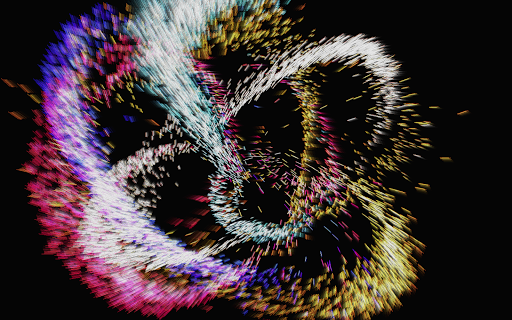
Atomus 3D

4.30

Information

Category:

Entertainment

Price:

$ 2.49

Rank:

62

Rating:

4.30

Overview

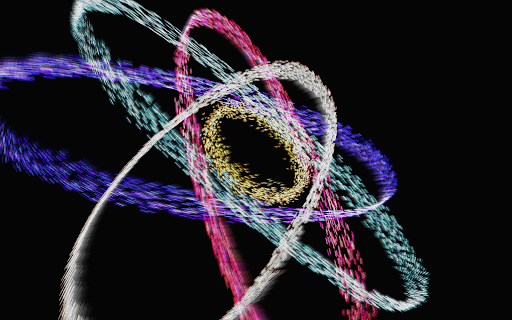
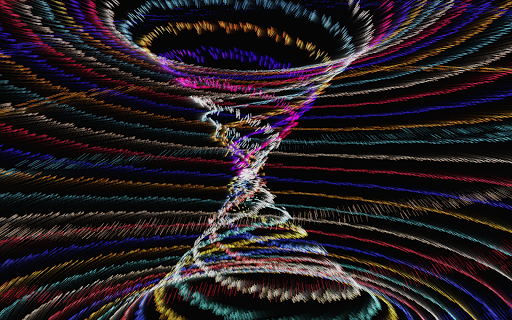
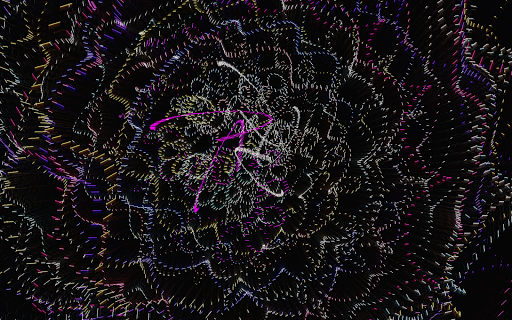
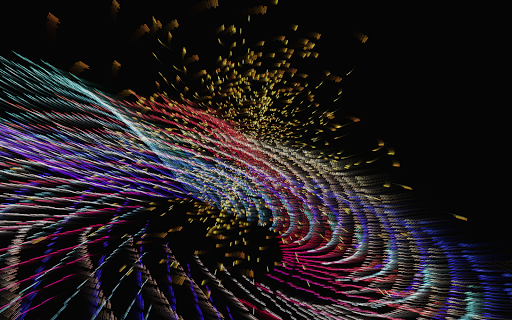
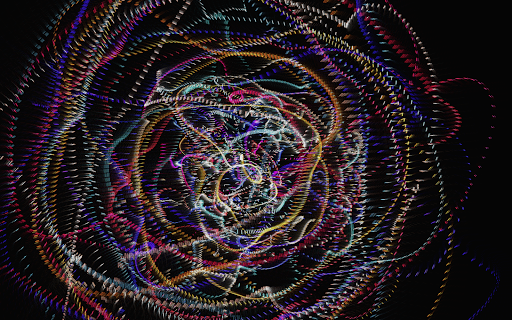
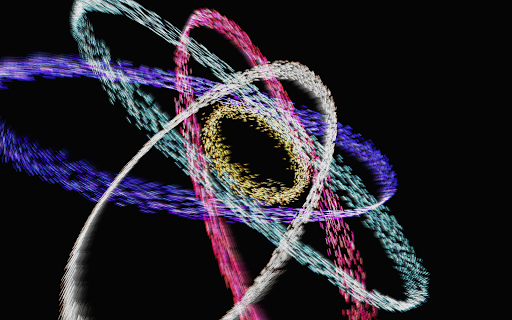
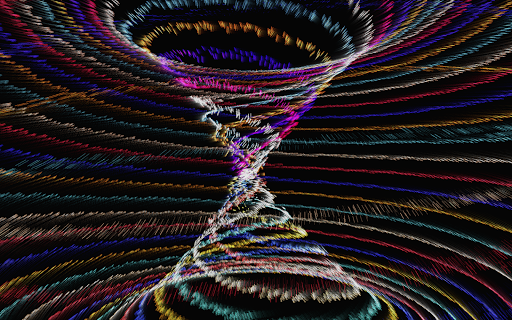
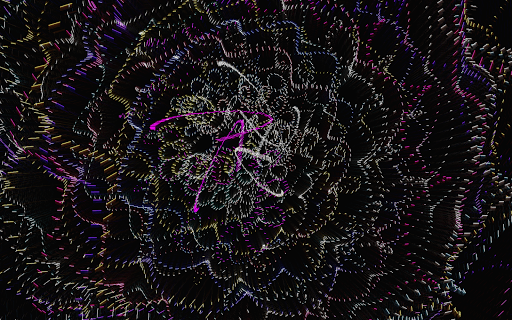
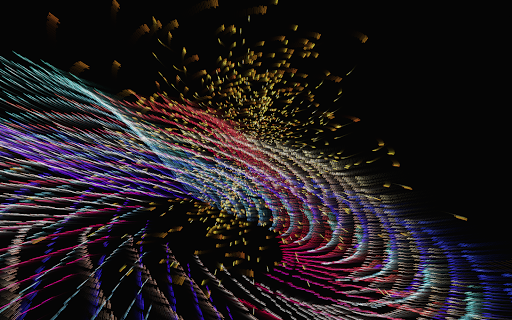
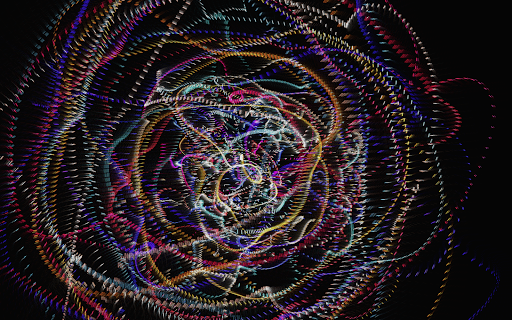
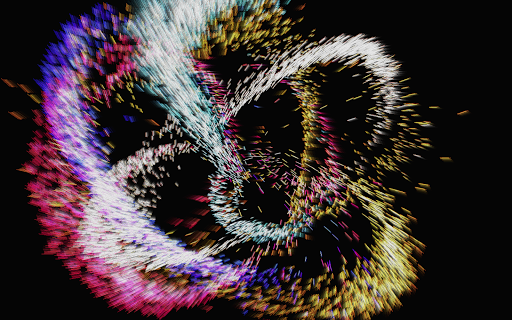
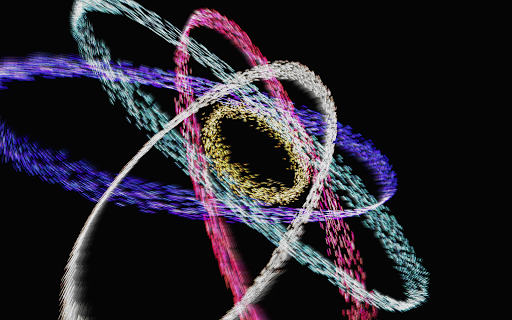
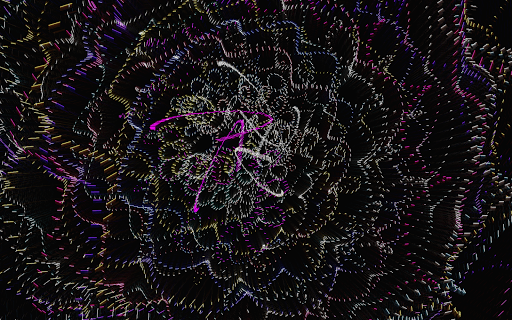
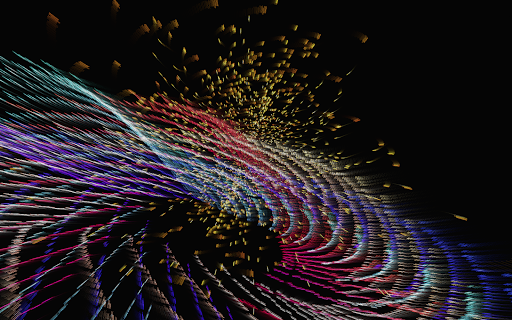
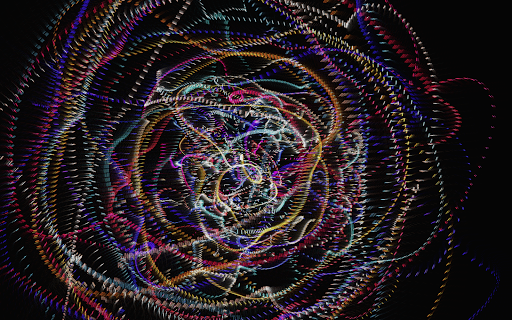
Atomus 3D is an innovative entertainment application that combines art, science, and interactivity into a single mesmerizing experience. Designed for creative thinkers and those seeking a change of pace, this app offers a dynamic visualizer with stunning graphics and intricate design elements. Users can explore various natural phenomena like fireworks, auroras, and black holes through meticulously crafted 3D models.

The app's core functionality lies in its ability to provide both entertainment and artistic inspiration. Whether you're looking for a captivating game, an interactive toy, or a unique party feature, Atomus 3D delivers on all fronts. Its versatility makes it suitable for diverse settings, from casual enjoyment to interior design enhancements. The app runs at an impressive 60 FPS, ensuring smooth animations across all platforms.

Features

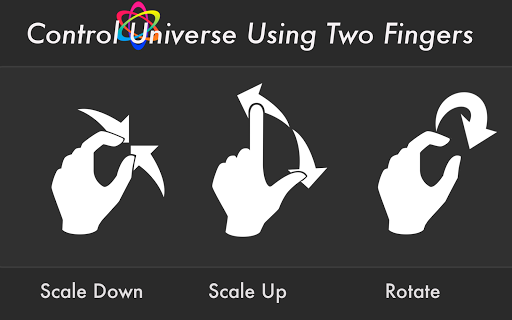
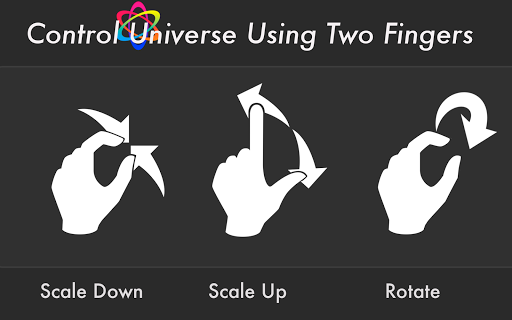
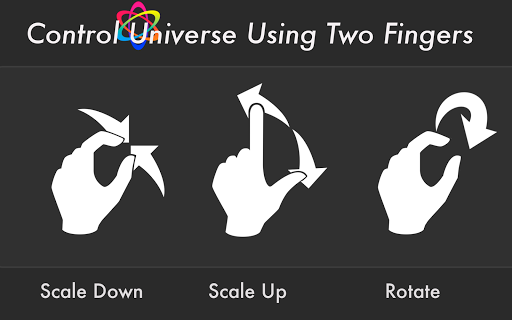
Atomus 3D stands out with its advanced feature set that caters to both casual users and tech enthusiasts. The app supports 10-finger multi-touch display, allowing for intuitive interactions and precise control over design parameters. With five selectable music tracks by Ross Bugden, users can customize their auditory experience while engaging with the visuals.

Performance-wise, Atomus 3D excels with its ability to emit 10,000 particles at 60 FPS, creating spectacular visual effects. Users can personalize particle length, number, and size, while choosing from three distinct color modes: Neon, Crystal, and Nature. Additional features include live wallpaper functionality and optimized rendering through neon assembly codes, making it a perfect blend of beauty and technical excellence.

Content variety & freshness

In the realm of digital entertainment applications like Atomus 3D the significance of content variety and freshness cannot be overstated. This app stands out by offering an extensive array of visual and interactive elements that cater to a wide audience with diverse tastes. From simulating natural phenomena such as auroras and tsunamis to creating abstract art forms like mobius strips and atomic symbols Atomus 3D ensures that users are constantly engaged with new and exciting visuals. The application leverages advanced mathematical models physics simulations and optimized 3D graphic techniques to deliver a dynamic experience that feels both novel and familiar. Users can explore over a dozen distinct visual themes each meticulously crafted to provide a unique sensory experience. Furthermore the app's capability to render these complex visuals at an impressive 60 FPS across various platforms guarantees smooth animations and responsive interactions. This commitment to maintaining high performance while delivering fresh content is what sets Atomus 3D apart in the entertainment category. By continuously updating its library of effects and allowing users to customize parameters such as particle size color mode and music settings the app fosters creativity and personal expression. Whether used for artistic inspiration party entertainment or simply as a digital toy Atomus 3D demonstrates how varied and fresh content can significantly enhance user engagement and satisfaction.

User engagement duration & retention

For entertainment applications like Atomus 3D user engagement duration and retention are critical metrics that reflect the app's ability to captivate and maintain user interest over time. Atomus 3D achieves this through its intricate blend of visually stunning effects and highly interactive features designed to keep users coming back for more. The app offers a multi-touch display supporting up to ten fingers which allows for intuitive and engaging interactions. Users can manipulate thousands of particles in real-time creating mesmerizing patterns and designs that evolve based on their input. Additionally the inclusion of customizable settings such as particle length number and size along with three distinct color modes provides a personalized experience that adapts to individual preferences. Another key factor contributing to prolonged user engagement is the integration of background music composed by Ross Bugden which can be toggled on or off according to user preference. This auditory element complements the visual spectacle enhancing the overall immersive experience. Moreover Atomus 3D's optimization using neon assembly codes ensures consistent performance even during extended use sessions making it suitable for both casual play and serious artistic exploration. By combining these technical achievements with creative freedom and aesthetic appeal Atomus 3D successfully fosters long-term user retention. Its versatility as a tool for relaxation inspiration or entertainment means that users find multiple reasons to return to the app whether they're seeking a brief escape or a deeper dive into its capabilities.

Props

Stunning Visuals

Interactive Design

Customizable Features

High Performance

Versatile Usage

Cons

Complex Interface

High Resource Usage

Limited Free Options

No Offline Support

Steep Learning Curve
Features and Functions

What is this app and what can I use it for?

Atomus 3D is an interactive visualizer combining art and science for creative exploration

How do I download and install this app on my device?

Search Atomus 3D on Google Play Store and tap Install to download the app

How do I get started after opening the app for the first time?

Follow the on-screen tutorial to learn basic controls and navigation features

What are the main features and capabilities of this app?

The app offers customizable particles, live wallpapers, and multi-touch display

How can I customize my experience and adjust preferences?

Adjust particle size, color modes, and other settings in the Preferences menu

How do I save or bookmark my favorite content for later access?

Save favorite designs as wallpapers or bookmark them for future reference

How can I share content with friends or on social media?

Use the Share button to post your creations on social media platforms

How do I access detailed information and explore more content?

Access detailed settings through the main menu for advanced exploration

What permissions does this app need and how do I manage them?

The app requires storage and touch permissions managed in device settings

How do I check for updates and keep the app running smoothly?

Enable automatic updates in Google Play Store to keep the app current
Show more

User Reveiws

{{ comment.reviewer_name }}
{{ comment.review_date_formatted}}
{{ comment.review_content }}
{{ tab.name }}
{{ comment.reviewer_name }}
{{ comment.review_date_formatted}}
{{ comment.review_content }}
No reviews with this rating