

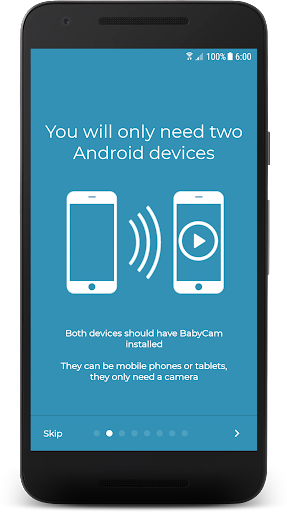
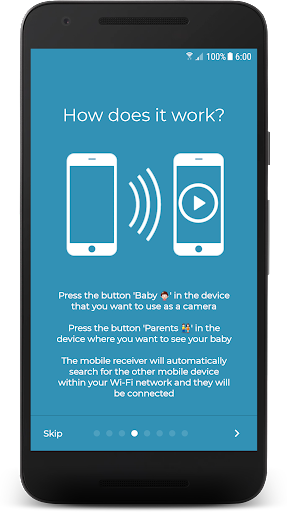
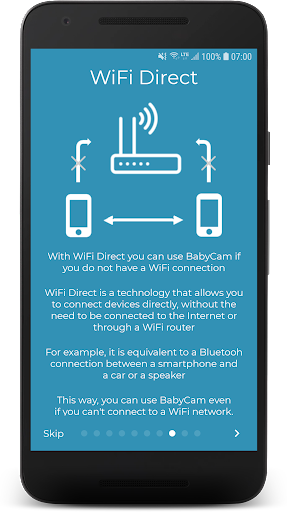
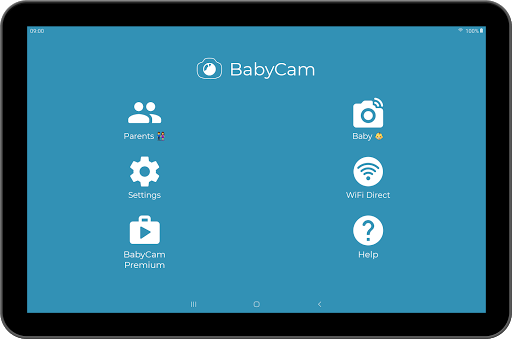
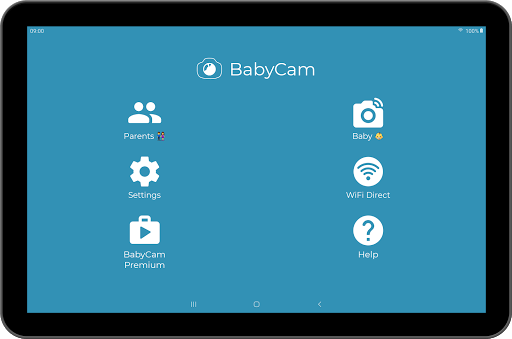
BabyCam is a smart parenting solution that allows parents to monitor their baby using two connected devices, such as smartphones or tablets. One device acts as the baby monitor while the other serves as the viewing screen for parents. The app operates seamlessly on the same WiFi network or via WiFi Direct, eliminating the need for complex setup processes like registration or entering codes.
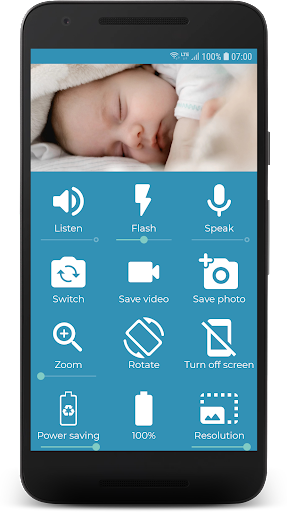
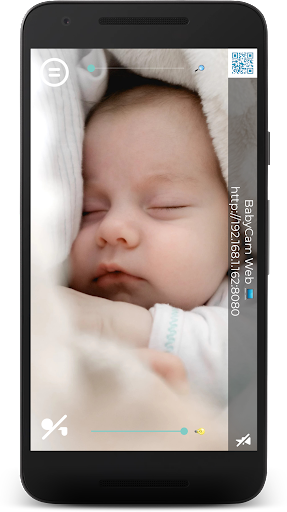
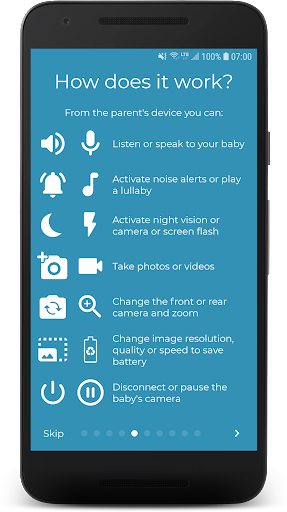
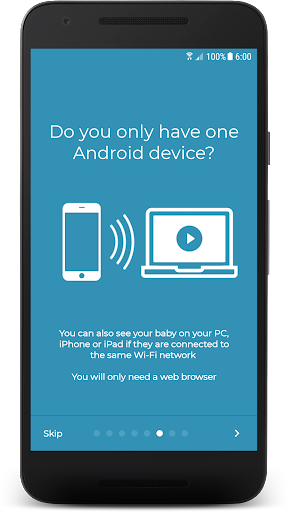
With its user-friendly interface, BabyCam offers advanced features including real-time audio and video streaming, lullaby playback, camera flash control for low-light visibility, and front-back camera switching. Parents can also zoom in, adjust microphone volume, and activate night mode for comfortable monitoring. Additionally, the app supports Chromecast for TV viewing and allows web browser access from PCs or other devices.
This versatile application is particularly beneficial for modern families who seek reliable, flexible, and cost-effective baby monitoring solutions without compromising on functionality or ease of use.
BabyCam stands out with its comprehensive feature set tailored specifically for parental peace of mind. The app enables live video and audio streaming between two devices without requiring an active internet connection, thanks to its WiFi Direct capability. This ensures uninterrupted monitoring even in areas with poor or no internet connectivity.
Parents can enjoy additional functionalities such as playing soothing lullabies, controlling the camera flash for better visibility in dim lighting, and toggling between front and back cameras. The app also supports multi-device connections, allowing both parents to monitor their baby simultaneously. Furthermore, users can capture photos and videos directly within the app and check the baby device's battery level.
The Premium version offers an ad-free experience for $1.99, enhancing usability without distractions. These innovative features collectively create a robust, flexible, and user-centric baby monitoring experience.
User-friendly interface
No internet required
Multi-device support
Ad-free premium option
Comprehensive free features
Limited to same WiFi
Premium costs extra
Dependent on hardware
No cloud storage
Ads in free version

Discover fun videos, kids songs, bedtime stories and games
 3.60
3.60
Family GPS locator app — child location tracker. GPS kids tracker, family safety
4.70
A Coloring for the Whole Family! Discover the Joy of Family Love Through Colors!
3.60
Real-time family location with consent, check-ins & SOS—private by default.
4.40
A simple way to track your baby’s breastfeeding, diaper changes, sleep patterns.
4.90
Track pregnancy health and wellness with pregnant tracker from healthcare advice
4.4
Pregnancy+ App has helped 80m moms track their pregnancy with info & support!
4.80
Advanced baby tracking, expert sleep help & parenting support for every stage.
4.80
FamilyAlbum helps you share, save, and remember your child's special moments.
4.80
Pinardin - Smart Parental Control, Online Safety & GPS Tracking!
4.80
It is a screen time management tool for games and mobile applications
4.50
Babysitting video camera - Turn your two phones or tablets into a single nanny.
4.40
GeoLog - Real-Time Location Tracker
4.40
Speech Therapy Exercises For All!
4.40
Comprehensive Parental Control & Child Safety — Hear & Protect Your Child World
4.30
Limit screen time, Block Apps & Games, Monitor with Parental control app
4.20
Findnumber: Real-time location tracker for ultimate family security
4.20
The 10 development leaps of your baby | newborn milestones & leap days tracker
4.10
Parental Control including Screen time control, GPS tracking, App/Game blocker.
3.90


User Reveiws