
KidsGuard Pro-Phone Monitoring

3.90

Information

Category:

Parenting

Price:

Free

Rank:

46

Rating:

3.90

Overview

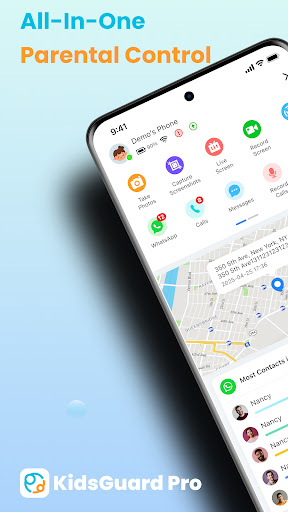
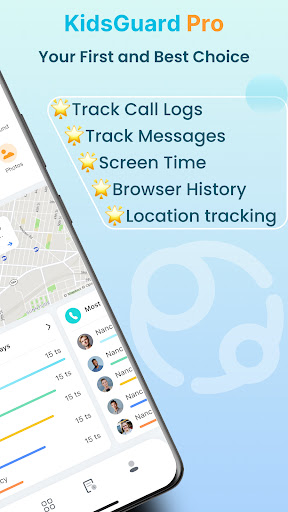
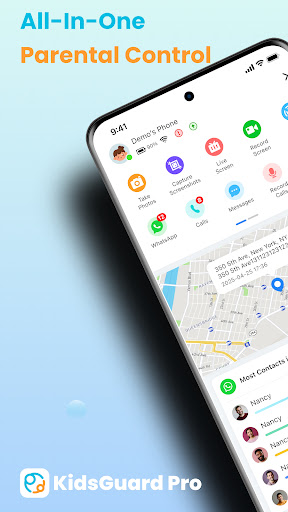
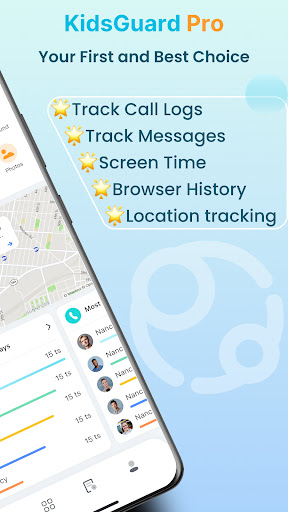
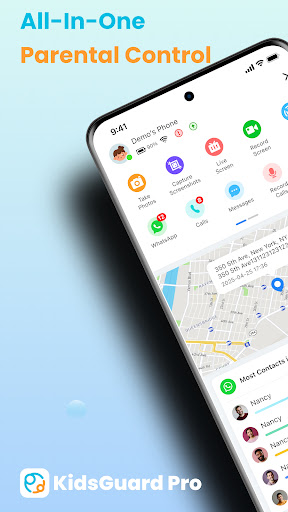
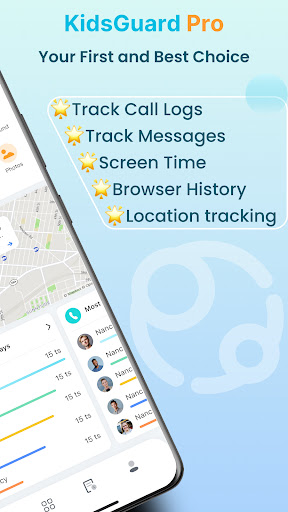
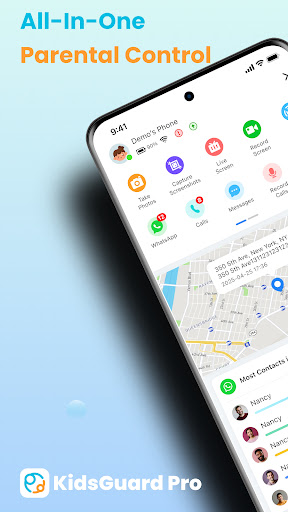
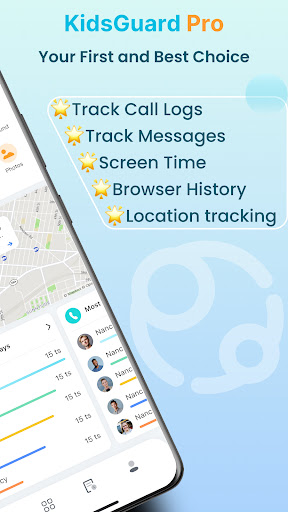
KidsGuard Pro is a comprehensive parental control app designed to help parents monitor and protect their children's online activities. The app offers real-time location tracking, social media monitoring, and detailed usage reports, ensuring parents can keep their kids safe both physically and mentally.

With its advanced features like TikTok and YouTube history tracking, suspicious text detection, and instant screenshot capabilities, KidsGuard Pro provides parents with the tools they need to supervise their children's digital lives effectively. Available for both Android and iPhone, this app is an essential tool for modern parenting.

Features

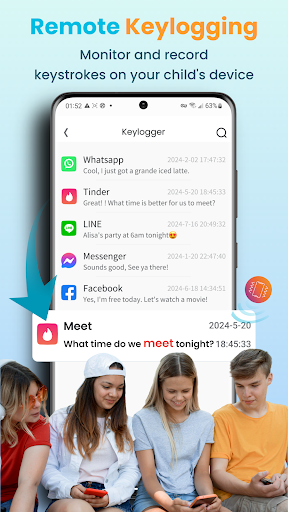
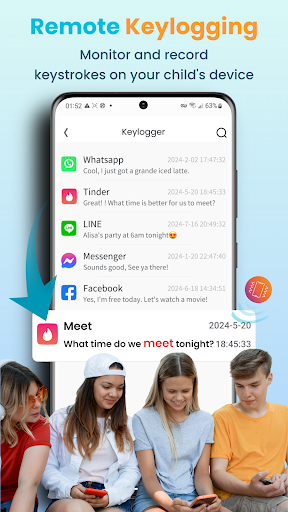
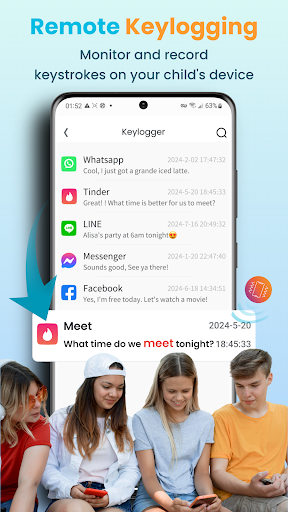
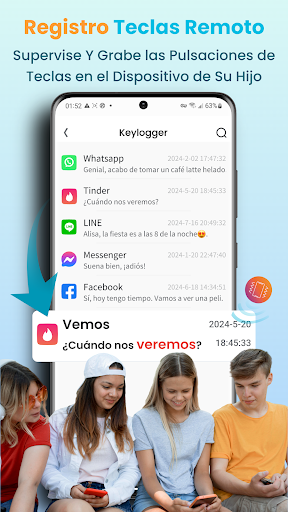
KidsGuard Pro stands out with its robust feature set tailored for concerned parents. The app allows you to view your child's TikTok and YouTube history, track time spent on these platforms, and detect suspicious texts across various messaging apps using custom keywords.

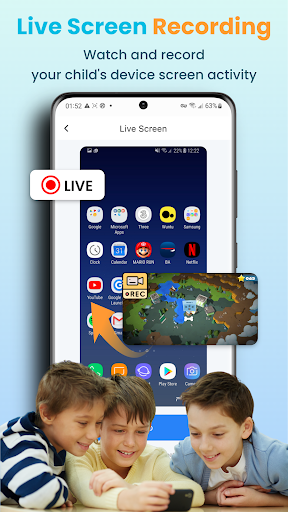
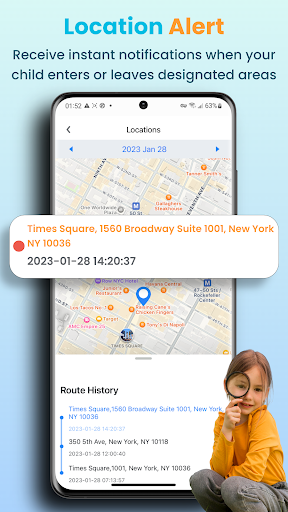
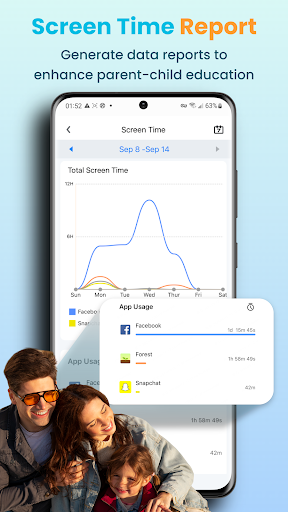
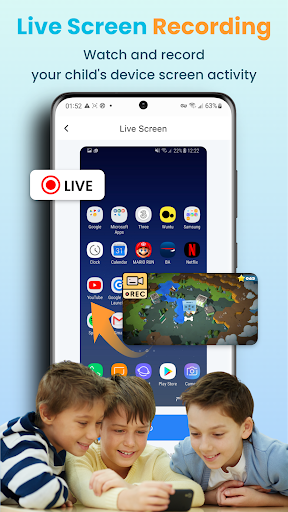
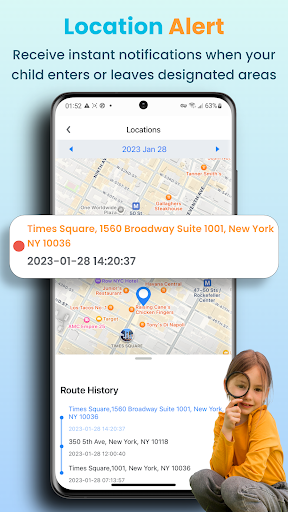
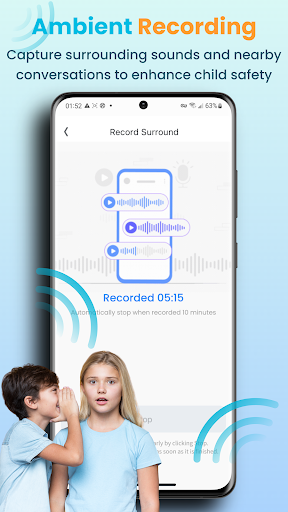
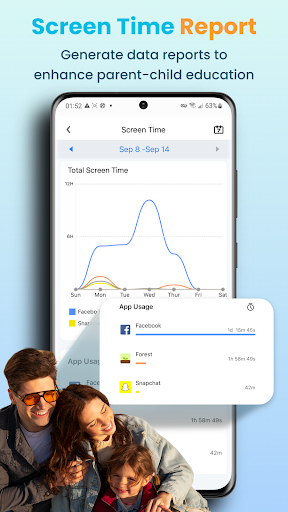
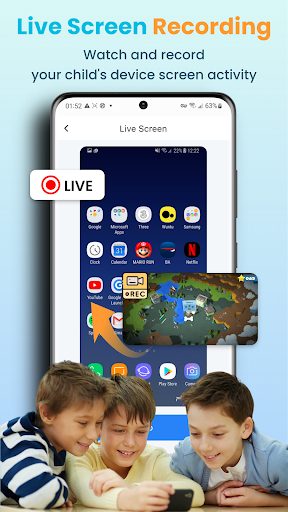
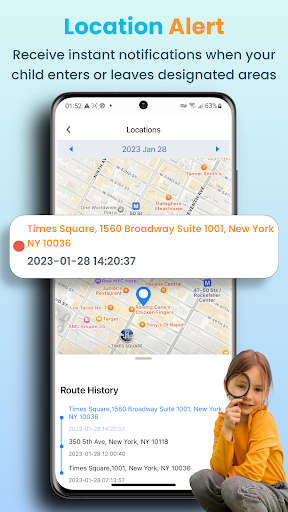
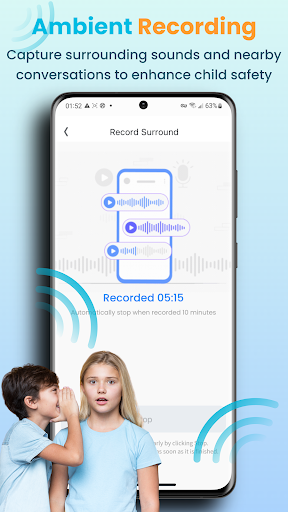
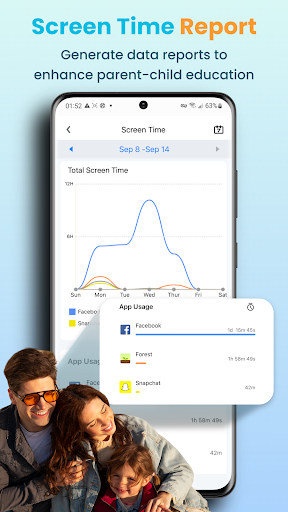
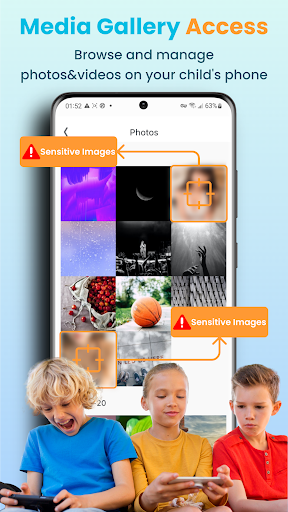
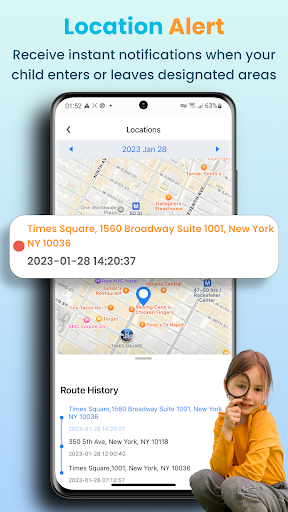
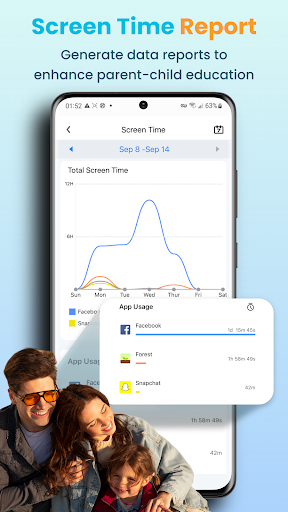
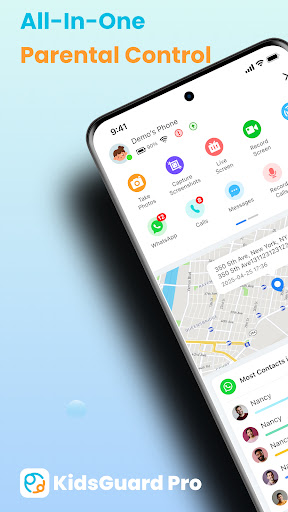
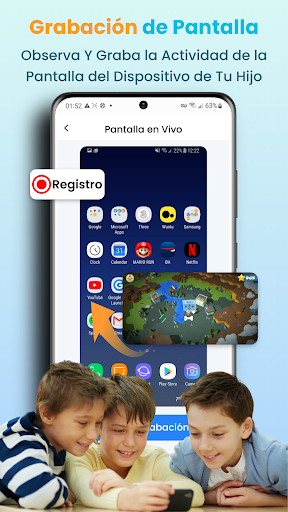
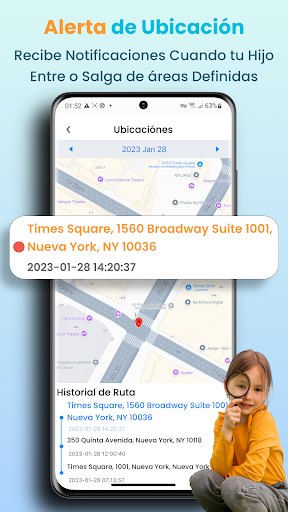
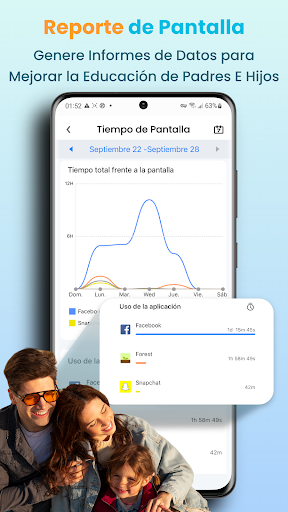
Parents can also monitor their child's real-time location, set up geofences for alerts, and remotely take screenshots or record the screen. Additionally, the detailed usage report provides insights into daily device usage, empowering parents to make informed decisions about their child's digital habits.

Parenting content credibility & expert validation

In the realm of parenting applications, content credibility and expert validation stand as pivotal elements ensuring that the information and guidance provided are both reliable and beneficial. KidsGuard Pro-Phone Monitoring emerges as a tool not only focused on monitoring but also enriching the parental oversight with credible content and insights validated by experts in child psychology and digital safety. The app's foundation rests on providing parents with tools to safeguard their children's digital presence while being informed about potential risks and behaviors online. This is achieved through features meticulously designed based on research and findings from experts in online safety, child development, and psychology. For instance, the suspicious text detection feature allows parents to set sensitive keywords related to sex, violence, or drugs, alerting them when these terms are detected in their children's communications across platforms like WhatsApp, LINE, Viber, Kik chat history, WeChat, YouTube, Facebook, Instagram, and QQ. By integrating knowledge from professionals specializing in adolescent behavior and digital trends, KidsGuard Pro ensures that its functionalities address genuine concerns pertinent to modern parenting challenges. The value derived from such an approach manifests in empowering parents with actionable intelligence regarding their kids' online activities without infringing excessively on privacy. Parents gain peace of mind knowing they have access to vetted resources and alerts grounded in expert understanding of what constitutes risky behavior among youths today. Moreover, this level of validation enhances trust between guardians and the application itself since recommendations or warnings generated can be traced back to authoritative sources within relevant fields. Thus, KidsGuard Pro doesn't merely offer surveillance capabilities; it equips caregivers with scientifically-backed strategies for fostering healthier relationships with technology amongst younger generations.

Growth tracking accuracy

Growth tracking accuracy represents a critical aspect of any parenting application aiming to support developmental milestones and behavioral patterns in children. With KidsGuard Pro-Phone Monitoring, this concept extends beyond mere physical growth parameters into encompassing digital habits, social interactions, and emotional well-being indicators observable via smartphone usage analytics. At its core, the app leverages advanced algorithms capable of dissecting various facets of device interaction data collected over time. These include but aren't limited to screen time duration segmented by application category, geographical movement patterns indicative of routine adherence or deviation, frequency analysis of communication exchanges across multiple messaging platforms, and even sentiment analysis gleaned from textual content shared online. Such granular visibility enables parents to construct comprehensive profiles detailing how their offspring engage with technology daily. More importantly, though, it facilitates early identification of potentially harmful trends before they escalate into serious issues requiring intervention. For example, sudden spikes in nocturnal activity levels might suggest insomnia or anxiety disorders warranting further investigation. Similarly, disproportionate allocation of leisure hours towards gaming apps at the expense of educational software could signal emerging addiction tendencies needing redirection. What sets KidsGuard Pro apart in terms of growth tracking precision lies in its commitment to delivering nuanced interpretations rather than raw statistics alone. Each report generated undergoes rigorous scrutiny against established benchmarks reflective of age-appropriate norms and expectations. Furthermore, contextual annotations accompany numerical outputs wherever applicable, clarifying implications behind observed metrics and suggesting constructive measures aligned with promoting balanced lifestyles conducive to holistic development. Ultimately, by prioritizing scientific rigor throughout its analytical processes, KidsGuard Pro empowers families to make informed decisions regarding their wards' upbringing journey armed with objective evidence substantiated by empirical research methodologies.

Props

Comprehensive Monitoring

Real-Time Alerts

User-Friendly Interface

Advanced Security

Multi-Platform Support

Cons

Premium Subscription Required

Complex Setup Process

Limited Free Features

Privacy Concerns

Occasional Bugs

Features and Functions

What is this app and what can I use it for?

KidsGuard Pro is a parental control app for monitoring kids' online activities.

How do I download and install this app on my device?

Visit Google Play Store, search for KidsGuard Pro, and tap Install to download it.

How do I get started after opening the app for the first time?

Sign up for an account, install the assistant on the target device, and start monitoring.

What are the main features and capabilities of this app?

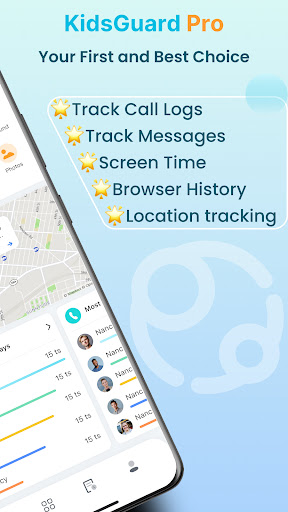
Key features include location tracking, social media monitoring, and usage reports.

How can I customize my experience and adjust preferences?

Adjust settings in the app to customize monitoring preferences and alerts.

How do I save or bookmark my favorite content for later access?

Use the app's dashboard to save or bookmark important activity reports.

How can I share content with friends or on social media?

Share content via social media or messaging apps directly from the app interface.

How do I access detailed information and explore more content?

Access detailed reports and explore more features through the app's main menu.

What permissions does this app need and how do I manage them?

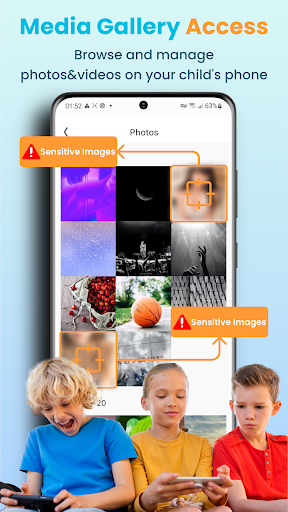
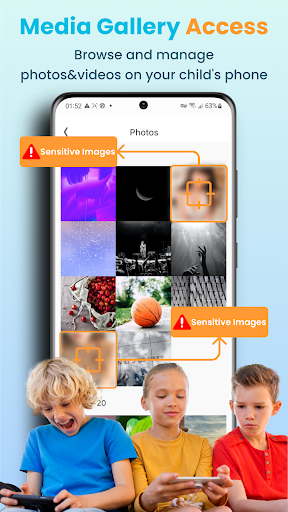
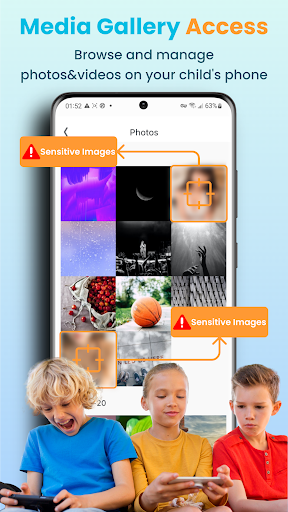
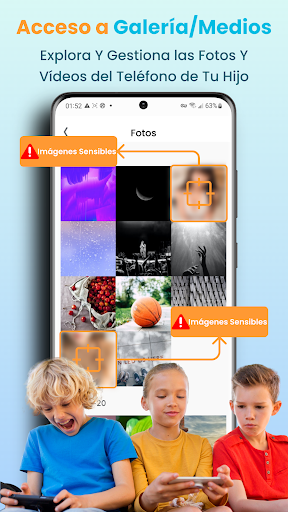
The app requires location and media permissions; manage these in device settings.

How do I check for updates and keep the app running smoothly?

Check for updates in the app store or within the app's settings menu.
Show more

User Reveiws

{{ comment.reviewer_name }}
{{ comment.review_date_formatted}}
{{ comment.review_content }}
{{ tab.name }}
{{ comment.reviewer_name }}
{{ comment.review_date_formatted}}
{{ comment.review_content }}
No reviews with this rating