Car Launcher Pro

4.40

Information

Category:

Auto & Vehicles

Price:

$ 6.99

Rank:

2

Rating:

4.40

Overview

Car Launcher Pro is a specialized application designed for automotive use, enabling users to seamlessly interact with their devices while driving. This app transforms your phone, tablet, or car's radio into an advanced onboard computer and launcher system.

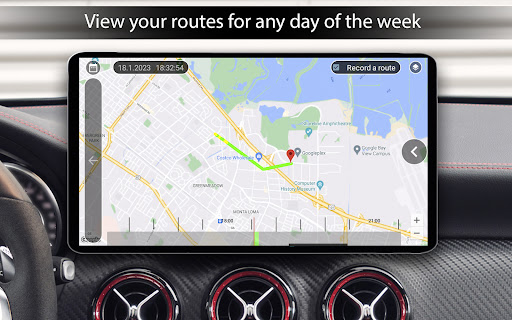
The core functionality includes GPS-based speed display, customizable quick-launch app folders, and trip data tracking. Users can monitor real-time vehicle speed, track travel distance, and access essential apps through an intuitive interface. The built-in onboard computer provides detailed driving statistics including average speed, total operating time, and acceleration metrics.

Ideal for drivers who need quick access to navigation, media, and communication apps while maintaining focus on the road. The application's adaptive design and customization options make it particularly valuable for modern vehicles, enhancing both safety and convenience during travel.

Features

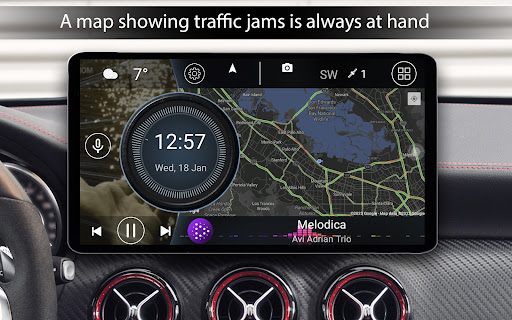
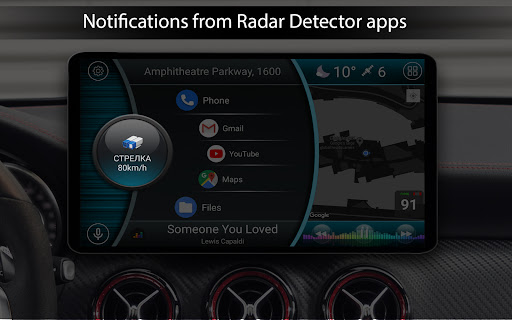
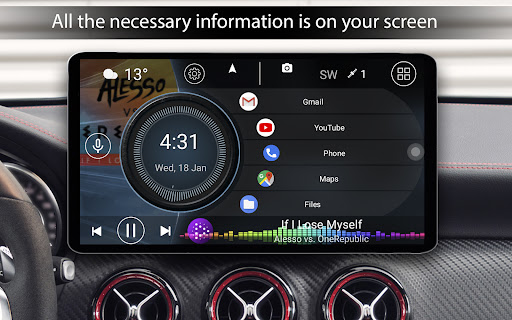
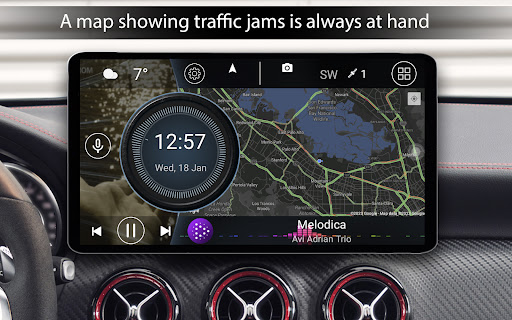
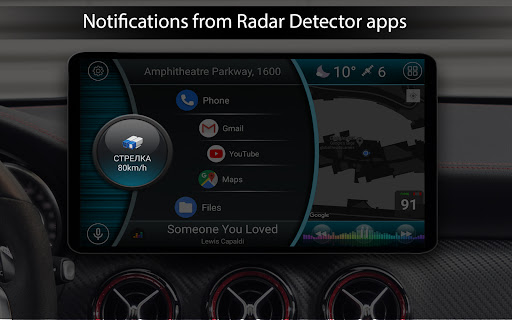
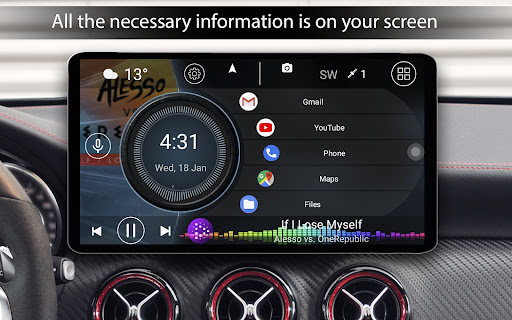
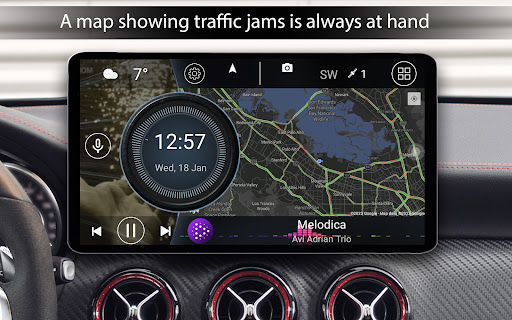
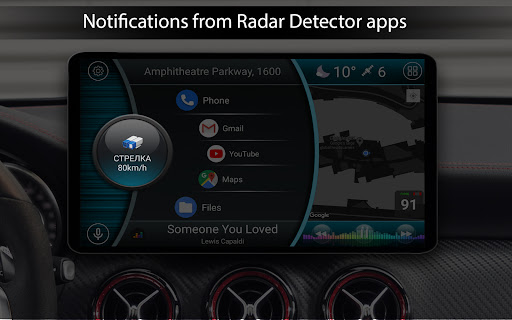
This automotive launcher offers an impressive array of features that cater specifically to drivers' needs. The main screen displays precise GPS-based speed information alongside customizable widgets for essential driving metrics.

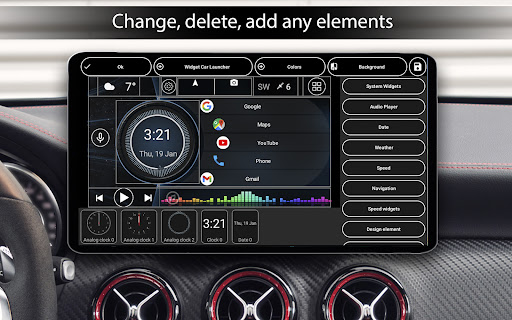
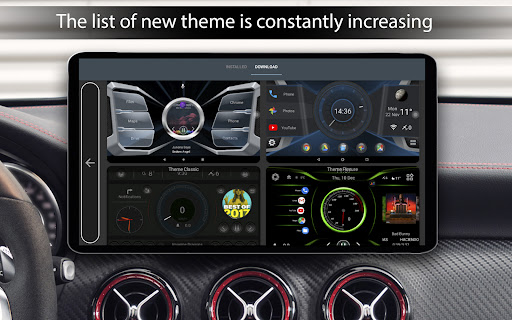
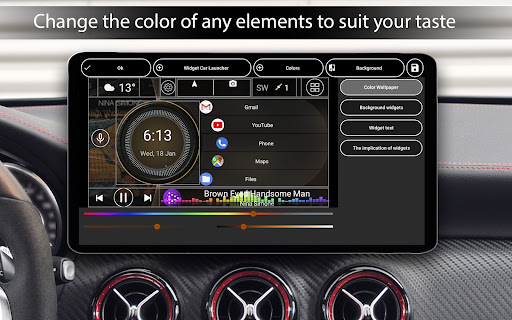
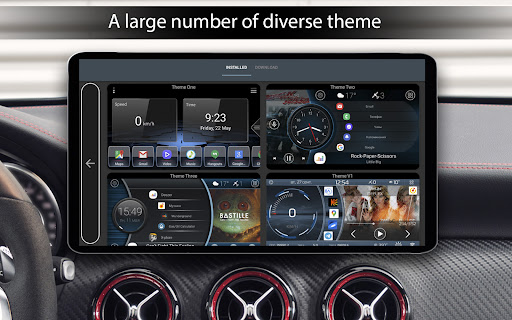
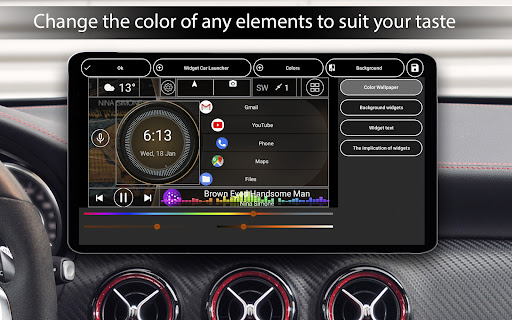
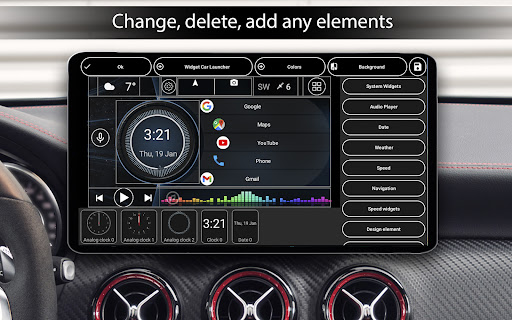
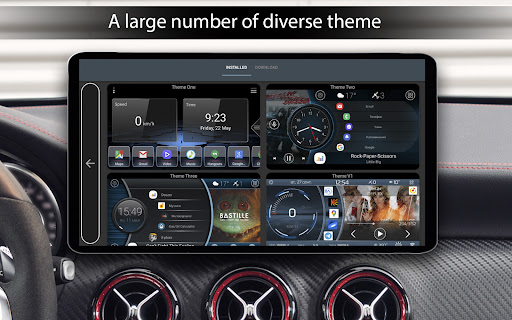
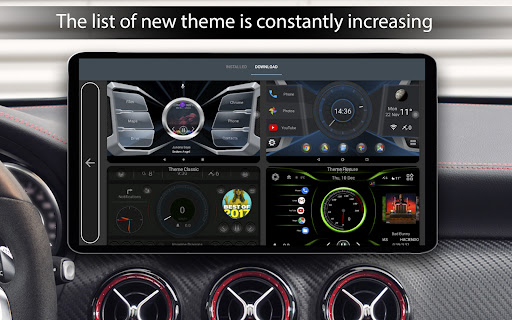
Users can create personalized app launchers with multiple folders for quick access to frequently used applications. The system supports third-party themes, icon packs, and widgets, allowing for complete interface customization. Advanced features include weather display, location information, and sophisticated screensaver options with numerous configuration settings.

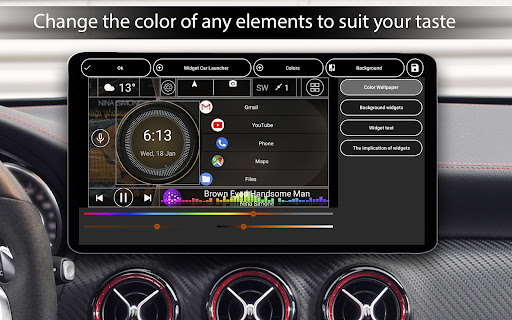
Unique to this launcher are specialized automotive widgets showing analog speedometers, movement time, and performance metrics. The application also offers comprehensive theme editing capabilities, automatic brightness control based on time of day, and support for various screen configurations, making it a versatile solution for vehicle-mounted devices.

Detailed vehicle information

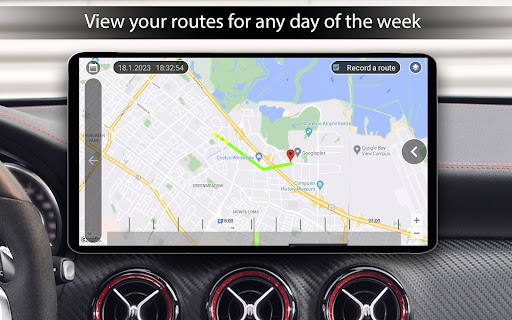
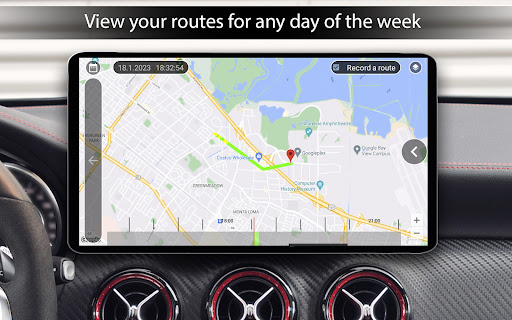
In the realm of automotive applications, providing detailed vehicle information is paramount for users seeking to understand and manage their driving experience effectively. Car Launcher Pro excels in this area by offering an extensive suite of features that not only display crucial vehicle metrics but also enhance the overall driving experience through customization and real-time data analysis. The application leverages GPS technology to provide users with precise speed readings, both on the main screen and within the status bar, ensuring drivers are always aware of their current velocity. Moreover, the app includes an onboard computer functionality that calculates travel distance over various periods, provided the user grants background GPS data access. This feature allows for a comprehensive overview of one's driving habits and patterns. Additionally, Car Launcher Pro offers advanced statistics such as maximum speed reached, acceleration times from 0km/h to 60km/h, 100km/h, and 150km/h, as well as the best time and speed for reaching a quarter mile. These metrics can be viewed across different time frames including trips, daily, weekly, monthly, or since the beginning of usage, giving users granular control over their data. Furthermore, the ability to reset trip data at any moment adds another layer of utility, enabling drivers to track specific journeys or monitor improvements in their driving efficiency over time. By integrating these sophisticated tools, Car Launcher Pro empowers users with actionable insights into their vehicle's performance, fostering safer and more informed driving practices.

Price transparency

Price transparency in automotive applications is essential for users who wish to make informed decisions regarding their purchases or subscriptions without hidden costs or surprises. Although Car Launcher Pro does not directly deal with financial transactions related to vehicle purchases or maintenance, it embodies the principle of price transparency through its clear presentation of premium features and functionalities. The application operates on a freemium model, where basic functionalities are accessible to all users, while more advanced capabilities are reserved for the PRO version. This approach ensures that users are fully aware of what they receive for free and what additional benefits come with upgrading to the paid tier. For instance, while the free version allows users to set up the app as the default launcher and add any number of applications for quick launch on the main screen, the PRO version unlocks the ability to create multiple folders for selected apps and switch between them effortlessly. Such clarity in feature differentiation enables potential buyers to evaluate the value proposition accurately before committing financially. Moreover, Car Launcher Pro provides detailed descriptions and visual previews of its themes and customization options, allowing users to assess the aesthetic and functional enhancements offered by third-party themes and icon packs. This level of openness extends to the appu2019s widget system, where users can preview and modify various widgets representing different aspects of their driving experience, such as analog speedometers, movement times, and maximum speeds. By maintaining a transparent framework around its offerings, Car Launcher Pro builds trust with its user base, encouraging adoption and satisfaction through honest communication about what each tier of service entails.

Props

Customizable interface

GPS speed integration

Driving statistics

Quick app access

Widget variety

Cons

Complex setup required

Background GPS usage

Premium features locked

High resource demand

Steep learning curve

Features and Functions

What is this app and what can I use it for?

A specialized car launcher with GPS speed display and app organization tools

How do I download and install this app on my device?

Search Car Launcher Pro in Google Play Store and install via standard installation process

How do I get started after opening the app for the first time?

Set as default launcher and configure initial preferences in settings menu

What are the main features and capabilities of this app?

Offers speed display, app organization, driving stats, and customizable interface options

How can I customize my experience and adjust preferences?

Adjust preferences through settings menu including themes, widgets, and display options

How do I save or bookmark my favorite content for later access?

Create custom folders for favorite apps in quick launch section

How can I share content with friends or on social media?

Use Android's share function to send content directly from supported apps

How do I access detailed information and explore more content?

Access detailed information through slide-out menu and widget customization options

What permissions does this app need and how do I manage them?

Requires GPS and location permissions for speed tracking and location services

How do I check for updates and keep the app running smoothly?

Check Google Play Store regularly for updates and maintain sufficient storage space
Show more

User Reveiws

{{ comment.reviewer_name }}
{{ comment.review_date_formatted}}
{{ comment.review_content }}
{{ tab.name }}
{{ comment.reviewer_name }}
{{ comment.review_date_formatted}}
{{ comment.review_content }}
No reviews with this rating