
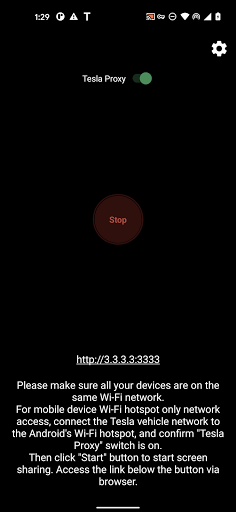
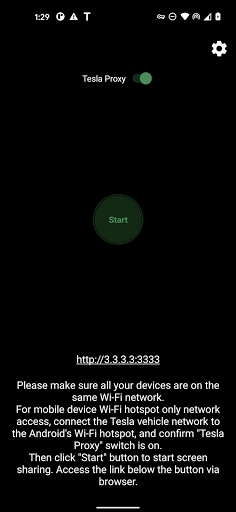
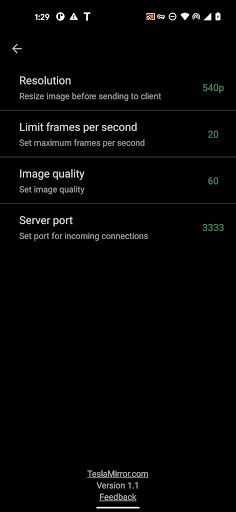

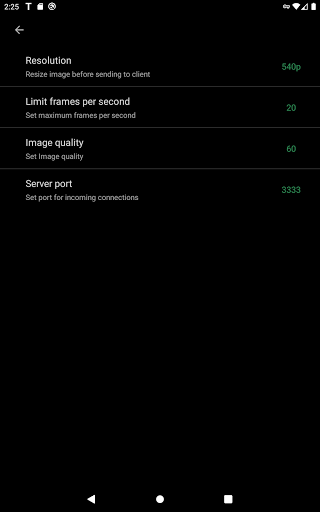
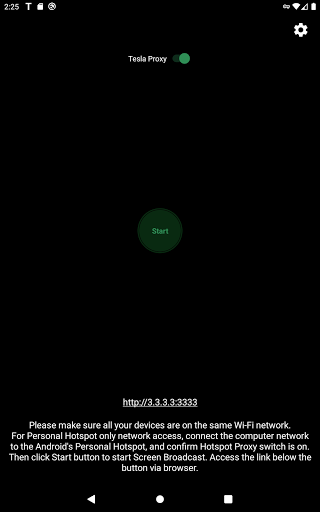
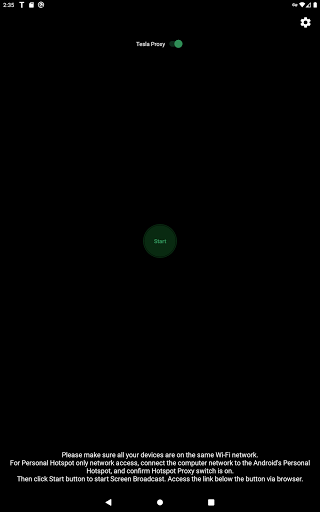
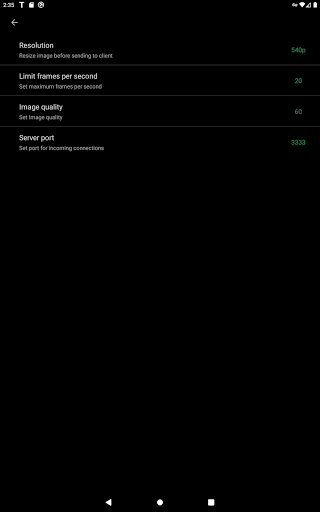
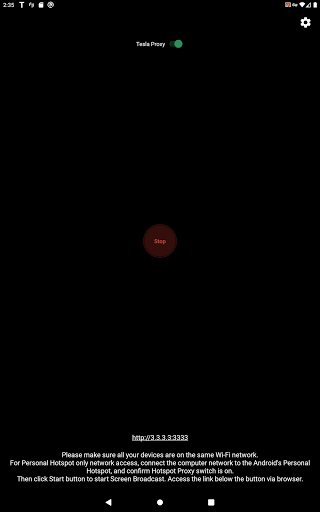
TeslaMirror is an innovative Android application that allows users to mirror their mobile device screens directly onto Tesla vehicle displays. The app supports Tesla models with MCU2/3 hardware, including Model 3, Model Y, and newer versions of Model S and X. With a 144-hour free trial period, users can test the app's capabilities before committing to a purchase.
The app offers multiple streaming modes, including H.264/H.265 for high-quality video and MJPEG mode for basic screen mirroring. It also features remote control functionality, enabling users to interact with their phones through the Tesla touchscreen. Importantly, TeslaMirror operates only when the vehicle is parked, ensuring compliance with safety regulations.
TeslaMirror stands out with its advanced streaming protocols tailored for different Tesla hardware versions. For MCU3 systems, it supports H.265 encoding at up to 1080p resolution, while MCU2 users can enjoy H.264 streaming at 540p. The app delivers lossless audio quality on Android 10+ devices using H.264/H.265 modes, surpassing typical Bluetooth audio standards.
A key feature is the remote control capability, allowing users to operate their phones directly from the Tesla interface. The app employs a secure local VPN tunnel to facilitate communication between the phone and vehicle, bypassing Tesla's IP restrictions without compromising privacy. All data transmission occurs locally between the devices, ensuring maximum security and performance.
High-quality video streaming
Remote control functionality
Secure local connection
Lossless audio support
Free trial period
Limited to Tesla vehicles
Requires specific hardware
No Netflix support
Complex setup process
Parked vehicle only

Simplify your drive
 3.90
3.90
AI Powered - Automotive Mechanic Assistant
4.30
Take state-specific DMV permit tests and ace the exam.
3.90
DMV practice test 2025: Driver License permit test & written test for all states
4.70
MySubaru: Download. Connect. Love.
4.70
Trip computer+car diagnostic tool with widest variety of features and dashboard!
4.70
Find Fast EV Chargers | Charge Your Vehicle at 1,100+ Fast Car Charging Stations
4.60
7-Day Returns on All Cars
4.80
Browse millions of cars, track vehicle listings or sell your car today
4.70
The Texaco App allows you to pay for fuel from the comfort of your car!
4.80
Marathon ARCO Rewards members earn rewards & apply the rewards for fuel savings!
4.80
1M+ high-quality auto parts at your fingertips. Fitment guaranteed.
4.70
Quick and easy car diagnostics to get you the right fix.
4.70
Autolist - The Largest Selection of Local Used Cars and Trucks
4.50
On the CarShield app, you can view contracts, make payments, & request roadside.
4.40
Secure mobile payments & fuel savings at Phillips 66®, Conoco® and 76® stations
4.40
Car Sounds Engine Sounds app welcomes Auto Lovers to feel Car Simulator Sound
4.20
By enthusiasts, for enthusiasts
4.00
Theme for Car Launcher
4.3


User Reveiws