
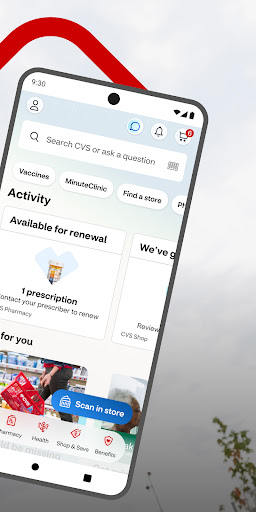
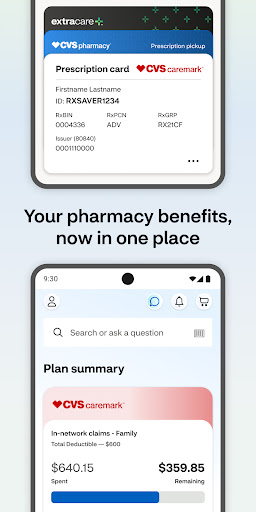
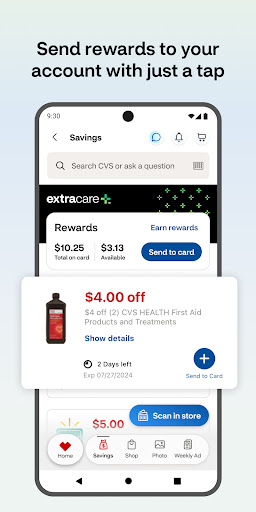
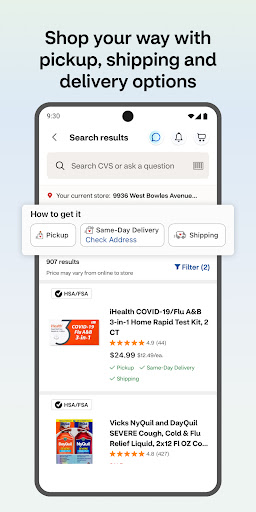
CVS Health is a comprehensive medical app designed to simplify healthcare and shopping experiences. The app serves as a one-stop solution for managing prescriptions, accessing deals, and scheduling health services. With features like ExtraCare® integration, users can save money while managing their healthcare needs efficiently. The app's functionality extends to prescription management, allowing users to order refills, check drug interactions, and view medication history. CVS Health also facilitates access to medical care through virtual consultations and local clinic visits, making it an essential tool for maintaining personal and family health.
The app's user-friendly interface and robust features cater to individuals seeking convenient healthcare solutions. Whether it's scheduling vaccines, ordering photo prints, or accessing weekly ads for local stores, CVS Health streamlines these processes. By integrating payment options and enabling same-day photo pickups, the app enhances convenience. It supports Android versions 10.0 and higher, ensuring compatibility with modern devices. Overall, CVS Health empowers users to stay healthy, save time, and reduce costs by consolidating various health-related services into a single platform.
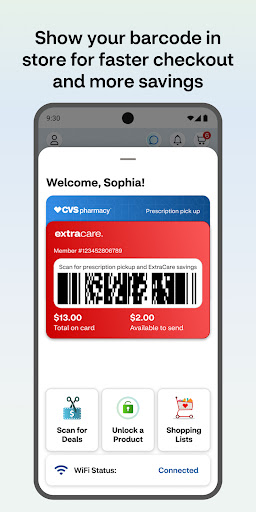
CVS Health offers a wide array of features that cater to both healthcare and shopping needs. One of its standout features is the seamless integration with ExtraCare®, allowing users to access exclusive deals, coupons, and rewards directly within the app. This feature not only simplifies the process of saving money but also ensures that users never miss out on promotions by enabling notifications for prescription updates and special offers. Additionally, the app provides a detailed weekly ad for local stores, helping users plan their shopping effectively.
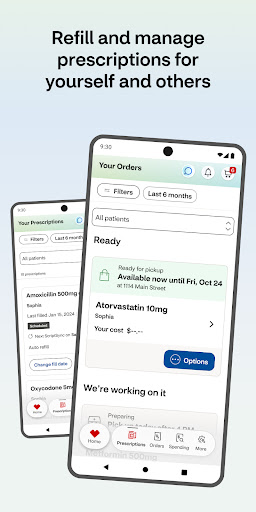
Another significant aspect of CVS Health is its robust prescription management system. Users can scan barcodes for faster pharmacy pickups, pay for medications online, and opt for home delivery. The app allows for easy reordering of prescriptions, checking their status, and reviewing past orders. Furthermore, it includes tools for checking drug interactions and accessing detailed medication information. These features collectively ensure that managing prescriptions is straightforward and efficient. Lastly, the app extends its utility beyond prescriptions by offering telehealth services, including video consultations with healthcare providers and scheduling appointments at nearby clinics, thus providing a holistic approach to healthcare management.
User-friendly interface
Comprehensive prescription management
Integrated telehealth services
Exclusive deals and coupons
Convenient photo printing options
Limited to Android 10.0+
Background GPS may drain battery
Some features require registration
Notifications can be intrusive
Telehealth availability varies by location

Spruce is the leading platform for HIPAA-compliant communication and care.
 4.90
4.90
Radiographic Positioning Guide for Medical Imaging Professionals and Students
4.50
Conveniently receive lab results, schedule lab appointment and pay your bills
3.70
Good for You. Great for Life.
4.00
Take your aphasia therapy to the next level with 4 evidence-based advanced apps
4.70
Boost reading, writing, speaking and listening with a scientifically proven app.
4.70
Donating plasma just got easier with the BioLife Plasma Services mobile app.
3.90
Continuous Glucose Monitoring
3.40
MyChart for Android
4.50
Elegant, easy-to-use period tracker for fertility, PMS symptoms, and more
4.90
Manage your prescriptions anytime, anywhere with the Publix Pharmacy mobile app.
4.80
Pelvic Floor Muscle Exercises
4.80
Access health information and communicate with your care team anytime, anywhere.
4.80
Save up to 80% on your pharmacy prescriptions & medications with free Rx coupons
4.70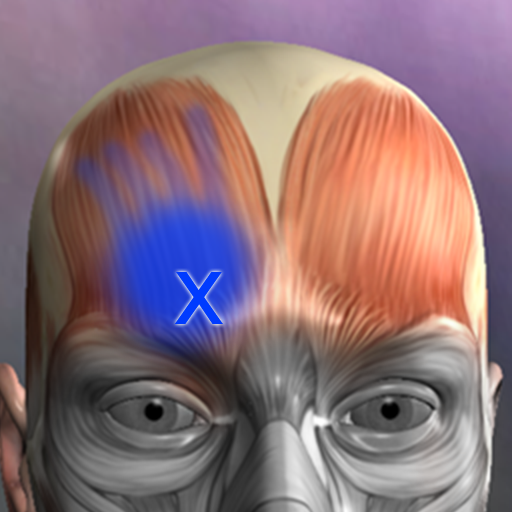
Discover the source of pain with Muscle Trigger Point Anatomy.
4.70
The MDLIVE app makes connecting with a doctor fast, easy, and convenient.
4.60
Personalized hearing experience and health data tracking
4.50
Over 1,200 review questions and 5 exams—pass the NREMT with EMT Review Plus!
4.10
MHealth is the mobile version of MEDITECH’s Patient and Consumer Health Portal.
3.10


User Reveiws