
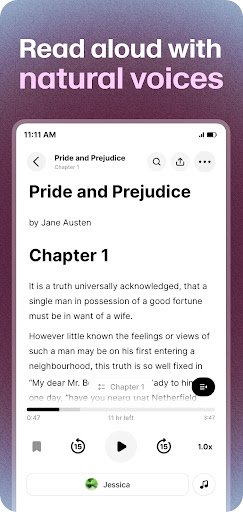

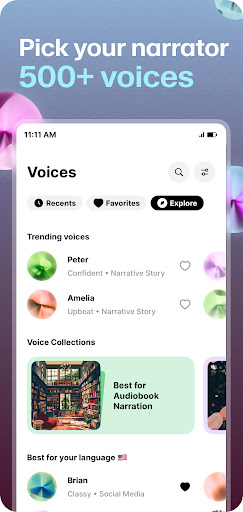
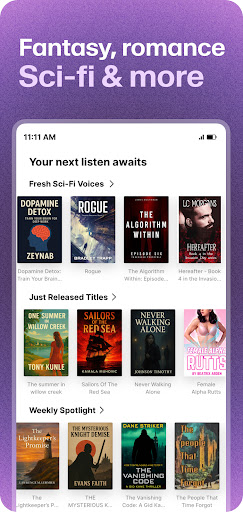
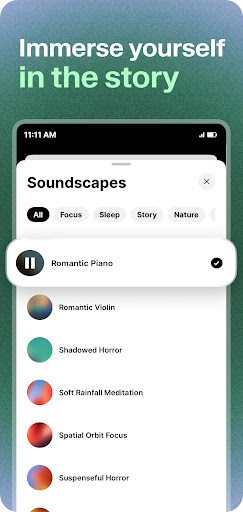

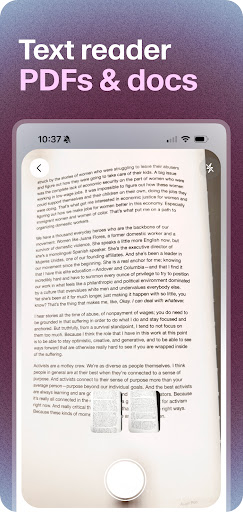
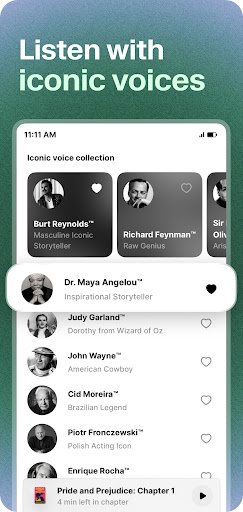

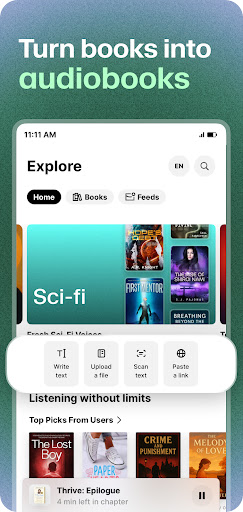
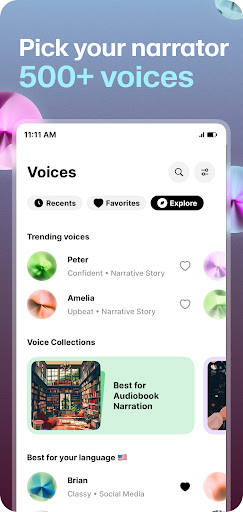
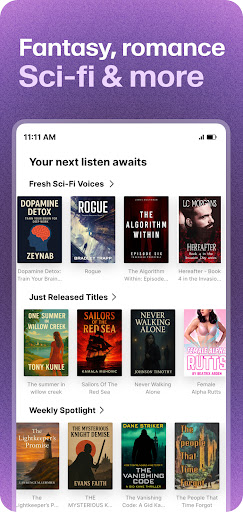
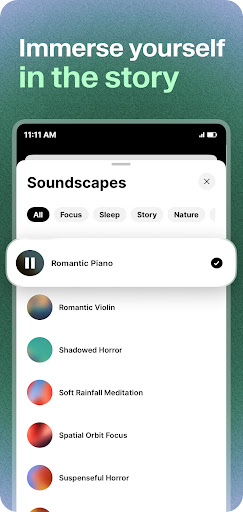
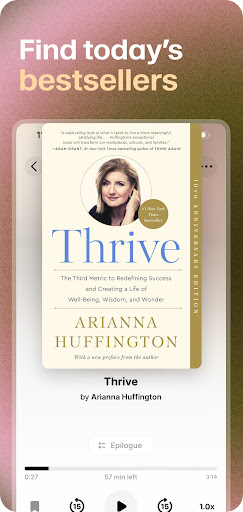

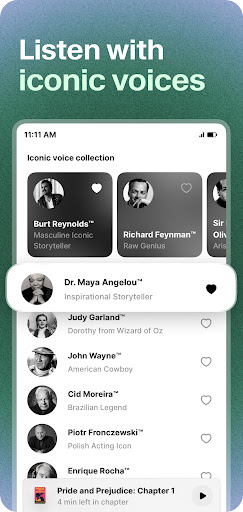
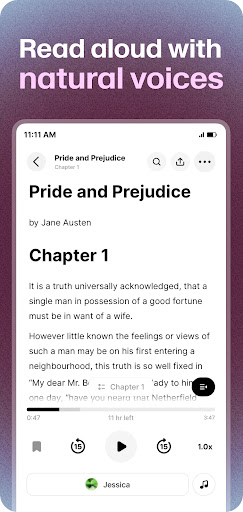
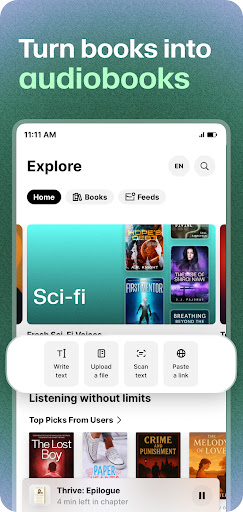
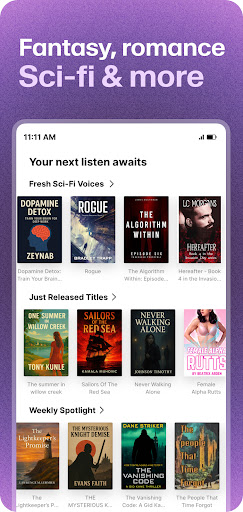
ElevenReader is an advanced AI-powered text-to-speech application designed to transform various forms of written content into natural, lifelike audio experiences. With support for over 32 languages, this app caters to a global audience, making it easier than ever to consume books, PDFs, documents, news articles, and blogs in audio format.
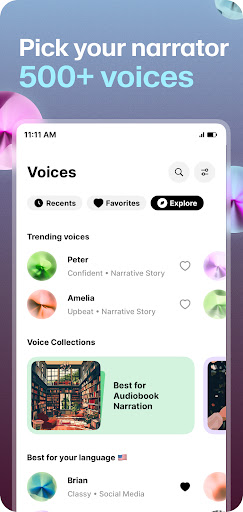
The app stands out with its cutting-edge TTS technology that delivers high-quality voice narration, mimicking real human expression and clarity. Whether you're commuting, working out, studying, or winding down for the day, ElevenReader serves as your personal reading assistant, turning any text into an engaging audiobook experience.
Its versatility extends to supporting users with specific needs such as dyslexia, ADHD, or visual impairments through features like text highlighting and customizable playback speeds. This makes ElevenReader not just a tool for convenience but also an essential aid for accessibility.
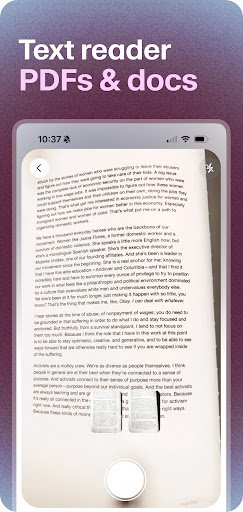
ElevenReader boasts an impressive array of features that enhance the reading experience. The app's core functionality lies in its ability to read aloud a wide variety of content types including PDFs, eBooks, web articles, and more, using state-of-the-art AI audio technology.
One of the standout features is the extensive language support, covering 32+ languages, which allows users from different linguistic backgrounds to enjoy content in their preferred language. Additionally, the app offers a personalized TTS dictionary, enabling users to control pronunciations according to their preferences.
For those who require additional assistance, ElevenReader provides text highlighting and adjustable playback speeds ranging from 0.25x to 3x, along with sleep timers for comfortable listening sessions. These thoughtful additions make the app suitable for educational purposes, leisure reading, and professional use alike.
User-friendly interface
High-quality voice output
Wide language support
Customizable reading options
Accessible features for all
Limited free content
Subscription fees apply
Occasional audio glitches
Large app size
Learning curve for settings

"Five Dr. Seuss titles in one omBook!"
 4.60
4.60
Powerful Bible study tools linked to every verse in an easy-to-use Bible reader!
4.60
Plan of Life that Saint Josemaría recommended
4.80
Offline translator from english to spanish, and from spanish to english.
4.50
Improve your vocabulary and grammar with the 15 biggest Oxford Dictionaries.
4.30
Werewolf novels & romance stories in audiobooks for book lovers! Werewolf storie
4.60
Liturgy of the Hours totally off-line
4.80
The dynamic dictionary/reference app for piano chords and scales!
4.80
Watch real short episodes in just minutes— addictive, you won't be able to stop!
4.70
"When tweetle beetles fight, it's called a tweetle beetle battle."
4.90
King James Bible read offline, AI Priest, Bible Quiz, Guiding Prayers & Plans
4.80
World's most comprehensive dictionary app: 13 languages, all online or offline!
4.80
Contains the 365 daily readings and everything other thing needed for catholics
4.70
Read unlimited novels, audiobooks, stories & Unlock ebooks, fanfiction and more!
4.70
The ultimate military vehicle identification (Equipment ID) guide.
4.40
Daily Bible app: King James Version with verses and audio for studying&prayer
4.40
Pretty Moon information App with Complications and Tile
4.30
Read the romance stories on the go. Take my breath away, The Spoiled Girl
4.30
“There was one last piece of cake. My little sister said ‘Me too!’”
4.00


User Reveiws