
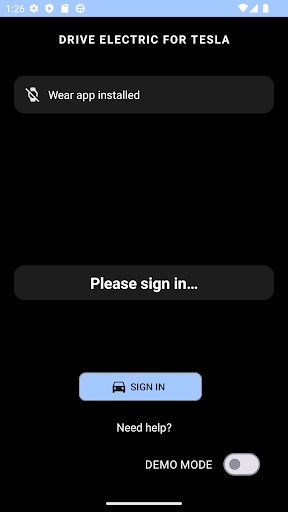
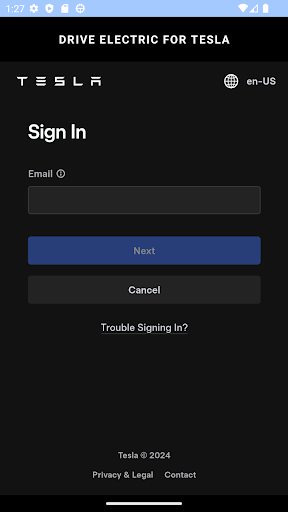

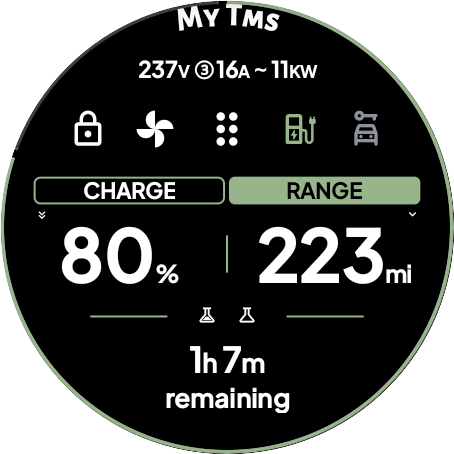
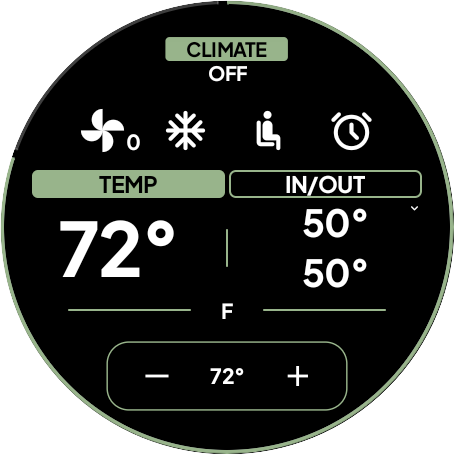

DRIVE Electric for Tesla revolutionizes how Tesla owners interact with their vehicles by transforming a Wear OS smartwatch into a powerful digital key. This innovative application leverages NFC, Bluetooth, and optional internet connectivity to enable seamless communication between your smartwatch and Tesla vehicle.
The app's core functionality eliminates the need to carry a traditional key fob or smartphone. Users can conveniently unlock, lock, and start their Tesla simply by wearing their smartwatch. It supports both NFC and Bluetooth Low Energy (BLE) technologies, making it compatible with Model 3/Y and newer Model S/X vehicles equipped with these features. Additionally, a premium subscription option provides remote access capabilities through Tesla's Fleet API.
What sets DRIVE Electric apart is its commitment to security and privacy. The application never stores user credentials or proxies data through third-party servers. All communications occur directly between the watch and Tesla's servers or the vehicle itself. This direct connection ensures maximum security while maintaining optimal performance.
DRIVE Electric for Tesla offers an impressive array of features designed to enhance the driving experience. The app's most distinctive capability is its support for multiple access methods including NFC, Bluetooth, and optional internet-based remote access through a subscription service. This versatility allows users to choose the most convenient way to interact with their vehicle based on proximity and preference.
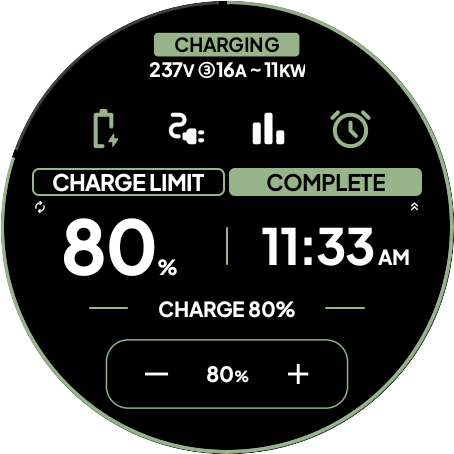
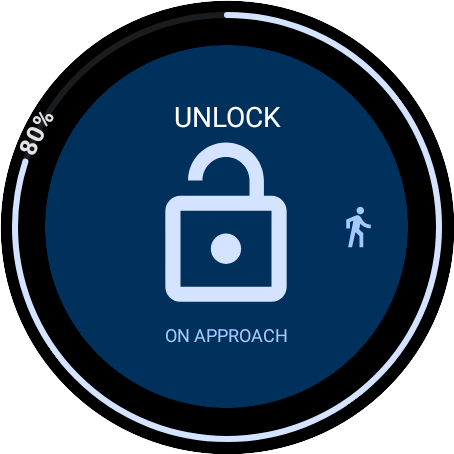
A standout feature is the OnApproach functionality, which enables users to schedule commands that execute automatically upon nearing their vehicle. For instance, you can program the trunk to open as you approach with groceries. The app also includes six customizable tiles for quick access to frequently used commands, plus a unique watch complication displaying battery status and charging time estimates.
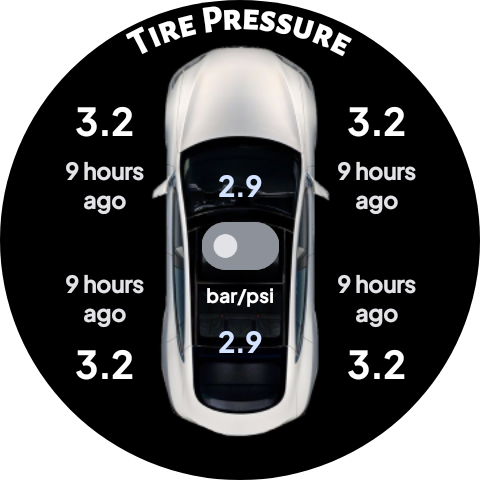
Additional practical features include comprehensive vehicle location services through compass and map views, optional PIN code protection for enhanced security, and support for most commands available in Tesla's official app. These capabilities transform a simple smartwatch into an advanced vehicle control center, providing unprecedented convenience while maintaining robust security protocols.
Convenient keyless entry
Enhanced security features
Multiple access methods
Customizable interface
Direct Tesla communication
Premium features require subscription
Limited to compatible models
Dependent on Tesla API access
No Tizen OS support
Potential future compatibility issues

Smart controls for your Ember Smart Mugs
 4.10
4.10
Unique Dark Analog style for Wear OS watches.
4.5
Stay connected with your loved ones & vehicles | Share live GPS location updates
4.60
A smart Siddur with halachic times
4.60
See wait times and check into a hair salon ahead of time with Online Check-In.
4.80
Get the news, events and savings that matter to you with AARP Now.
4.80
Make money, get paid cash rewards & gift cards for every survey. Earn today!
4.60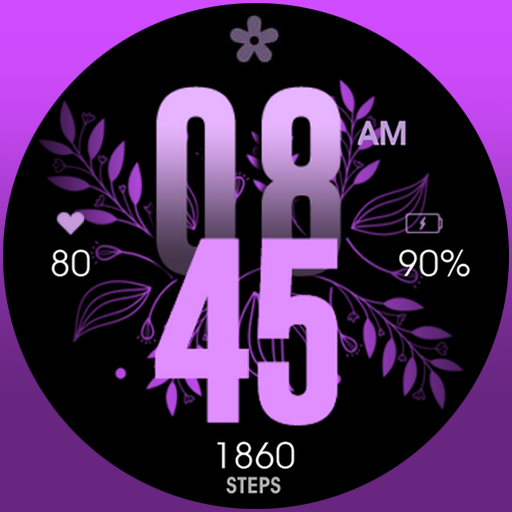
Colorful selection floral watch face with gyro for Wear OS
4.60
An Eerie Musical Trigger Toy for Spirits to Play with!
3.50
Get roadside help, discounts, travel tools & more — AAA is with you everywhere.
4.80
Made To Order Faves
4.70
The all-new Cync app. The simple, connected app for Cync and C by GE.
4.50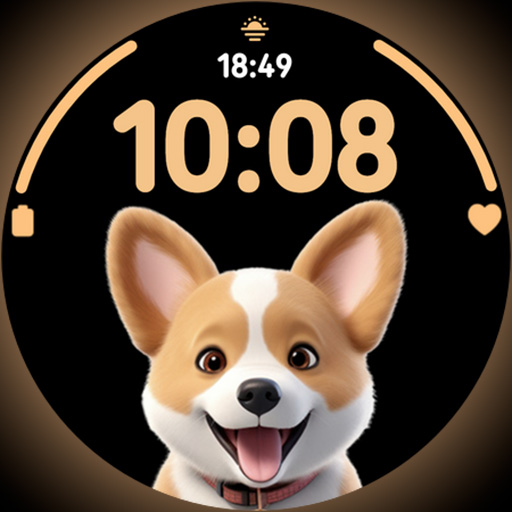
Cute Adorable Animals now on your wrist with our Wear OS watch face!
4.40
Spirit Communicator is a real paranormal ghost hunting app with many fun modes.
3.90
Connect to your Shark ROBOT™ from anywhere using the SharkClean™ App.
3.60
Falling Fruit is a massive collaborative map of food in our cities.
3.20
Turn your watch into a key fob for your Tesla
2.90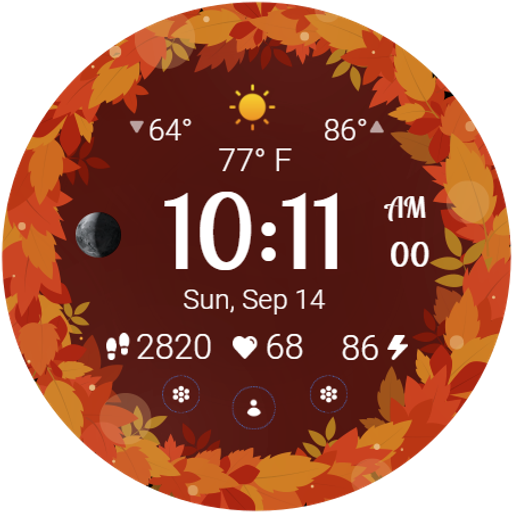
Bring the warm colors of fall directly to your wrist with Autumn Leaves!
4.2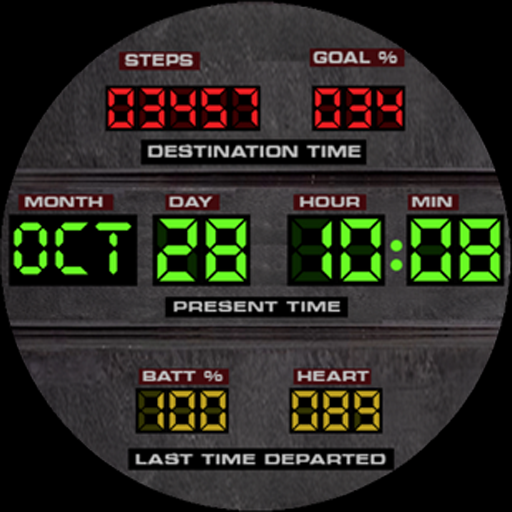
Futuristic watchface inspired by Back to the Future: sleek, retro, timeless
4.3


User Reveiws