
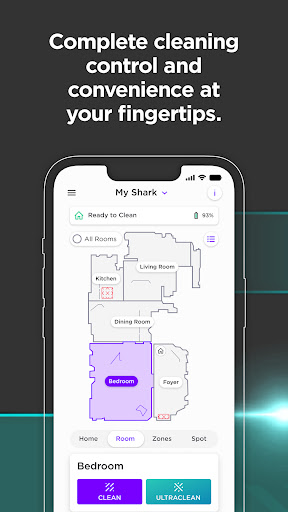
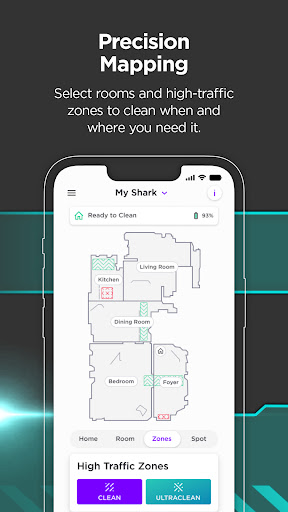

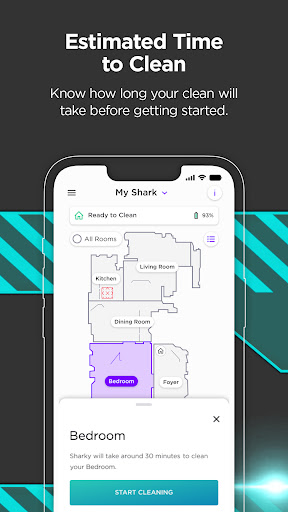
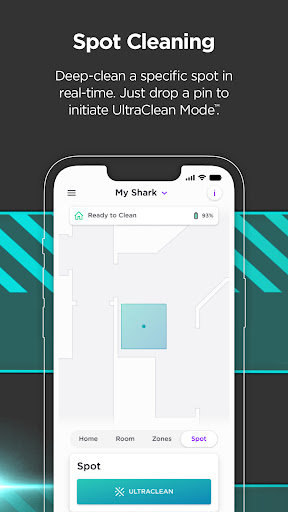
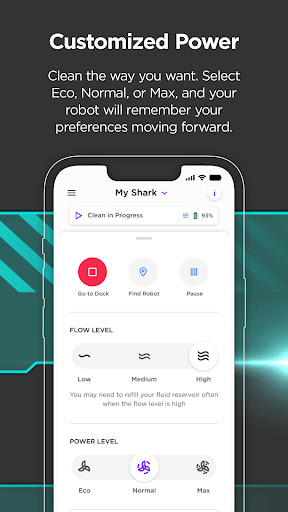
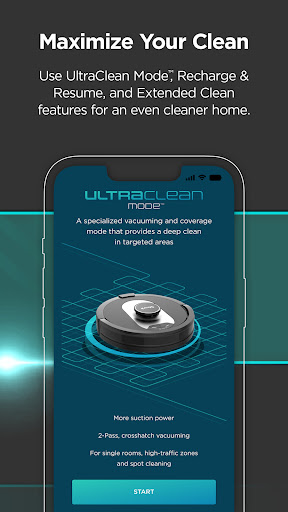
SharkClean is a comprehensive lifestyle application designed to enhance the functionality of Shark® Connected Robotic Vacuums. With this app, users can unlock powerful cleaning performance and manage their robotic vacuums from anywhere in the world. The app serves as the central hub for customizing your robot's settings, scheduling cleans, and creating detailed maps of your home.
The application supports various models and offers advanced features like voice controls with Amazon Alexa and Google Home integration. Users can enable Recharge & Resume functionality, clean specific rooms or zones, and even switch to VacMop™ mode for simultaneous vacuuming and mopping. These features ensure optimal cleaning coverage and convenience.
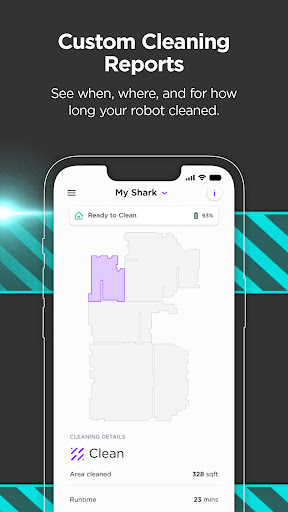
Whether you need to schedule routine cleaning sessions or require immediate cleaning of specific areas, SharkClean provides the tools to get the job done efficiently. Plus, with access to troubleshooting tips, FAQs, and detailed Cleaning Reports, maintaining your robotic vacuum has never been easier.
SharkClean boasts an array of sophisticated features tailored to maximize the efficiency and convenience of using Shark® Connected Robotic Vacuums. One of its standout capabilities is the ability to schedule cleanings for all models, allowing users to set specific days and times for automated cleaning sessions. This ensures that your home remains spotless without any manual intervention.
Voice control integration with Amazon Alexa and Google Assistant adds another layer of convenience. Users can issue voice commands to start, stop, or pause cleaning sessions effortlessly. For models 1000 and 2000, the app enables Recharge & Resume functionality, where the robot returns to its base, recharges, and continues cleaning from where it left off.
For more advanced models, SharkClean allows users to create detailed maps of their homes, customize cleaning by specific rooms or zones, and even switch to VacMop™ mode for dual vacuuming and mopping action. These features collectively offer unparalleled control and customization options, making household cleaning more efficient and effective.
User-friendly interface
Advanced scheduling options
Voice command compatibility
Customizable cleaning zones
Detailed cleaning reports
Limited to Shark devices
Requires stable Wi-Fi
Premium features for higher models
Initial setup complexity
Model-specific functionalities
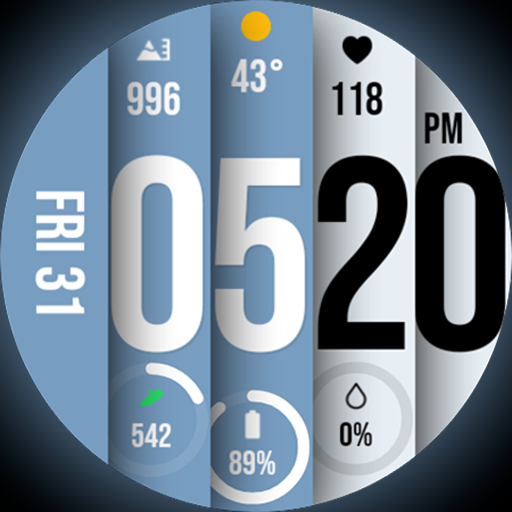
Unique BIG BOLD TIME with amazing colors and customisations.
 3.70
3.70
The all-new Cync app. The simple, connected app for Cync and C by GE.
4.50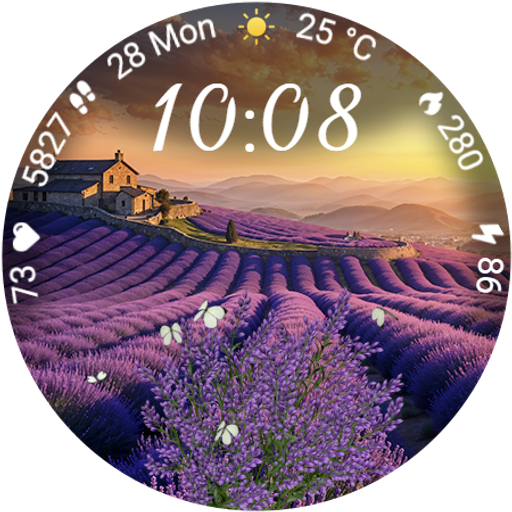
Immerse yourself in the serenity of lavender fields and white butterflies
4.2
This is a simple and highly functional alarm clock "Smart Alarm" paid version.
4.20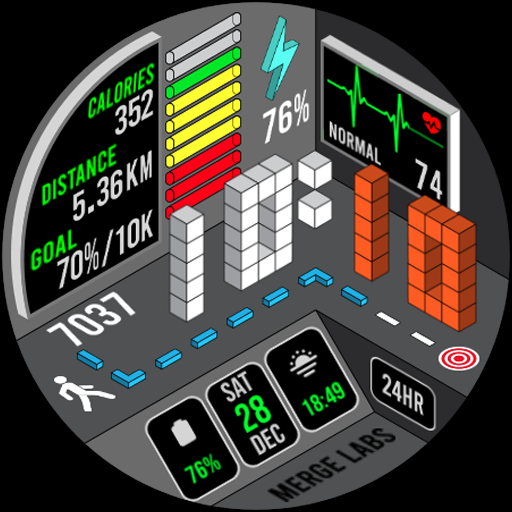
A uniquely designed isometric digital watch face made for Wear OS
4.3
SmartHQ: Your Connected Home Command Center
4.10
DailyGift can help you record your habits and get rewards along the way!
4.60
Remotely monitor the time and temperature of food cooking on your grill.
4.60
Earn money for every survey and game you play, and get real rewards every time
4.50
Good magnifier app to see tiny things bigger and more clearly!
4.80
Pay your rent, submit work orders and much more with the RentCafe Resident App.
4.70
Smart & Healthy Living
4.60
Crochet made easy: step-by-step tutorials, beginner patterns & projects
4.60
Subwoofer school’s in session! You’ve now enrolled into KICKER U.
3.80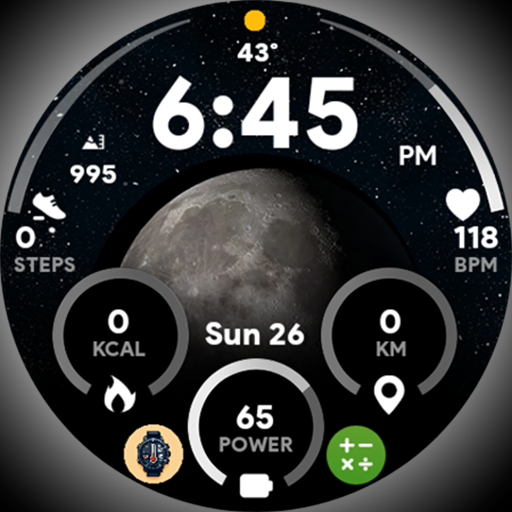
Unique informative Dial with Live Moon Phase at a glance!
3.60
Falling Fruit is a massive collaborative map of food in our cities.
3.20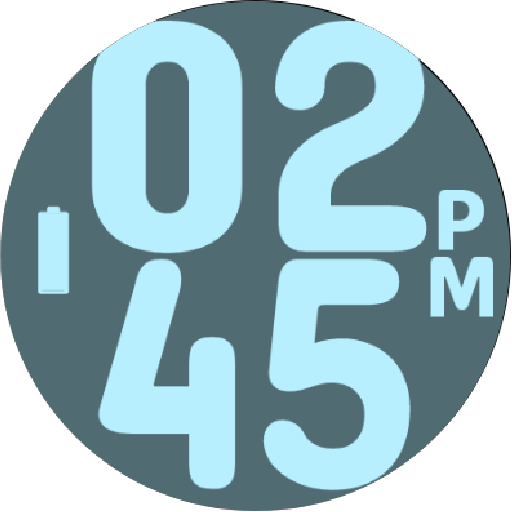
Duo Watch Face (animated)
4.3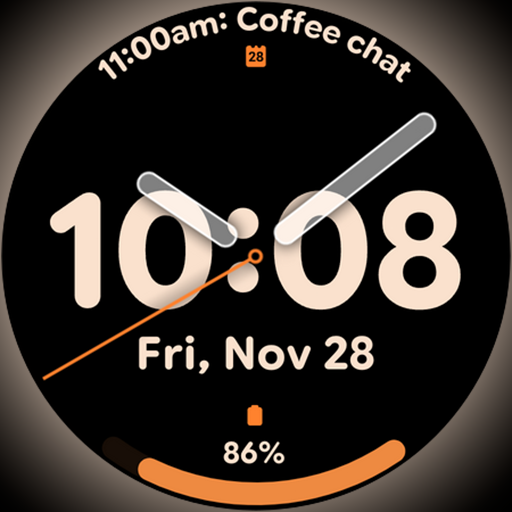
Big bold hybrid watch face with 30 colors, 5 fonts & 5 complications.
4.1
Customize your Wear OS watch with festive Christmas figures and colors!
4.0


User Reveiws