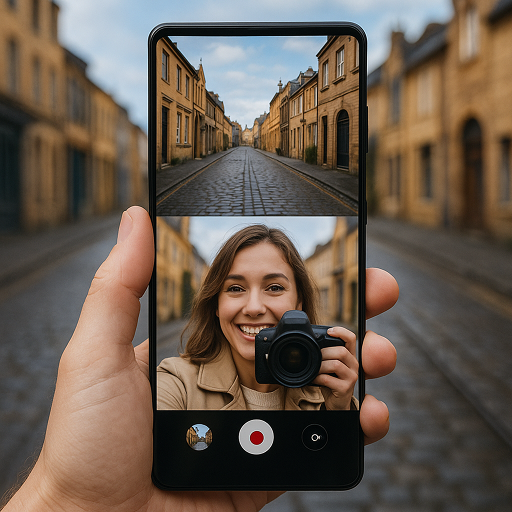
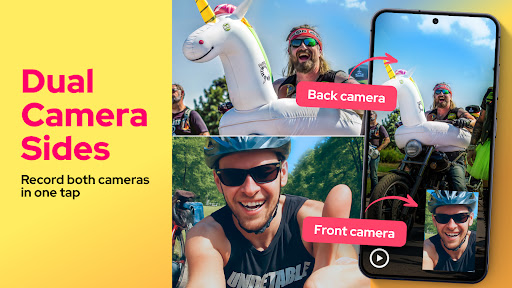
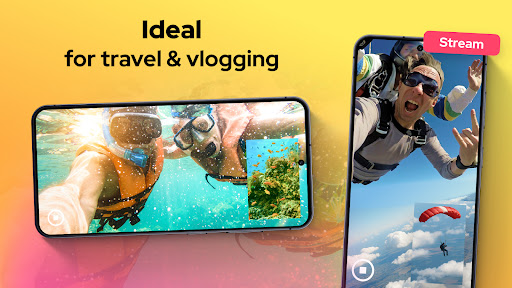
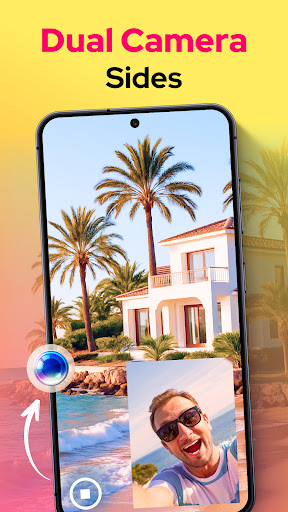
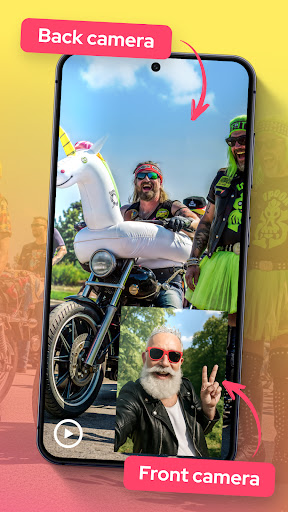
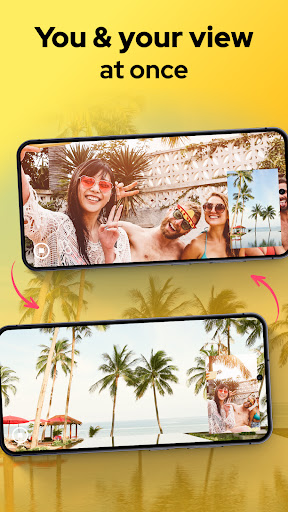
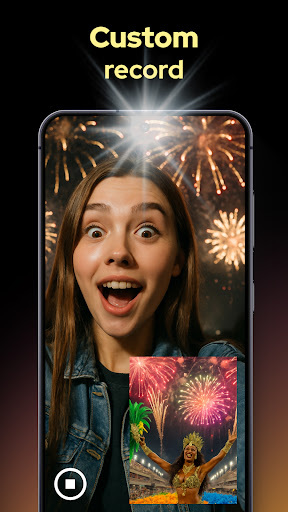
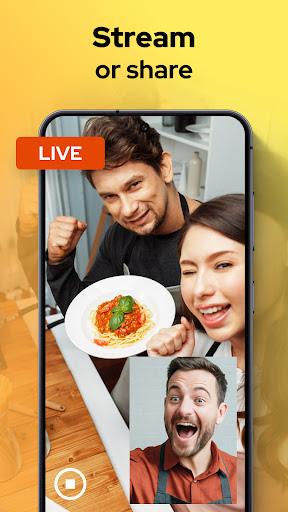
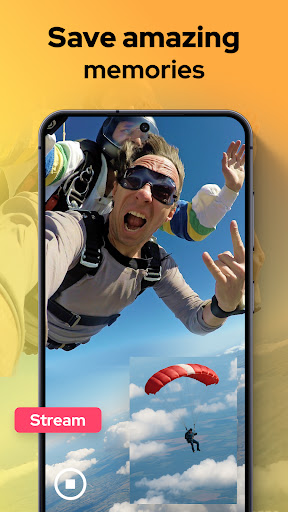
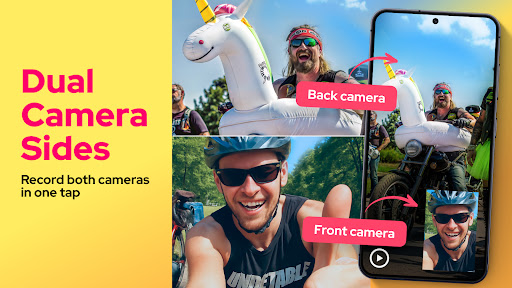
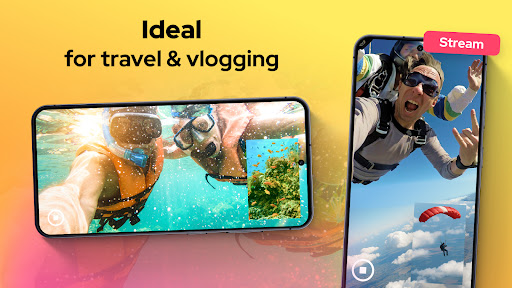
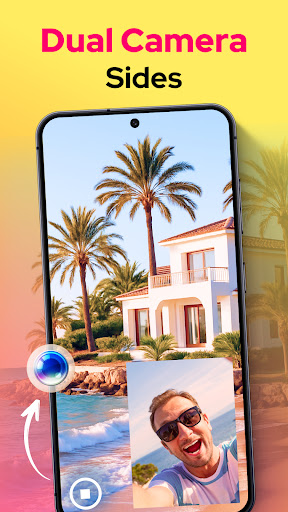
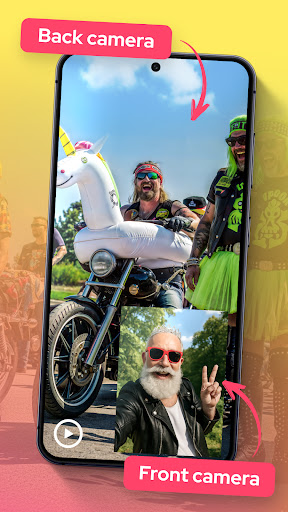
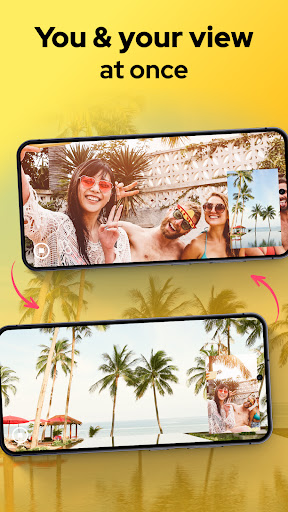
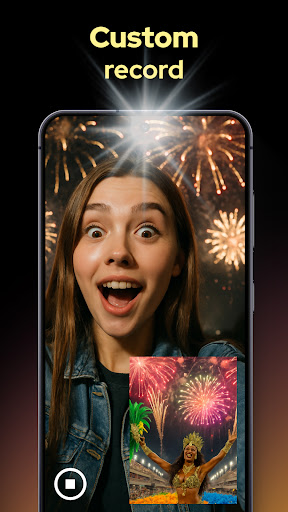
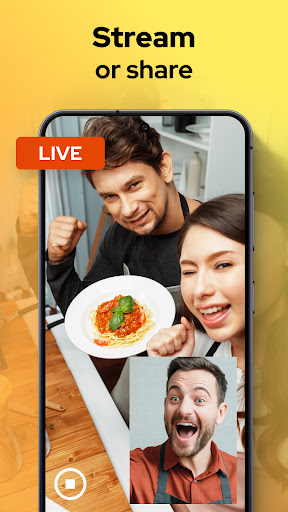
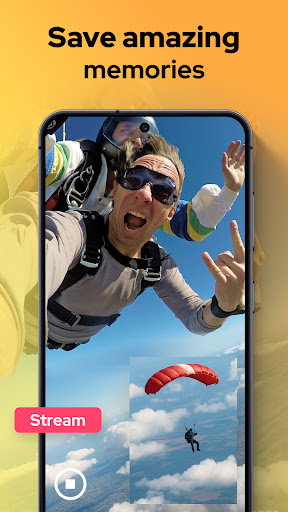
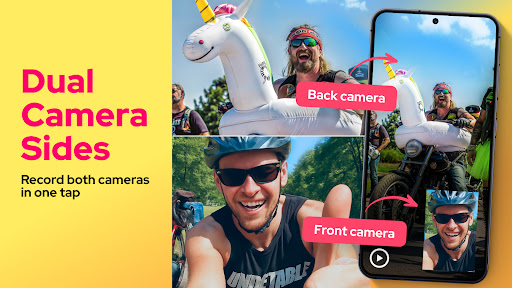
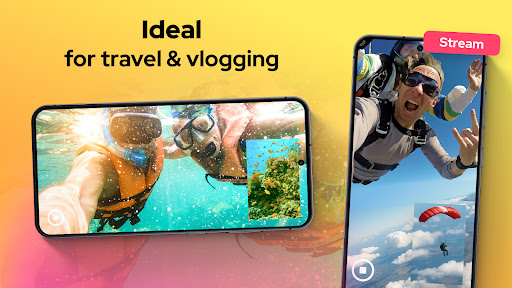
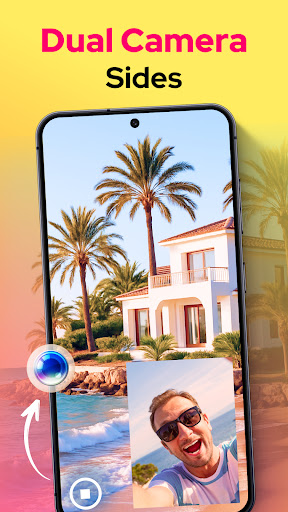
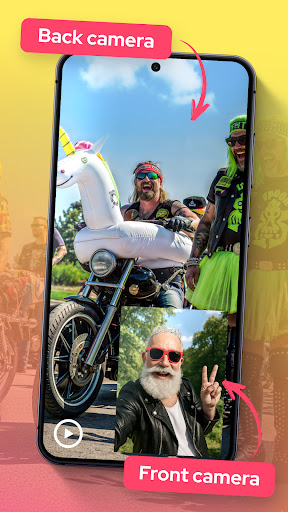
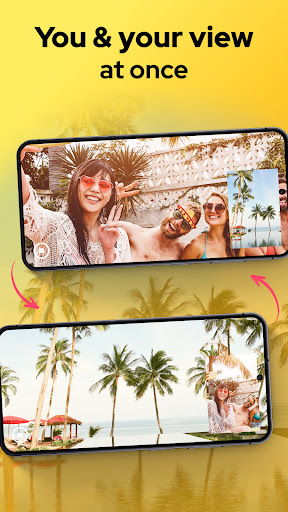
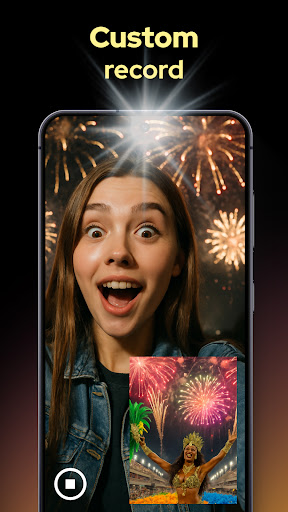
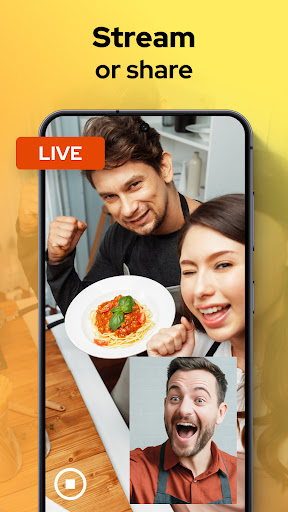
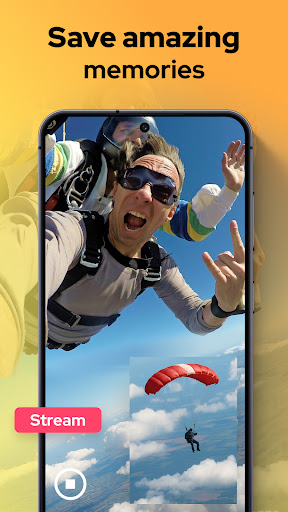
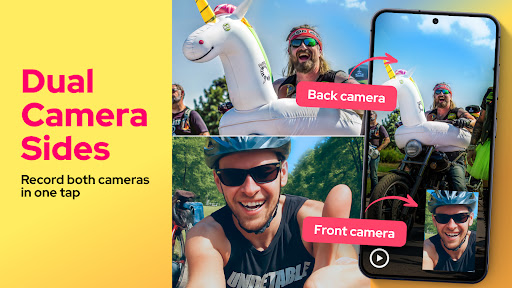
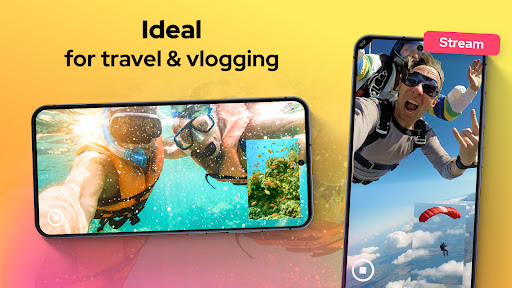
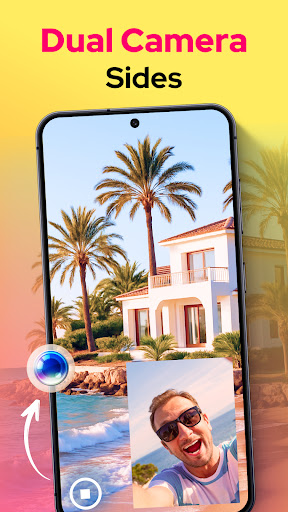
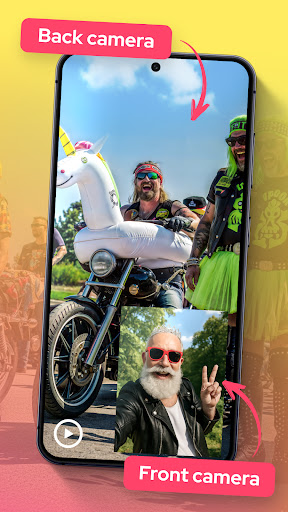
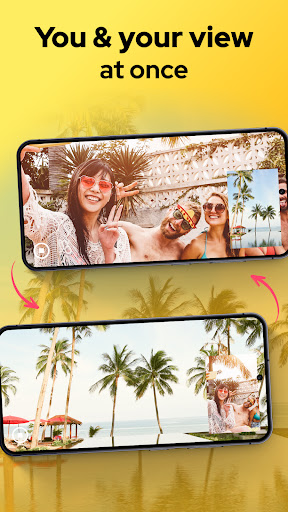
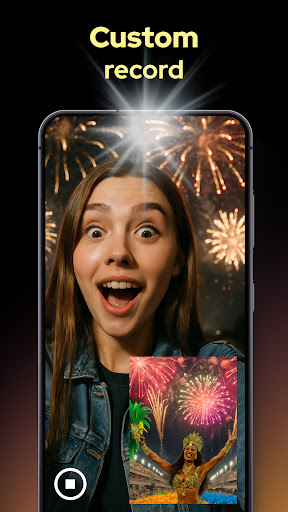
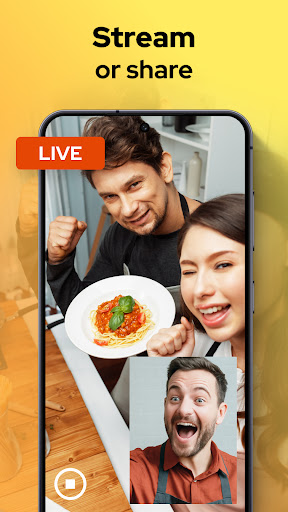
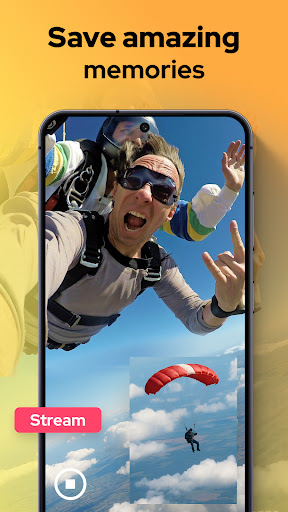
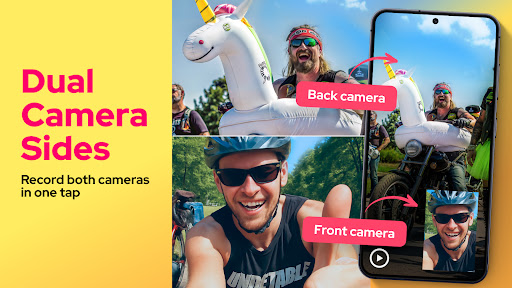
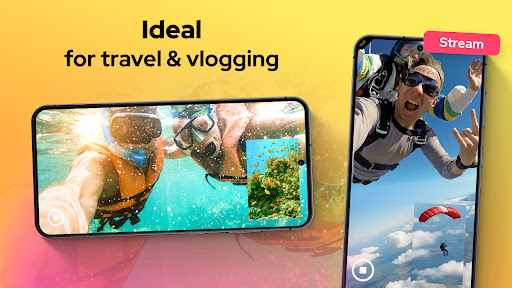
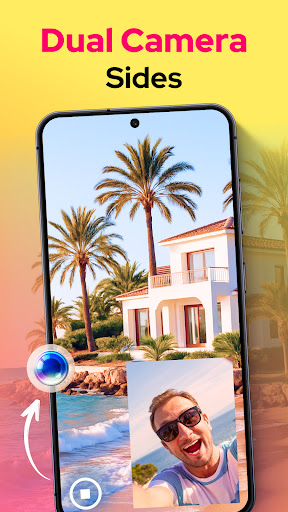

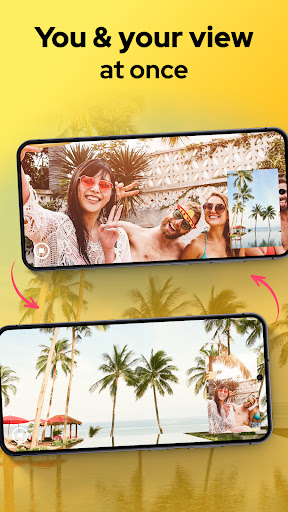
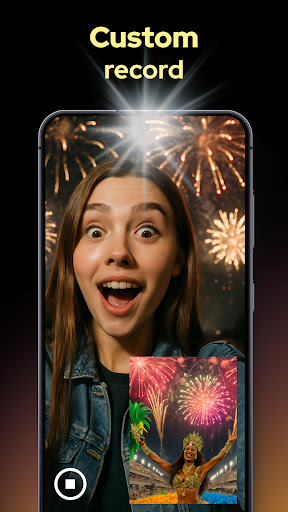
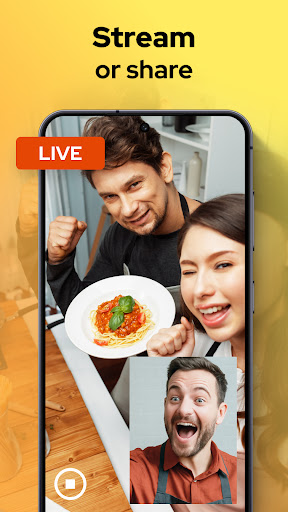
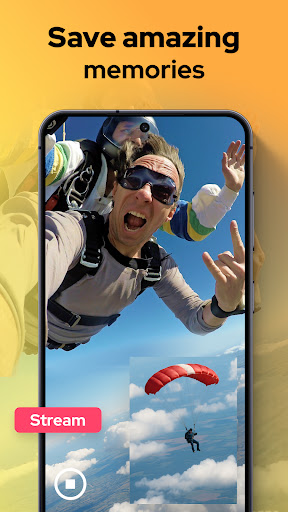
Dual Camera Sides is a powerful video recording application that allows users to capture footage simultaneously from both the front and rear cameras of their mobile device. This innovative Libraries & Demo app offers content creators, vloggers, and casual users an efficient way to record complete perspectives without missing any details.
The app's standout feature is its ability to provide multiple viewing options during recording. Users can choose between picture-in-picture or split-screen modes, giving them creative control over how their content is presented. The application also supports quick photo captures while recording and allows angle switching without pausing, making it perfect for dynamic storytelling.
Whether you're creating reaction videos, tutorials, or documenting special moments, Dual Camera Sides ensures you never miss an important angle. Its professional-grade manual controls for focus, brightness, and exposure make it suitable for both amateur and advanced videographers looking to enhance their mobile recording capabilities.
The app boasts an impressive array of features designed to enhance mobile video recording. Its primary capability is simultaneous dual-camera operation, allowing users to capture both front-facing and rear-facing perspectives in real-time. This functionality is particularly valuable for content creators who need to document both their reactions and the surrounding environment.
Users can customize their recording experience through various display modes including picture-in-picture, split-screen, and floating window arrangements. The app maintains smooth performance while offering professional-grade manual controls for focus, brightness, and exposure adjustments. Its background mode enables continuous recording even while multitasking with other applications.
Additional notable features include seamless photo capture during video recording, instant angle switching, and quick export options for sharing content across platforms. These comprehensive capabilities make Dual Camera Sides an excellent tool for vloggers, tutorial creators, and anyone seeking to maximize their mobile recording potential while maintaining creative control over their content presentation.
User-friendly interface
Professional-grade controls
Seamless dual recording
Creative display options
Background operation support
May drain battery quickly
Requires modern hardware
Limited free features
Occasional frame drops
Large file sizes

Game Booster GFX for smoother gaming experience. Enjoy 120 FPS and 4x Game Space
 4.20
4.20
Do you want to drive easy ? do you wanna full mirror link Mobile with your car
4.10
Read Holy Quran Feel Like Real Quran & Listen Al Quran Mp3 Audio Online Offline.
4.70
Connect and find your Smart Tag 2 devices through our app.
3.60
Sad ringtones full of feeling, sad music ringtones
3.90
Connect your phone to any endoscope camera, USB camera, or borescope with ease.
3.70
Block, disable and secure phone camera from secretly taking photos by spyware.
4.50
a wireless controller that provides a seamless and gaming experience for players
3.80
Turn your phone into a wireless Xbox controller – play, stream & control anytime
4.0
Demo for Key Attestation feature of the Android system.
4.80
Expo is a free & open source platform to build apps using JavaScript and React.
4.70
Phone Software Update Quick Checker helps you to keep your phone apps up to date
4.50
Barcode scanning made simple!
4.40
Recite Quran Majeed القران with special 16 line real Kuran page in hand
4.30
use your smartphone as Remote control drones .
4.20
CloudEye 365 is a easy-handling APP
3.60
Now Available on Android ™
3.40
Collection of Maps and Mods for Dmod
3.30
Identify securely online
3.10


User Reveiws