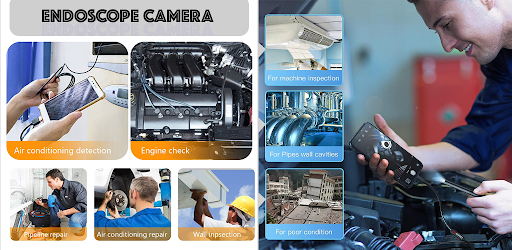
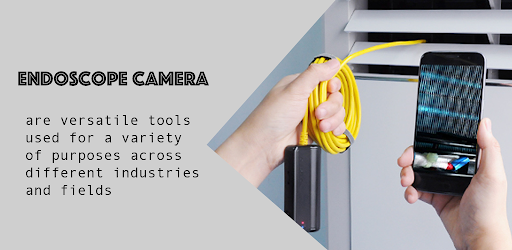
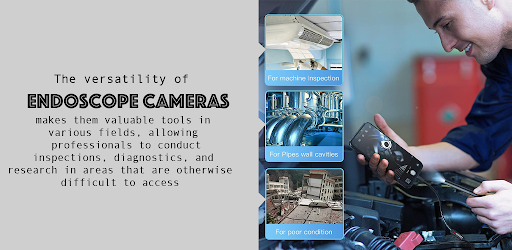
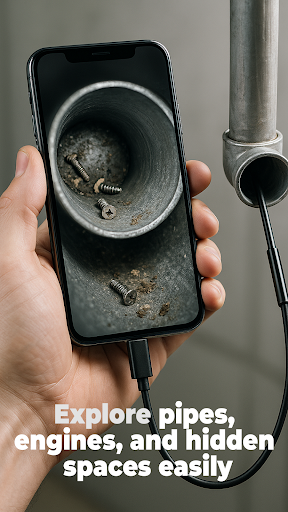
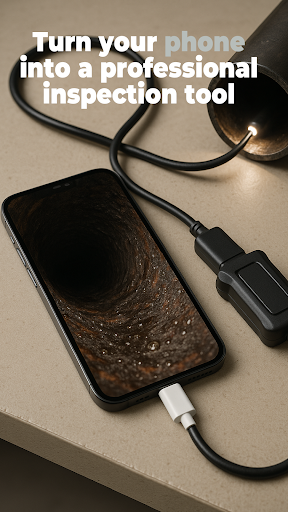
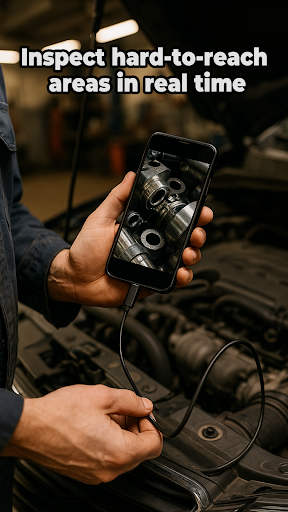

The Endoscope Camera app is a versatile tool designed to connect your smartphone with various external camera devices, including endoscopes, USB cameras, borescopes, and sewer inspection cameras. This functionality makes it an ideal choice for anyone needing to inspect hard-to-reach areas such as blocked drains or pipes without the need for costly professional equipment.
With its user-friendly interface, the app allows you to quickly set up your device via OTG USB connection. Once connected, users can capture high-quality photos and videos, making it easier than ever to diagnose issues in plumbing or other tight spaces. The built-in gallery feature provides seamless management of your media files, allowing you to view, delete, and organize your content effortlessly.
This app transforms your smartphone into a powerful inspection tool, saving both time and money while ensuring that you have clear visuals of any problem areas. Whether you're a DIY enthusiast or a professional, the Endoscope Camera app offers practical solutions for all your inspection needs.
The Endoscope Camera app boasts a range of features that cater to both novice and experienced users. One of its standout capabilities is the broad compatibility with various external camera devices, including endoscopes, USB cameras, borescopes, and sewer inspection cameras. This versatility ensures that no matter what type of inspection you need to perform, the app has you covered.
Setting up the app is a breeze thanks to its quick and easy OTG USB connection process. Within seconds, you can have your external camera linked to your smartphone, ready to capture detailed images and videos. Speaking of which, the app supports high-quality photo and video recording, providing crystal-clear visuals that are crucial for accurate inspections.
Another notable feature is the built-in gallery, which simplifies the management of your captured media. You can easily view, delete, and organize your photos and videos directly within the app. This comprehensive suite of features makes the Endoscope Camera app an indispensable tool for anyone involved in inspections, maintenance, or exploratory tasks.
User-friendly interface
High-quality imaging
Broad device compatibility
Quick setup process
Integrated media management
Limited advanced settings
No cloud backup option
Basic video editing tools
Occasional connectivity issues
Ads in free version

Enjoy Minecraft Mod Scary Neighbor Granny for Minecraft PE.
 4.30
4.30
Demo for Key Attestation feature of the Android system.
4.80
Connect and find your Smarttag devices through our app.
4.00
Read Quran pak offline & listen online mp3 Quran in Al Quran Majeed app
4.5
Test DPC is a sample device policy controller for use with Android Enterprise.
4.20
Block, disable and secure phone camera from secretly taking photos by spyware.
4.50
Recite Quran Majeed القران with special 16 line real Kuran page in hand
4.30
Study Bible King James Version: the correct way to learn the Bible with audio
4.80
Experience virtual reality on your smartphone with Cardboard.
3.50
Phone Software Update Quick Checker helps you to keep your phone apps up to date
4.50
View your cameras anywhere and anytime
4.20
A Pydroid Quick Install repository provider.
4.00
a wireless controller that provides a seamless and gaming experience for players
3.80
Use your Phone as Drone Controller.
3.70
Mirror phone to TV effortlessly! Stream, share & connect with Airplay ease.
3.60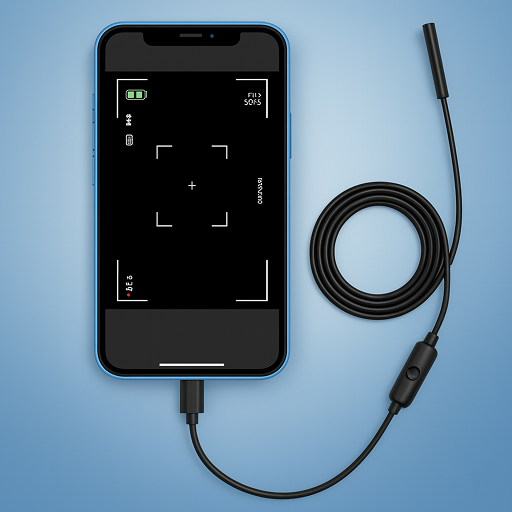
Endoscope camera an app to connect with endoscope cam or any device
3.30
DamonSx2 is the open Source LGPL Emulator
3.20
Collection of high-quality, trendy skins and outfits!
4.4
Mirror Link Car Display to share your screen with car dashboard wirelessly
4.2


User Reveiws