Update Software App

4.50

Information

Category:

Libraries & Demo

Price:

Free

Rank:

4

Rating:

4.50

Overview

Update Software App is a comprehensive app management tool designed to keep your Android device running optimally. The app specializes in managing and updating installed applications, ensuring that you always have the latest versions for optimal performance.

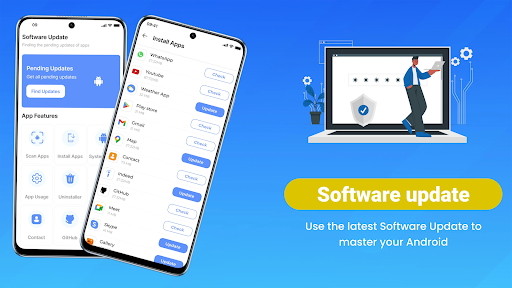
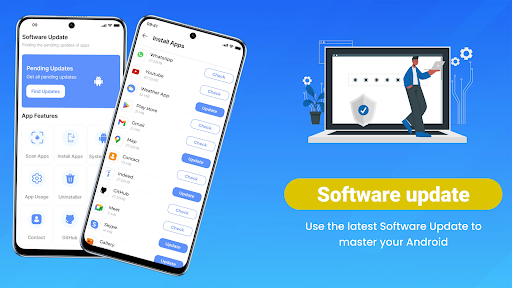
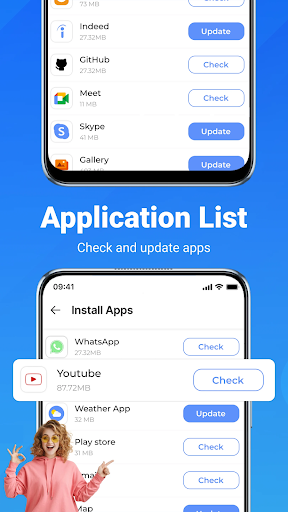
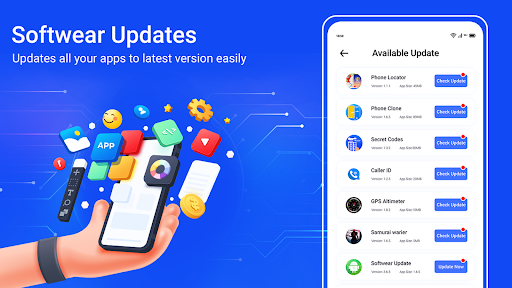
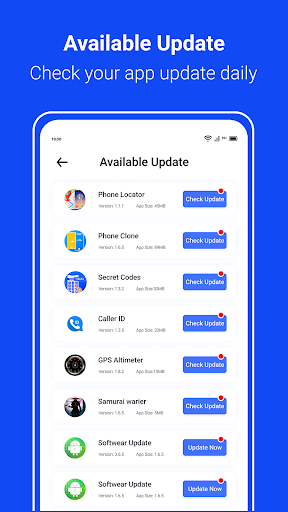
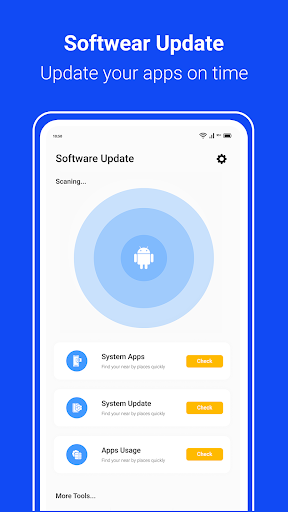
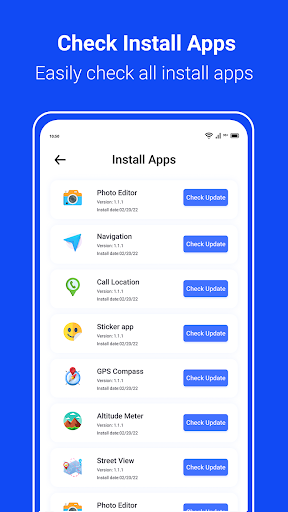
The software features an intelligent scanning system that checks for updates across all installed apps, providing real-time information on what needs to be updated. With options for both individual and bulk updates, users can update all apps with minimal effort. Additionally, the app provides detailed system information, helping users understand their device's current status and available software improvements.

This app is particularly useful for users who want to maintain peak device performance while minimizing security risks associated with outdated software. Its intuitive interface makes it accessible for all user levels, from beginners to advanced users.

Features

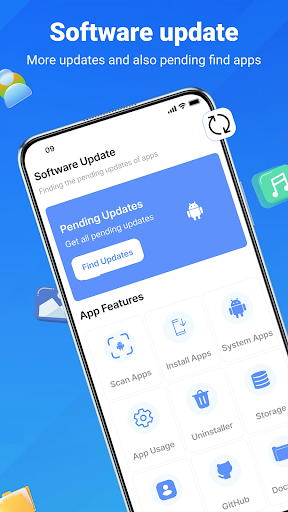
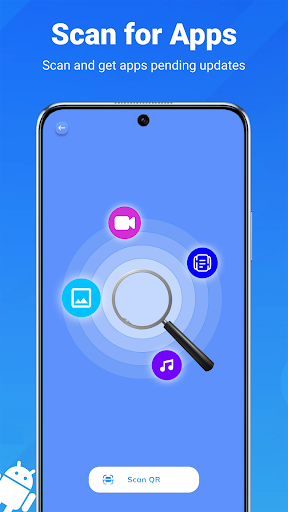
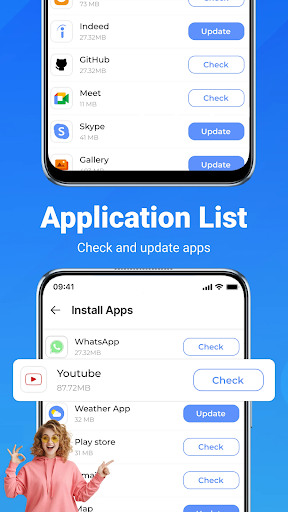
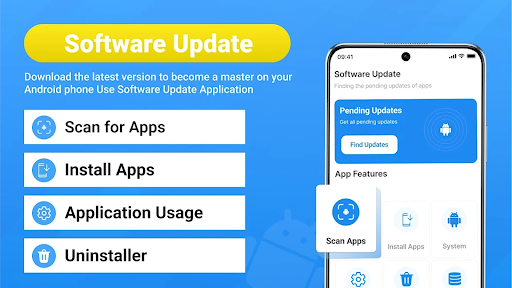
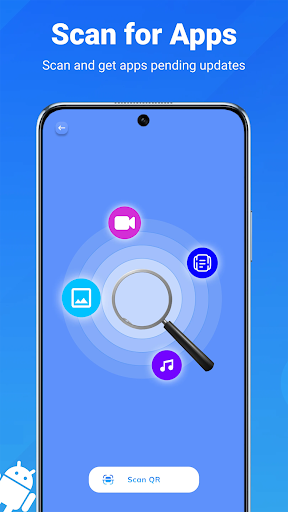
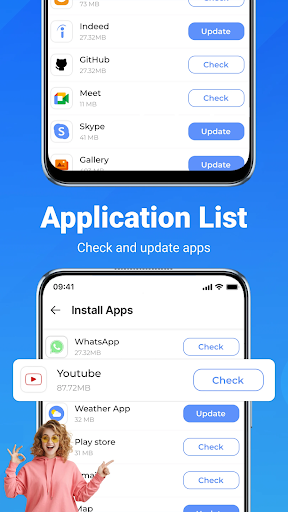
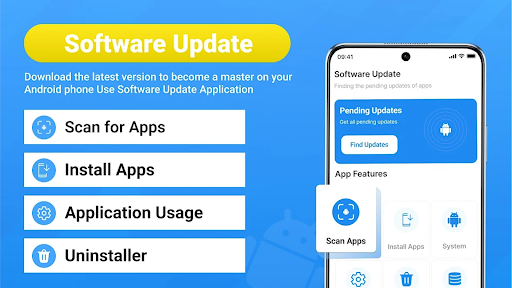
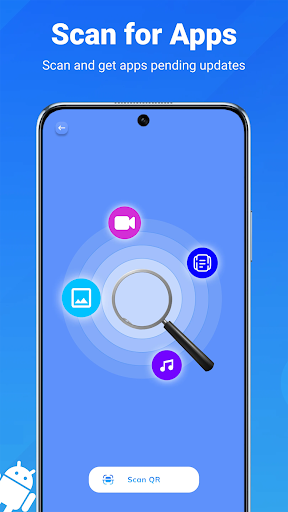
Update Software App offers a robust set of features that simplify Android device maintenance. One of its standout capabilities is the real-time app scanning function, which instantly identifies pending updates across all installed applications. This ensures users are always aware of the latest versions available for their apps.

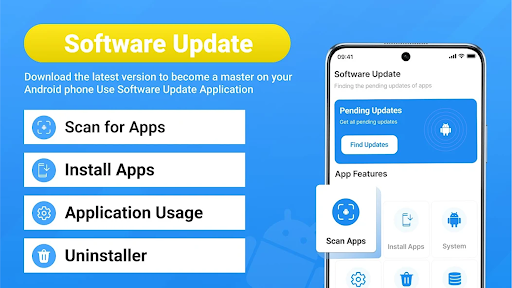
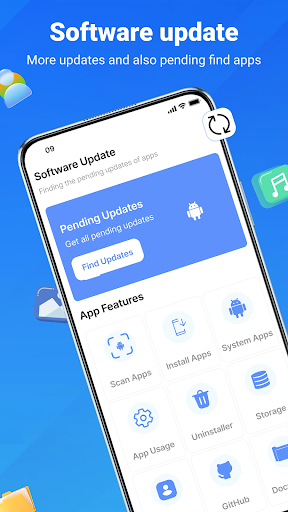
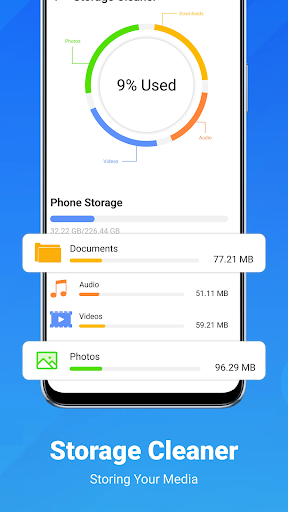
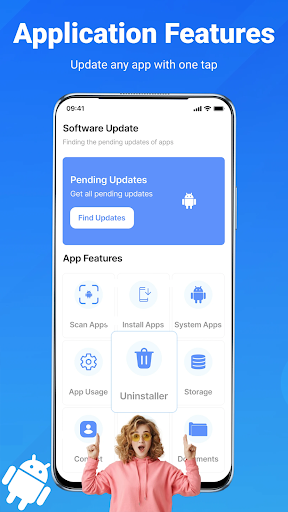
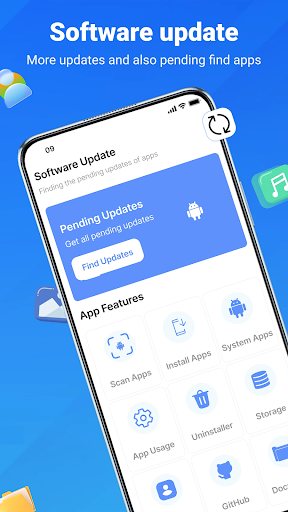
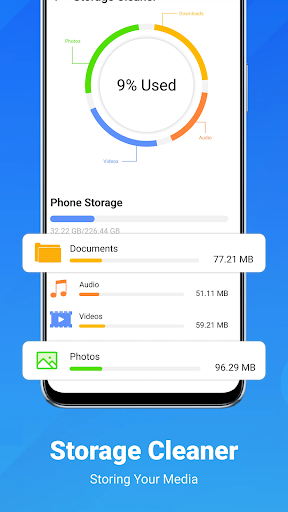
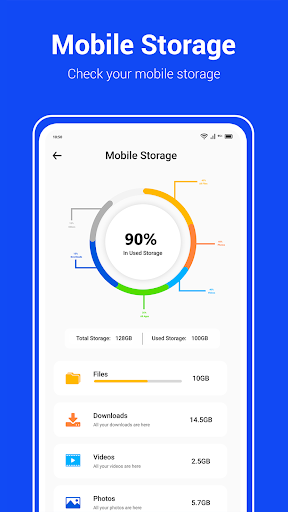
The one-tap update functionality allows users to update all apps simultaneously, streamlining the maintenance process. For those concerned about storage space, the app includes a bulk uninstall option to remove unused applications efficiently. It also provides detailed device information, including hardware specs and Android version, giving users better insight into their device's configuration.

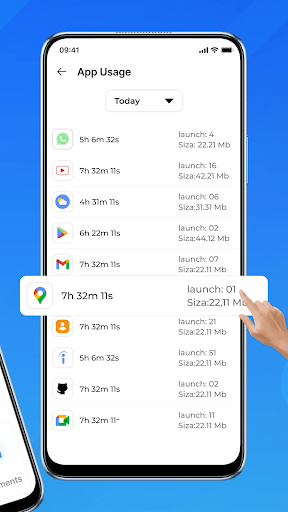
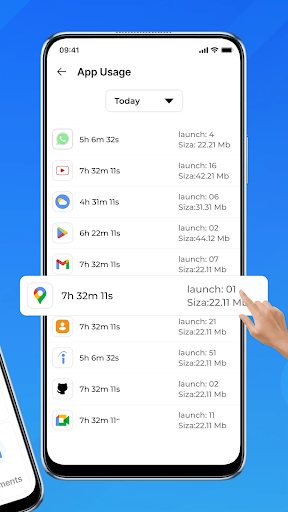
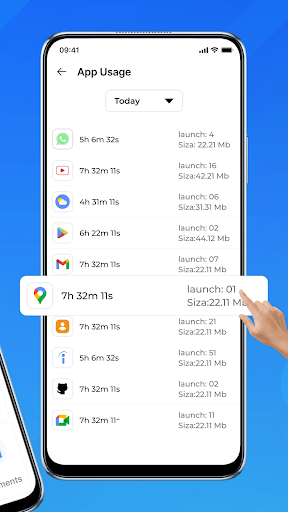
Additional features include an app usage monitor that tracks daily activity, helping users optimize their app ecosystem. Automatic notifications ensure users never miss critical updates, whether they're system-level or from the Play Store. These comprehensive tools make the app an essential utility for maintaining an Android device.

Functionality completeness & coverage

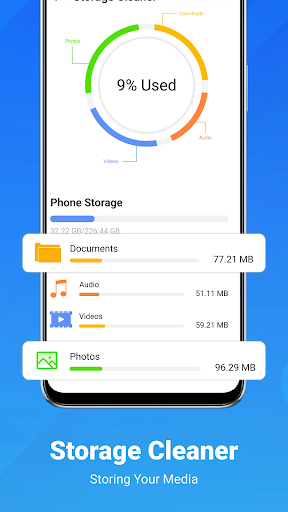
Functionality completeness and coverage refer to the extent to which an application provides a comprehensive set of features that meet user needs across various use cases. For Update Software App, this is particularly important as it positions itself as an all-in-one solution for managing app updates and device maintenance. The app demonstrates impressive functionality completeness by offering real-time app scanning capabilities that instantly identify pending updates across all installed applications. This feature alone addresses a critical pain point for users who struggle with keeping multiple apps up-to-date. Beyond basic update notifications, the app includes advanced features such as one-tap update functionality for simultaneous updates, bulk uninstall options for decluttering devices, and detailed system information displays. These features collectively ensure broad coverage of common device management tasks. Additionally, the inclusion of app usage monitoring provides valuable insights into daily activities, helping users optimize their device performance. The software update checker works seamlessly in the background, providing automatic notifications without disrupting the user experience. This combination of proactive scanning, simplified update processes, and additional utility features like storage management creates a robust tool that serves both casual users and those requiring more granular control over their device maintenance. Users benefit from having a single application that consolidates multiple maintenance tasks, saving time and reducing the cognitive load associated with managing different aspects of device health separately.

Usability & operational smoothness

Usability and operational smoothness are crucial factors that determine how effectively users can interact with an application and accomplish their intended tasks. In the case of Update Software App, these aspects have been carefully considered to provide a seamless user experience. The app features a clean, intuitive interface designed for accessibility across different age groups and technical skill levels. Its user-friendly design enables even novice Android users to navigate through complex maintenance tasks with minimal learning curve. Key operations such as scanning for updates, initiating bulk updates, or removing unused applications are accessible within just a few taps, streamlining what could otherwise be time-consuming processes. The operational smoothness is further enhanced by the app's efficient background processing. The smart scanning feature operates quickly without noticeable performance degradation, while the automatic notification system ensures users stay informed about important updates without manual checks. Particularly noteworthy is how the app maintains responsiveness during intensive operations like updating multiple applications simultaneously or analyzing system information. These technical achievements contribute to a consistently smooth operational experience. Moreover, the app's lightweight nature ensures it doesn't consume excessive system resources while providing its comprehensive suite of features. This balance between rich functionality and efficient operation is crucial for a maintenance tool. Users benefit from having a reliable, responsive application that simplifies device management tasks without introducing additional complexity or performance issues, ultimately leading to improved device health and reduced maintenance time.

Props

User-friendly interface

Real-time app scanning

One-tap update all

Bulk uninstall option

Detailed system info

Cons

Limited to Android

Requires frequent use

Notifications can be intrusive

No iOS compatibility

Some features need manual trigger

Features and Functions

What is this app and what can I use it for?

An app management tool for Android devices to update and maintain installed apps

How do I download and install this app on my device?

Visit Google Play Store, search for Update Software App, and tap Install to download and install it

How do I get started after opening the app for the first time?

Open the app, tap Scan to detect updates, then choose to update apps individually or use the update all button

What are the main features and capabilities of this app?

Key features include real-time app scanning, one-tap update all, bulk uninstall, detailed system info, and usage monitoring

How can I customize my experience and adjust preferences?

Access the settings menu to adjust notification preferences and customize scanning frequency

How do I save or bookmark my favorite content for later access?

Use the bulk uninstall feature to remove unused apps or bookmark important updates for later access

How can I share content with friends or on social media?

Share app details via direct links through supported messaging or social media platforms

How do I access detailed information and explore more content?

Tap on any listed app to view detailed information including version history and system requirements

What permissions does this app need and how do I manage them?

The app requires basic device permissions like storage access which can be managed in system settings

How do I check for updates and keep the app running smoothly?

Enable automatic updates in settings and regularly check for new versions through the app's update checker
Show more

User Reveiws

{{ comment.reviewer_name }}
{{ comment.review_date_formatted}}
{{ comment.review_content }}
{{ tab.name }}
{{ comment.reviewer_name }}
{{ comment.review_date_formatted}}
{{ comment.review_content }}
No reviews with this rating