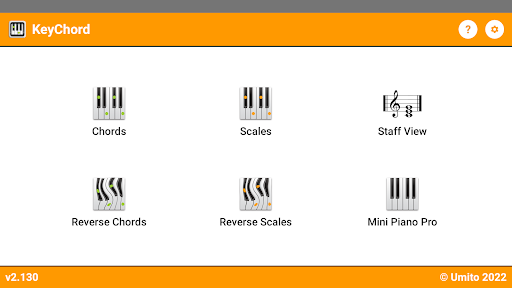
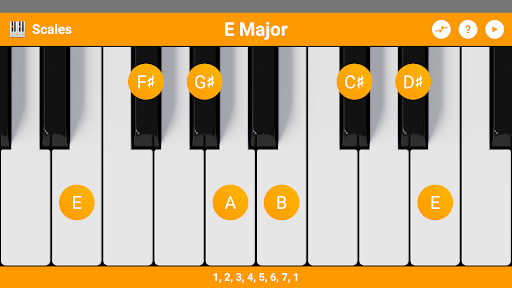

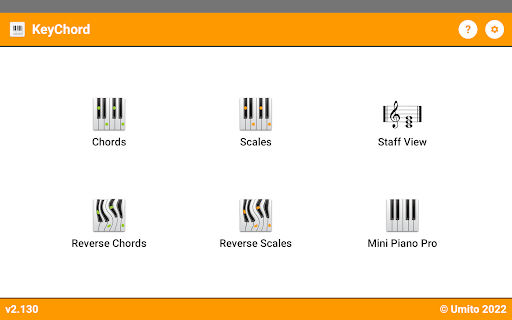
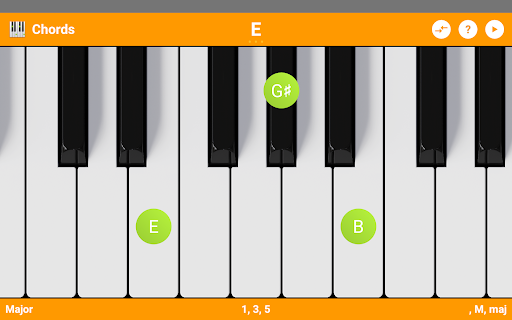
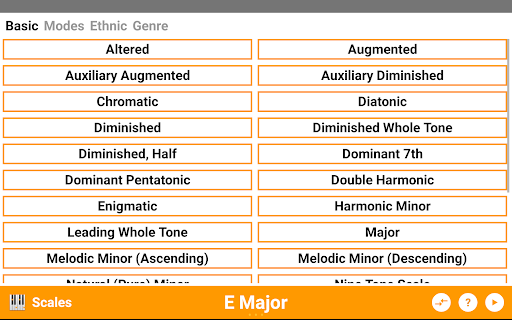
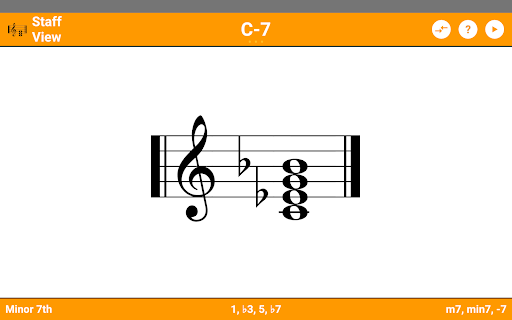
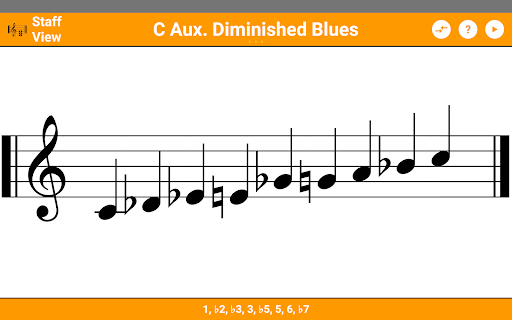

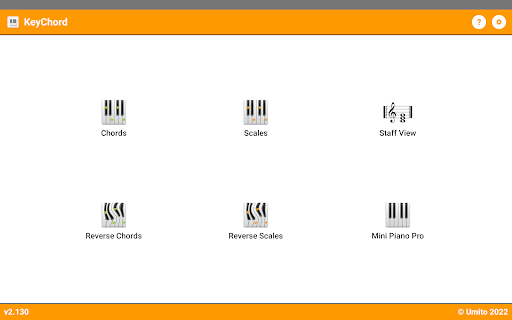
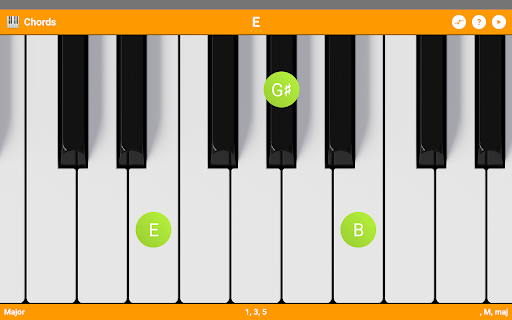

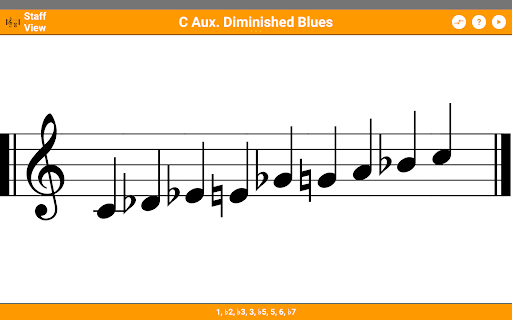
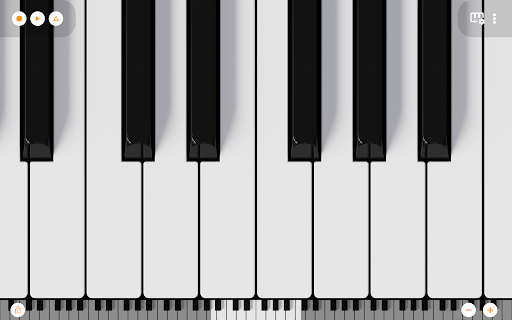
KeyChord is an innovative reference app designed for musicians and piano enthusiasts. This dynamic dictionary allows users to explore all scales and chords through an intuitive virtual keyboard interface. The app features a built-in 88-key multitouch piano, providing a comprehensive toolset for music theory exploration and practice.
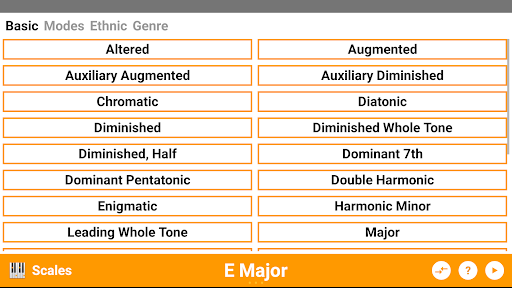
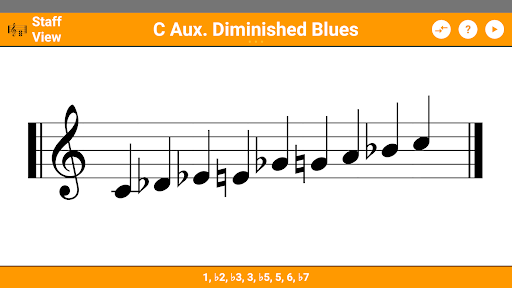
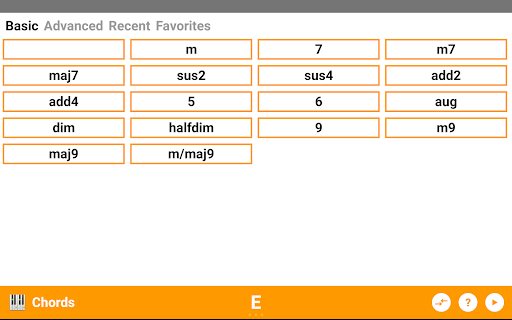
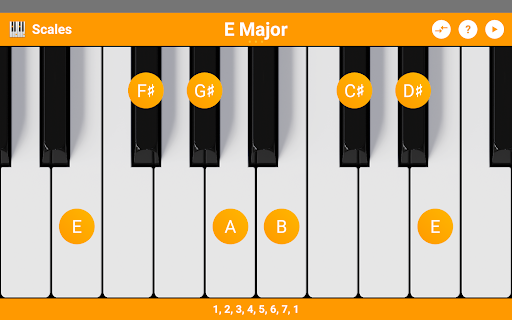
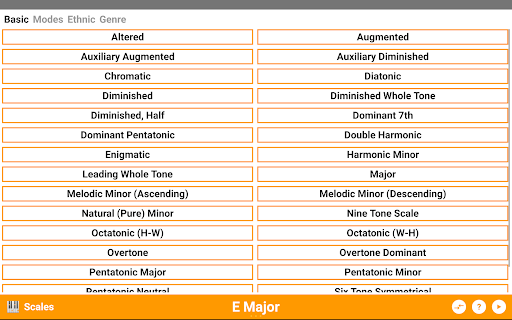
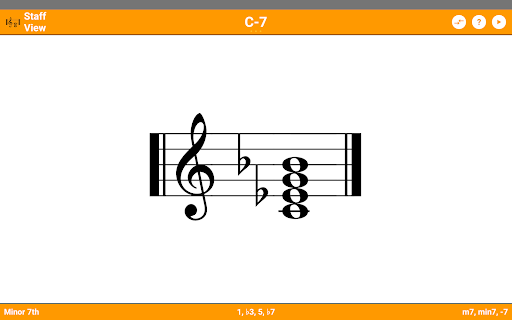
The application stands out with its reverse lookup functionality for both chords and scales, staff view, and support for over 50 chord types and 100 scale types. KeyChord enables users to hear every chord and scale while offering customization options like dark mode and favorite chord saving. Its versatility makes it perfect for music students, composers, and performers seeking to expand their theoretical knowledge and practical skills.
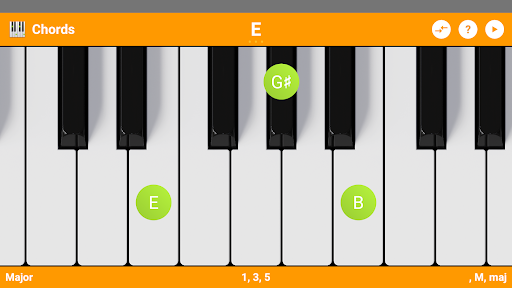
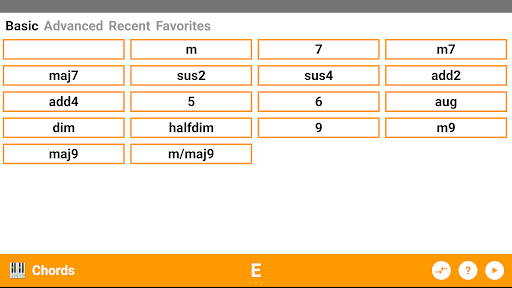
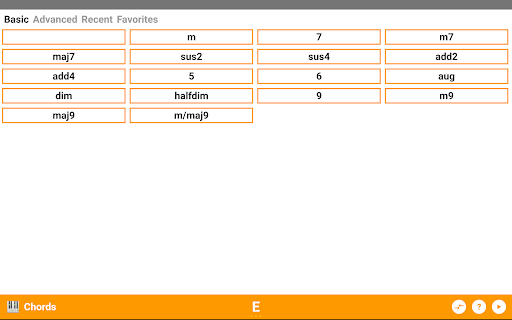
KeyChord offers an impressive array of features that cater to various musical needs. The app's virtual keyboard serves as the central interface where users can interact with more than 50 chord types and 100 scale types. It provides detailed information about note names, component intervals, and supports inversions and slashed chords.
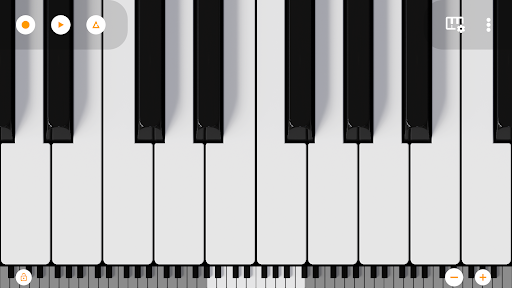
One of the standout features is the reverse lookup capability for both chords and scales, allowing users to identify complex musical structures. The integrated 7-octave multitouch piano comes with 128 different sounds from Mini Piano Pro. Additional functionalities include MIDI recording, ringtone creation, and audio playback in all modes, making this app an indispensable tool for music composition and learning.
Comprehensive chord library
Intuitive user interface
Real-time audio playback
Reverse lookup functionality
Multitouch piano feature
Steep learning curve
Premium price point
Occasional bugs reported
Heavy on system resources
Limited free features

The Original Tropical Freshwater Aquarium Fish And Plant Care Guide
 4.80
4.80
A guide for the Court of Atonement spiritual healing process.
4.4
Cute bedtime story for kids
4.30
Sea tide predictions for all coastal U.S. locations.
4.2
Improve your vocabulary and grammar with the 15 biggest Oxford Dictionaries.
4.30
Personalized Chat with Bible
4.80
"When tweetle beetles fight, it's called a tweetle beetle battle."
4.90
Daily Bible app: King James Version with verses and audio for studying&prayer
4.40
Liturgy of the Hours and Mass for every day of every year. No Internet needed!
5.00
Audiobook player with cross-device progress sync, playlists, and widget support.
4.80
Plan of Life that Saint Josemaría recommended
4.80
This is the pro version King James bible Offline that we have
4.70
Watch real short episodes in just minutes— addictive, you won't be able to stop!
4.70
Words spoken by native English speakers and full definitions.
4.60
Offline translator from english to spanish, and from spanish to english.
4.50
Research your family history to explore ancestors and search for your heritage
4.50
Essential Technical Rescue Field Operations Guide 6, the Industry Standard Guide
4.20
A companion for prayer, with Azan alarm, Quibla direction, and Holy Quran book
4.10
ISAIAH EXPLAINED with Avraham Gileadi Ph.D.
4.00


User Reveiws