
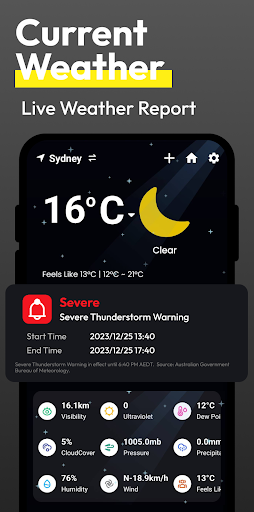
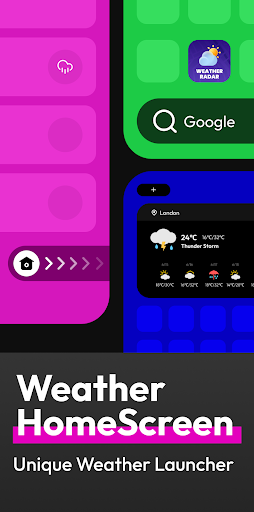
Flow Weather is a comprehensive weather application designed to provide users with accurate and timely meteorological data. The app offers real-time weather reports including temperature, humidity, wind speed, and air quality for your current location. Its advanced forecasting capabilities extend to hourly updates and multi-day outlooks, ensuring you stay informed about upcoming weather patterns.
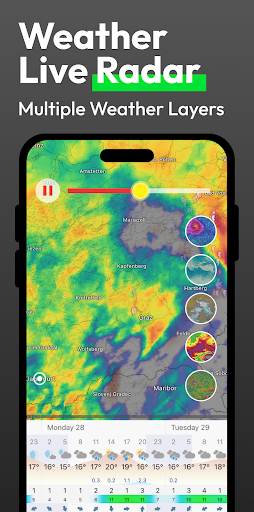
A standout feature of Flow Weather is its severe weather alert system, which notifies users of sudden weather changes such as heavy rain or snowstorms. Additionally, the app includes interactive weather layers that allow users to explore various meteorological phenomena like wind patterns, cloud coverage, and UV levels. The innovative Android launcher integration simplifies access to weather information directly from your home screen while offering enhanced device management features.
This application is particularly useful for individuals who require reliable weather information to plan their daily activities effectively. Whether you're scheduling outdoor events or need to prepare for adverse weather conditions, Flow Weather equips you with the necessary tools to make informed decisions.
Flow Weather distinguishes itself through several key features that enhance user experience. First and foremost, it leverages sophisticated meteorological algorithms to deliver precise real-time weather updates. Users can view detailed metrics such as temperature fluctuations, wind direction, and atmospheric pressure at a glance.
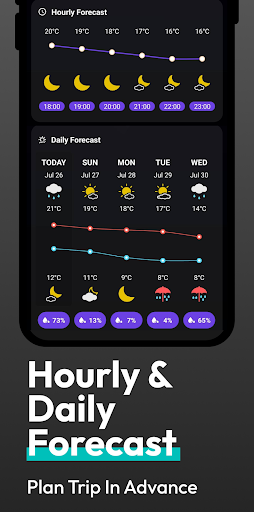
The app's forecasting functionality is robust, providing both short-term hourly predictions and extended forecasts spanning multiple days. This allows users to anticipate weather trends and adjust their plans accordingly. Another notable aspect is the inclusion of customizable weather layers, which cater to enthusiasts seeking deeper insights into environmental conditions like wave movements and particulate matter concentrations.
Furthermore, Flow Weather incorporates an innovative interaction model via its Android launcher. This design choice not only streamlines weather checking but also enhances overall smartphone usability by integrating search functionalities and project management tools within the weather interface.
User-friendly interface
Accurate real-time data
Comprehensive forecasting
Interactive weather maps
Customizable home screen
Location permissions required
Premium features locked
Occasional data delays
Limited offline functionality
High battery consumption

Weather related custom complications for Wear OS. UV, Hi-Lo, AQI and more!
 4.40
4.40
Accurate Thermometer: indoor & outdoor temperature, humidity, pressure, and wind
4.50
Room Temperature Thermometer meter shows indoor, outdoor temperature, humidity.
4.40
Your Personal Weather Assistant
4.00
Quickly check the Hanalei river gauge height during heavy rains on Kaua'i.
4.0
Your local weather app with storm radar, rain tracker, weather maps & AQI.
4.1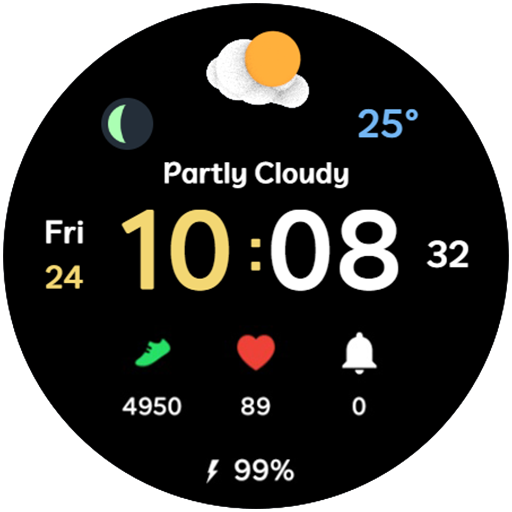
3D Animation Weather Icon
4.00
Weather watch face for Wear OS 5
4.40
Prepare for severe weather with notifications, future radar, and live alerts.
4.60
A professional, comprehensive and accurate weather forecast app
4.90
No ads, No data collected. Beautiful and powerfully customizable weather app
4.90
Local weather forecast app, your personal 7*24 local weather forecast assistant.
4.90
Thermometer shows indoor and outdoor temperature
4.70
Weather radar, satellite, wind, waves, ocean and hurricane forecasts.
4.70
Track lightning strikes with our thunderstorms map, radar and lightning alarm.
4.70
Your ultimate app for real-time weather information!
4.70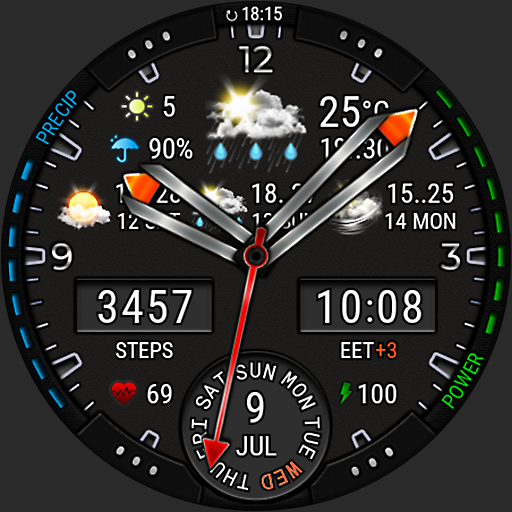
Analog Weather Watch Face for Wear OS 5+
4.10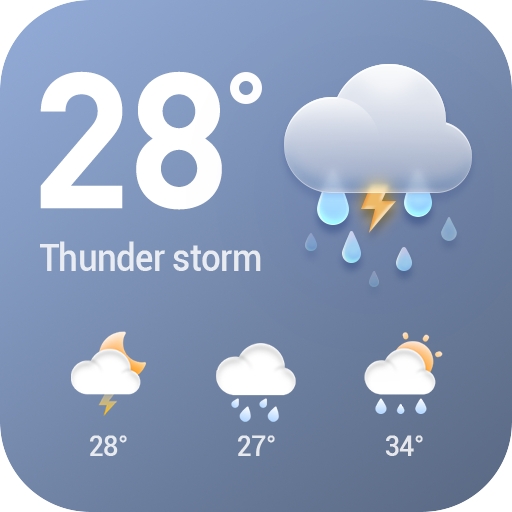
Stay Ahead Of Changing Weather Conditions
4.00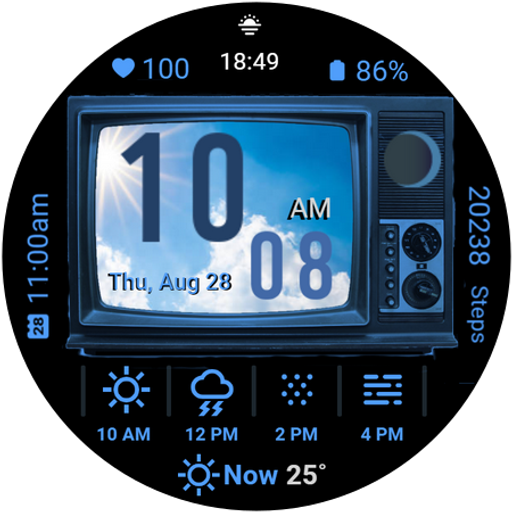
Retro TV-style digital watch face with weather, heart rate, steps & events!
4.0


User Reveiws