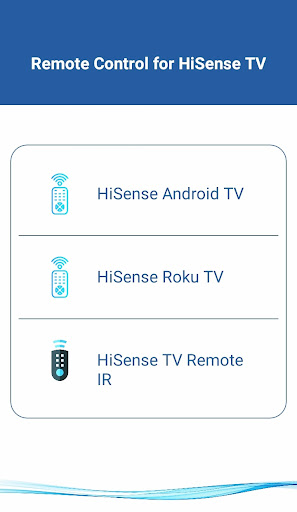
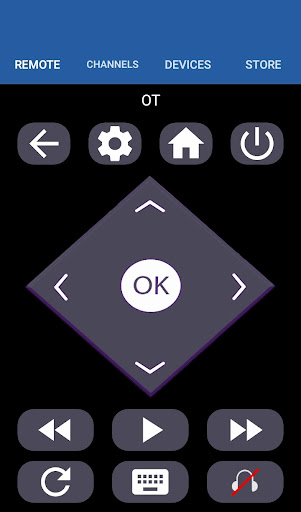
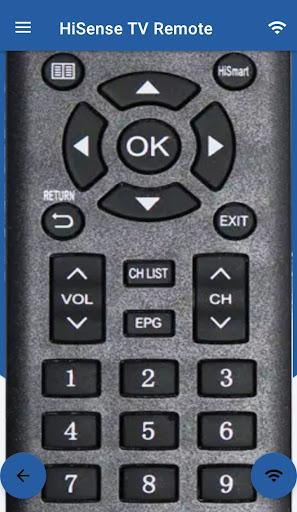

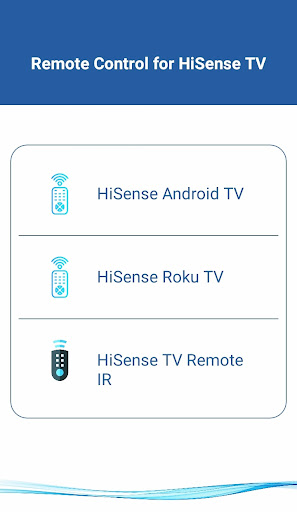
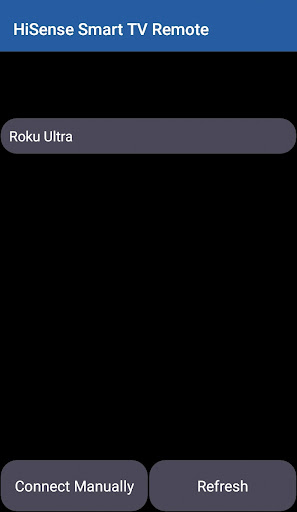


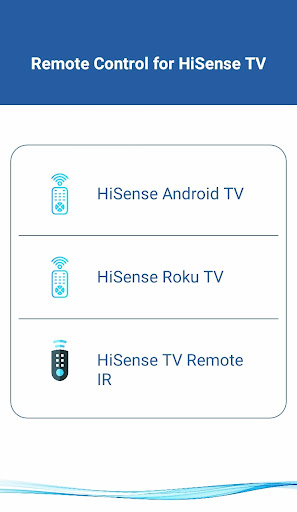
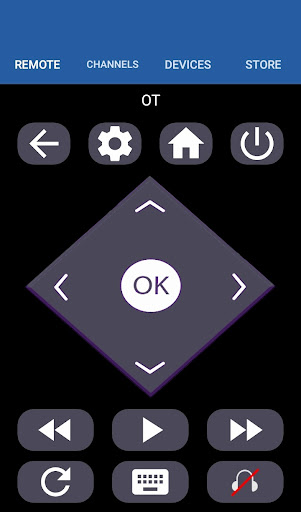

HiSense Smart TV Remote transforms your mobile device into a versatile remote control for HiSense Smart TVs. The app supports multiple operating systems including Android OS, Android TV, and Roku OS, while also maintaining compatibility with traditional IR-based devices. By utilizing the same Wi-Fi network as your TV, this application allows seamless connectivity through a PIN verification process. It eliminates the need for physical remotes and their associated issues like battery drainage and breakage.
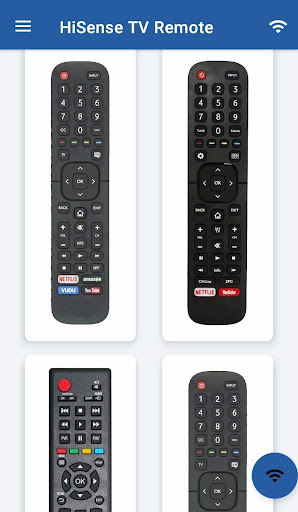
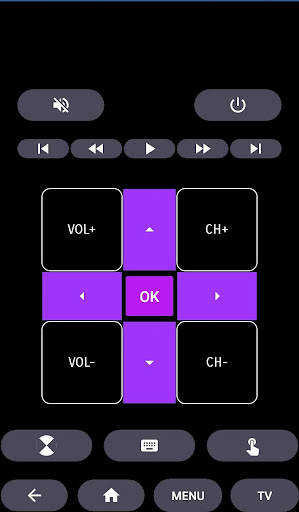
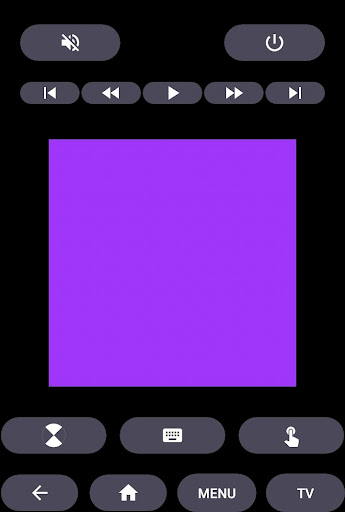
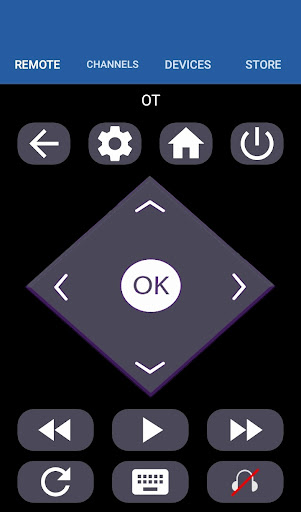
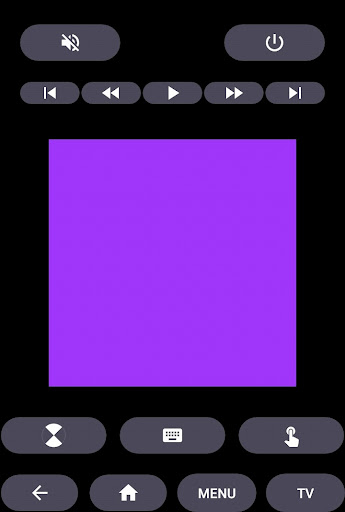
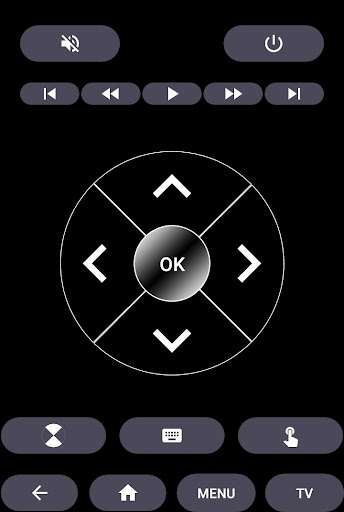
The app offers comprehensive functionality such as power control, volume adjustments, channel switching, mute options, navigation controls, multimedia commands, and even a touchpad feature. For traditional HiSense TVs, it replicates all functions of the original remote. Its versatility extends to supporting Android Chromecast OS, making it an all-in-one solution for various smart TV users. Whether you're controlling your HiSense Android TV or Roku TV, this app provides a unified and efficient user experience.
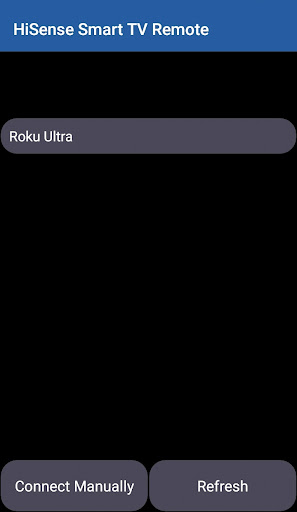
HiSense Smart TV Remote stands out with its extensive compatibility across different platforms and devices. The app's support spans modern smart TVs running on Android OS, Android TV, and Roku OS, as well as traditional IR-based models. This wide-ranging support ensures that users with various TV models can benefit from the app's capabilities. To establish a connection, both the mobile device and the TV must be on the same Wi-Fi network, followed by a simple PIN entry process displayed on the TV screen.
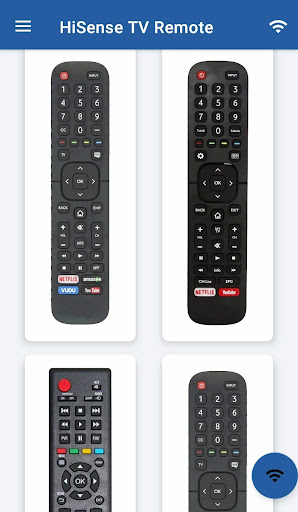
The feature set includes essential controls like ON/OFF, volume and channel adjustments, mute functionality, navigation, multimedia commands, and a unique touchpad interface. These features collectively provide a comprehensive control solution that enhances user interaction with their smart TVs. Additionally, the app's ability to function as a traditional IR remote for older HiSense models adds to its versatility. With ongoing improvements and support, HiSense Smart TV Remote delivers a reliable and innovative remote control experience.
User-friendly interface
Wide device compatibility
Comprehensive control options
Eliminates need for physical remote
Regular updates and support
Requires Wi-Fi connection
IR blaster needed for some devices
Limited official support
PIN verification step
Not all features work on every TV
Draw house plans, floor plans 3d & house design with house plan drawing 3d app
 3.60
3.60
Turn your phone into a wifi cam with smart features and umlimited reach.
4.20
Control your Daikin, Amana & Goodman heating & cooling systems from anywhere
4.40
Universal TV Remote for TV, control all Smart TVs with your mobile phone.
4.3
This Fire TV Remote control's your Fire TV Device and Insignia Fire TV Remote
3.70
Control the scent and ambiance of your home and car, right from your phone.
4.50
Schlage Lock Company LLC
4.00
View houses and apartments for rent, updated daily.
4.80
Plan your remodel AI home renovation easily using planner 5D and home decor AI.
4.40
Real estate app to find homes for sale or rent in the right neighborhood for you
4.70
Find your next home, house, apartment, condo, casa, flat, rental, studio, or bed
4.70
Map-based search app for apartments and homes for rent.
4.60
Tailored Care Guides For Houseplants, Indoor Plants, Garden Plants & Flowers.
4.60
Plants, Beauty, Collectibles
4.60
Night Owl Protect helps you secure, protect, and connect your world!
4.60
AI-powered home design, interior design, home decor, and room design solutions
4.50
3D House Design and AI Room Planner - from floor plans to full interior design.
4.40
Control your Vivint Smart Home with the next generation Vivint App.
4.30
Samsung remote app helps control all Samsung Smartthings TVs. Fast and Stable!
4.10


User Reveiws