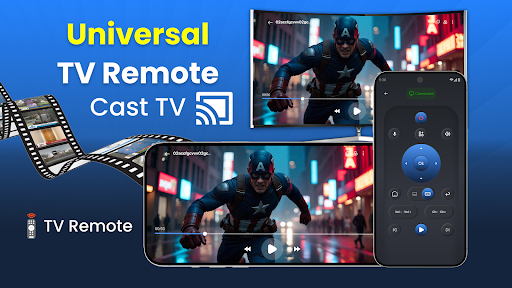
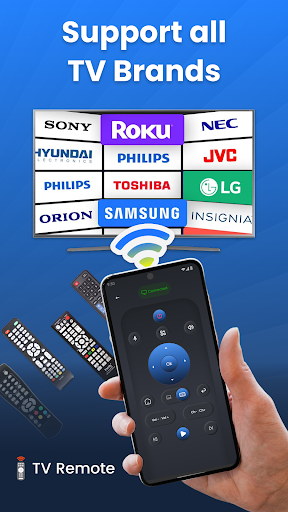
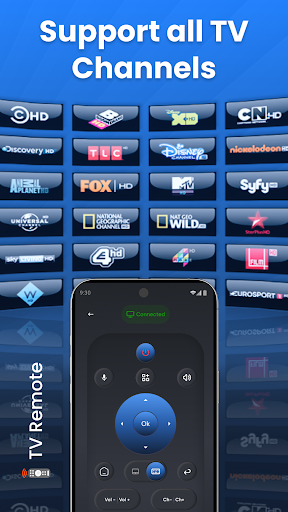
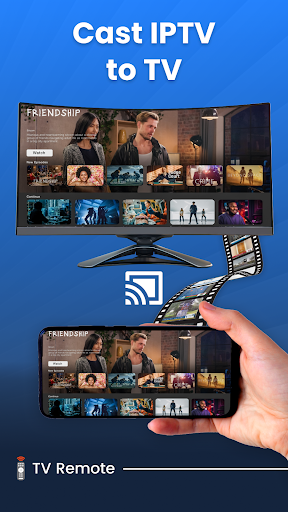
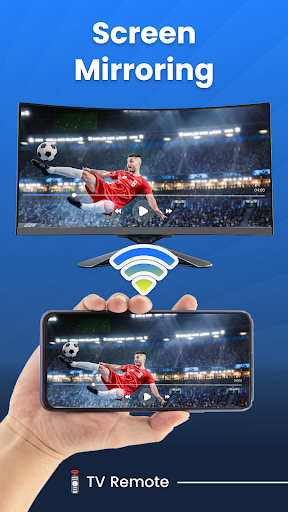
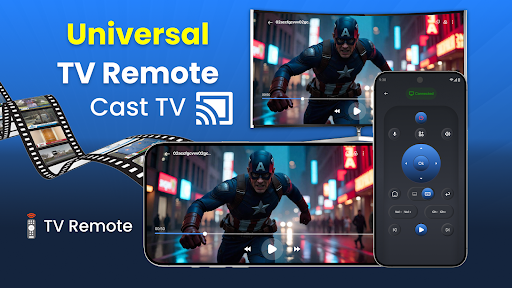
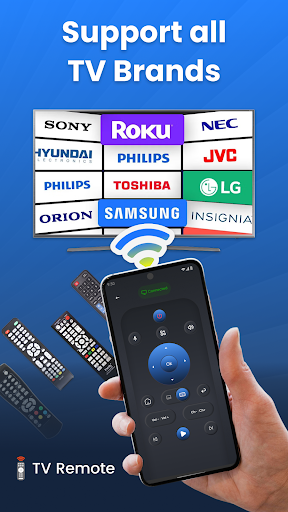
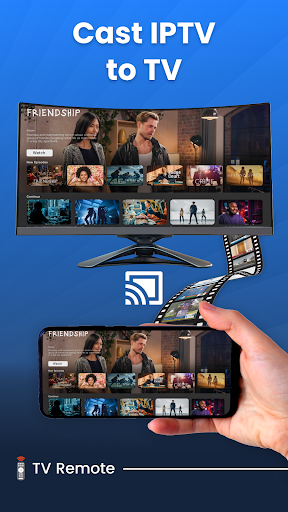
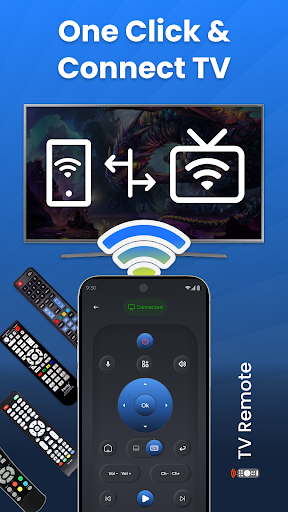
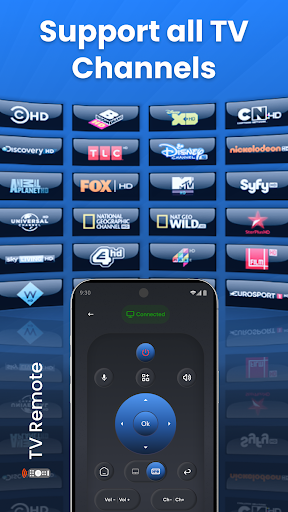
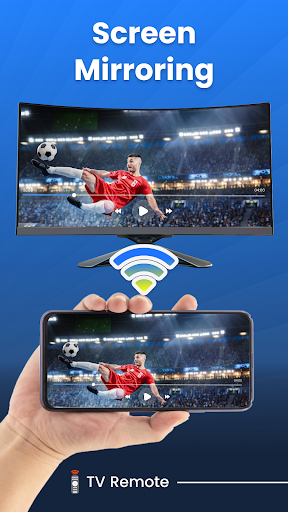
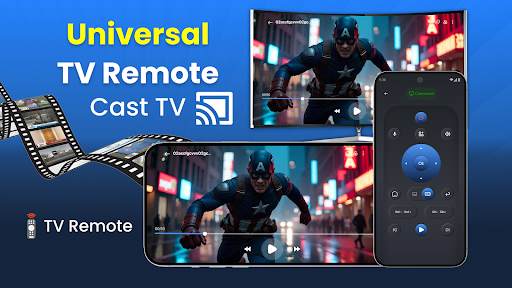
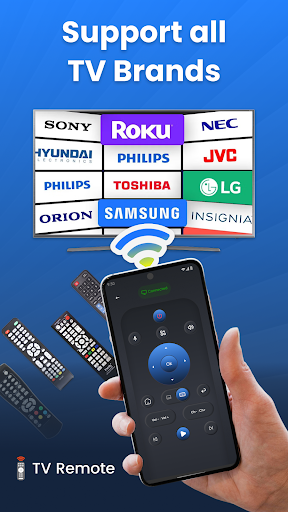

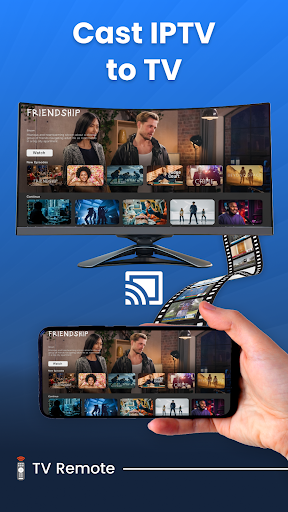
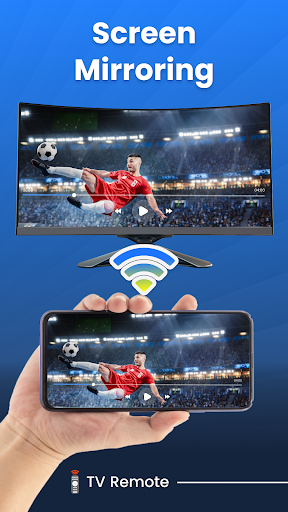
Universal TV Remote for All TVs is a versatile application that transforms your smartphone into a universal remote control compatible with various smart TV brands. This app supports major television manufacturers including Samsung, LG, Roku, and more, allowing users to perform essential functions such as turning the TV on/off, adjusting volume, changing channels, and even screen mirroring.
The app's standout feature is its seamless integration with both Wi-Fi and infrared technology, providing flexible control options. Whether you're looking to simplify your entertainment setup or need a backup remote, this app offers a comprehensive solution that eliminates the need for multiple remotes.
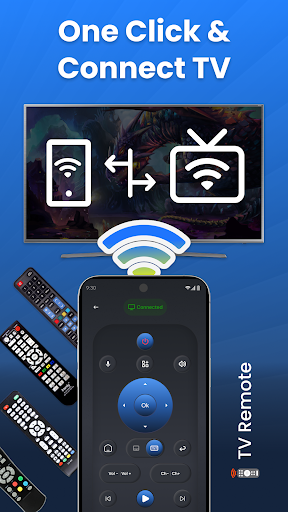
Ideal for home environments where different TV brands are present, Universal TV Remote enhances user convenience by consolidating all control functionalities into one intuitive interface. Its ability to connect via Wi-Fi makes it particularly useful in modern smart homes, while voice command support adds an extra layer of accessibility.
Universal TV Remote for All TVs boasts an impressive array of features designed to enhance user experience. The app's compatibility with virtually all mainstream TV brands, including Samsung, LG, and Roku, ensures broad usability across different devices. Its quick setup process allows users to connect their smartphones to their TVs within minutes, making it exceptionally user-friendly.
Advanced functionalities like voice control and gesture mode provide innovative ways to interact with your TV. Users can easily manage their viewing experience through simple voice commands or intuitive swipe gestures. The app also supports screen mirroring, enabling seamless content sharing from mobile devices to larger TV screens without any wires.
Customization options allow users to personalize their remote control experience. From adjusting settings to suit individual preferences to using the phone as a universal remote anytime, anywhere, this app offers unparalleled flexibility. These features collectively create a sophisticated yet accessible tool for managing multiple smart TVs efficiently.
User-friendly interface
Wide brand compatibility
Voice control functionality
Screen mirroring capability
Quick setup process
Limited offline functionality
Requires Wi-Fi connection
Occasional connectivity issues
No physical button feedback
Device compatibility variations
Map-based search app for apartments and homes for rent.
 4.60
4.60
The official app for Home Assistant. Control your home anywhere in the world.
4.30
Technology powering many in-home services for residents across the United States
3.80
Design house plans in 2D & 3D, style furniture, and preview renovation layouts
3.70
The only mappable smart lights for custom decoration.
4.50
Your guide to apartments & rental homes. Find your next place to rent with AG.
4.60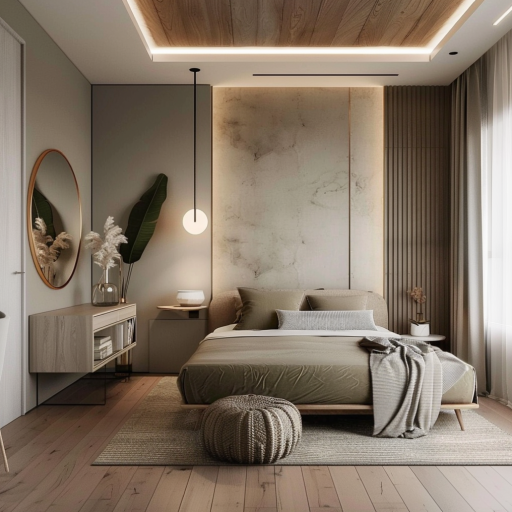
Plan your remodel AI home renovation easily using planner 5D and home decor AI.
4.40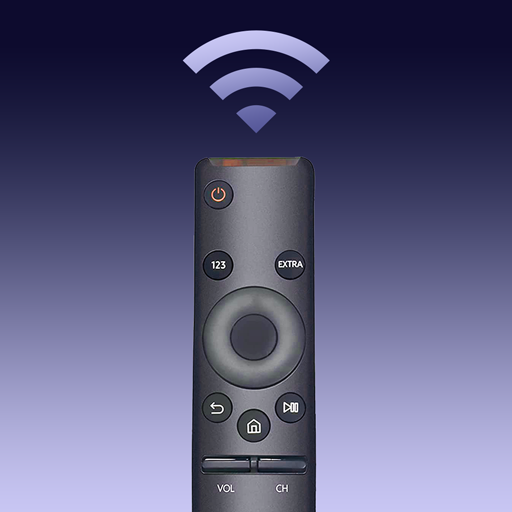
Samsung remote app helps control all Samsung Smartthings TVs. Fast and Stable!
4.10
An easier way to make payments and maintenance requests from anywhere.
3.50
MLS-powered real estate app to find homes for sale & apartments for rent
4.70
Download today to join the community to help bring lost pets home faster.
4.70
A Smarter Home in Seconds
4.70
Plants, Beauty, Collectibles
4.60
Rent on-the-go with TurboTenant’s app made just for renters
4.50
SmartRent - Opening Doors To A Smarter World
4.40
Security App with HD Video, 2-way Audio, and event detection for Home monitoring
4.40
WiZ smart light system
4.40
Turn your phone into a wifi cam with smart features and umlimited reach.
4.20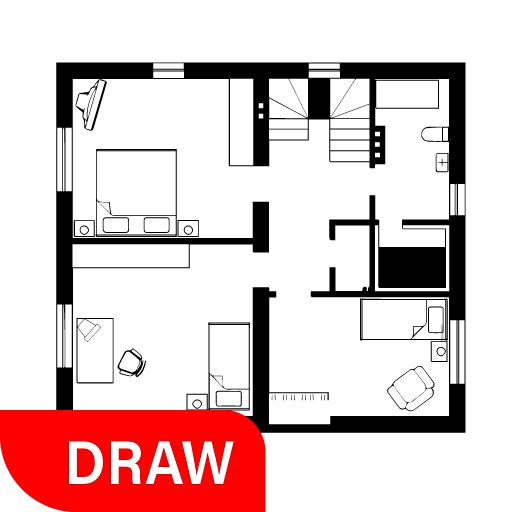
Draw house plans, floor plans 3d & house design with house plan drawing 3d app
3.60


User Reveiws