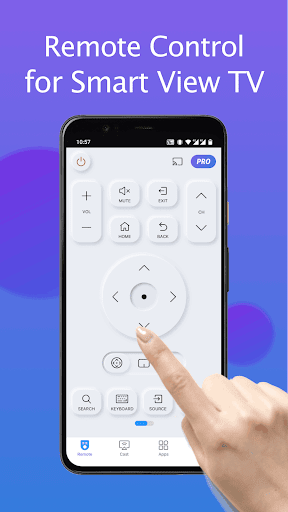
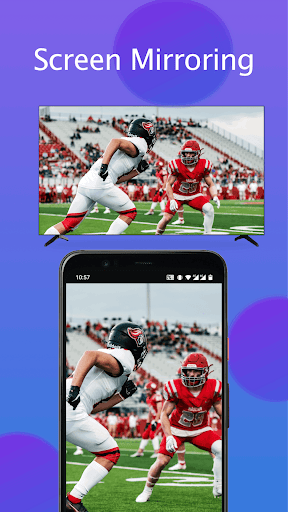
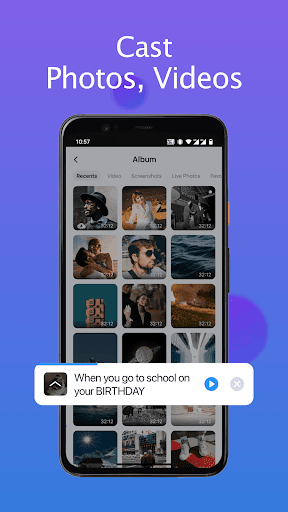
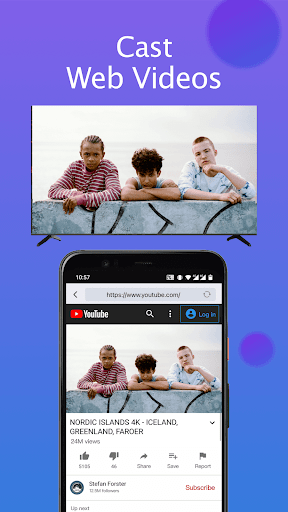
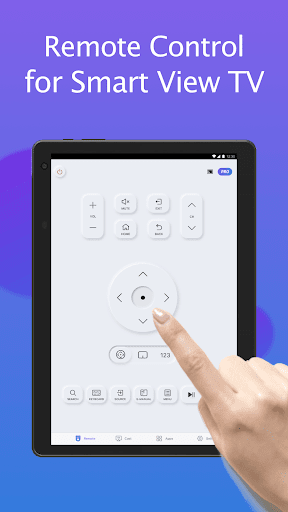
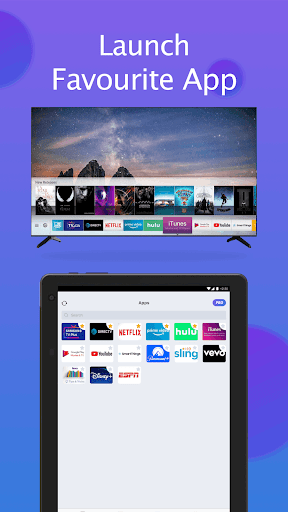

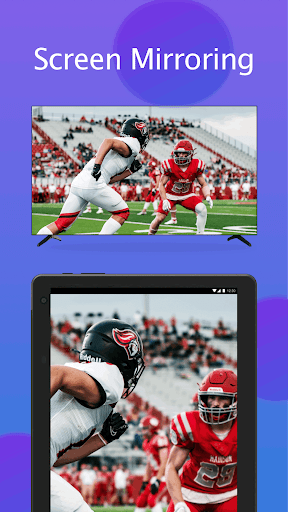

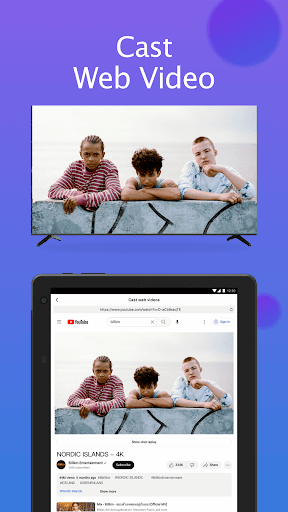
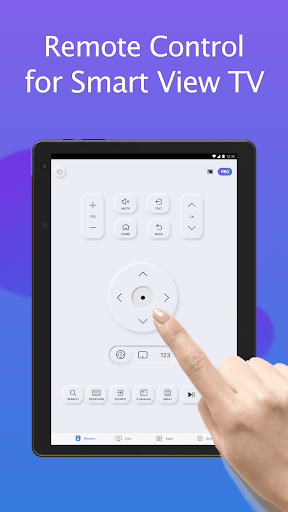
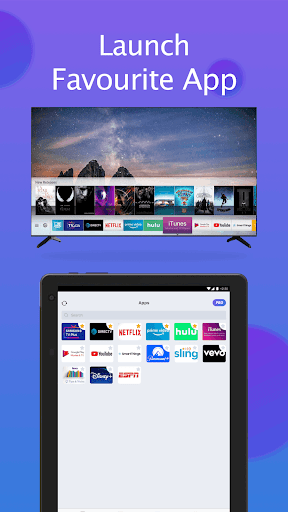

Remote for Smart Samsung TV is a dedicated mobile application that transforms your smartphone into a versatile remote control for Samsung smart TVs. This app offers seamless connectivity through Wi-Fi, enabling users to operate their Samsung 7 series, 6 series, Curved TVs, and K-Series (2016+) Tizen models without the need for a physical remote.
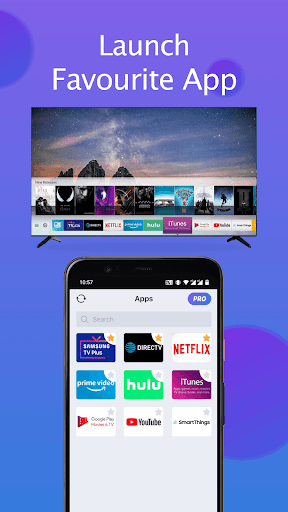
The app provides essential functions such as power on/off, volume adjustment, channel navigation, and quick access to favorite channels and apps. Additionally, it features advanced capabilities like screen mirroring in high resolution and casting local media or web videos to your TV. With its intuitive interface and reliable performance, this app simplifies TV control while promoting an eco-friendly lifestyle by eliminating battery replacements.
Remote for Smart Samsung TV stands out with its comprehensive feature set tailored for Samsung smart TV users. The app automatically detects your TV on the same Wi-Fi network, ensuring a smooth and stable connection. It includes a virtual keyboard for effortless text input and search functionality, significantly enhancing the user experience when interacting with Smart View features.
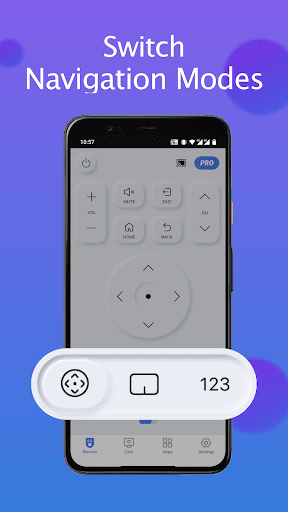
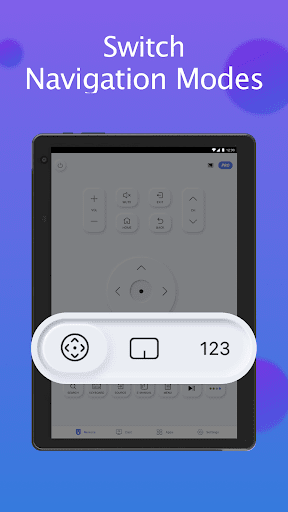
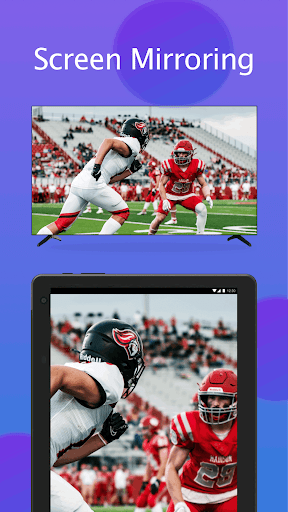
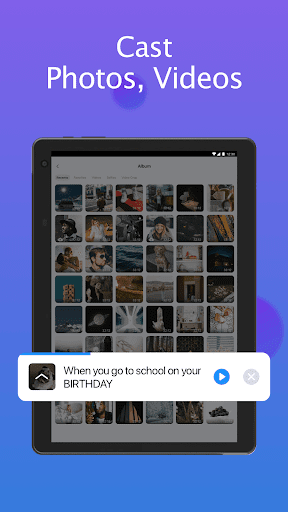
Users can enjoy complete control over their TV's operations, including power management, volume adjustments, channel surfing, and navigation mode changes. The app also supports screen mirroring, allowing you to display your phone or tablet's screen directly onto your TV in high resolution. Furthermore, it enables casting of local photos, videos, and web content to your Samsung smartthings TV, creating a versatile multimedia hub right in your living room.
User-Friendly Interface
Wide Compatibility Range
Effortless Text Input
Reliable Connectivity
Eco-Friendly Solution
Limited Model Support
Wi-Fi Dependency
Occasional Connection Issues
No Physical Buttons
Third-Party App
Technology powering many in-home services for residents across the United States
 3.80
3.80
Tailored Care Guides For Houseplants, Indoor Plants, Garden Plants & Flowers.
4.60
This Fire TV Remote control's your Fire TV Device and Insignia Fire TV Remote
3.70
Download today to join the community to help bring lost pets home faster.
4.70
Innovative and budget-friendly housing options
4.60
Security App with HD Video, 2-way Audio, and event detection for Home monitoring
4.40
WiZ smart light system
4.40
Make your phone a surveillance camera remote with a home camera app for Android!
4.40
Find homes for sale and apartments for rent in the best neighborhood.
4.70
Houses for Sale & Homes for Rent: Buy Homes, Rent Apartments & Sell Real Estate
4.80
A Smarter Home in Seconds
4.70
Parcel Pending Resident App
4.50
Control the scent and ambiance of your home and car, right from your phone.
4.50
Apartment finder for apartments for rent. Compare prices, amenities & rentals.
4.50
AI Home Designer & Room Planner: Decorate your interior space with AI
4.40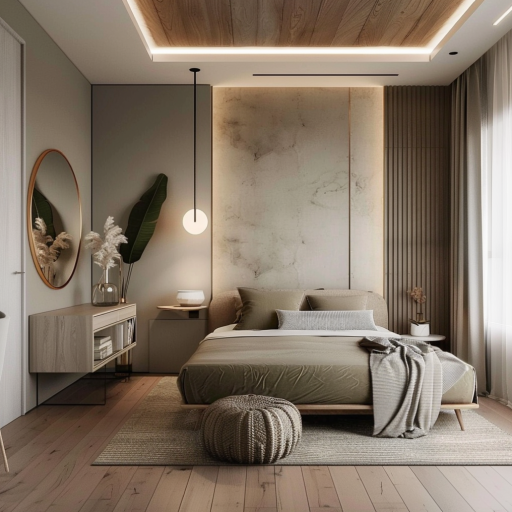
Plan your remodel AI home renovation easily using planner 5D and home decor AI.
4.40
The official app for Home Assistant. Control your home anywhere in the world.
4.30
Use Home by ShowingTime to easily manage showings, tours, feedback and more
3.60
An awesome mobile app for Home Security Surveillance - uses ZoneMinder
3.20


User Reveiws