
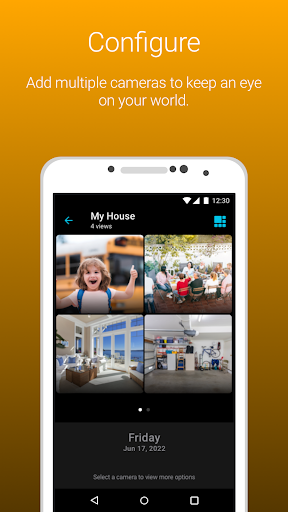
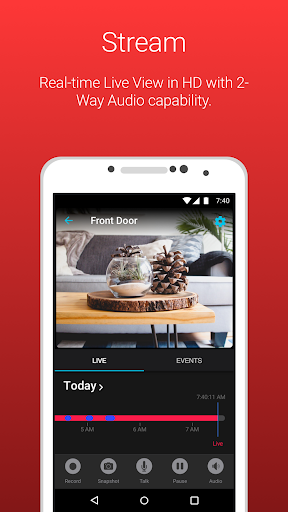
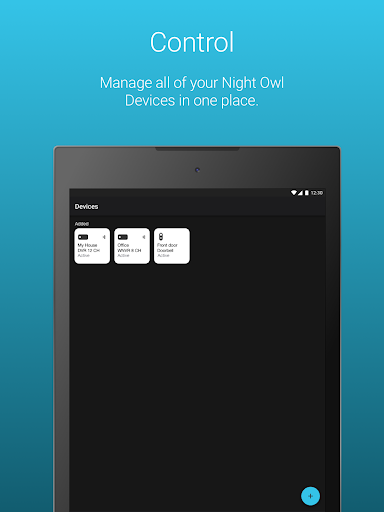
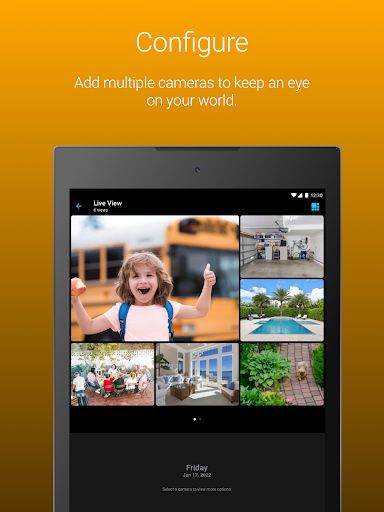

Night Owl Protect is a comprehensive home and business security application that allows users to monitor their properties in real-time through connected cameras. The app supports live footage viewing, audio features with applicable models, and cloud storage access for subscribed users. It also provides advanced alert systems and privacy protection measures such as 2-step verification and single sign-on capabilities.
Designed for ease of use, Night Owl Protect offers quick setup via Bluetooth, customizable alert settings, and the ability to share images and recordings across social networks, email, and text. Its compatibility with various Night Owl devices makes it versatile for different user needs, from individual homeowners to large organizations. With its focus on security and connectivity, this app ensures users can protect their world effectively.
The app boasts an array of features designed to enhance security and user convenience. Night Owl Protect enables users to receive real-time alerts for human, face, or vehicle detection, ensuring timely awareness of potential threats. Users can easily configure these alerts according to their preferences, allowing for a personalized monitoring experience tailored to individual needs.
Additional functionalities include the ability to playback recordings using specific filters, take snapshot images, and share them directly from the mobile device. Audio features like two-way communication, sirens, and preset voice messages are available with compatible models. Furthermore, the app's dedication to user privacy is evident through its 2-step verification process and secure password reset options, making it a reliable choice for safeguarding personal and professional spaces.
User-friendly interface
Real-time alerts
Cloud storage access
Advanced privacy protection
Versatile compatibility
Data charges may apply
Limited to Night Owl devices
Some features model-specific
Requires internet connection
Subscription needed for cloud
The official app for Home Assistant. Control your home anywhere in the world.
 4.30
4.30
Calculate baluster spacing with ease and precision.
4.2
Turn your phone into a wifi cam with smart features and umlimited reach.
4.20
Rent on-the-go with TurboTenant’s app made just for renters
4.50
Fully control your Philips TV with this all-in-one remote control app.
4.20
View houses and apartments for rent, updated daily.
4.80
Control your Vivint Smart Home with the next generation Vivint App.
4.30
Control your thermostat, comfort, and home monitoring from your phone
4.30
Make your phone a surveillance camera remote with a home camera app for Android!
4.40
Home Ideas | Renovation Advice | Local Pros. Go From Dream to Home with Houzz.
4.70
Convert your Phone to HiSense Smart TV Remote Control
4.70
Turn old phones into security cameras, baby monitors, pet cams, and more.
4.70
A Smarter Home in Seconds
4.70
The Merkury Smart app makes it easy to control your smart devices.
4.50
3D House Design and AI Room Planner - from floor plans to full interior design.
4.40
Smart AI plant care schedules, Real plant experts, support & Thriving community!
4.20
Universal Tv Remote Control for all Tv. Cast for chromecast & all Tv Controller
4.20
Schlage Lock Company LLC
4.00
Universal TV Remote for TV, control all Smart TVs with your mobile phone.
4.1


User Reveiws