
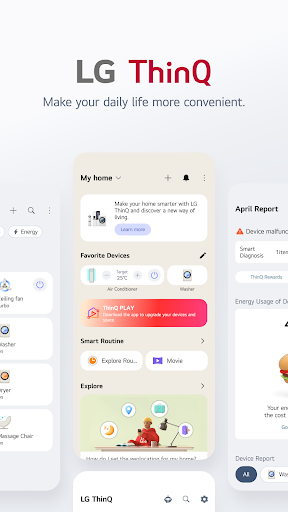
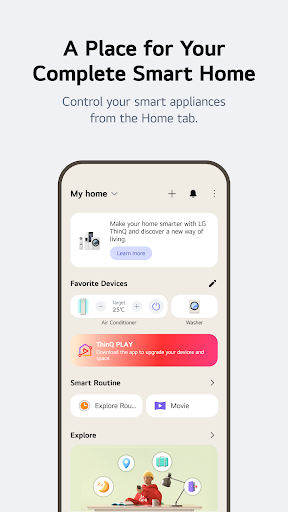
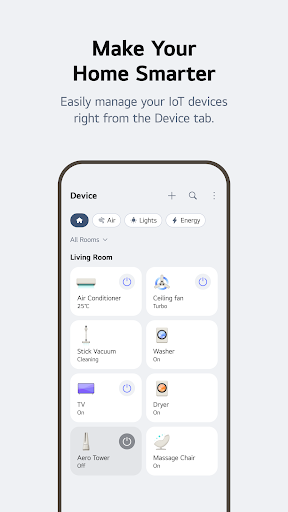
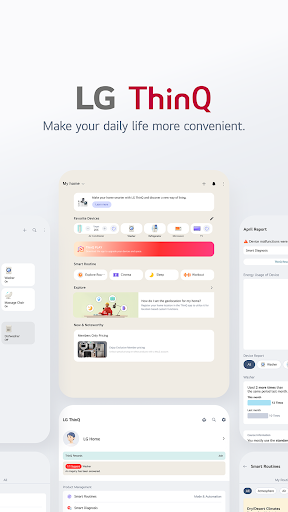

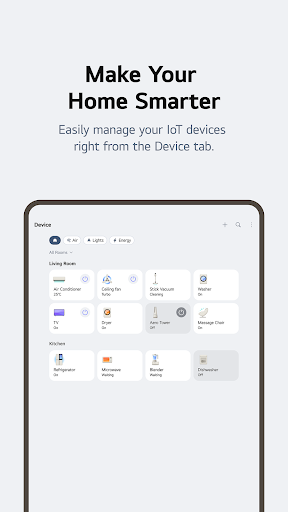
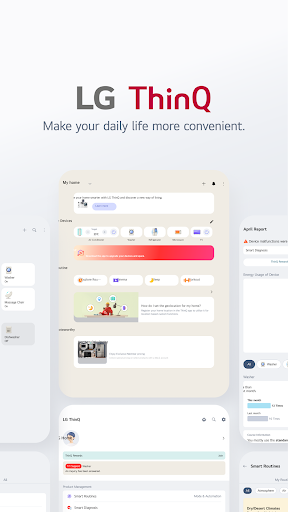
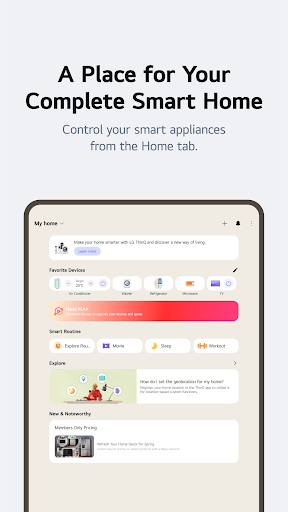
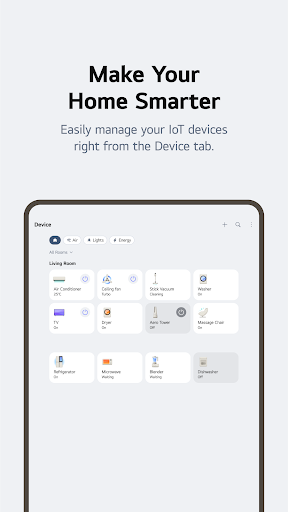
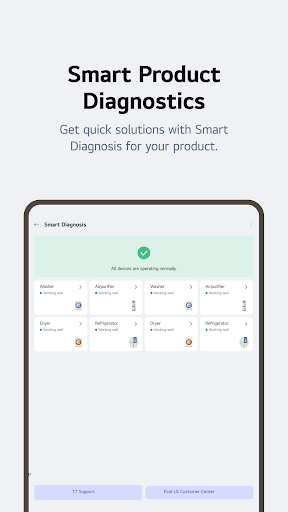

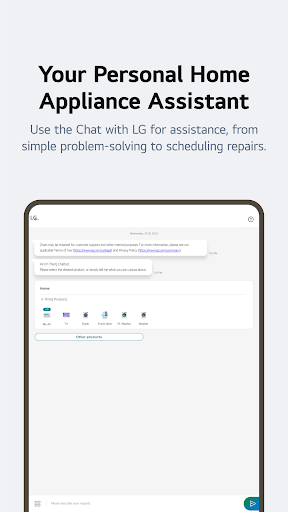
LG ThinQ is a comprehensive smart home solution that connects and controls IoT-enabled LG home appliances. The app serves as a central hub for managing your smart devices, offering features like remote control, personalized recommendations, and energy monitoring. Through the Home tab, users can effortlessly operate their connected appliances from anywhere, while receiving tailored suggestions based on usage patterns.
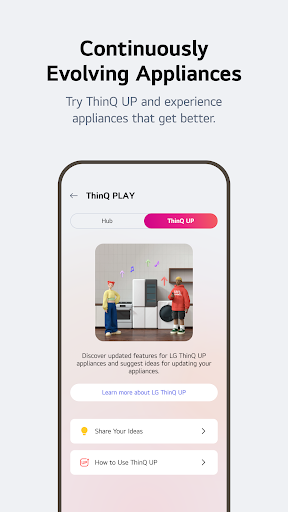
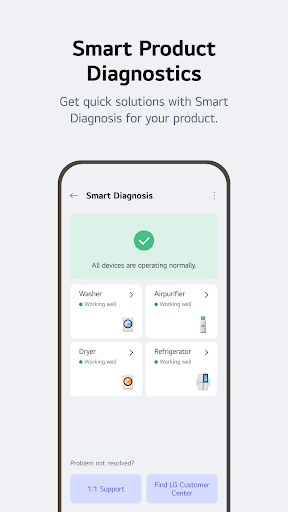
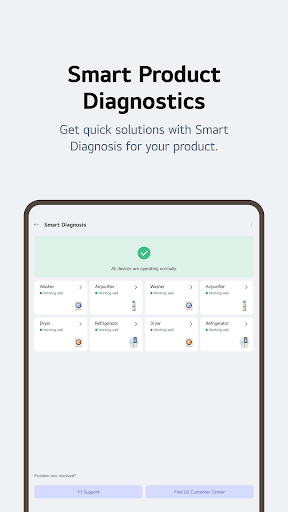
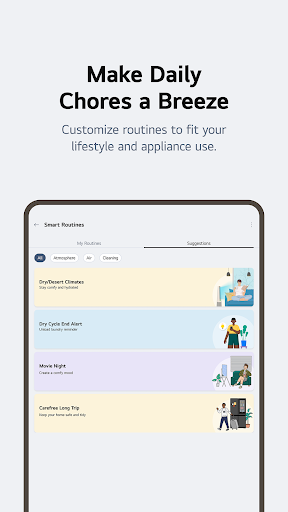
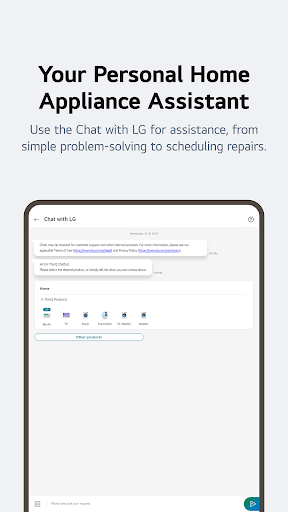
The application also provides advanced functionalities such as Smart Diagnosis for troubleshooting, automated routines for customized living experiences, and AI-powered customer support through 'Chat with LG'. With its ability to upgrade existing products with new features and integrate various smart home functions into one platform, LG ThinQ represents a significant advancement in home automation technology.
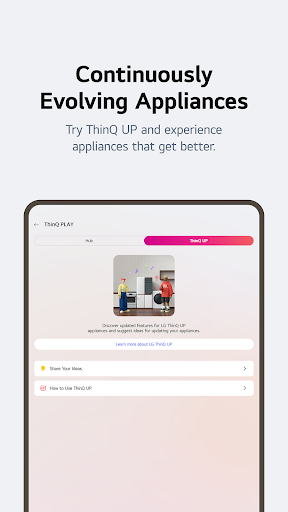
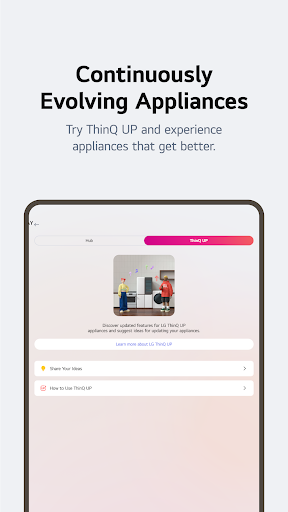
LG ThinQ distinguishes itself through several key features that enhance user experience. The app's Home tab offers centralized control of all connected IoT appliances, allowing users to manage devices remotely and receive personalized usage recommendations. The ThinQ Play section enables users to download additional apps and introduce new functionalities to their existing LG products, effectively upgrading their performance and capabilities.
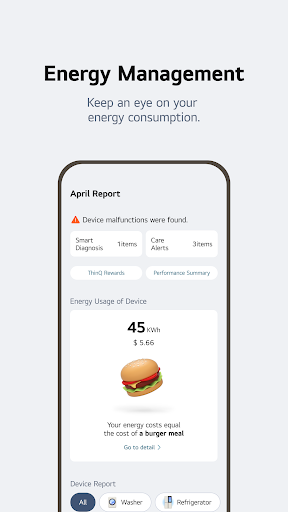
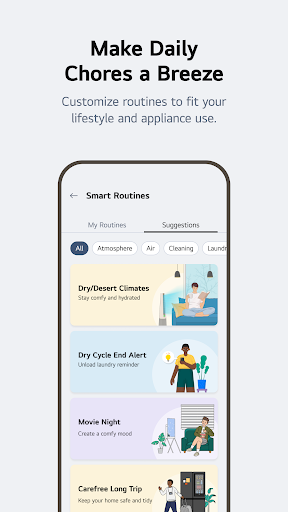
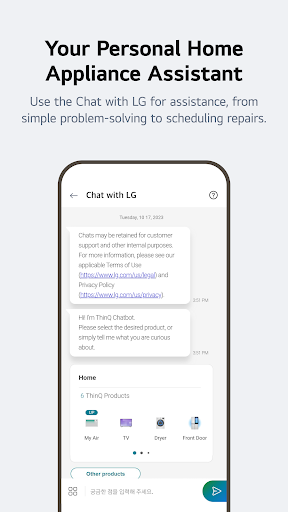
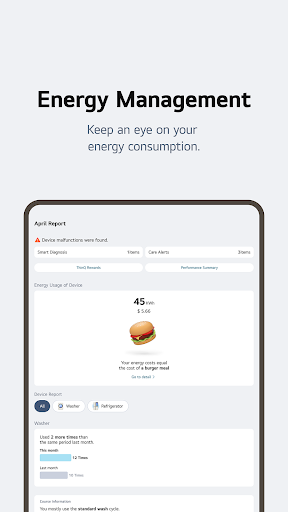
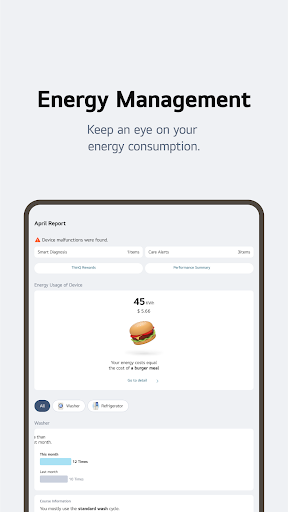
Smart routine creation allows for automated device management based on user-defined schedules or conditions, optimizing both convenience and energy efficiency. The Energy Monitoring feature provides detailed consumption data and comparative analysis with neighboring households, helping users establish effective energy-saving strategies. Additionally, the integrated 'Chat with LG' service delivers AI-driven support, providing product-specific advice and solutions directly within the app interface.
User-friendly interface
Comprehensive device control
Advanced automation options
Personalized recommendations
Integrated customer support
Limited device compatibility
Region-specific features
Occasional connectivity issues
Premium feature costs
Steep learning curve

The Work of Byron Katie— the mobile app for inner peace.
 4.40
4.40
Get roadside help, discounts, travel tools & more — AAA is with you everywhere.
4.80
Easily manage your child's playtime, spending messaging and more.
3.50
Discover the "To Be a Christian" App: Your Guide to Deepening Faith!
5.00
Spirit Communicator is a real paranormal ghost hunting app with many fun modes.
3.90
Smart home security protection
3.20
SmartHQ: Your Connected Home Command Center
4.10
A smart Siddur with halachic times
4.50
Mixing Colors for Menswear
4.20
Countdown to Christmas 2025 with festive games & activities in a virtual village
4.80
A smart Siddur with halachic times
4.60
Colorful minimal digital watch face for Wear OS
4.60
Discover your Nationality, Family Origin, and Ancestry from one selfie
4.50
Chat, meet genuine singles in your area. Real connections start with being real.
4.30
This is a simple and highly functional alarm clock "Smart Alarm" paid version.
4.20
Communicate with your vehicles and Powerwalls anytime, anywhere
3.60
Big bold digital watch face with 30 colors, 6 complications and AOD.
4.4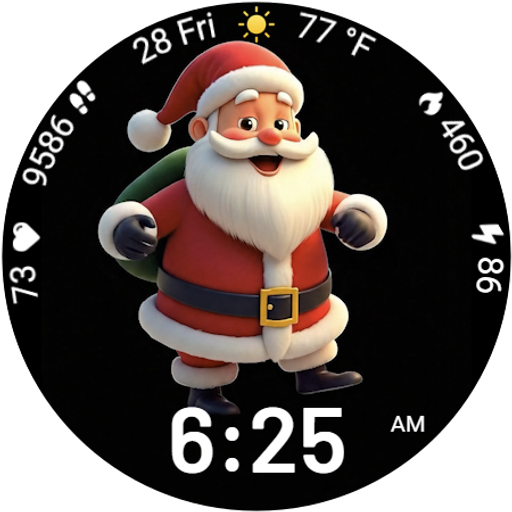
Designed to delight, impress and energize your festive spirit every single day
4.5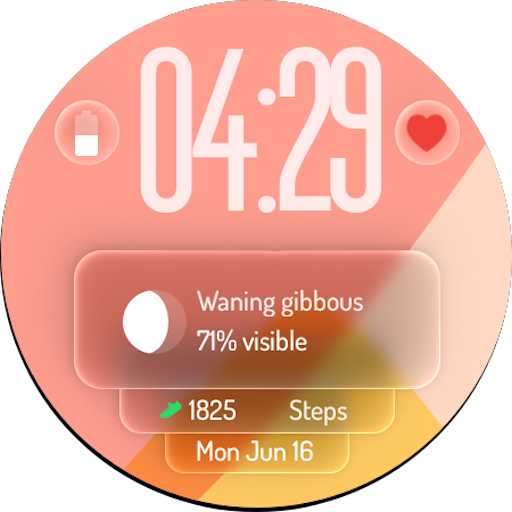
A watch face with transparency and fluid visuals inspired by liquid glass design
4.4


User Reveiws