Microsoft Build

4.20

Information

Category:

Events

Price:

Free

Rank:

67

Rating:

4.20

Overview

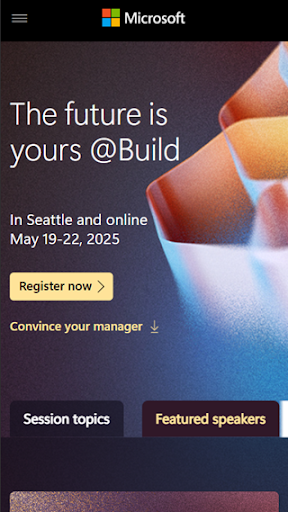
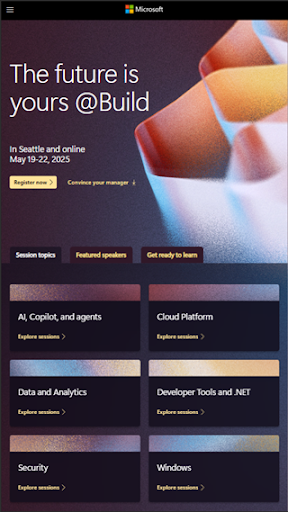
Microsoft Build is an annual developer conference hosted by Microsoft, designed for developers, engineers, IT professionals, and tech enthusiasts. The event focuses on exploring the latest innovations in software development, cloud technologies, and artificial intelligence. Attendees can expect keynotes from industry leaders, technical sessions, hands-on labs, and networking opportunities with the developer community.

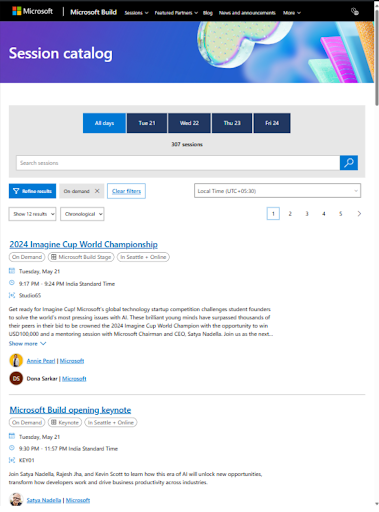
This app serves as a comprehensive guide to the event, offering schedules, session details, speaker information, and more. It ensures attendees can make the most of their experience by providing real-time updates and easy access to event resources. Whether you're looking to learn from experts or connect with peers, this app enhances your Microsoft Build journey.

Features

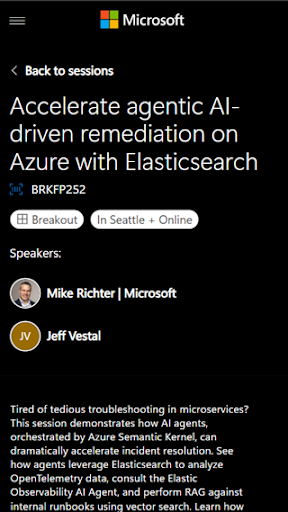
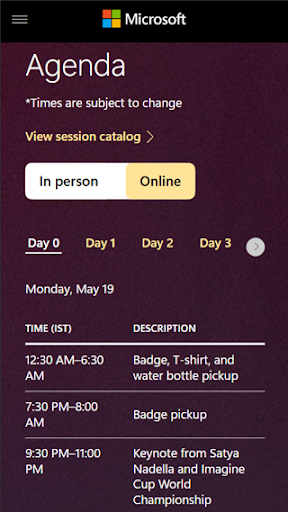
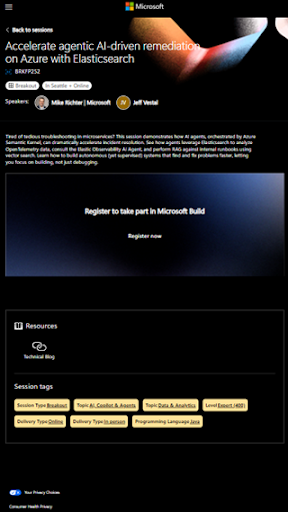
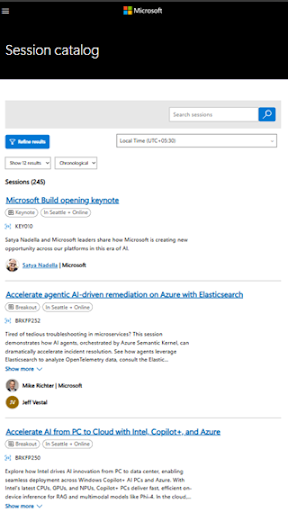
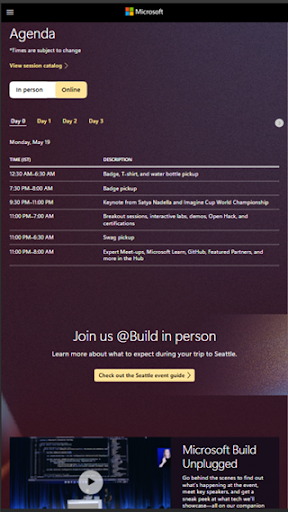
The Microsoft Build app provides essential features to maximize your event experience. Users can access detailed schedules, including timings and locations of keynotes, technical sessions, and hands-on labs. Speaker profiles offer insights into the experts leading each session, helping attendees choose sessions that align with their interests.

Additionally, the app includes interactive maps to navigate the venue easily and tools to create personalized agendas. Real-time notifications keep users informed about schedule changes, special announcements, and social events. With its user-friendly interface, the app ensures seamless access to all event resources, making it an indispensable tool for Microsoft Build attendees.

Task creation & detail customization

Task creation and detail customization in the Microsoft Build app allows users to efficiently organize their event schedules by creating personalized tasks that align with their professional interests and learning objectives. This feature is crucial for attendees who wish to maximize their conference experience by planning their participation in various sessions, workshops, and networking opportunities. The app enables users to input specific details such as session titles, speaker information, time slots, and locations which are essential for seamless navigation through the extensive offerings of the conference. Moreover, the customization options extend to setting personal reminders and priority levels for each task ensuring that users do not miss out on key events or learning opportunities. By leveraging this functionality participants can tailor their agendas to match their unique interests whether they are focused on cloud technologies artificial intelligence or software development tools. The value derived from this feature is significant as it empowers attendees to optimize their time at the conference while also providing a structured approach to professional development. With clear and detailed task management users can engage more deeply with the content presented at Microsoft Build ultimately enhancing their understanding of cutting-edge technologies and industry trends.

Reminder settings

Reminder settings within the Microsoft Build app play an integral role in ensuring that attendees remain informed and punctual across the various activities offered during the developer conference. This feature allows users to configure personalized alerts for upcoming sessions workshops or networking events based on individual preferences and schedules. The importance of reminder settings lies in their ability to enhance time management and reduce the risk of missing critical engagements especially in a dynamic environment like a tech conference where timing is crucial. Attendees can choose from multiple notification options including push notifications email alerts or calendar integrations all designed to provide timely updates tailored to each user's agenda. Furthermore the flexibility of these settings supports different types of learners and professionals whether someone prefers last-minute scheduling or advance planning. By offering precise control over when and how reminders are delivered the app ensures that every participant remains fully aligned with their planned activities throughout the event. This level of personalization not only improves overall engagement but also contributes to a stress-free experience enabling users to focus on gaining valuable insights into advancements in software development cloud technologies and artificial intelligence without worrying about losing track of time or commitments.

Props

Comprehensive event coverage

Real-time updates

Personalized agenda creation

Interactive venue maps

Easy access to session details

Cons

Limited to event dates

Requires internet connection

No offline functionality

Specific to Microsoft technologies

Interface may feel cluttered

Features and Functions

What is this app and what can I use it for?

Microsoft Build app offers schedules and details for the annual developer conference.

How do I download and install this app on my device?

Download it from Google Play Store and install by following on-screen instructions.

How do I get started after opening the app for the first time?

Open the app and browse the schedule to plan your event participation.

What are the main features and capabilities of this app?

Keynote details session schedules and speaker info for Microsoft Build.

How can I customize my experience and adjust preferences?

Customize preferences by setting up notifications and personal agenda.

How do I save or bookmark my favorite content for later access?

Save favorite sessions by adding them to your personalized agenda.

How can I share content with friends or on social media?

Share session details via email or social media directly from the app.

How do I access detailed information and explore more content?

Access detailed session info by tapping on individual schedule entries.

What permissions does this app need and how do I manage them?

The app needs location and notification permissions for full functionality.

How do I check for updates and keep the app running smoothly?

Check for updates in the app store to ensure smooth operation.
Show more

User Reveiws

{{ comment.reviewer_name }}
{{ comment.review_date_formatted}}
{{ comment.review_content }}
{{ tab.name }}
{{ comment.reviewer_name }}
{{ comment.review_date_formatted}}
{{ comment.review_content }}
No reviews with this rating