

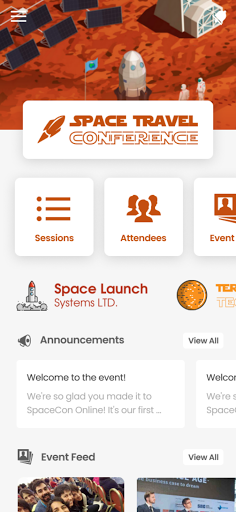
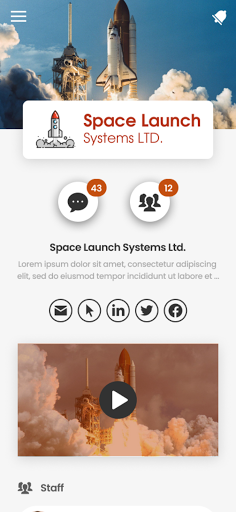
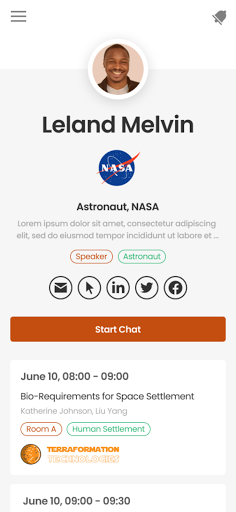
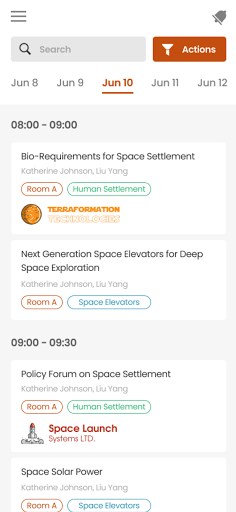

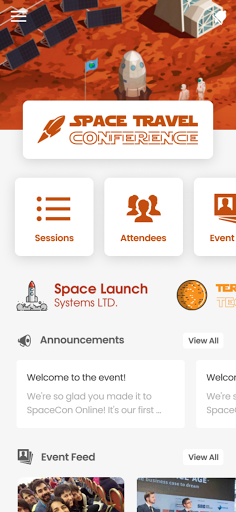
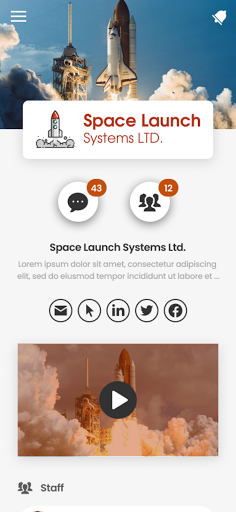
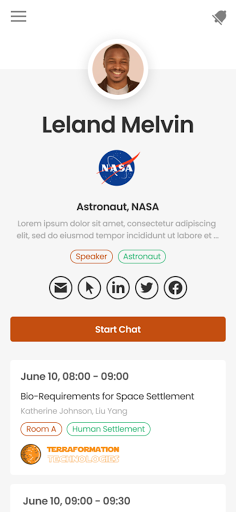
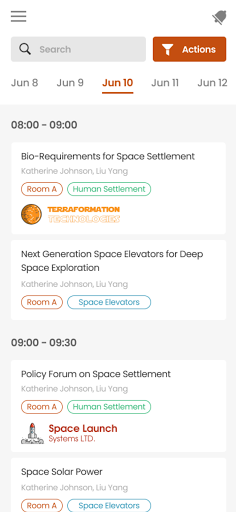

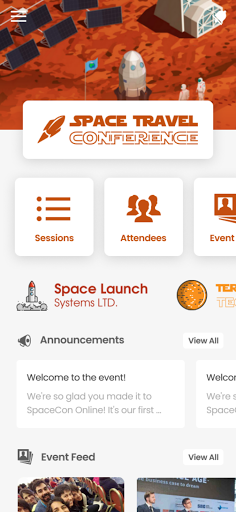
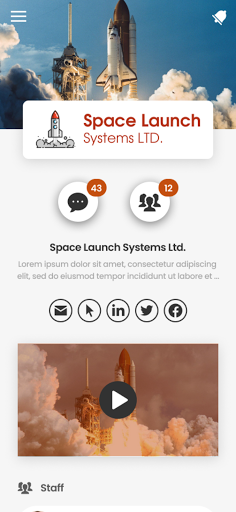
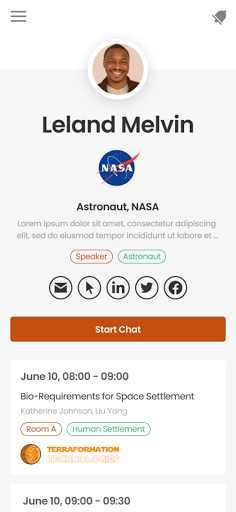
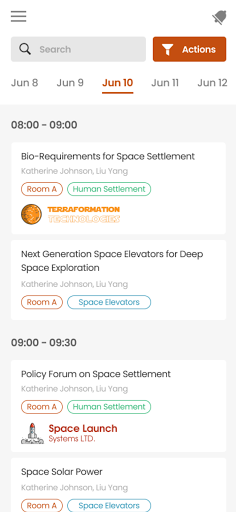
PheedLoop Go! is a comprehensive mobile application designed specifically for event attendees, exhibitors, speakers, and sponsors. This app serves as the ultimate companion for anyone participating in events powered by PheedLoop, offering an extensive range of features to enhance the event experience.
With PheedLoop Go!, users can enjoy seamless networking opportunities, interactive sessions, gamification elements, and easy access to essential event information. The app's modern interface ensures that all features are easily accessible, making it simple for users to navigate and utilize its full potential.
Whether you're preparing for an upcoming event, actively participating, or reflecting on the experience afterward, PheedLoop Go! is designed to be your constant companion. Its versatility allows users to engage with the event ecosystem at any stage, ensuring maximum value and engagement.
PheedLoop Go! stands out with its rich feature set tailored for event participants. One of its core functionalities is the ability to facilitate networking among attendees, allowing users to connect with peers, exhibitors, and speakers effortlessly.
The app also incorporates interactive and gamified elements, encouraging active participation and engagement throughout the event. Users can access event schedules, speaker information, and session details, all within a few taps. Additionally, PheedLoop Go! supports real-time updates and notifications, ensuring users never miss out on important announcements or changes.
Another significant advantage is the app's focus on user experience. With a sleek, modern design, PheedLoop Go! provides an intuitive platform that enhances the overall event experience. Whether accessing the app before, during, or after the event, users will find it to be an invaluable tool for staying informed and engaged.
User-friendly interface
Comprehensive networking tools
Real-time updates and notifications
Interactive and gamified elements
Seamless access to event information
Limited to PheedLoop powered events
Requires stable internet connection
Some features may need additional setup
Occasional notification delays
Interface customization options limited

Manages display and transfer of tickets from the Mundo Tickets platform
 3.80
3.80
Fantasy of Lights Event App
5.00
Microsoft Build is an annual developer conference hosted by Microsoft
4.20
Rocket Monkey - Space rocket launch schedule for launch sites around the world
4.20
Clubs, Festivals, Discounted Tickets, Guest Lists & VIP Tables
4.90
Get live football here
4.30
Track birthdays, habits & goals. Unlimited countdowns and count-ups
4.20
TV.Garden is a video player to play your own TV streams from around the world!
3.40
Save money on concert, sport, and theater tickets, and discover upcoming events.
4.80
TodayTix is the easiest way to get tickets to the best shows in your city.
4.90
Create invitation cards for birthdays, weddings, Christmas and more.
4.80
Create Wedding Invitation and Wedding Anniversary Cards using our app
4.60
Everything you need for the Best Thursday Ever.
4.40
Invitation Card Maker, Design & share wedding, birthday & party invites fast
4.40
Manage all your events, leads, ticketing, payments and check-ins.
4.30
Mobile Event Guide for Greater NY Dental Meeting
4.0
Some connections are better kept private
4.5
It is an Event Planning Application.
4.2
The Official Football Ticketing App for Fans in Qatar
4.2


User Reveiws