
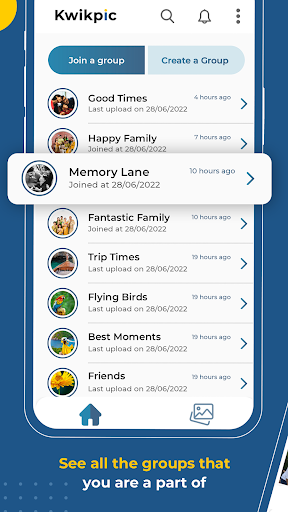
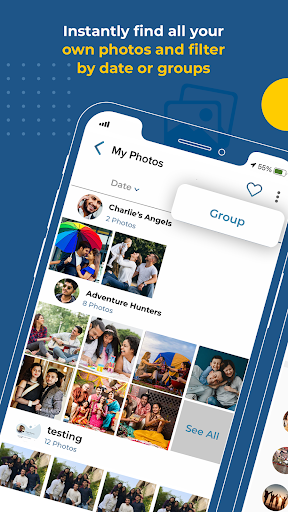

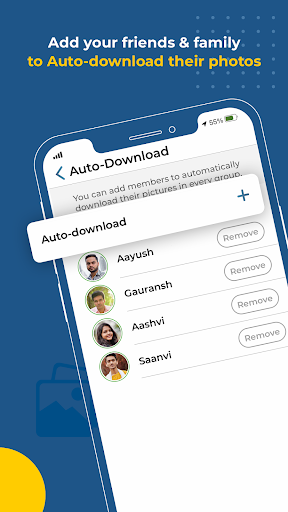
Kwikpic is an innovative photo management solution designed specifically for events. This app revolutionizes the way event photos are shared and organized by utilizing advanced AI technology. The core functionality revolves around instant face matching, automated tagging, and real-time notifications, enabling users to effortlessly sort and deliver photos to relevant individuals.
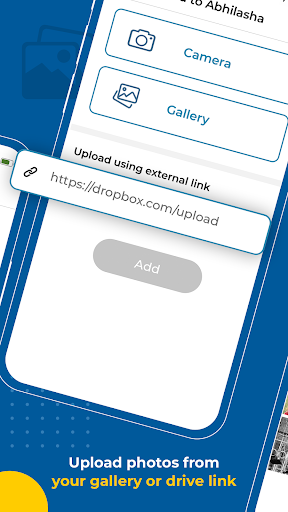
What sets Kwikpic apart is its ability to maintain original image quality while providing a comprehensive set of features. Users can upload photos directly from their device gallery or various cloud storage platforms including Google Drive. The app's intelligent system automatically identifies and groups common photos with other event attendees, creating a collaborative sharing environment.
The application proves particularly valuable during weddings, conferences, birthdays, or vacations where numerous photographs are taken. It eliminates the tedious process of manual sorting and distribution, saving both time and effort while ensuring all participants receive their memorable moments instantly and in high-quality resolution.
Kwikpic offers a robust set of features that cater to efficient event photo management. The app's primary advantage lies in its sophisticated face recognition technology, which accurately identifies and matches faces across multiple images. This feature works in tandem with automatic tagging capabilities, streamlining the organization process significantly.
Another notable feature is the comprehensive analytics dashboard, providing users with valuable insights into total impressions, downloads, and other engagement metrics. The app supports seamless integration with various cloud storage services, allowing users to upload images from multiple sources without any quality degradation.
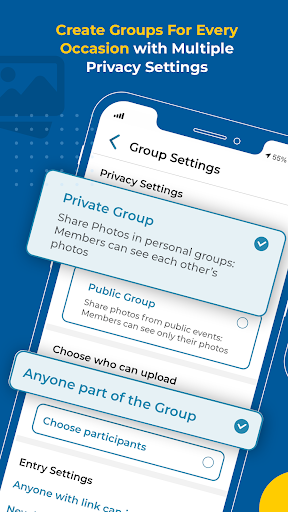
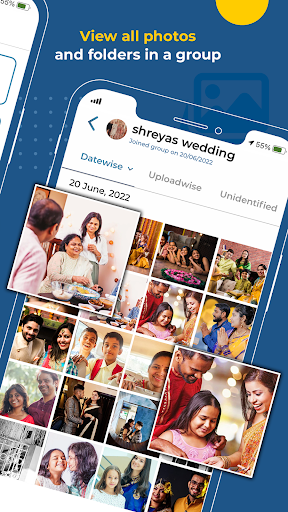
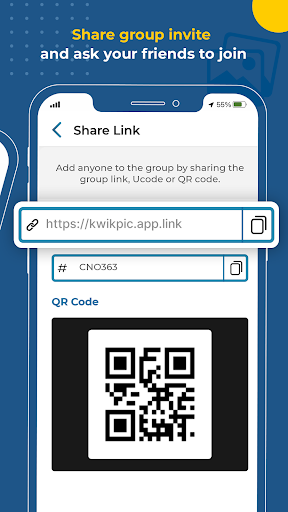
Additionally, Kwikpic facilitates group photo sharing through its smart grouping functionality, which identifies and connects common photos among event participants. The notification system ensures that tagged individuals are promptly informed about new photos, while the high-quality image preservation guarantees that every shared moment retains its original clarity and detail.
Advanced face recognition
Instant photo delivery
High-quality image preservation
Comprehensive analytics dashboard
Cloud storage integration
Limited free storage
Premium features require subscription
Occasional processing delays
Interface could be more intuitive
Learning curve for new users
Create Birthday Cards in Birthday Invitation Maker and Birthday Card Creator App
 3.00
3.00
PheedLoop Go! is the mobile event app for events powered by PheedLoop.
4.40
Some connections are better kept private
4.2
It is an Event Planning Application.
4.4
Here you can choose tickets for films, performances, concerts and other events
4.60
Microsoft Build is an annual developer conference hosted by Microsoft
4.20
Invitation card maker for birthday party & Wedding. Digital greeting card editor
4.90
Find EDM shows near you! See your favorite artists live, and discover new music.
4.90
TV Garden - World Live TV : Play & cast your videos seamlessly!
3.20
Fantasy of Lights Event App
5.00
CUE Live utilizes ultrasonic sound waves to sync devices at CUE enabled events
4.80
The KRUU app - plan, celebrate, remember
4.80
Beautiful invitation cards + easy RSVP tracking for any event. Design Invites.
4.80
Octrober 2025: We've updated the MyGenMobile App with a new look and feel!
4.40
Rocket Monkey - Space rocket launch schedule for launch sites around the world
4.20
No invest, Easy way to earn USDT through crypto cloud mining
3.80
Watch live football matches and streaming events on our Arabic TV app!
3.50
RAISE-365 makes fundraising easy and fun!
3.20
Mobile Event Guide for Greater NY Dental Meeting
4.0


User Reveiws