Mirror Link Cast to Car

4.1

Information

Category:

Libraries & Demo

Price:

Free

Rank:

17

Rating:

4.1

Overview

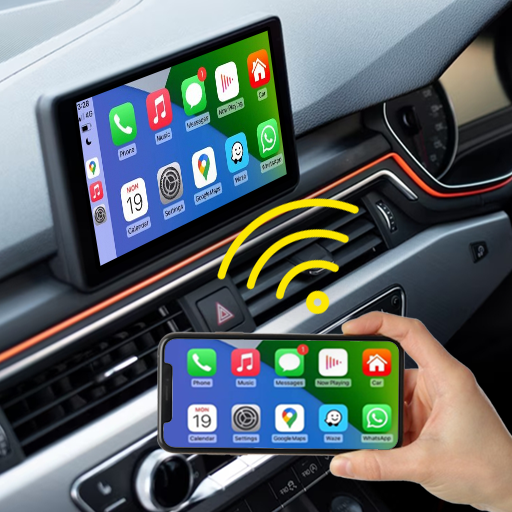
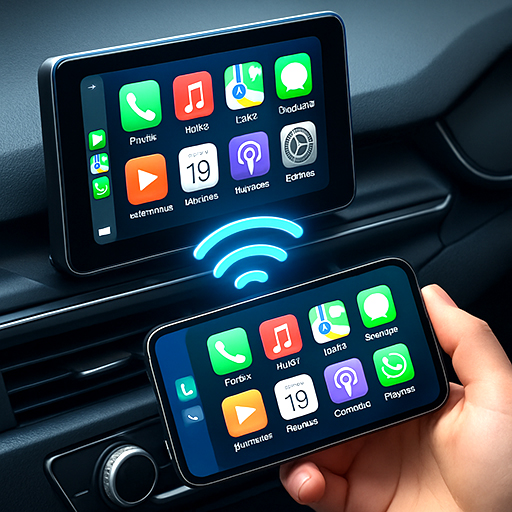
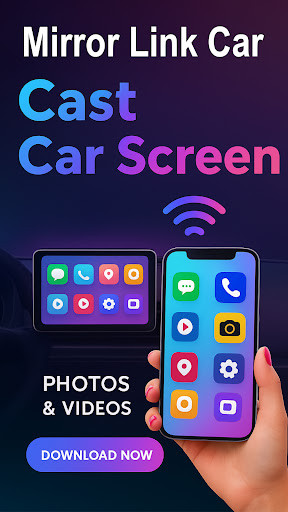
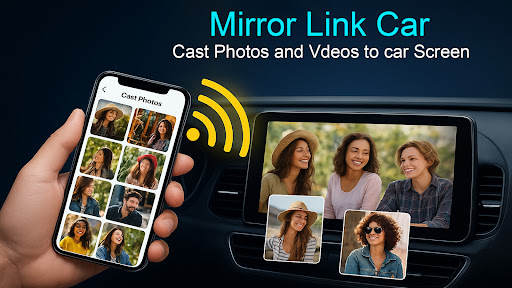
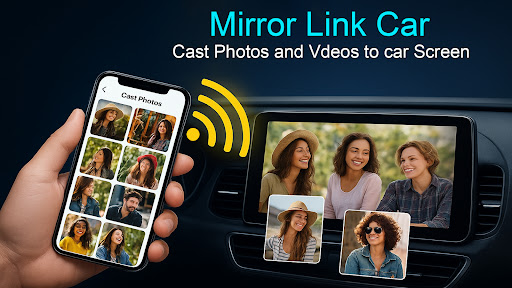
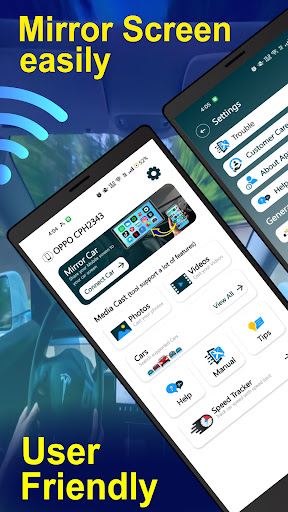
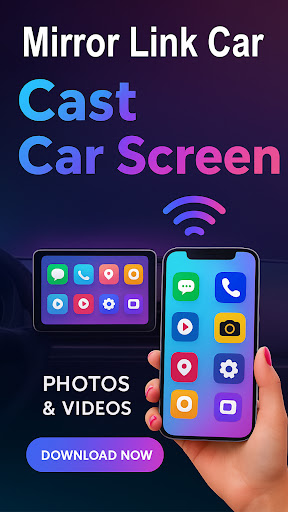
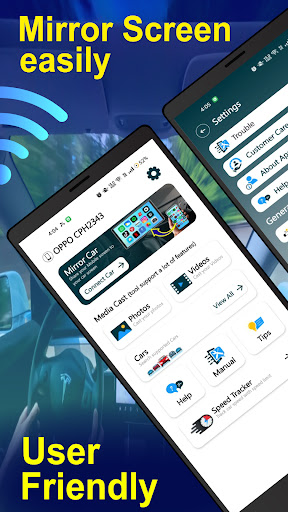
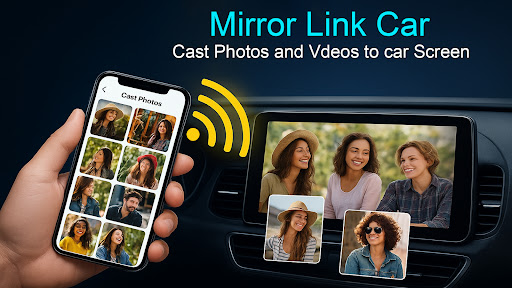
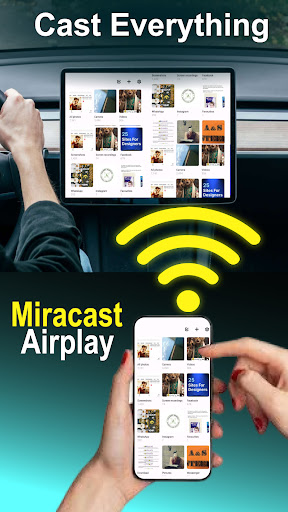
Mirror Link - Cast to Car is an innovative application that transforms your car's infotainment system into a smart display. By wirelessly mirroring your phone, it allows users to enjoy a full in-car multimedia experience without distractions. The app supports both wireless and wired connectivity options, ensuring flexibility and convenience.

With features like screen mirroring via Wi-Fi or USB, users can access navigation, stream music, and manage calls directly from their car's touchscreen. This functionality enhances the driving experience by keeping the driver focused on the road while still being able to use essential apps. Additionally, its compatibility with Smart TVs offers extended utility beyond the vehicle.

Features

The Mirror Link - Cast to Car app boasts several top-tier features designed to enhance user experience. One of the standout capabilities is wireless screen mirroring, allowing smartphones to connect to car displays without any cables using Wi-Fi Screencast. For those who prefer a more stable connection, USB connectivity support ensures lag-free screen casting.

Users can enjoy a multimedia dashboard experience where they can watch videos (when parked), use GPS, manage calls, and stream apps directly from their car's touchscreen. The app also supports hands-free functionality, automating music play/pause and other functions to minimize distractions while driving. Furthermore, quick car connection via supported CarLink/Mirror Link protocols enables fast setup and seamless integration with the car’s infotainment system.

Functionality completeness & coverage

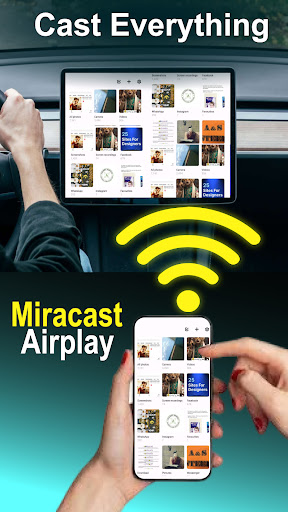
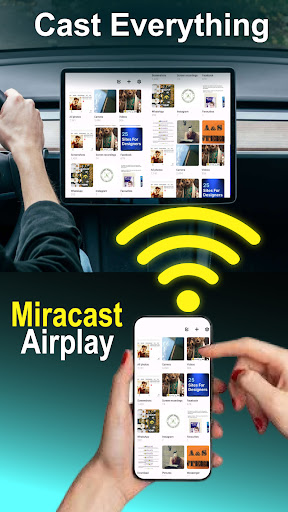
Functionality completeness and coverage refer to the extent to which an application provides a comprehensive set of features that cater to user needs across different scenarios. For Mirror Link Cast to Car this aspect is particularly crucial as it aims to transform in-car infotainment systems into smart displays through wireless or wired connectivity. The app demonstrates a broad functionality spectrum by supporting both Wireless Screen Mirroring via Wi-Fi Screencast and USB Connection Support for lag-free casting. This dual approach ensures users can select their preferred mode of connection whether prioritizing convenience through wireless technology or stability with a wired setup. Furthermore Mirror Link extends its compatibility beyond car systems to include Smart TVs and home entertainment setups enhancing its utility outside the vehicle. The inclusion of hands-free functionalities such as automated music play/pause not only enriches the driving experience but also underscores the app's commitment to safety by minimizing distractions. With support for standard screen mirroring protocols like Miracast and potentially Dashdroid-enabled systems Mirror Link positions itself as a versatile solution adaptable to various infotainment environments. Users benefit from an intuitive one-click connection process facilitated by supported CarLink/Mirror Link protocols streamlining the initiation of screen mirroring sessions. Such extensive feature integration empowers drivers with seamless access to navigation multimedia content and communication tools directly from their caru2019s touchscreen thereby elevating the overall driving experience while maintaining focus on the road.

Usability & operational smoothness

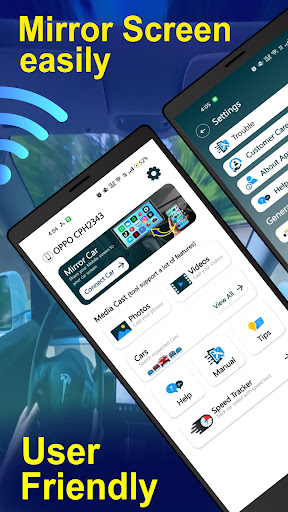
Usability and operational smoothness are critical factors that determine how effectively users can interact with an application achieving their goals with minimal friction. In the context of Mirror Link Cast to Car these aspects manifest through its user-friendly interface and efficient performance during screen mirroring activities. The app simplifies the complex process of connecting smartphones to car infotainment systems by offering a straightforward setup procedure. By merely enabling Mobile Hotspot on the smartphone and ensuring both devices support Miracast or Wireless Display users can swiftly establish a connection. Once connected the Multimedia Dashboard Experience allows drivers to manage calls stream apps and even watch videos when parked all from their caru2019s touchscreen display. This ease of use is further enhanced by smart functionalities like automating music playback controls which reduce manual interactions while driving thus promoting safer driving practices. Moreover Mirror Link supports flexible connectivity options accommodating both wireless convenience and stable wired connections via USB catering to diverse user preferences and technical environments. The appu2019s compatibility with various technologies including Mirror Link Car Connector Miracast Wireless Display and potentially Dashdroid-enabled systems showcases its adaptability across different hardware configurations. These combined attributes contribute to a smooth operational flow where users can expect consistent performance without significant delays or interruptions. As a result Mirror Link not only facilitates an enriched multimedia environment within vehicles but also ensures that this enhancement does not come at the cost of usability or operational efficiency making it a reliable choice for those seeking smarter driving solutions.

Props

User-friendly interface

Wireless and wired connectivity

Enhanced driving safety

Wide device compatibility

Quick one-click connection

Cons

Requires compatible car systems

Limited to specific devices

Potential connectivity issues

No offline support

Dependent on third-party protocols
Features and Functions

What is this app and what can I use it for?

Mirror Link - Cast to Car mirrors your phone to your car display for navigation and entertainment.

How do I download and install this app on my device?

Visit Google Play Store, search for the app, and tap Install to download and install it on your device.

How do I get started after opening the app for the first time?

Enable Mobile Hotspot on your phone, connect your caru2019s Android panel, and follow the in-app instructions to connect.

What are the main features and capabilities of this app?

Key features include wireless screen mirroring, USB connectivity, multimedia dashboard, and hands-free functionality.

How can I customize my experience and adjust preferences?

Adjust preferences within the app settings to customize your mirroring experience as desired.

How do I save or bookmark my favorite content for later access?

Use the appu2019s bookmark feature to save favorite content for easy access later.

How can I share content with friends or on social media?

Share content directly from the app interface to social media platforms or friends via available sharing options.

How do I access detailed information and explore more content?

Access detailed information through the appu2019s comprehensive help section and explore additional features.

What permissions does this app need and how do I manage them?

The app requires standard permissions; manage them in your device settings under Apps & Permissions.

How do I check for updates and keep the app running smoothly?

Check for updates in the Google Play Store and keep the app updated for optimal performance.
Show more

User Reveiws

{{ comment.reviewer_name }}
{{ comment.review_date_formatted}}
{{ comment.review_content }}
{{ tab.name }}
{{ comment.reviewer_name }}
{{ comment.review_date_formatted}}
{{ comment.review_content }}
No reviews with this rating