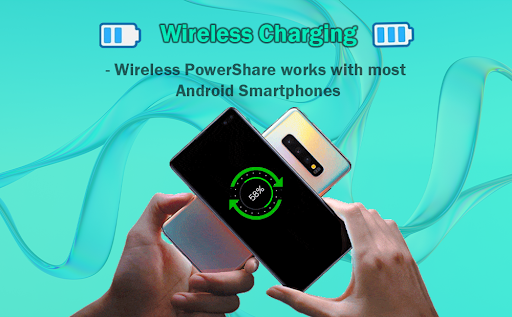
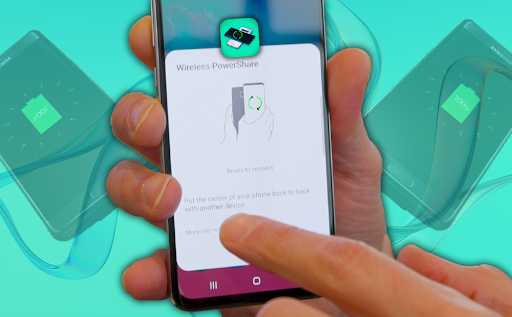
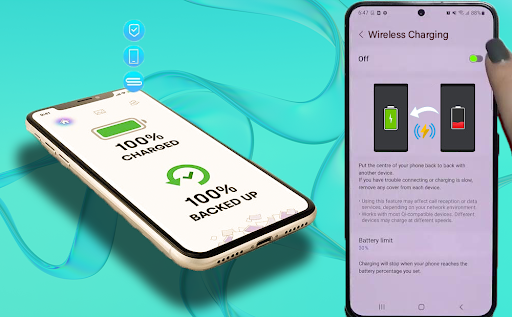

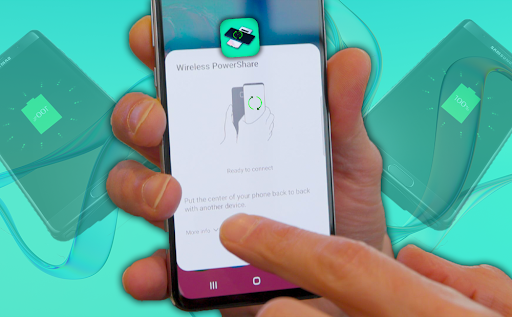
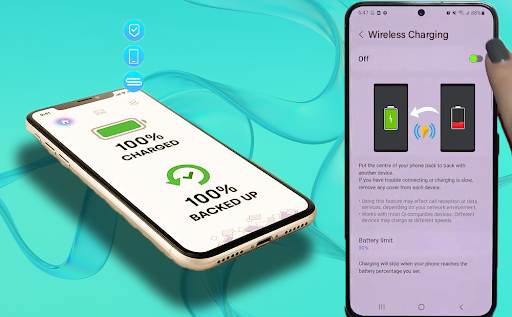
Wireless Reverse Charging is an innovative app designed to enable wireless power sharing between compatible smartphones. The core functionality allows users to transfer and receive electric power by simply placing their phone on the rear face of another compatible device, initiating a seamless charging process.
This application is particularly useful in emergency situations when you need to quickly share battery power with another device. It eliminates the need for carrying additional charging cables or power banks, making it a convenient solution for on-the-go charging needs.
The app offers several notable features that enhance the wireless charging experience. First, it includes a Wireless Charging Checker that verifies compatibility between devices before initiating the charging process. This ensures safe and efficient power transfer between supported smartphones.
Additionally, the app provides clear instructions and status updates during the charging process. Users can monitor the charging progress and view estimated completion times. The developers are also working on implementing advanced features such as scheduled charging and power management options.
Convenient power sharing
Easy to use interface
Compatibility checker
Real-time status updates
Innovative solution
Limited device support
Slower than wired charging
Requires close contact
May cause overheating
Battery drain concerns

Game Booster GFX for smoother gaming experience. Enjoy 120 FPS and 4x Game Space
 4.20
4.20
View your cameras anywhere and anytime
4.20
An essential GFX utility developed for specific FPS mobile games
4.50
Easily evaluate the performance of Scandit's barcode and ID scanning SDK
4.10
Block, disable and secure phone camera from secretly taking photos by spyware.
4.50
Zlink Carplay Android a mirror link app with a Carplay interface style
4.4
Enjoy hours of entertainment with our Roblox mobile games app
4.0
Mirror link car connector to share your screen with car dashboard
3.80
Unlock the hidden menus of your phone with our mobile secret codes app.
4.20
The Free Catholic Latin American Bible in complete Spanish
4.60
Block and secure the microphone and protect from secret listening and recording.
4.50
MirrorLink for connecting your Android phone to your car’s infotainment screen.
4.50
Recite Quran Majeed القران with special 16 line real Kuran page in hand
4.30
use your smartphone as Remote control drones .
4.20
Test DPC is a sample device policy controller for use with Android Enterprise.
4.20
You can remote control and play much easier.
4.10
Demo version of the mcpro24fps manual video camera. Try and buy a full version!
4.00
Mobs maker Minecraft help MCPE creators make their own mob by using Blockbench
3.50
Record with Double Camera Video Recording using Dual Camera Front and Back Video
3.00


User Reveiws