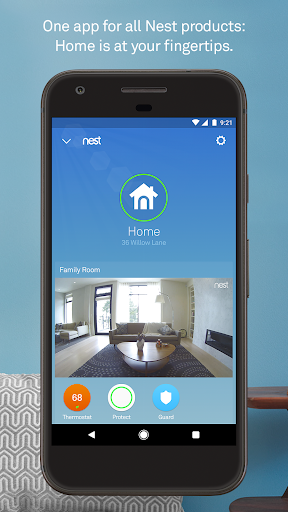
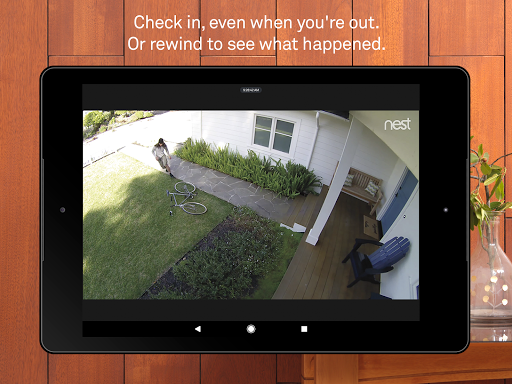

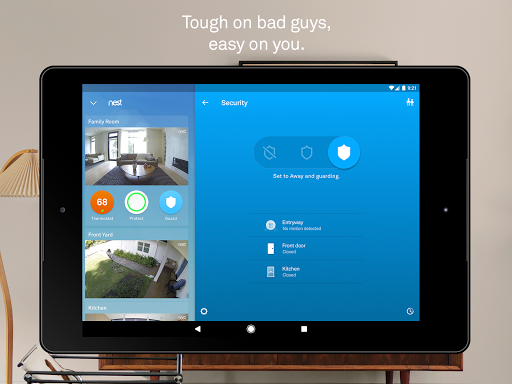
Nest is a comprehensive smart home application that allows users to control and monitor various Nest devices from a single interface. The app serves as the central hub for managing thermostats, security systems, smoke detectors, and cameras, providing both convenience and enhanced home safety. With its intuitive design, Nest makes smart home management accessible to all users.
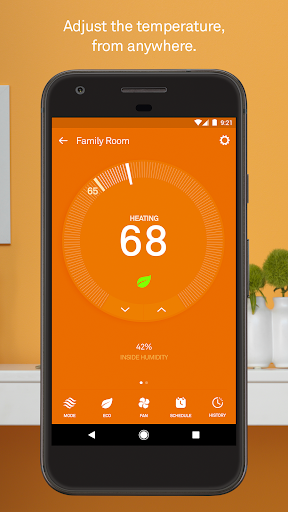
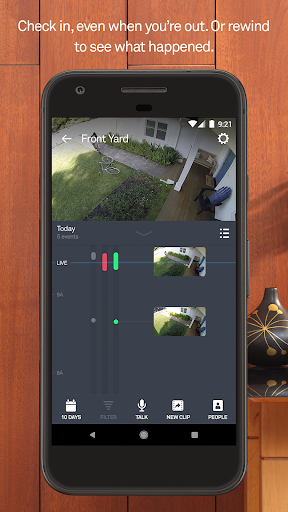
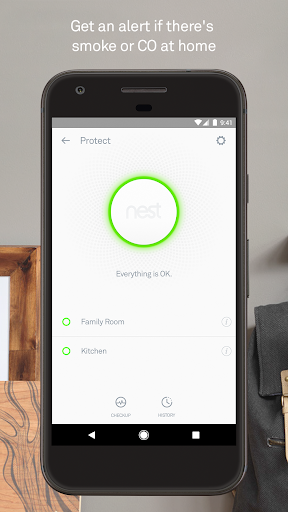
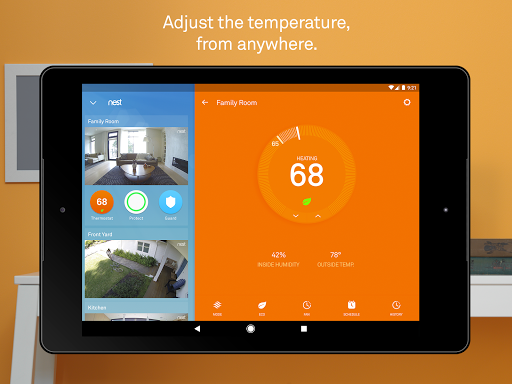
The application's core functionality revolves around device control and automation. Users can adjust their Nest thermostat settings remotely, receive important alerts from Nest Protect, and monitor live footage from Nest Cam devices. The app also supports advanced features like Home/Away Assist, which automatically adjusts settings based on user location, demonstrating how technology can work intelligently to optimize energy usage and security.
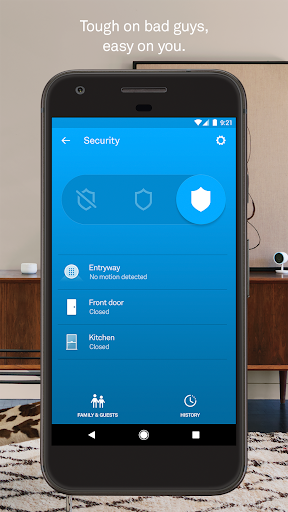
For homeowners seeking to create a more efficient and secure living environment, Nest offers an integrated solution. Whether it's receiving mobile notifications about security breaches or controlling home temperature from anywhere, the app provides practical value through its seamless connectivity with Nest hardware products.
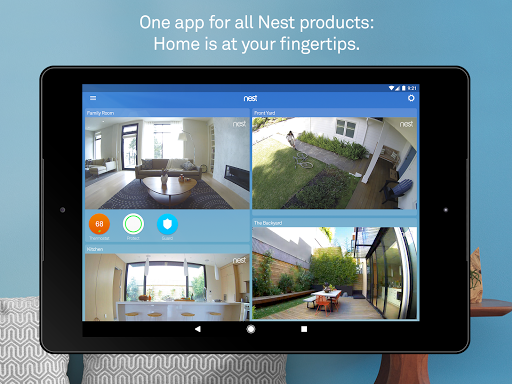
The Nest app distinguishes itself through its comprehensive feature set that covers multiple aspects of home management. One of its most notable capabilities is the centralized control panel that brings together different device categories - from climate control to security monitoring. This integration allows users to manage their entire smart home ecosystem without switching between multiple applications.
Advanced notification systems represent another key feature of the Nest app. Users receive instant alerts for critical events such as security breaches, smoke detection, or unusual activity captured by cameras. The app's intelligent algorithms go beyond simple notifications by providing contextual information about each event, helping users make informed decisions quickly.
Automation capabilities set Nest apart from basic smart home applications. The app's ability to learn user patterns and automatically adjust settings demonstrates sophisticated machine learning implementation. Features like Remind Me alerts showcase how the app anticipates user needs, while the Safety Checkup function provides proactive maintenance suggestions, ensuring all devices remain in optimal condition.
User-friendly interface
Comprehensive device integration
Intelligent automation features
Reliable alert system
Energy-saving capabilities
Requires stable internet connection
Premium subscription needed
Limited third-party compatibility
Occasional connectivity issues
Higher hardware costs
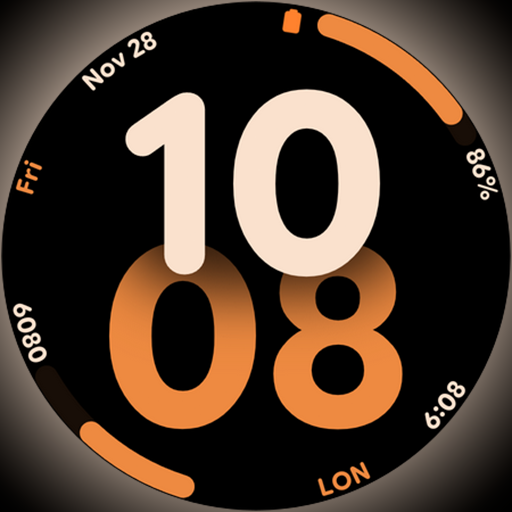
Big bold digital watch face with 30 colors, 6 complications and AOD.
 4.1
4.1
Get roadside help, discounts, travel tools & more — AAA is with you everywhere.
4.80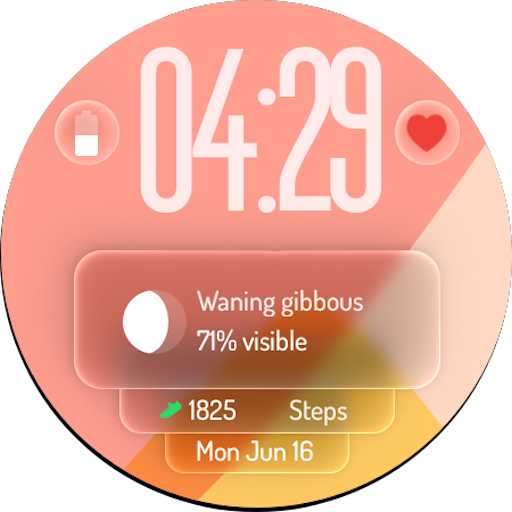
A watch face with transparency and fluid visuals inspired by liquid glass design
4.5
View over 160,000 line dance stepsheets from the CopperKnob website.
3.30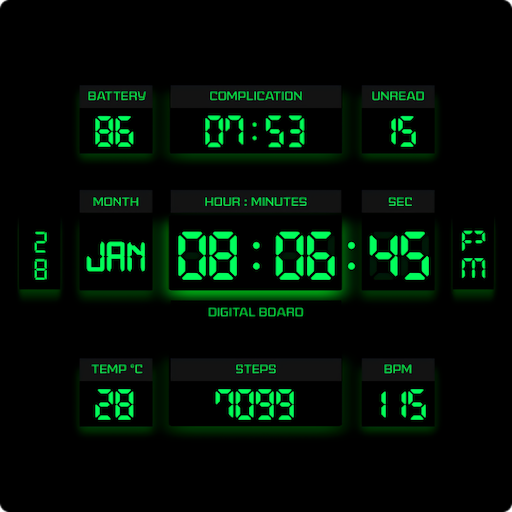
This minimalist yet classic board design brings a futuristic twist to your wrist
4.20
Good magnifier app to see tiny things bigger and more clearly!
4.80
Smart & Healthy Living
4.60
Creativity and savings for kids, beginners and experts in arts and crafts
3.50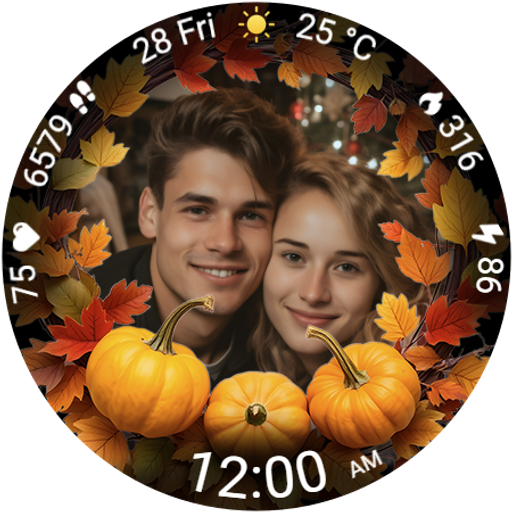
Wear your favorite memories, loved ones, pets or travel photos on your watch
4.5
Have your Tehillim with you at all times
4.70
A smart Siddur with halachic times
4.60
Discover your Nationality, Family Origin, and Ancestry from one selfie
4.50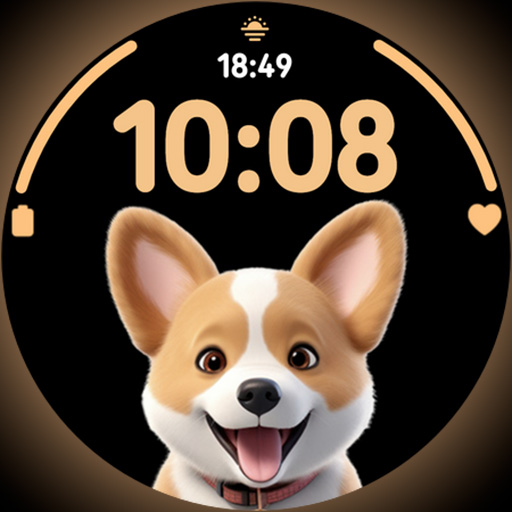
Cute Adorable Animals now on your wrist with our Wear OS watch face!
4.40
Do you want to communicate with spirits?
3.80
Subwoofer school’s in session! You’ve now enrolled into KICKER U.
3.80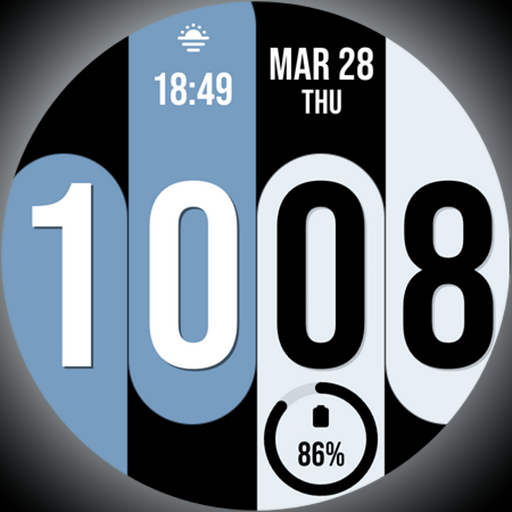
Unique Dual Colors with 6 Custom Complications for Wear OS watches!
3.40
The Miracle Box includes methods used by Steve Huff of Huff Paranormal.
3.20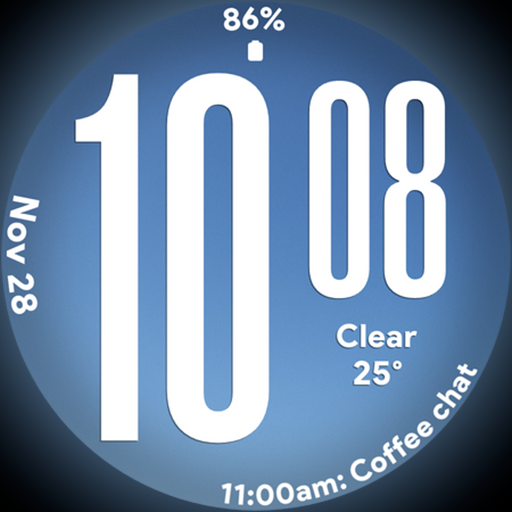
Big bold weather watch face with dynamic backgrounds and 3 complications
4.5
Duo Watch Face (animated)
4.2


User Reveiws