

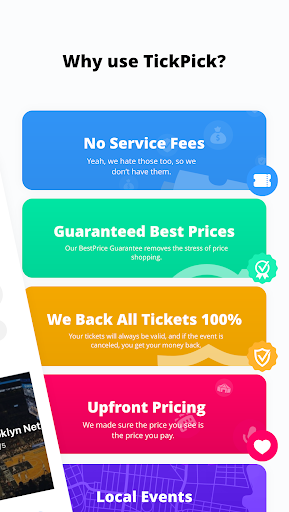
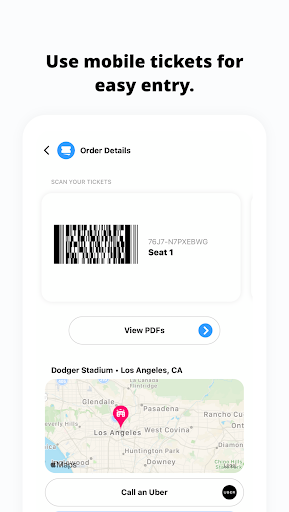
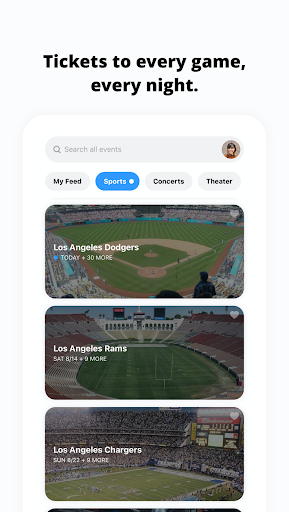
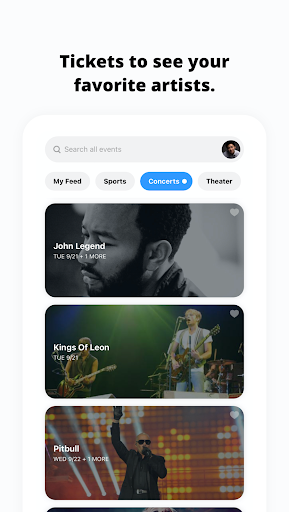

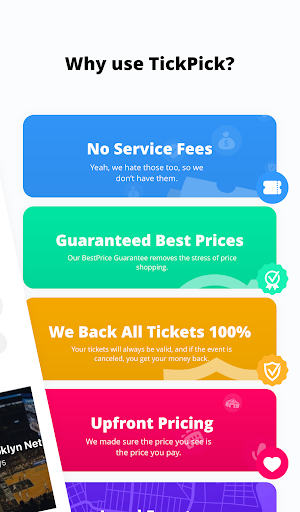
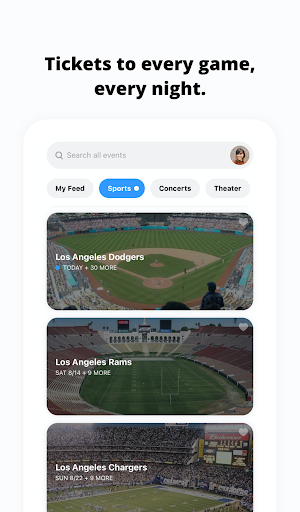
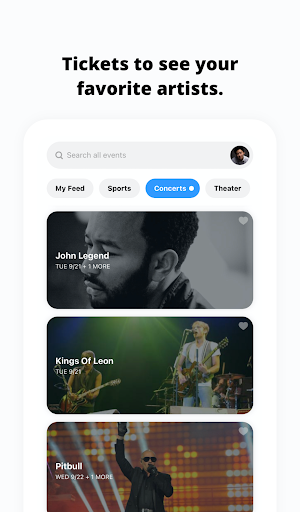
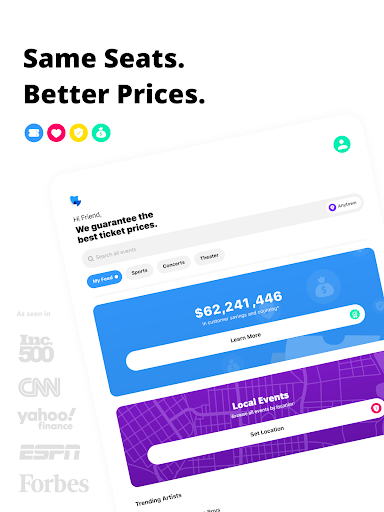
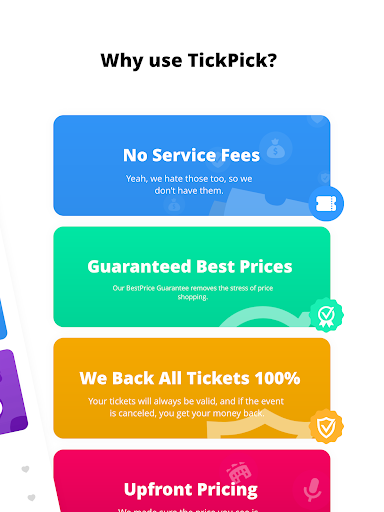



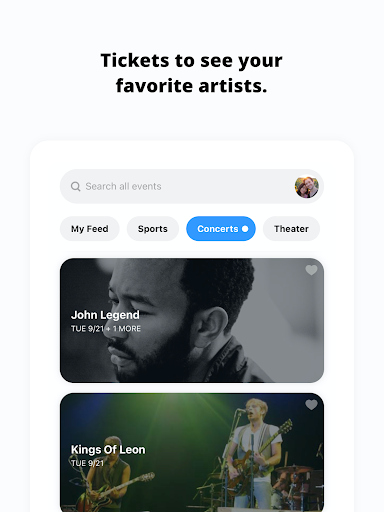
TickPick is a premier ticketing platform designed to provide users with a seamless experience in purchasing tickets for live events. The app specializes in offering tickets for sports, concerts, and theater performances without adding service fees, making it an affordable choice compared to competitors. With its user-friendly interface, TickPick ensures that buying tickets is as simple as a few taps on your mobile device.
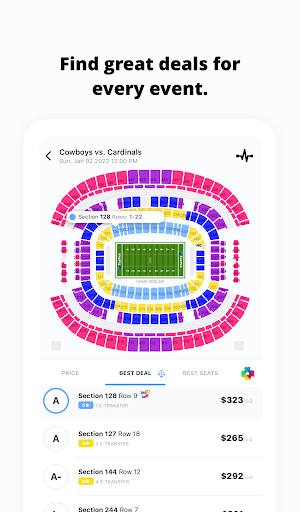
One of the standout features of TickPick is its patented Score Report and Seat Rating system, which helps users find the best deals and seats available. Whether you're looking for NFL, NBA, MLB, NHL games, or concerts and theater shows, TickPick provides comprehensive options. Additionally, the app offers a 100% BuyerTrust Guarantee, ensuring all tickets are valid and buyers receive refunds for canceled events.
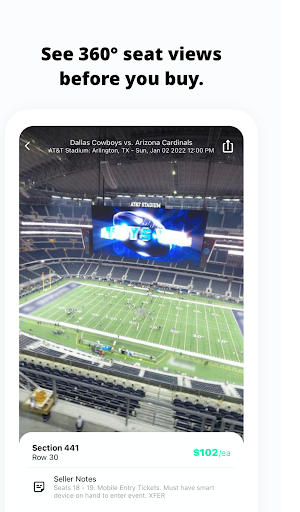
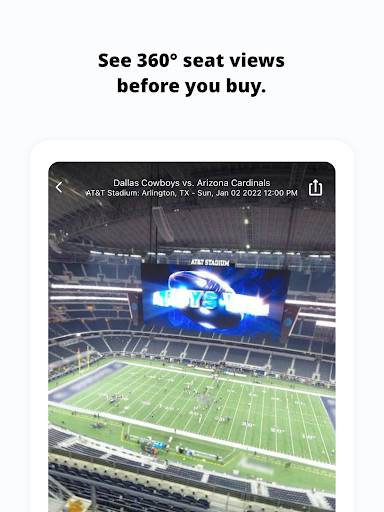
The app also supports features like 360-degree seat views, event tracking, and secure payment methods including Apple Pay and PayPal. Users can manage their listings and sales directly through the app, making it a versatile tool for both purchasing and selling tickets. TickPick's innovative approach and customer-centric features make it an ideal choice for anyone seeking convenient access to live entertainment.
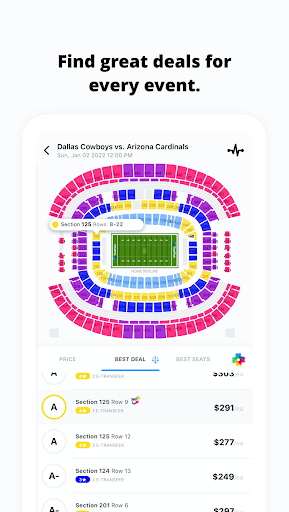
TickPick stands out with its array of sophisticated features tailored to enhance the ticket-buying experience. One of its key innovations is the patented Score Report, which ranks tickets based on price and seat location, ensuring users get the best value for their money. This feature is complemented by the proprietary Seat Rating system, allowing users to sort tickets from the best seats to the worst, thus simplifying the decision-making process.
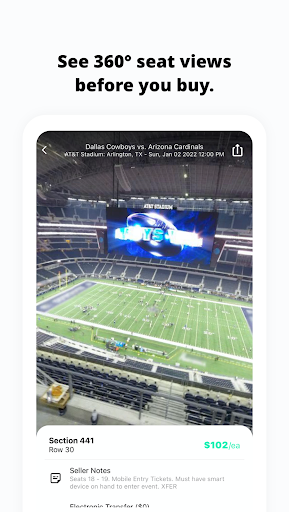
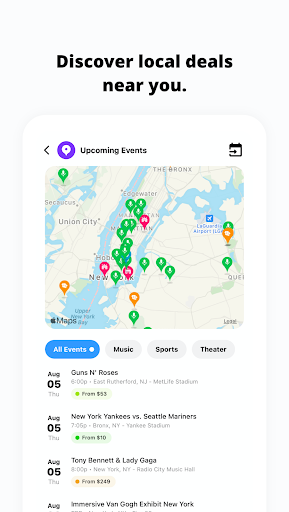
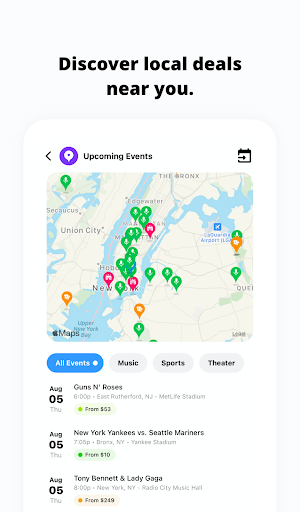
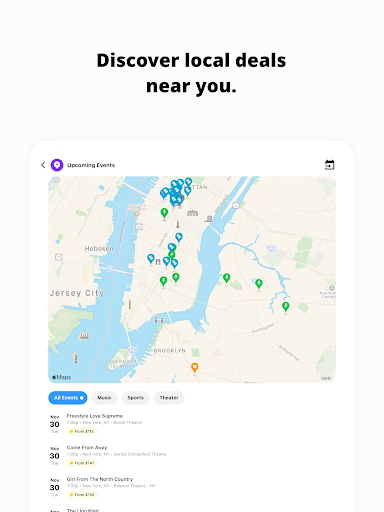
In addition to these, TickPick offers a 360-degree seat view feature for major sports events, providing an immersive experience that helps users make informed choices about their seating. The app also includes functionalities such as event discovery, where users can find last-minute events or newly announced concerts, and the ability to track average ticket prices and inventory levels for any event. These tools empower users to buy tickets when they are most comfortable with the pricing.
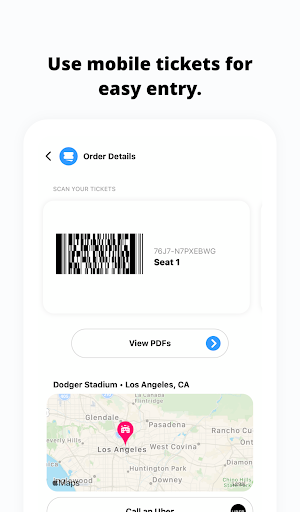
Security and convenience are prioritized with features like secure payment options, including Apple Pay, PayPal, and major credit cards, along with flexible payment plans. Post-transaction, users can order rides, get directions, and share e-tickets effortlessly. For those interested in selling tickets, TickPick provides robust management tools for listings and sales, making it a comprehensive solution for all ticketing needs.
No service fees
User-friendly interface
Patented Score Report
100% BuyerTrust Guarantee
Comprehensive event coverage
Limited international events
Occasional app glitches
Customer support delays
Complex seat ratings
Restricted seller tools

Mobile Event Guide for Greater NY Dental Meeting
 4.0
4.0
Watch live football matches and streaming events on our Arabic TV app!
3.50
Wedding planner app with wedding venues, wedding checklist, countdown & budget.
4.60
The KRUU app - plan, celebrate, remember
4.80
No invest, Easy way to earn USDT through crypto cloud mining
3.80
Beautiful invitation cards + easy RSVP tracking for any event. Design Invites.
4.80
The Official App
3.70
ETH Mining provides secure way to mine Ethereum & earn ETH in Cloud mining app
3.50
Find Live Event Ticket Deals to Sports, Concerts, Festivals, & Comedy For Less!
4.80
Invitation card maker for birthday party & Wedding. Digital greeting card editor
4.90
TodayTix is the easiest way to get tickets to the best shows in your city.
4.90
CUE Live utilizes ultrasonic sound waves to sync devices at CUE enabled events
4.80
Design Invitations & Cards for Any Occasion
4.80
Octrober 2025: We've updated the MyGenMobile App with a new look and feel!
4.40
Microsoft Build is an annual developer conference hosted by Microsoft
4.20
Microsoft Ignite is an event that showcases latest advancements in technology
4.00
RAISE-365 makes fundraising easy and fun!
3.20
An App for Bhutanese
4.3
The official app of the Carmel Christkindlmarkt!
4.0


User Reveiws