
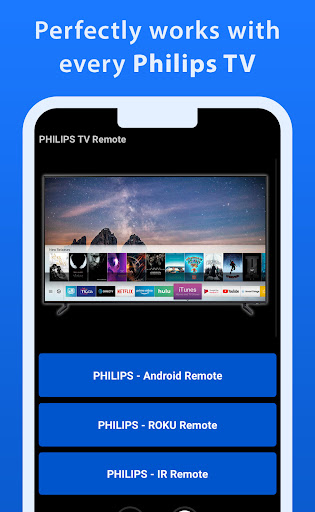
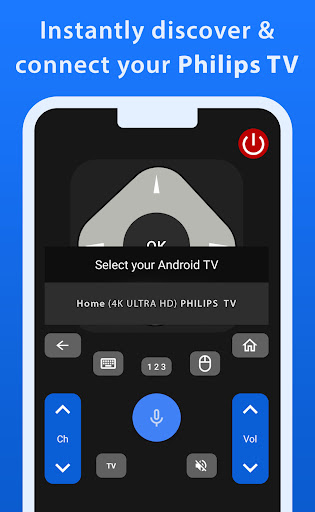
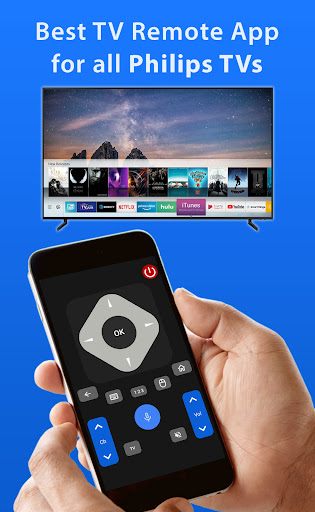

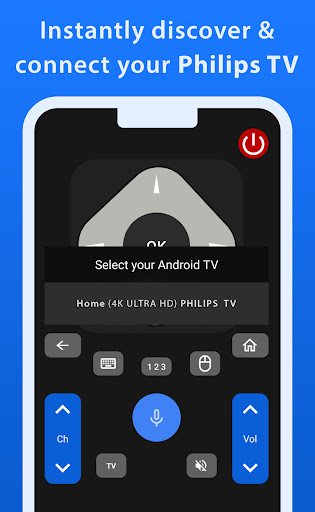
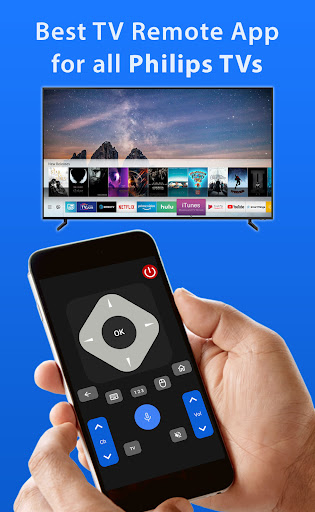
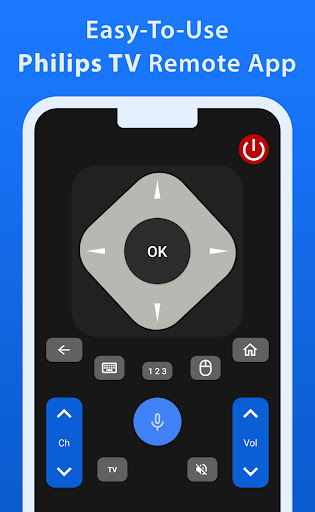
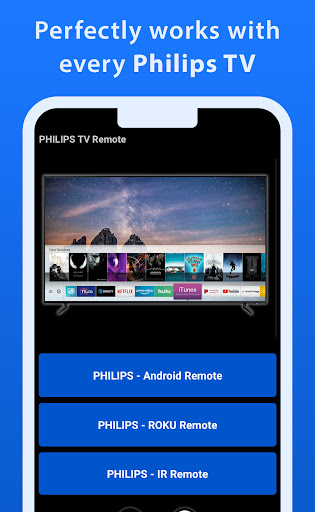
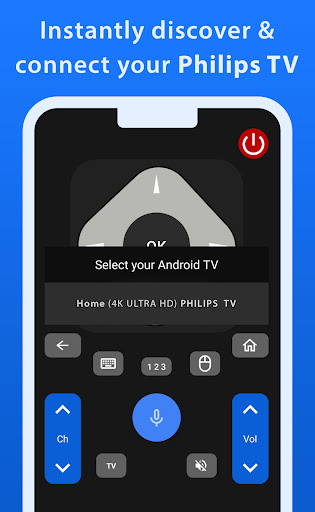
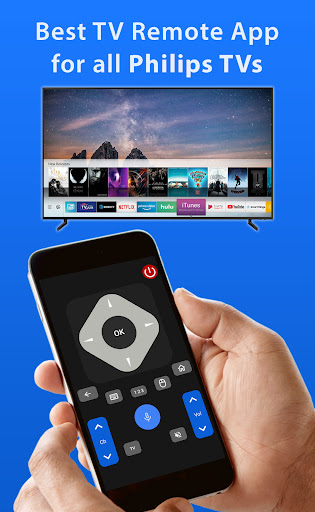
Philips TV Remote is a comprehensive remote control app designed specifically for Philips TV users. This app allows you to take full control of your Philips TV, including Android, Roku, and IR-enabled models, directly from your mobile device. With functionalities ranging from changing channels and adjusting volume to accessing apps and navigating menus, it provides an all-in-one solution for seamless TV operation.
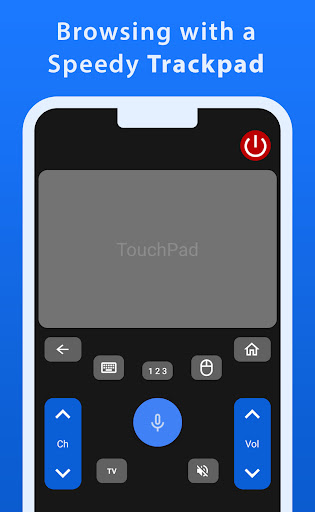
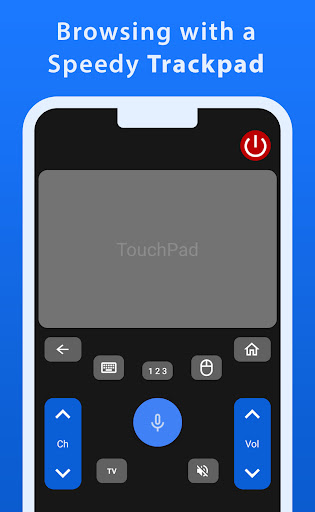
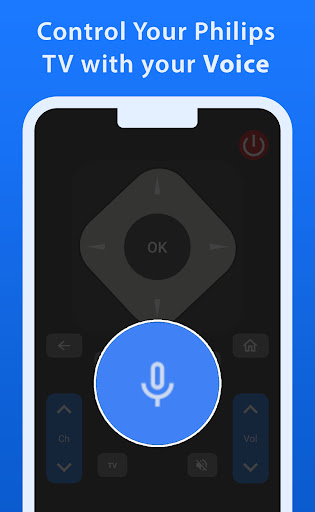
One standout feature of this app is its advanced navigation tools, such as the responsive trackpad and voice control function. These features allow for smooth and effortless control, making it easier than ever to manage your TV experience. Whether you're looking to adjust settings or find your favorite shows, Philips TV Remote ensures a hassle-free and enjoyable process every time.
This app is particularly useful for those who have misplaced their physical remote or simply prefer the convenience of using their smartphone. By downloading Philips TV Remote, users can enjoy a streamlined and modern approach to TV control, enhancing their overall viewing experience.
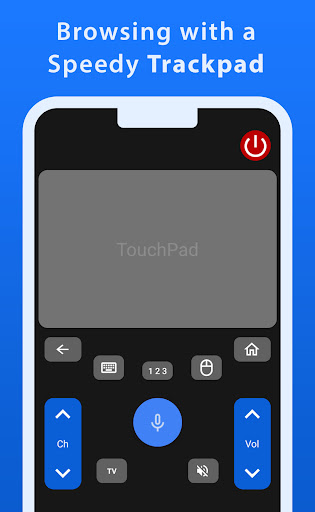
Philips TV Remote offers a variety of features that set it apart from traditional remote controls. The app includes a fast and responsive trackpad, which allows for smooth navigation through your TV's interface. This feature is especially beneficial when browsing through apps or adjusting settings, providing a more intuitive and user-friendly experience.
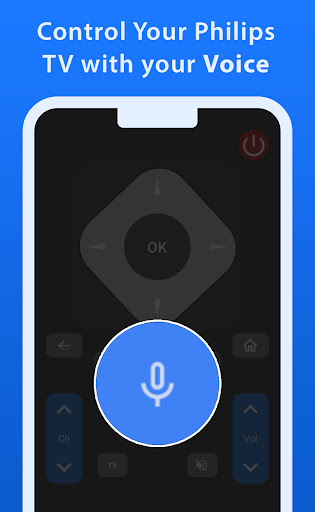
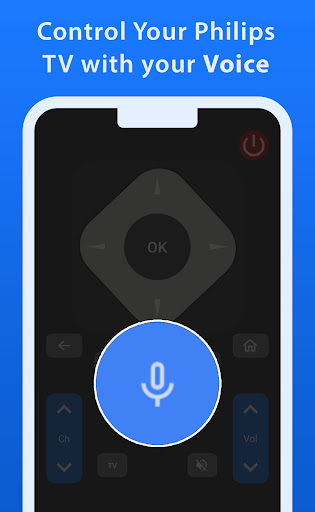
In addition to the trackpad, the app also boasts a powerful voice control function. This allows users to command their TV effortlessly by simply speaking into their mobile device. Whether you're searching for specific shows or need to adjust the volume, voice control makes the process quick and easy.
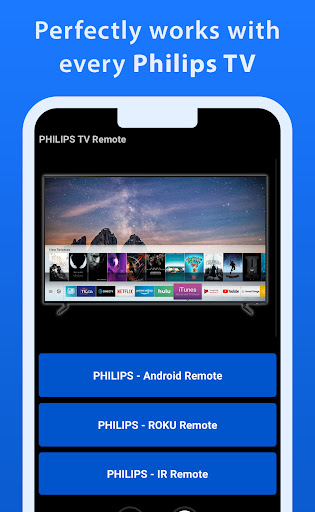
Another notable feature is the app's compatibility with a wide range of Philips TV models, including Android, Roku, and IR-enabled TVs. This ensures that regardless of your TV type, you can enjoy the benefits of using Philips TV Remote. The combination of these advanced features makes this app a versatile and essential tool for modern TV viewers.
User-friendly interface
Voice control functionality
Wide compatibility with Philips TV models
Fast and responsive trackpad
Seamless navigation experience
Requires a smartphone
No official Philips endorsement
Limited to Philips TV models
Dependent on internet connectivity
Potential learning curve for new users

Unlock AI-based barcode scanning and support the development of Grocy Android
 4.1
4.1
Home Ideas | Renovation Advice | Local Pros. Go From Dream to Home with Houzz.
4.70
Turn your phone into a wifi cam with smart features and umlimited reach.
4.20
Rent on-the-go with TurboTenant’s app made just for renters
4.50
Smart AI plant care schedules, Real plant experts, support & Thriving community!
4.20
Security App with HD Video, 2-way Audio, and event detection for Home monitoring
4.40
Control your Vivint Smart Home with the next generation Vivint App.
4.30
Universal Tv Remote Control for all Tv. Cast for chromecast & all Tv Controller
4.20
An easier way to make payments and maintenance requests from anywhere.
3.50
MLS-powered real estate app to find homes for sale & apartments for rent
4.70
Map-based search app for apartments and homes for rent.
4.60
Your guide to apartments & rental homes. Find your next place to rent with AG.
4.60
Looking for the perfect apartment finder app? Find beautiful rental homes here!
4.60
Resident Center, powered by Buildium, is designed with simplicity in mind.
4.50
The Merkury Smart app makes it easy to control your smart devices.
4.50
Wobble Fix Tool
4.40
Control your thermostat, comfort, and home monitoring from your phone
4.30
IP camera view and playback, for your WiFi cam or home security cctv system.
3.70
Draw your floor plan smartly. Make house design blueprint with home planner app
3.60


User Reveiws