
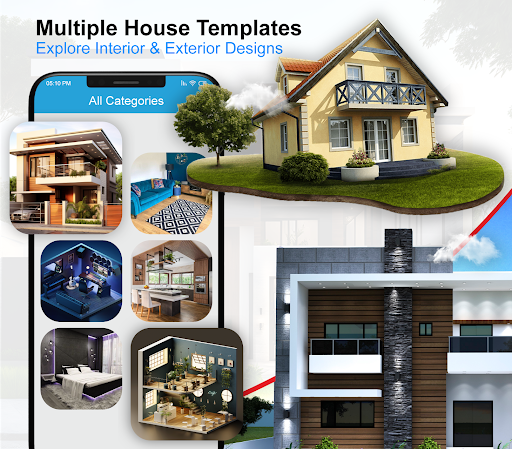
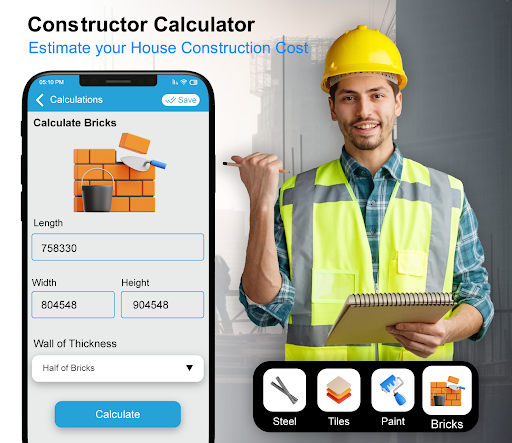
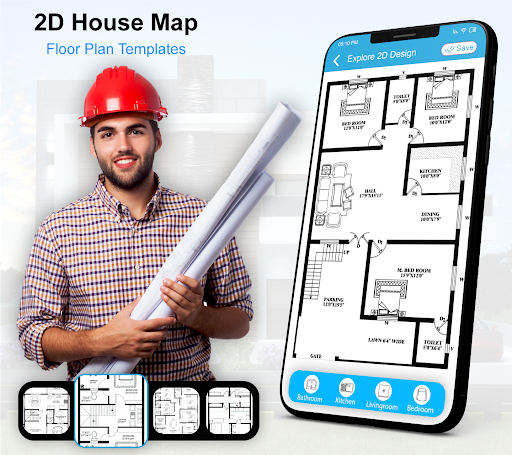
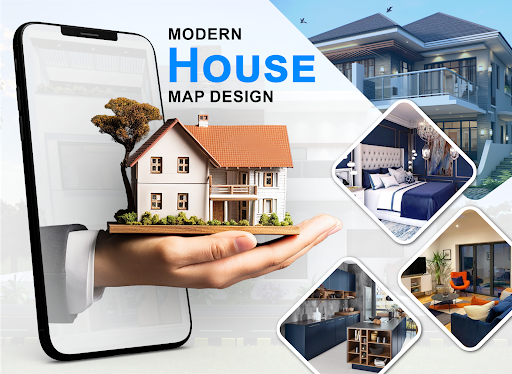
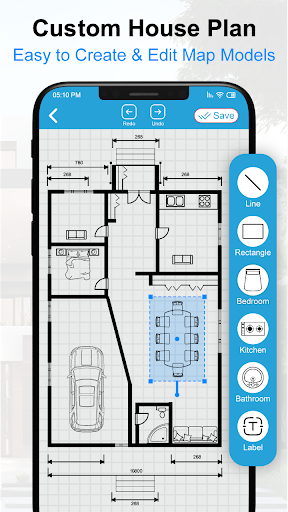

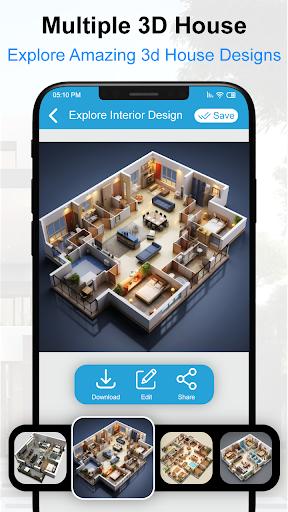
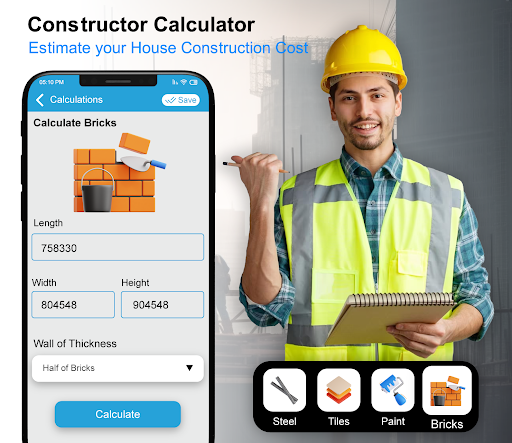
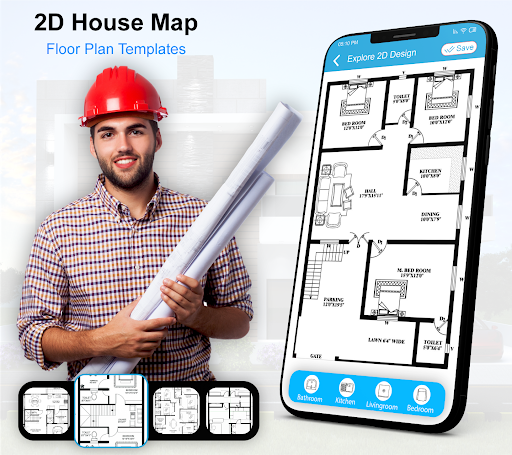
House Design 3D Floor Plan App is a comprehensive home planning tool that allows users to create detailed architectural blueprints and interior designs for their dream homes. The app provides an intuitive interface for drawing floor plans and visualizing spaces in 3D, making it easier than ever to design your perfect living space.
This powerful home design app includes features such as smart drawing tools, pre-made furniture elements, and various design templates. Whether you're an amateur looking to redesign your living room or a professional architect needing precise planning software, this app caters to all levels of expertise. Users can create detailed plans for every room in their house, from kitchens to bathrooms, ensuring every aspect of their home design is covered.
The true value of House Design 3D Floor Plan App lies in its ability to transform complex architectural planning into an accessible, user-friendly experience. With its extensive library of design elements and easy sharing capabilities, it's perfect for both personal projects and professional presentations, helping users bring their dream home concepts to life.
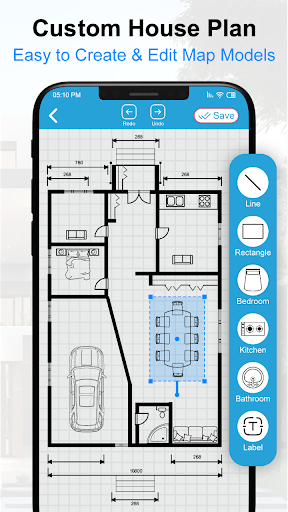
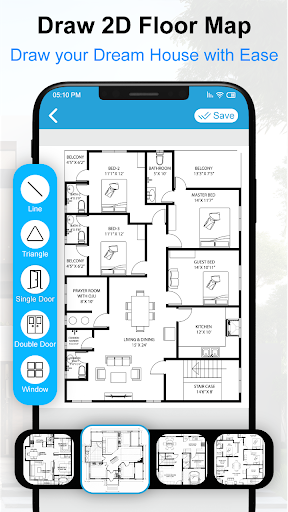
One of the standout features of House Design 3D Floor Plan App is its robust set of drawing tools that allow for precise creation of floor plans. The app provides various measurement options, grid systems, and scaling features that ensure accuracy in every design. Users can easily switch between 2D and 3D views, allowing them to visualize their creations from multiple perspectives.
The application offers an impressive collection of pre-designed elements including furniture, fixtures, and decorative items. These elements are fully customizable and can be resized, rotated, and positioned to fit specific design needs. Additionally, the app includes specialized tools for creating detailed kitchen layouts, bathroom designs, and room arrangements, complete with plumbing and electrical considerations.
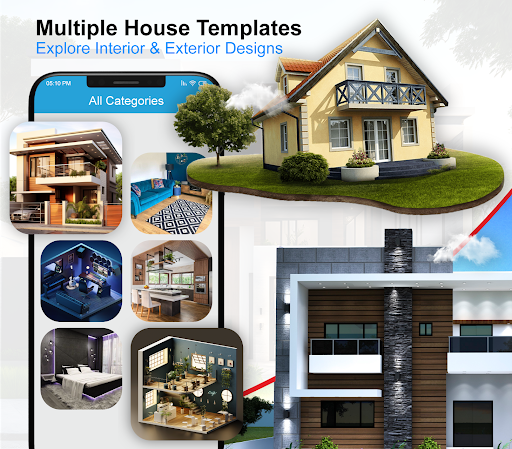
Another key feature is the app's extensive library of design templates and blueprints. This collection includes various architectural styles and room configurations, providing users with inspiration and practical starting points for their projects. The app also supports exporting designs in multiple formats, making it easy to share plans with contractors or clients while maintaining professional quality standards.
User-friendly interface
Comprehensive design tools
Extensive template library
Real-time 3D visualization
Cross-platform compatibility
Limited free features
Occasional performance issues
Steep learning curve
In-app purchases required
Advanced tools need subscription

Technology powering many in-home services for residents across the United States
 3.80
3.80
Universal TV remote Control for Roku TV brands via WiFi remote
4.5
Turn your phone into a wifi cam with smart features and umlimited reach.
4.20
Control your Daikin, Amana & Goodman heating & cooling systems from anywhere
4.40
Find paints using a Color Muse & ColorSnap® Match
3.60
View houses and apartments for rent, updated daily.
4.80
Find contractors for all home renovation projects. Remodeling, repair, and more.
4.20
3D House Design and AI Room Planner - from floor plans to full interior design.
4.40
Set up your devices, customize settings, and monitor your home—from anywhere
4.40
MLS-powered real estate app to find homes for sale & apartments for rent
4.70
Tailored Care Guides For Houseplants, Indoor Plants, Garden Plants & Flowers.
4.60
Fire & Power Safety
4.50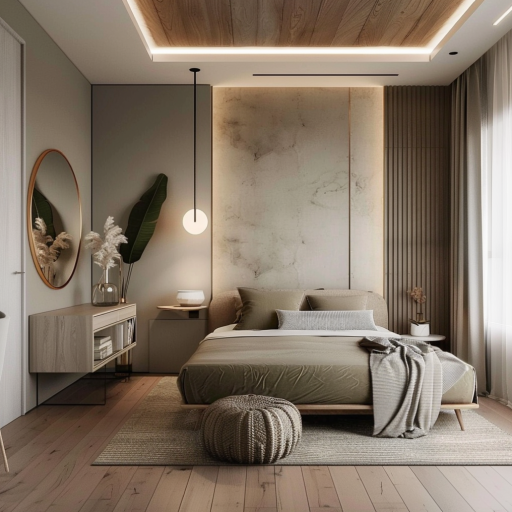
Plan your remodel AI home renovation easily using planner 5D and home decor AI.
4.40
WiZ smart light system
4.40
AI floor creator to design your dream house, plan rooms & style your home
4.00
Find the perfect paint color with advanced tools to explore and visualize color.
3.80
Design house plans in 2D & 3D, style furniture, and preview renovation layouts
3.70
Control Fire TV & mirror your phone screen instantly over Wi-Fi.
3.30
Unlock AI-based barcode scanning and support the development of Grocy Android
4.1


User Reveiws