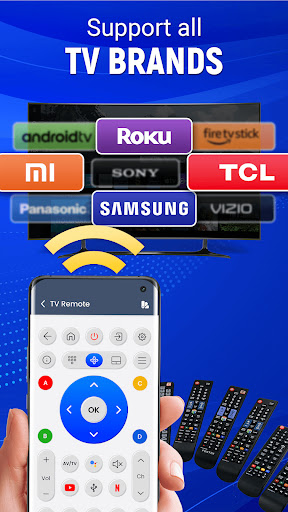
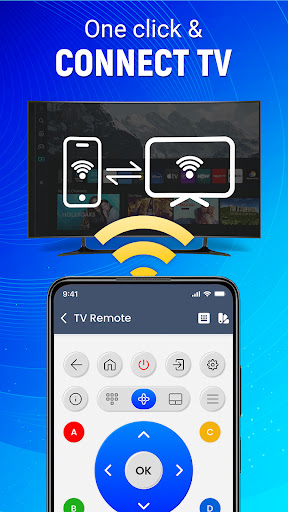
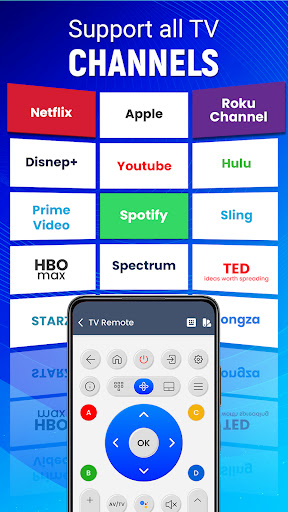
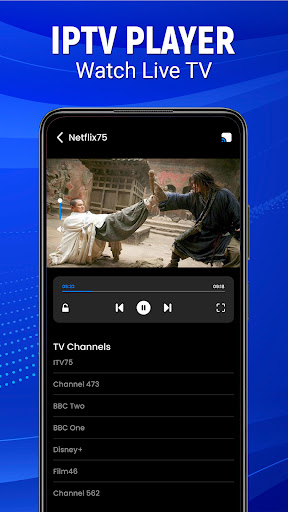
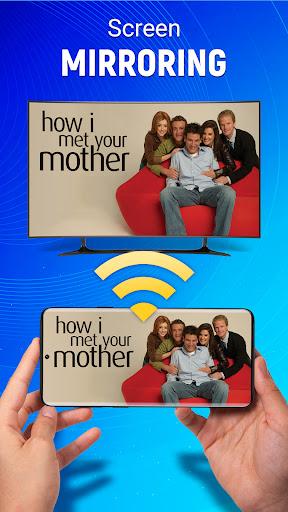
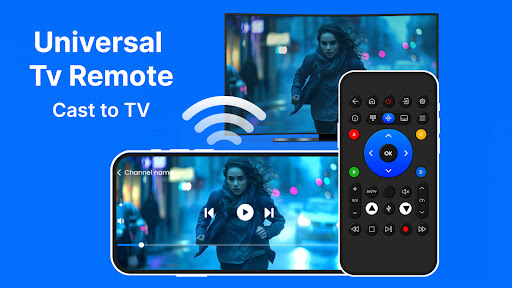
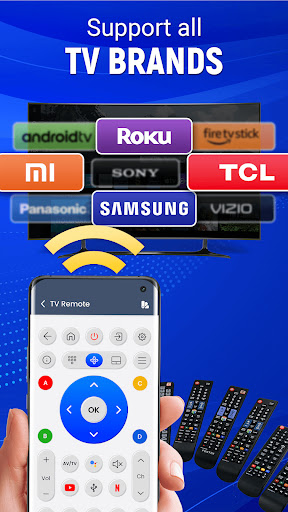
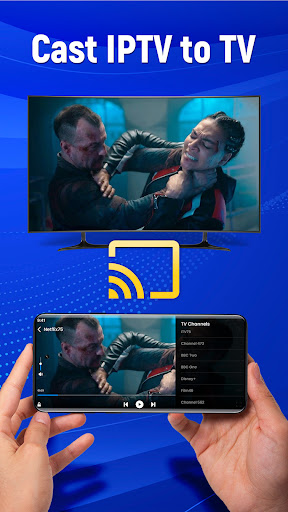
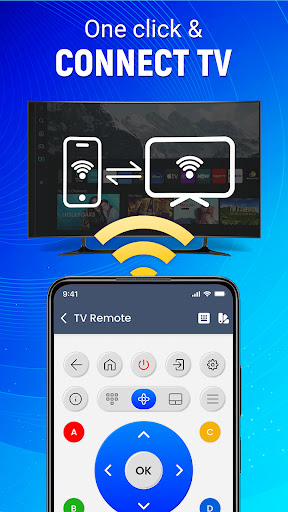

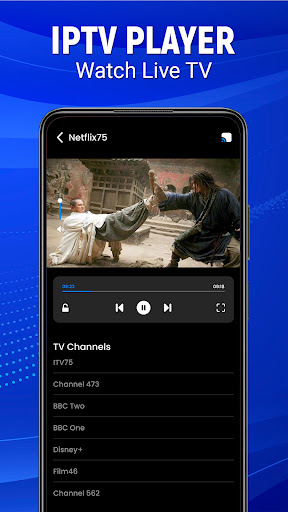
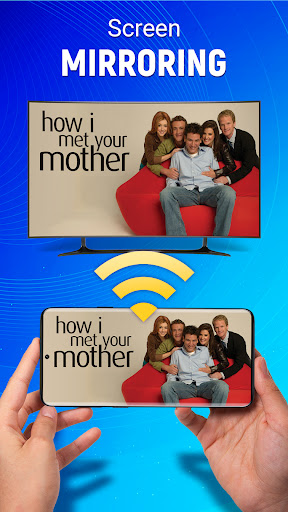
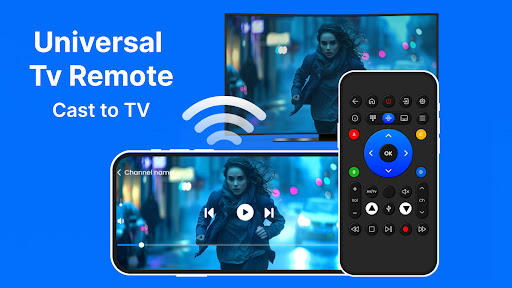
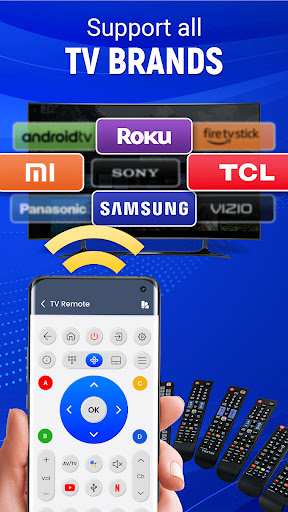
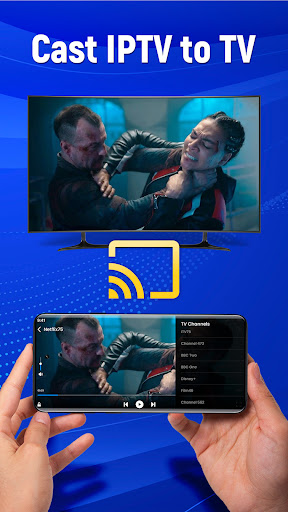

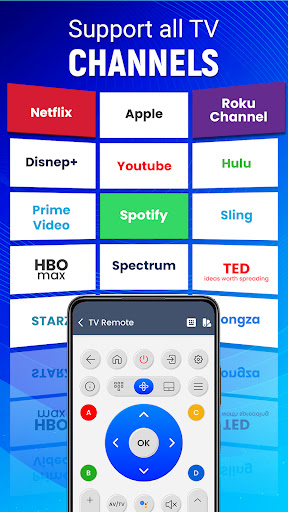
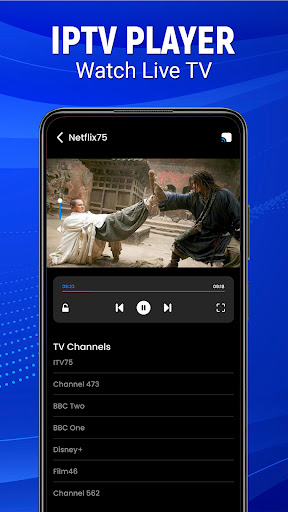
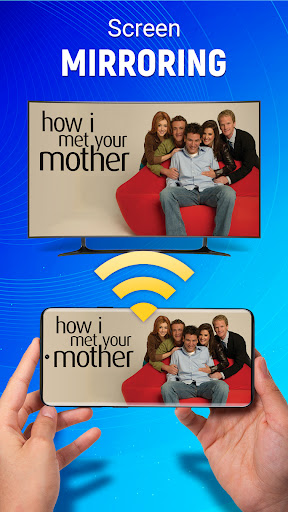
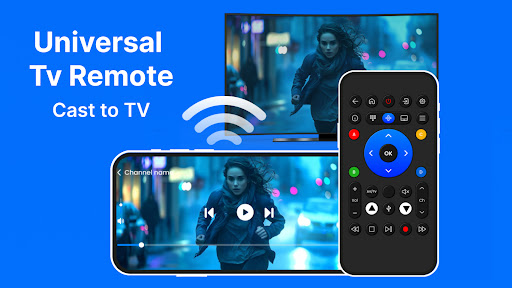
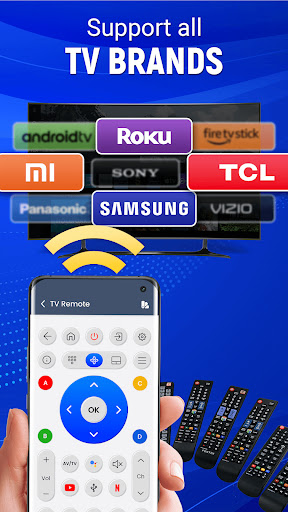
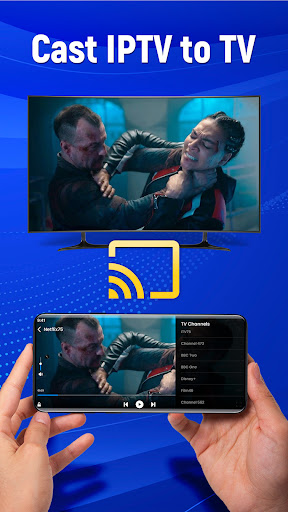
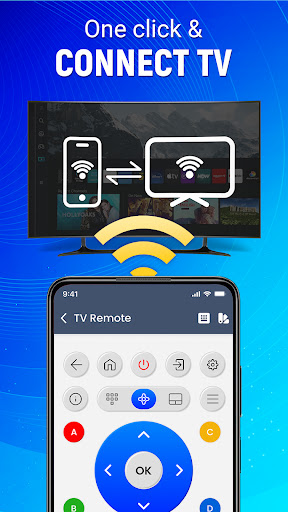
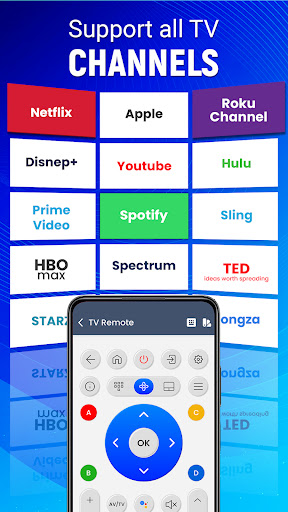
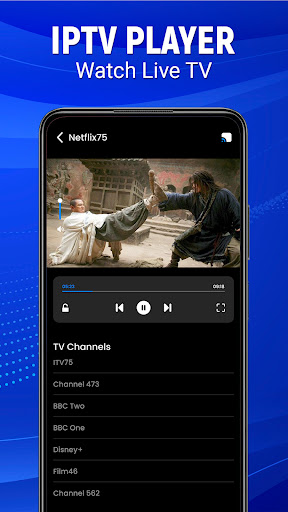
Universal TV Remote-Cast to TV is a versatile home utility application that transforms your smartphone into a universal remote control for televisions. This app supports all major TV brands and offers multiple connectivity options including infrared and Wi-Fi, making it compatible with both older and newer TV models.
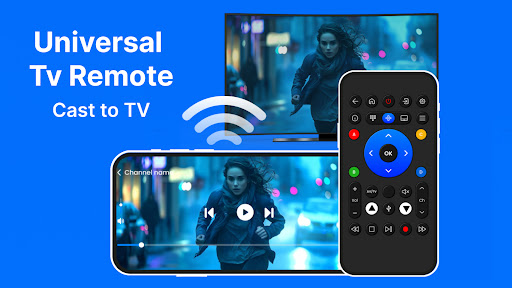
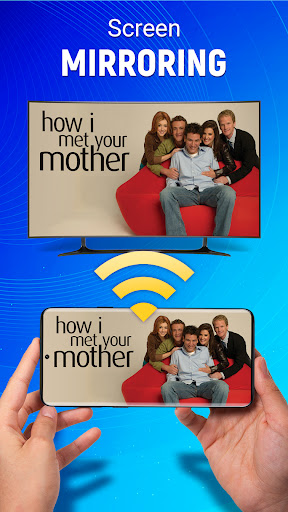
The application's standout feature is its ability to cast your mobile screen directly to your television. Whether you're streaming videos, viewing photos, or giving presentations, this screen mirroring capability provides a seamless experience without the need for additional hardware. Additionally, the app incorporates voice command functionality and gesture-based navigation, allowing users to operate their TVs through simple taps and swipes or vocal instructions.
This smart remote solution eliminates the clutter of traditional remotes and enables complete TV control from anywhere in the house. Its intuitive interface and customizable settings make it an essential tool for modern smart homes, enhancing user convenience while maintaining full compatibility with Android devices.
Universal TV Remote-Cast to TV distinguishes itself through its comprehensive feature set designed for maximum user convenience. The app's primary advantage is its universal compatibility - it works seamlessly with all major television brands, regardless of model or manufacturing year. This broad compatibility is supported by dual connectivity options, including both infrared technology for older models and Wi-Fi connection for smart TVs.
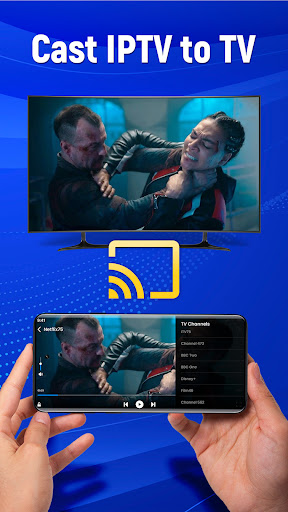
A key innovative feature is the integrated screen mirroring capability, enabling users to display any mobile content on their television screens wirelessly. This function supports various media types, from video streaming services to personal photo galleries. The application also incorporates advanced control mechanisms such as voice command recognition and gesture-based navigation, allowing users to operate their TVs through natural movements or verbal instructions.
Additional notable features include customizable remote layouts, source switching capabilities, and volume/channel controls. These functions are presented through an optimized Android interface that ensures smooth operation and quick response times. The app's smart integration capabilities extend beyond basic TV control, offering comprehensive management of connected entertainment systems, including sound systems and input devices.
User-friendly interface
Wide device compatibility
Voice command support
Wireless screen mirroring
Gesture-based controls
Requires compatible hardware
Setup can be complex
Occasional connectivity issues
Drains phone battery
Limited iOS support

Use Home by ShowingTime to easily manage showings, tours, feedback and more
 3.60
3.60
Draw house plans, floor plans 3d & house design with house plan drawing 3d app
3.60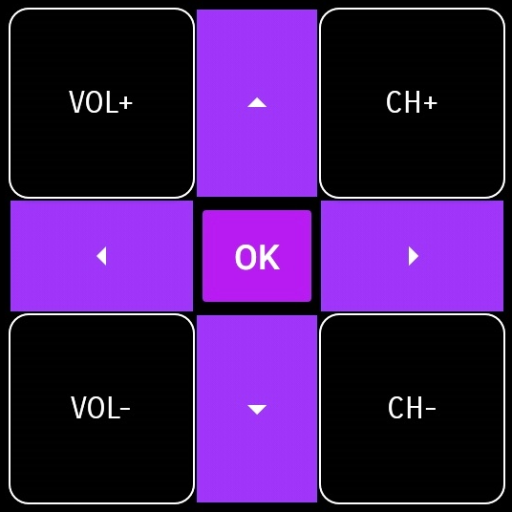
Convert your Phone to HiSense Smart TV Remote Control
4.70
Smart AI plant care schedules, Real plant experts, support & Thriving community!
4.20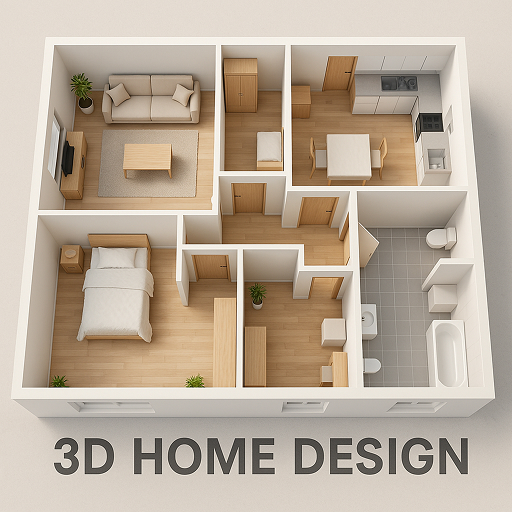
Floor Plan Creator Home Design with 2D interior design and 3d view.
3.90
Night Owl Protect helps you secure, protect, and connect your world!
4.60
Your guide to apartments & rental homes. Find your next place to rent with AG.
4.60
Plan your remodel AI home renovation easily using planner 5D and home decor AI.
4.40
Search for Homes, Rentals, Agents & Schools
4.70
Find homes for sale and apartments for rent in the best neighborhood.
4.70
AI-powered home design, interior design, home decor, and room design solutions
4.50
Control your Vivint Smart Home with the next generation Vivint App.
4.30
Fully control your Philips TV with this all-in-one remote control app.
4.20
Design your dream home with 3D planning app, Visualize your dream home in 3D.
4.20
USHUD.com helps you find the best homes for sale in your area
4.00
Book your local plumber 24/7, track your service order & get exclusive coupons
4.00
Draw your floor plan smartly. Make house design blueprint with home planner app
3.60
An easier way to make payments and maintenance requests from anywhere.
3.50
Calculate baluster spacing with ease and precision.
4.2


User Reveiws