
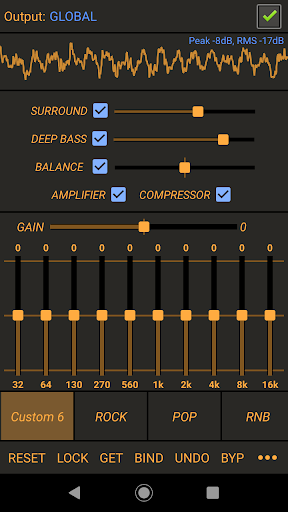
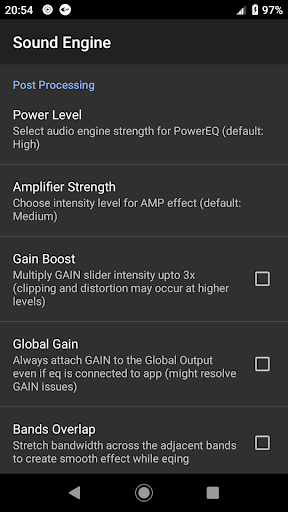
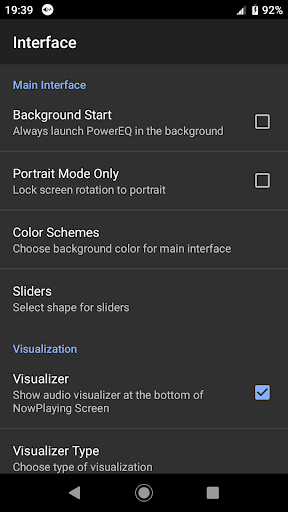
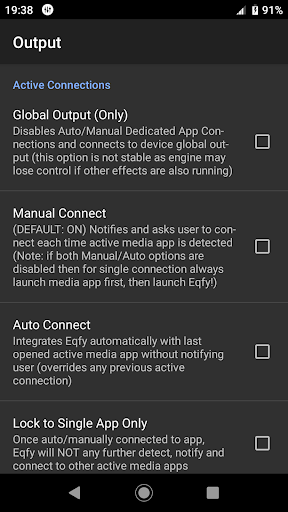
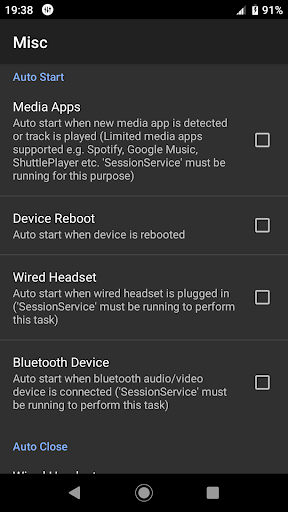
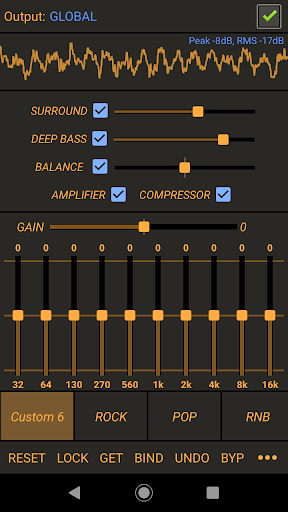



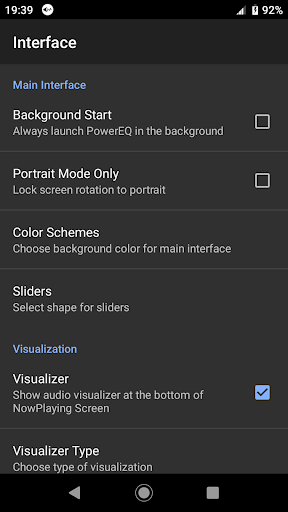
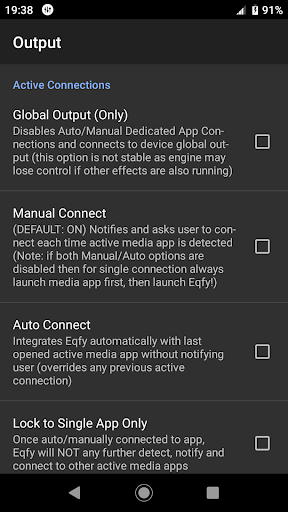
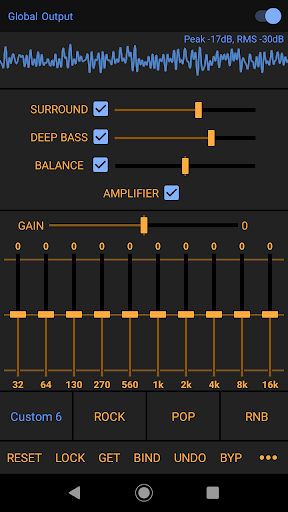
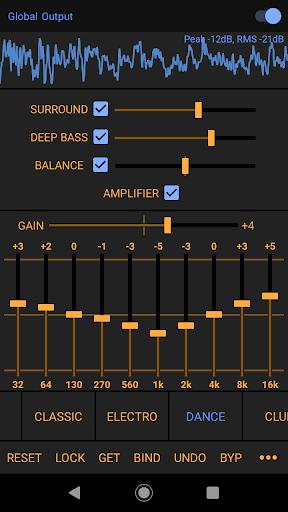
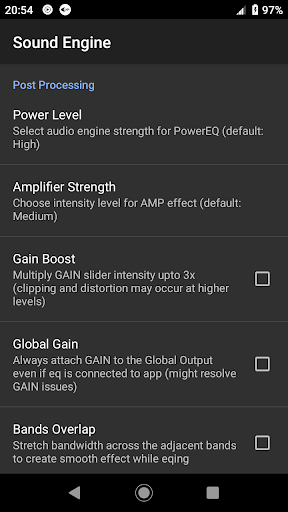
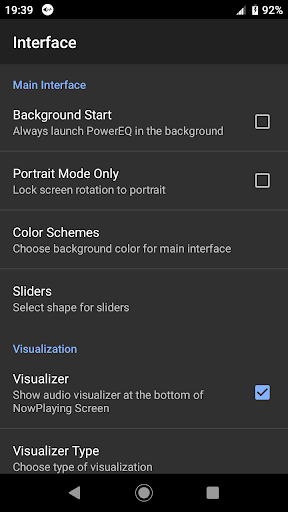
Power Audio Equalizer is a premier audio enhancement tool designed to elevate your sound experience on Android devices. This application specializes in refining audio output by offering a robust equalization system that works seamlessly with a multitude of music players and audio playback apps.
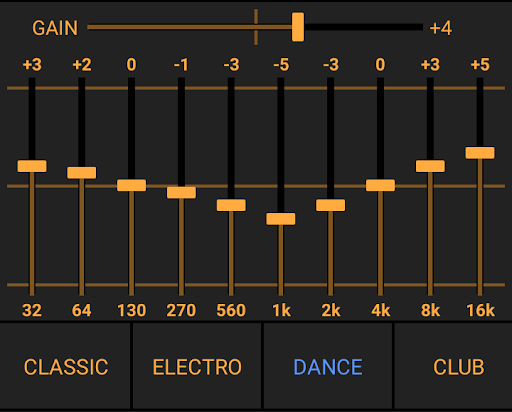
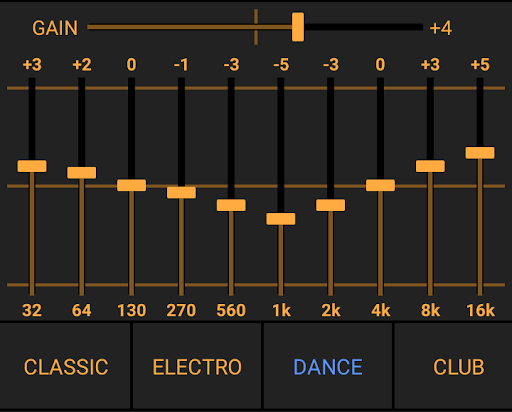
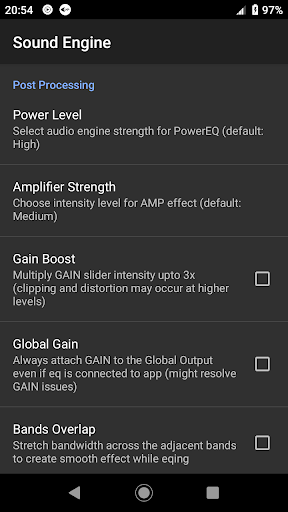
At its core, Power Audio Equalizer utilizes an advanced sound engine derived from RE Equalizer, ensuring top-notch audio quality. Whether you're listening through speakers or headphones, this app guarantees an enriched auditory experience. The highlight is its 10-Band equalizer complete with bass booster and volume amplifier, allowing for meticulous sound adjustments tailored to individual preferences.
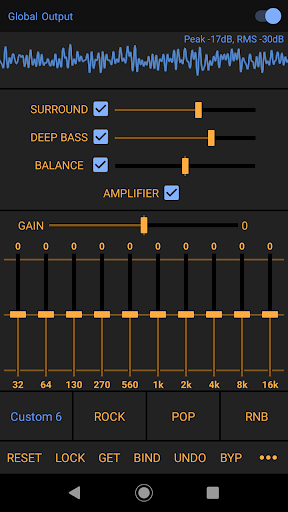
Ideal for audiophiles and casual listeners alike, the app supports global audio output, enhancing compatibility across various audio sources. With features like precise pre-amp power amplification, customizable presets, and real-time music visualization, Power Audio Equalizer stands out as an essential tool for anyone looking to boost their device's sound performance.
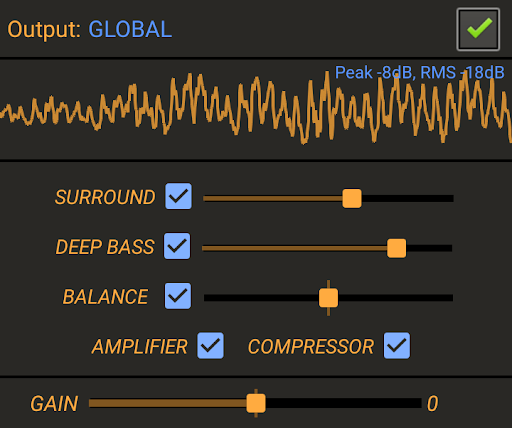
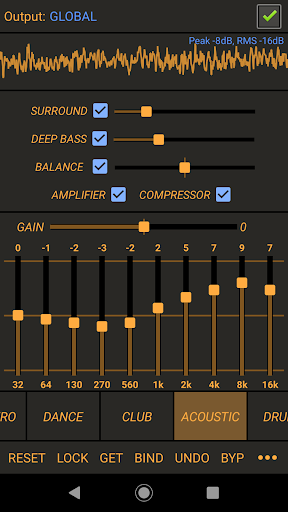
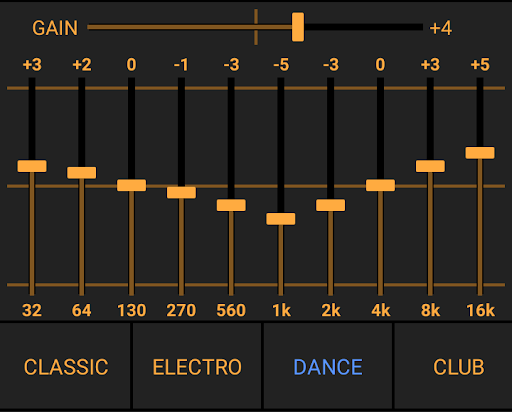
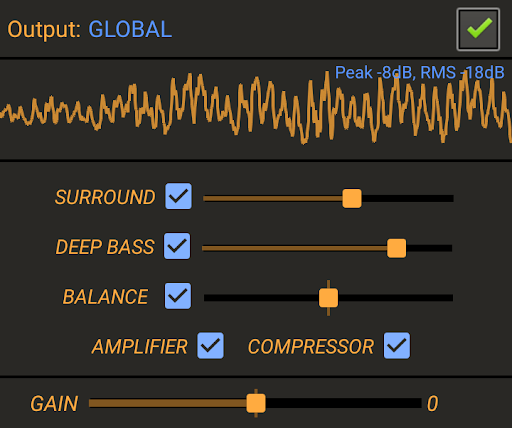
Power Audio Equalizer boasts an array of sophisticated features aimed at providing users with unparalleled control over their audio experience. Central to its design is the high-performance 10-Band equalizer, which offers a +/- 15dB boost/cut range and includes a bass booster, volume amplifier, and sound balance settings for detailed sound customization.
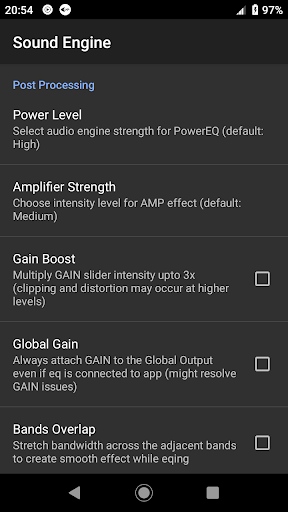
The app supports a wide variety of music and audio applications such as YouTube Music, Spotify, and Google Play Music, functioning harmoniously with the device's global audio output to maximize sound effect compatibility. It also incorporates an innovative DSP with effects like virtual surround and loudness enhancer, alongside a compressor for managing audio dynamics.
Additional highlights include a high-quality music visualizer displaying real-time Peak and RMS values, customizable equalizer presets catering to different music genres, and extensive support for numerous audio devices including headphones, speakers, and Bluetooth systems. Regular updates and dedicated user support further enhance its appeal, making it a comprehensive solution for all your audio enhancement needs.
Advanced equalizer
Bass boost feature
Volume amplification
Wide app support
Customizable presets
Complex for beginners
Drains battery life
Occasional glitches
Limited iOS support
Interface not intuitive

Turn your phone into a musical instrument from the future!
 3.90
3.90
The Skullcandy App Experience
3.20
Taal player that lets you sing any Indian & Western song with Tabla & Tanpura
4.60
Your song collections with lyrics and chords on Android smartphones and tablets.
4.80
AI Music Maker: Generate And Compose AI Tunes & AI Songs & AI Music & AI Melody!
4.60
Offline Music Player&MP3 Player with themes, equalizer, lyrics, music play mode
4.60
Play KORG’s revolutionary touch-based instrument on a variety of devices.
4.40
Master Salsa Rhythm quickly and with a lot of fun!
4.30
Uninterrupted Tunes, Unmatched Vibes
3.90
Responsive piano with great sounds, graphics, and songs
4.80
Pay Once, no monthly payment
4.60
The best music and audio player, with beautiful UI, music search and equalizer.
4.60
Bass Booster & Volume Equalizer Pro improves your music and video sound quality
4.60
Equalizer, Bass Booster and Volume Booster (Eq & Bass) improve sound quality
4.30
The Music Journey in Your Hands
4.30
PowerAudio is a powerful offline music player.
4.20
Offline and always ad-free - stream in the highest quality available.
4.10
Sing, record, and create music together — enhanced by smart voice tools.
4.00
Powerful beat maker & DJ mixer to remix tracks, make music, & perform DJ mix
3.70


User Reveiws