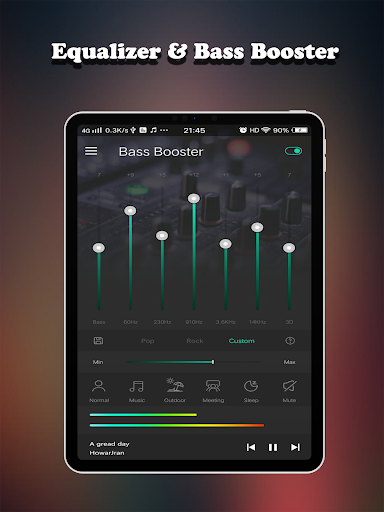
Equalizer FX Pro is a comprehensive audio enhancement application designed to elevate the sound quality of Android devices. This app functions as an equalizer, bass booster, and volume booster, allowing users to customize their audio experience across various media players. Whether you're listening to music, watching videos, or engaging in voice calls, Equalizer FX Pro optimizes sound output for an immersive auditory experience.
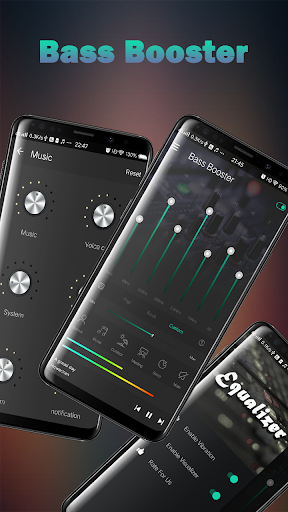
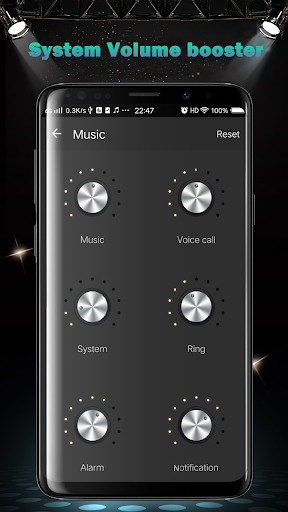
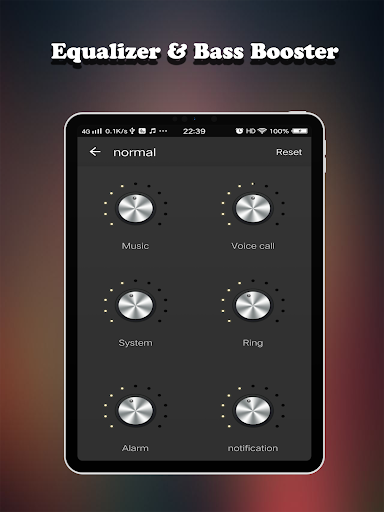
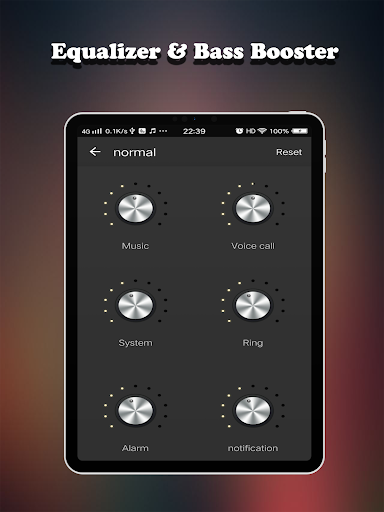
The app's core functionality lies in its ability to modify original sound quality through advanced equalization features. It provides precise control over different volume types including media, voice, system, and notification sounds. With six distinct volume modes ranging from normal to custom settings, users can tailor their audio preferences according to specific scenarios such as outdoor activities or quiet environments.
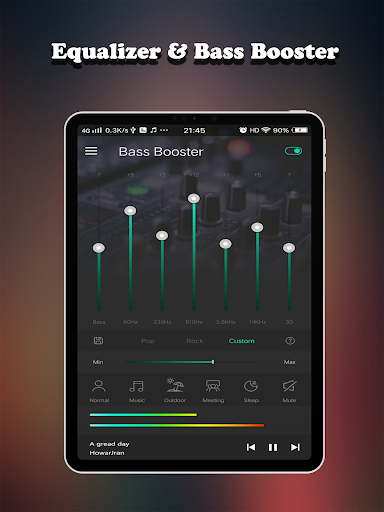
For audiophiles and casual listeners alike, Equalizer FX Pro offers practical value by enabling superior music enjoyment through its sophisticated audio processing capabilities. The combination of 7-band equalizer, virtualizer effect, and 10 professional presets creates an unparalleled listening experience that works seamlessly with any audio player application.
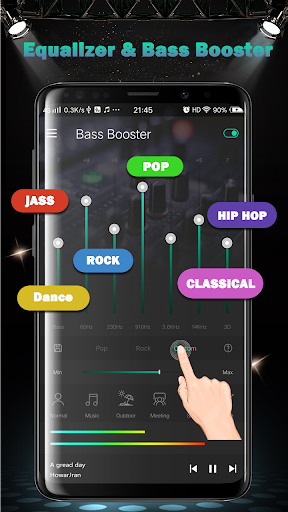
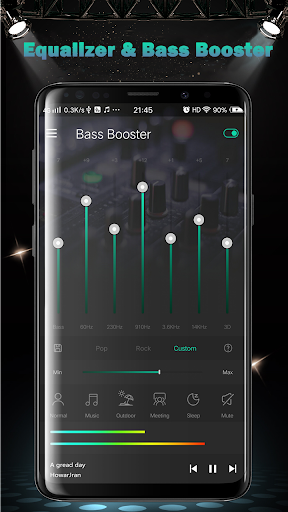
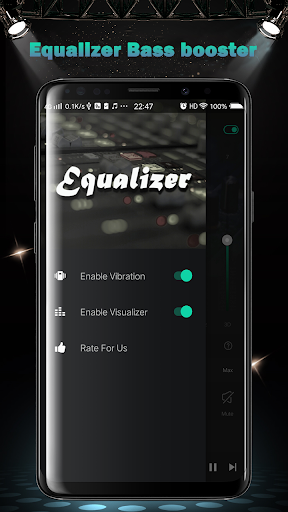
Equalizer FX Pro distinguishes itself through a rich set of audio enhancement features designed to satisfy even the most demanding users. The application's signature capability lies in its comprehensive equalizer functionality, which includes a 7-band equalizer, 10 professional presets, and two visual spectrums for real-time audio visualization. These features work together to provide unprecedented control over audio output characteristics.
A key innovation is the app's implementation of both Bass Booster and Volume Booster effects. The Bass Booster enhances low-frequency sounds while maintaining audio clarity, while the Volume Booster amplifies sound levels without distortion. Six dedicated volume boosters allow independent adjustment of different audio streams, ensuring optimal sound balance across various device functions. Additionally, the virtualizer effect creates a surround sound experience that particularly enhances music and video playback.
What sets Equalizer FX Pro apart from similar applications is its seamless integration with all media players and its user-friendly interface. The inclusion of music playback controls and support for external audio devices like headphones and speakers demonstrates the app's commitment to delivering a complete audio enhancement solution. These features collectively contribute to a superior listening experience that adapts to users' diverse audio needs and preferences.
Comprehensive audio controls
Wide device compatibility
User-friendly interface
Real-time sound adjustments
Multiple volume modes
Premium version costly
Drains battery faster
Interface looks dated
Limited free features
Occasional crashes

VB-AUDIO Software / VBAN-Receptor allows listening to any VBAN Streams
 4.10
4.10
Visualize the guitar fretboard, master scales & play through changes like a pro!
4.50
USB audio recording and playback finally possible on Android 3.1 or higher!
3.90
Record, Mix & Master with all n-Track effects, 64-bit audio and Stem Separation.
4.70
No wifi music app. Mp3 offline. Tuner radio, young radio music. Music downloader
4.20
Slow music down without changing pitch.
3.70
Learn the notes on the guitar fretboard fast with this easy and fun app
4.60
Sing, record, and create music together — enhanced by smart voice tools.
4.00
One-tap booster for max volume - enjoy powerful sound with this audio booster
4.50
Ultimate Sonos Controller
4.70
Simple & Intuitive Metronome
4.70
Pay Once, no monthly payment
4.60
Enhance the sound quality of your devices, listen to what you want
4.50
Formerly known as Spotistats! View your top tracks, artists, albums and more!
4.40
Manage your Sonos system directly from your home-screen!
4.40
Your HD audio recorder on the go for music, meetings, ambience, animal sounds…
4.30
Master Salsa Rhythm quickly and with a lot of fun!
4.30
A High-Precision Audio Spectrum Analysis App
4.20
Simple mp3 and mp4 player with advanced features.
3.40


User Reveiws