Surveillance Camera

4.40

Information

Category:

House & Home

Price:

Free

Rank:

5

Rating:

4.40

Overview

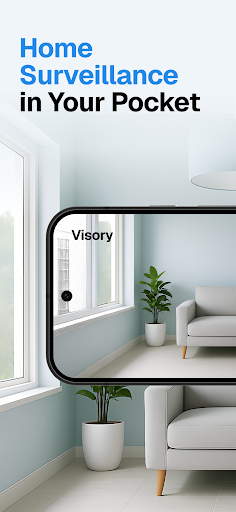
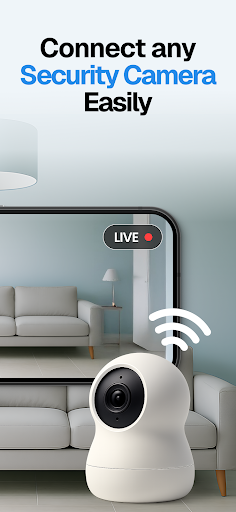
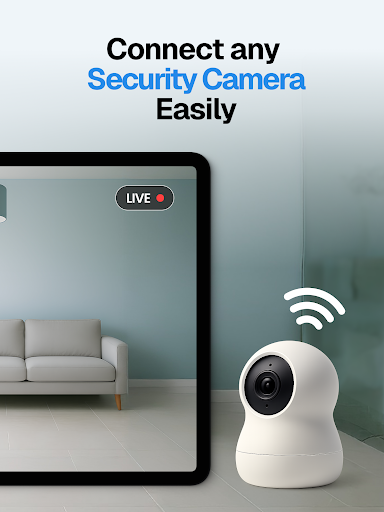
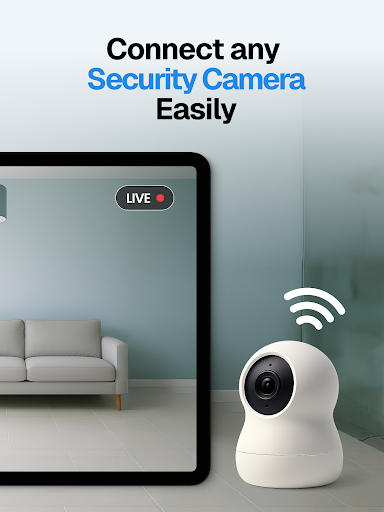
Surveillance Camera is a feature-rich home monitoring solution that transforms your mobile devices into a sophisticated CCTV system. The app allows users to remotely monitor their homes using an HD wireless IP camera setup, providing real-time video streaming directly to your smartphone or tablet.

The application's core functionality lies in its ability to link multiple devices together, creating a comprehensive surveillance network. Whether you need to monitor your pets, keep an eye on elderly family members, or set up a security system with motion detection alerts, this app delivers professional-grade monitoring capabilities.

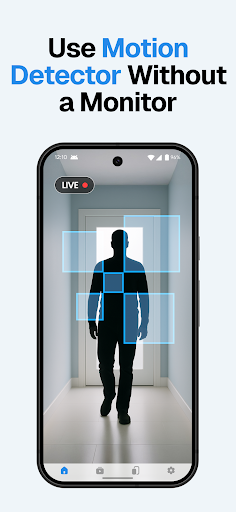
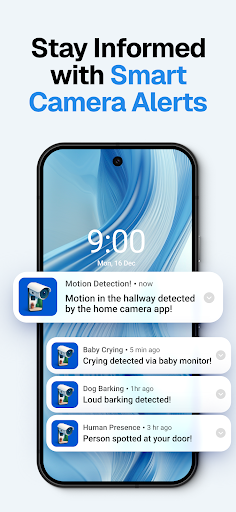
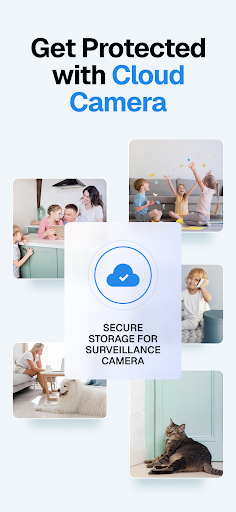
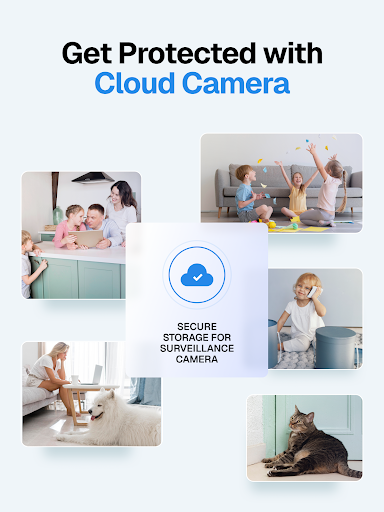
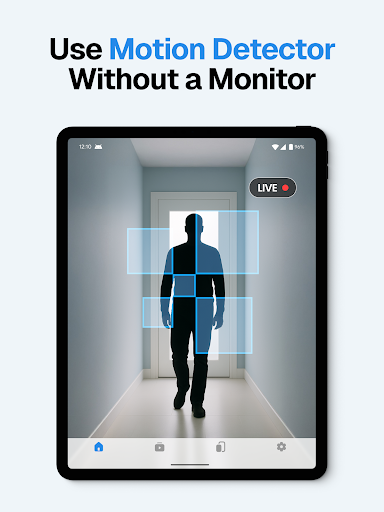
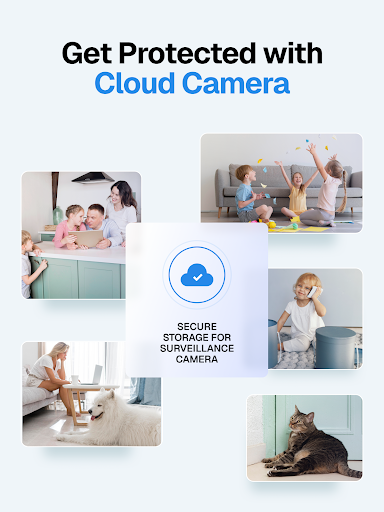
This remote monitoring solution is particularly valuable for home security purposes. Users can detect unexpected movements, receive instant notifications about suspicious activities, and access recorded footage through secure cloud storage, making it an essential tool for modern smart homes.

Features

The Surveillance Camera app distinguishes itself through several innovative features that enhance home security. The application supports cross-platform compatibility, allowing seamless connection between Android and iOS devices. This flexibility enables users to create customized monitoring solutions using their existing devices.

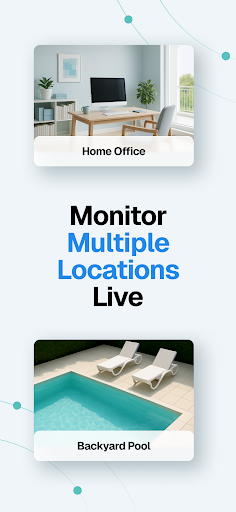
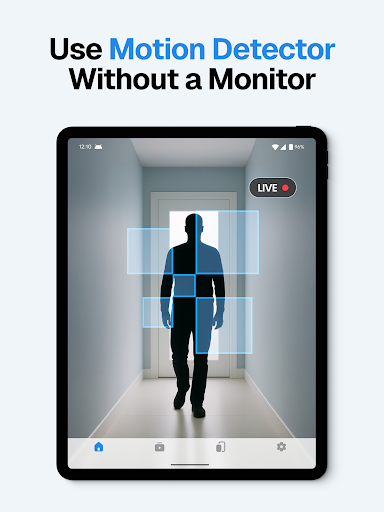
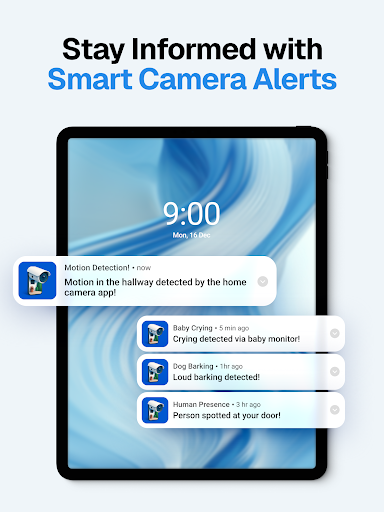
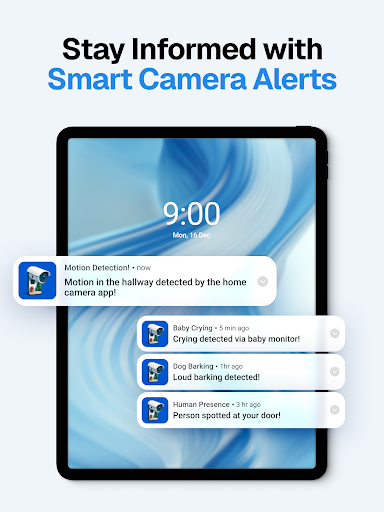
A key advantage is the app's support for multiple live streams and advanced detection capabilities. The system can simultaneously monitor different areas while detecting sounds, motions, baby cries, and even dog barks. Automatic night vision ensures continuous monitoring regardless of lighting conditions.

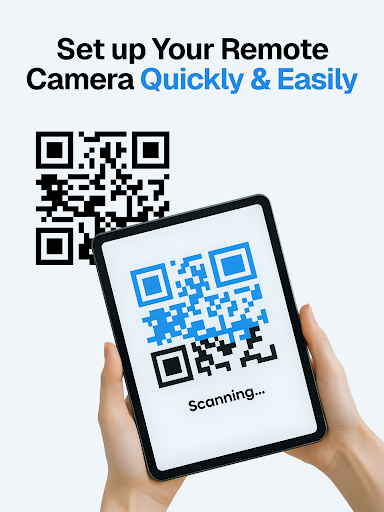
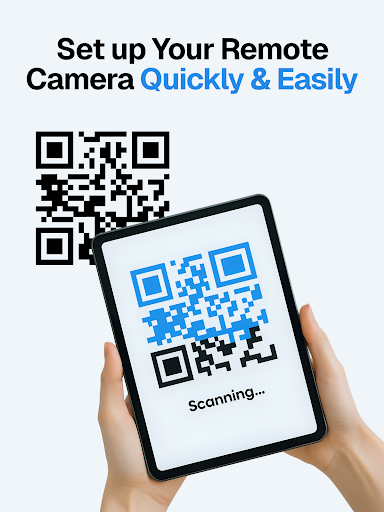
What sets this application apart is its emphasis on user convenience and data security. The one-time payment model, combined with robust encryption and automatic cloud backups, provides peace of mind while maintaining affordability. Quick QR code setup and intuitive controls make professional-grade surveillance accessible to all users.

Property listing authenticity

In the context of home surveillance applications like Visory the concept of property listing authenticity refers to the accurate representation and verification of the devices and locations being monitored This ensures users can trust that the video feeds they are accessing genuinely represent the intended spaces or properties For Visory this is achieved through a secure and verified connection process between devices which guarantees that the camera feed a user is watching corresponds to the actual location where the camera is placed The app employs QR code scanning for device linking which not only simplifies the setup but also adds a layer of security by confirming that only authorized devices can connect to each other Furthermore Visory provides impeccable user security and confidentiality ensuring that all connections are secured and no user data is collected This means that homeowners can confidently monitor their properties knowing that the footage they view is both genuine and protected from unauthorized access By offering cloud storage with automatic saving of recordings users have a reliable record of events that further supports the authenticity of their property listings With features such as sound and motion detection night vision and smart alerts users receive immediate notifications when any activity is detected ensuring real-time awareness of what is happening in their properties This level of transparency and security allows users to maintain an authentic and trustworthy monitoring system for their homes or other properties providing peace of mind whether they are checking on pets loved ones or securing against intruders

Home management features

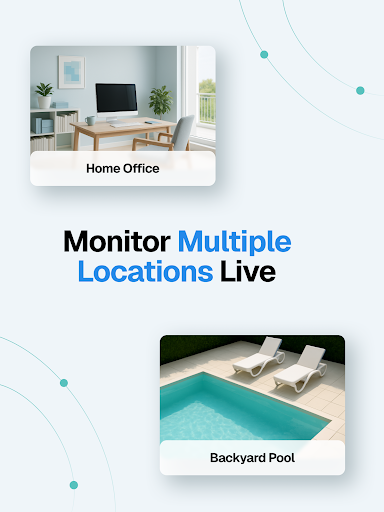
Home management features in the context of Visory encompass a comprehensive suite of tools designed to help users effectively oversee and maintain their home environments These features go beyond basic surveillance by integrating advanced functionalities that cater to various aspects of home care and security One of the standout capabilities is the support for multiple live streams allowing users to manage several monitoring sessions simultaneously This is particularly useful for homeowners who need to keep an eye on different areas of their property at once ensuring complete coverage and eliminating blind spots Additionally Visory offers rich detection features including sound and motion sensors that trigger instant alerts These notifications enable proactive responses to any unusual activities within the home such as unexpected noises or movements which could indicate potential security threats or simply alert you to your pet wandering around Another valuable feature is the automatic night vision mode which ensures continuous monitoring even in low-light conditions This guarantees uninterrupted surveillance day and night making it ideal for round-the-clock home protection The inclusion of baby cry and dog bark detection adds another layer of personalized monitoring catering specifically to families with infants or pets by sending targeted alerts based on specific sounds Moreover Visory provides smart alerts and cloud recording capabilities All captured events are securely stored in the cloud allowing users to review past activities at any time This feature is crucial for maintaining a historical record of events which can be invaluable for security audits or simply reviewing important moments Finally the one-time payment model and cross-device compatibility make it easy and cost-effective to add multiple devices to your home management system Whether using an Android or iOS device Visory creates a seamless ecosystem for managing various aspects of home security and care Through these robust home management features Visory empowers users to create a customized and efficient remote monitoring system tailored to their specific needs

Props

User-friendly interface

HD quality video

Cloud storage included

Cross-device compatibility

Motion detection alerts

Cons

Requires multiple devices

Internet connection needed

Limited free features

Subscription for full access

Occasional connectivity issues

Features and Functions

What is this app and what can I use it for?

A home monitoring app transforming devices into CCTV cameras

How do I download and install this app on my device?

Search Surveillance Camera on Google Play Store and install

How do I get started after opening the app for the first time?

Link devices via QR code and set monitoring preferences

What are the main features and capabilities of this app?

Remote monitoring, motion detection, cloud recording available

How can I customize my experience and adjust preferences?

Adjust settings for alerts and video quality preferences

How do I save or bookmark my favorite content for later access?

Save recordings automatically to secure cloud storage

How can I share content with friends or on social media?

Share video clips through app's built-in sharing options

How do I access detailed information and explore more content?

Access detailed monitoring reports in app dashboard

What permissions does this app need and how do I manage them?

Needs camera and storage permissions for full functionality

How do I check for updates and keep the app running smoothly?

Check Play Store regularly for app update notifications
Show more

User Reveiws

{{ comment.reviewer_name }}
{{ comment.review_date_formatted}}
{{ comment.review_content }}
{{ tab.name }}
{{ comment.reviewer_name }}
{{ comment.review_date_formatted}}
{{ comment.review_content }}
No reviews with this rating