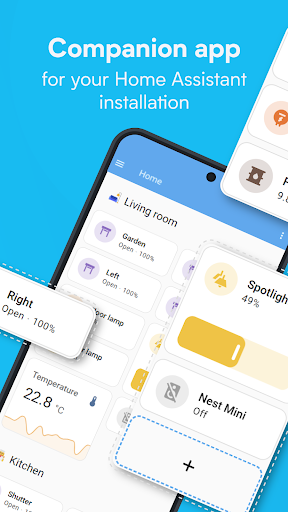
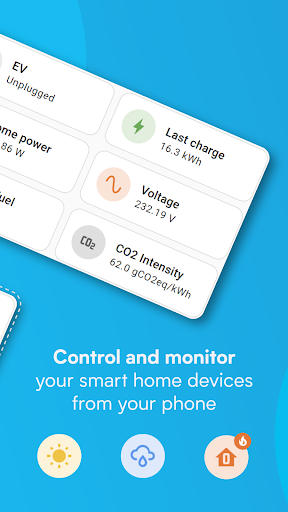
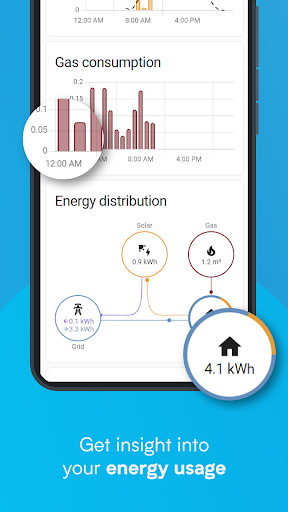


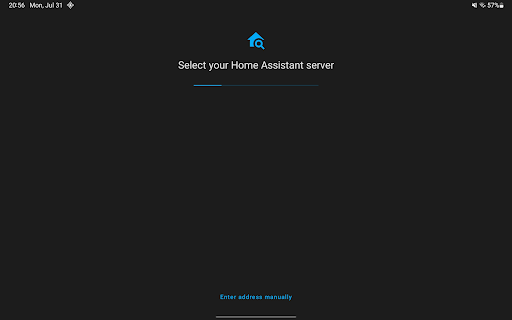
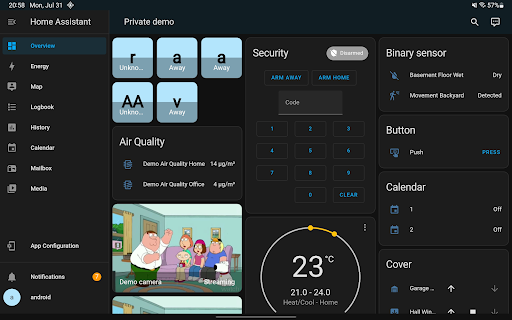
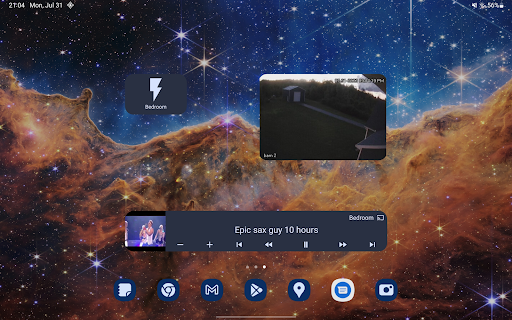
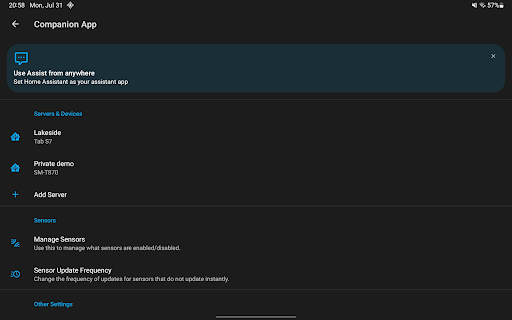


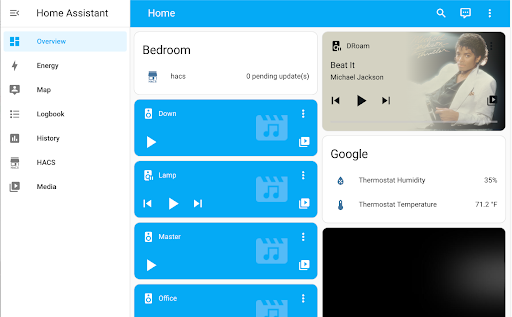
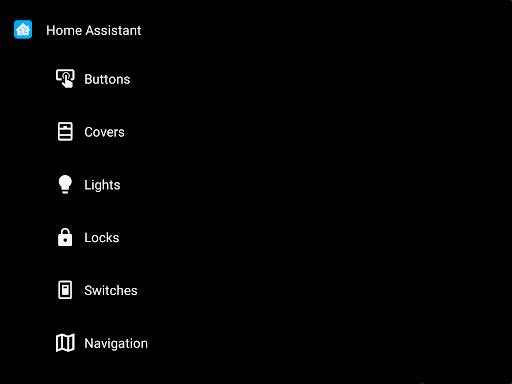
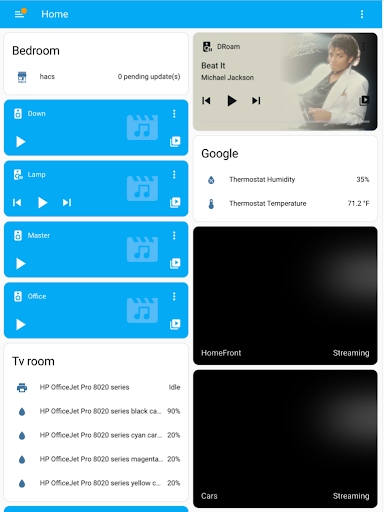
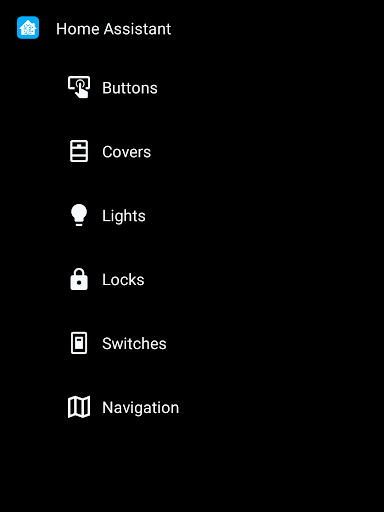
Home Assistant is a comprehensive smart home solution that prioritizes privacy, choice, and sustainability. This app allows you to access your Home Assistant instance on the go, providing control over thousands of smart devices from major brands. It supports automatic discovery and quick configuration of new devices like Philips Hue, Google Cast, and Sonos.
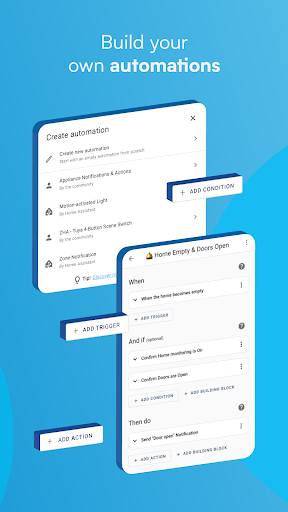
The app enables automation of your entire home, ensuring devices work in harmony. You can set up scenarios such as dimming lights during movie time or turning off heat when you're away. With local data storage, your information remains private, and you can connect via open standards including Z-Wave, Zigbee, Matter, Thread, and Bluetooth.
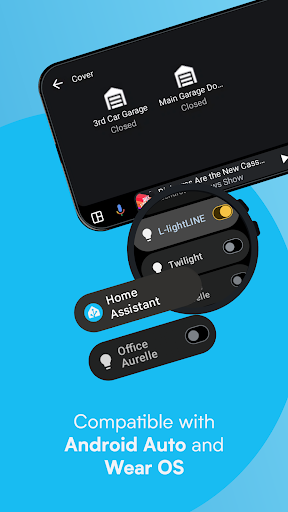
Whether at home or away, Home Assistant Cloud provides secure remote access. The app transforms your smartphone into a powerful home automation tool, allowing location sharing for heating and security automation. It also shares phone sensors with Home Assistant for advanced automations and delivers notifications about home events. Android Auto functionality and Wear OS compatibility further enhance accessibility and control.
Home Assistant offers an extensive range of features designed to make smart home management seamless and efficient. One of its standout capabilities is the ability to control thousands of devices from different brands through a single app interface. This includes popular devices like Philips Hue, Google Cast, Sonos, IKEA Tradfri, and Apple HomeKit compatible devices.
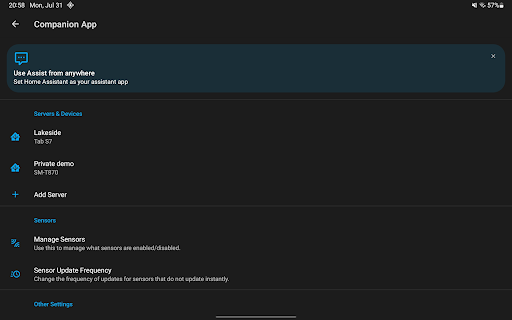
The app excels in automation, enabling users to create complex scenarios where devices interact based on specific triggers. For example, lights can automatically dim when starting a movie or turn off when no one is home. Location services allow for sophisticated automations involving heating and security systems. Additionally, the app can utilize your phone's sensors—such as battery level, connectivity status, and next alarm—to trigger various actions within your smart home setup.
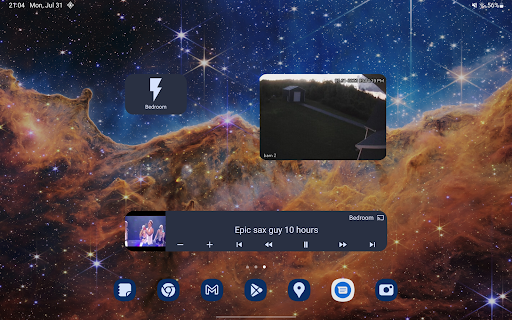
Notifications are another key feature, alerting users to important events like detected leaks or open doors. Customizable widgets let you control any device with a tap, while text or voice commands facilitate interaction with your local voice assistant. Android Auto integration extends control to your car dashboard, and Wear OS support ensures you stay connected even on your wrist. These features collectively empower users with better privacy, choice, and sustainability in managing their smart homes.
User-friendly interface
Extensive device compatibility
Strong focus on privacy
Advanced automation options
Remote access capability
Steep learning curve
Limited customer support
Requires technical setup
Occasional bugs
No built-in cloud service
Map-based search app for apartments and homes for rent.
 4.60
4.60
Universal TV Remote for TV, control all Smart TVs with your mobile phone.
4.5
Rent on-the-go with TurboTenant’s app made just for renters
4.50
IP camera view and playback, for your WiFi cam or home security cctv system.
3.70
The only mappable smart lights for custom decoration.
4.50
Find the perfect paint color with advanced tools to explore and visualize color.
3.80
Turn old phones into security cameras, baby monitors, pet cams, and more.
4.70
Samsung remote app helps control all Samsung Smartthings TVs. Fast and Stable!
4.10
Set up your devices, customize settings, and monitor your home—from anywhere
4.40
Real estate app to find homes for sale or rent in the right neighborhood for you
4.70
B-hyve Pro App for landscape irrigation professionals
4.70
Plants, Beauty, Collectibles
4.60
Night Owl Protect helps you secure, protect, and connect your world!
4.60
For all of your Airthings devices
4.30
AI floor creator to design your dream house, plan rooms & style your home
4.00
Our app allows Sunrun customers to monitor systems, pay bills, and get support.
3.80
Draw your floor plan smartly. Make house design blueprint with home planner app
3.60
An easier way to make payments and maintenance requests from anywhere.
3.50
Calculate baluster spacing with ease and precision.
4.5


User Reveiws