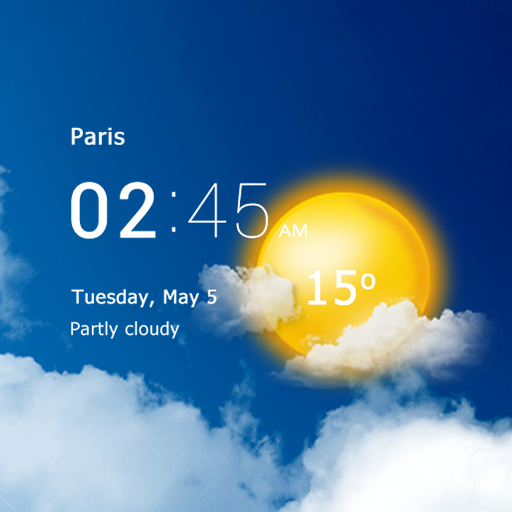
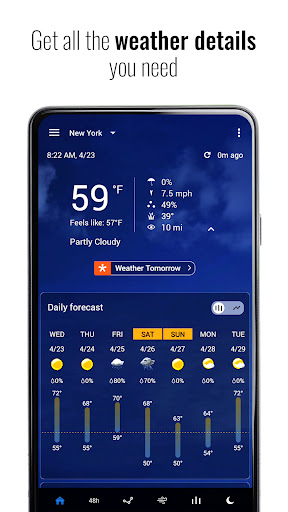
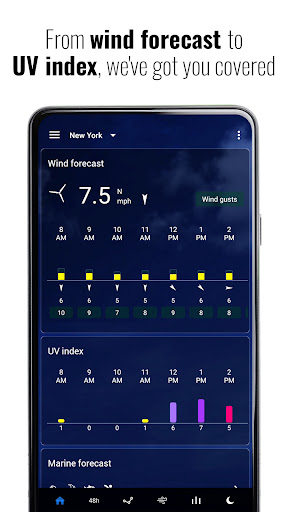
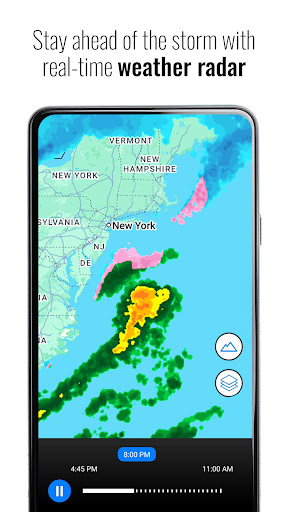
Transparent Clock & Weather is a comprehensive weather application that provides accurate, live updates and visually appealing widgets. The app's core functionality revolves around delivering real-time weather information through an interactive radar map, ensuring users are informed about changing conditions such as rain, snow, and storms globally. Beyond basic weather data, it offers detailed insights including temperature, humidity, UV index, pressure, and wind speed, all accessible from a single intuitive interface.
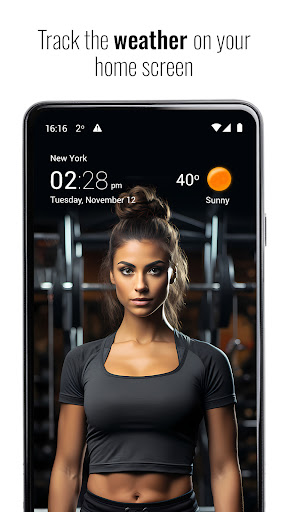
One of the standout features of Transparent Clock & Weather is its customizable home screen widgets. Users can select from various designs, sizes, and layouts to display everything from simple temperature readings to complete 10-day forecasts. These widgets not only beautify the user's home screen but also provide instant access to crucial weather information. Additionally, the app includes storm and severe weather alerts, keeping users safe by notifying them of nearby hazardous weather conditions.
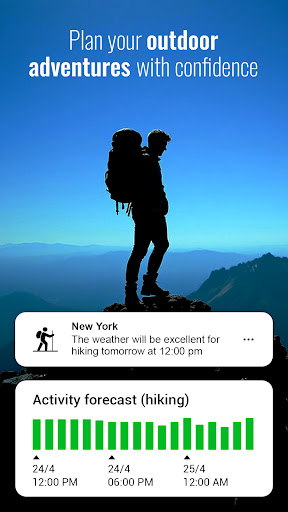
The app serves as an essential tool for planning outdoor activities, thanks to its Activity Forecast feature which recommends optimal times for running, hiking, fishing, or traveling based on factors like wind speed, UV index, and precipitation probability. With added features such as sunrise and sunset times, air quality index (AQI), and visibility checks, Transparent Clock & Weather ensures users stay connected with nature while enjoying a lightweight, private, and reliable experience.
Transparent Clock & Weather stands out due to its rich array of features tailored to enhance user engagement with weather data. A key highlight is the live weather radar, which allows users to track weather patterns in real time using an interactive map. This feature supports a global view, enabling users to monitor rain, snow, and storm activities anywhere in the world. By consolidating critical metrics such as temperature, humidity, UV index, pressure, and wind speed into one dashboard, the app simplifies the process of staying informed about current conditions.
Another significant aspect is the app's collection of beautifully designed weather widgets. These widgets offer extensive customization options, letting users personalize their home screens with different styles and sizes. Whether someone prefers a minimalist temperature display or a detailed forecast spanning ten days, Transparent Clock & Weather caters to diverse aesthetic preferences. Moreover, these widgets refresh automatically, ensuring the displayed information remains current without manual intervention.
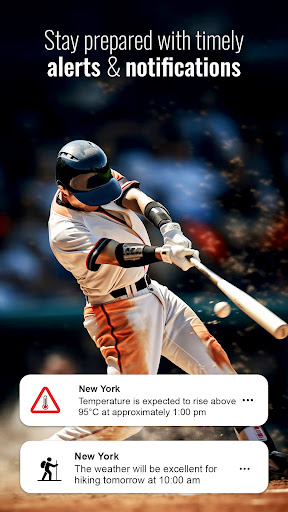
Beyond aesthetics, the app prioritizes user safety with its storm and severe weather alert system. Instant notifications warn users about impending storms, heavy rain, or drastic temperature changes in their vicinity. Furthermore, the Activity Forecast feature adds practical value by suggesting ideal times for outdoor pursuits based on predictive analytics. Coupled with privacy-conscious design principles and efficient battery usage, Transparent Clock & Weather delivers a robust, user-centric weather monitoring solution.
User-friendly interface
Accurate weather data
Customizable widgets
Real-time updates
Storm alerts
Limited free features
Ads in free version
Occasional inaccuracies
Drains battery
Complex settings

Weather related custom complications for Wear OS. UV, Hi-Lo, AQI and more!
 4.40
4.40
Ultimate Lunar Calendar for 2021!
4.80
Check forecasts, watch live news & track storms with FOX Weather.
3.80
Dynamic weather watch face with glass effect, bold time & 7 complications.
4.4
No ads, No data collected. Beautiful and powerfully customizable weather app
4.90
Local Weather provides accurate and current hourly and daily forecasts.
4.80
Stay ahead of the weather with Daily Weather
4.10
Aviation weather made simple. Visual decoder for METAR & TAF
4.90
14-day & 24-hour Forecast | Real-time Alert | Accurate & Fast
4.40
Accurate weather forecast, daily weather changes are easy to grasp
4.90
The weather channel, tiempo weather forecast, weather radar & weather map
4.70
Weather radar map, storm tracker, local forecast, live rain alerts & daily news.
4.60
Accurate Weather App: various widgets, real-time storm radar, hurricane tracker.
4.50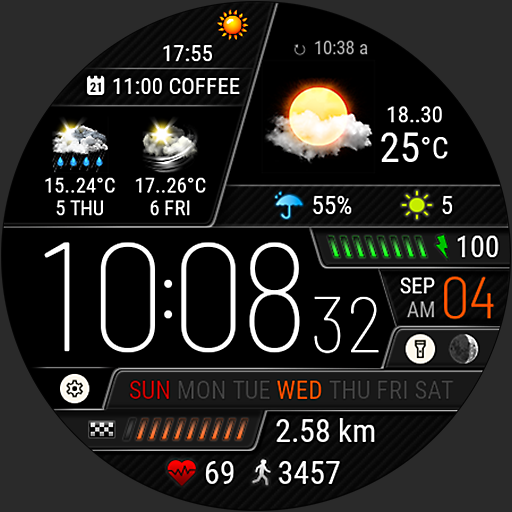
Weather watch face for Wear OS 5+
4.40
Your Reliable Weather Companion
4.10
Moon phase calendar with live wallpaper, lunar widget, & 3D simulation.
3.60
Arrive safely! Travel weather forecasts for your entire trip at time of arrival.
3.60
A powerful tool for ultimate weather awareness
3.50
Most precise & accurate compass app give true North South East West directions.
3.00


User Reveiws