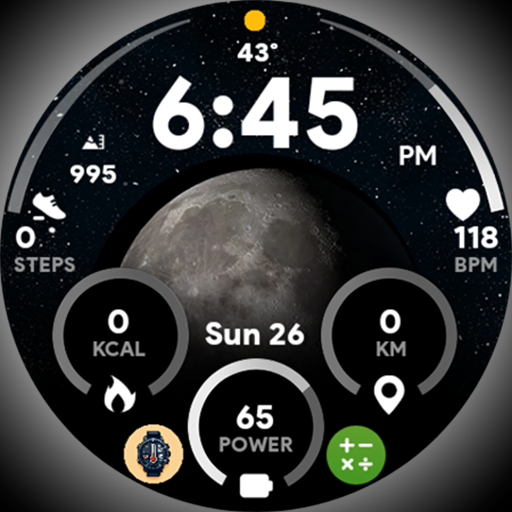

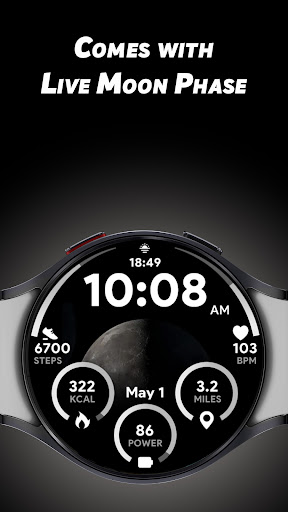
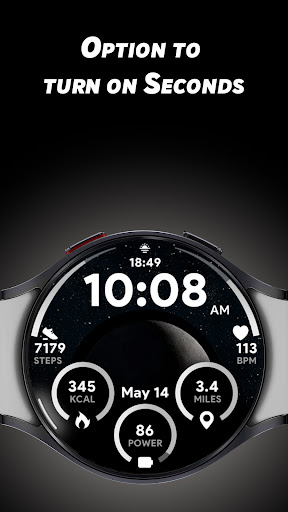
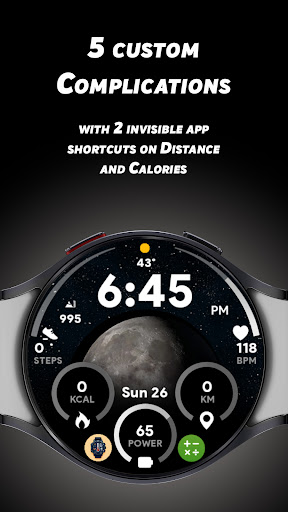
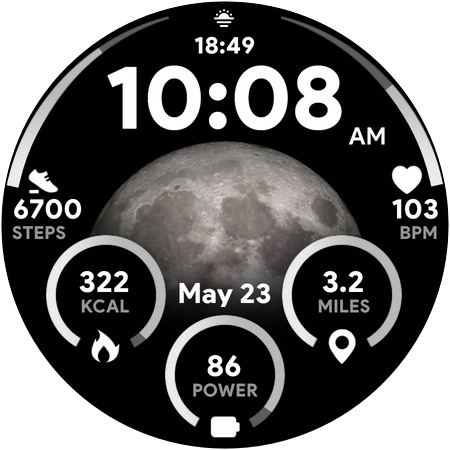
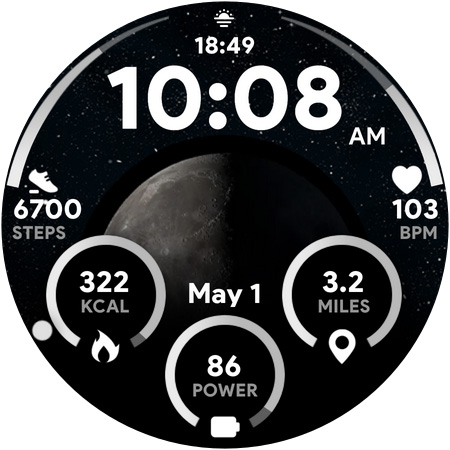

Moon Dial is a feature-rich watch face designed for Wear OS devices, offering users essential information at a glance. The standout feature is its ability to display the current Moon Phase, satisfying your curiosity about the moon's size and phase each night. Beyond just the moon, it provides vital data such as time in 12/24-hour format, distance in KM/Miles, battery percentage, and heart rate, all while allowing further personalization through custom complications.
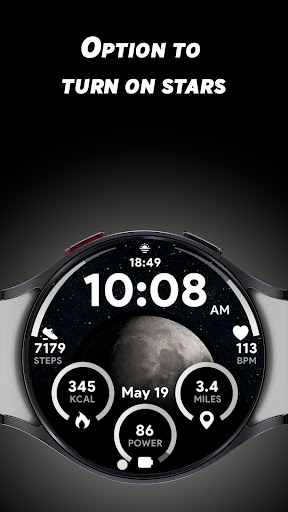
With five customizable complications, Moon Dial lets you tailor your watch face to show additional data that matters most to you. You can also enjoy aesthetic enhancements like the live Moon Phase animation and optional star effects. Practical shortcuts are thoughtfully integrated, enabling quick access to frequently used apps by tapping on elements like Calories or Distance without affecting their original functionality. Whether you're tracking fitness metrics or simply love stargazing, Moon Dial combines utility with personal flair.
Moon Dial stands out with its unique combination of aesthetics and practicality. One of its key features is the live Moon Phase display, which updates in real-time to give you an accurate depiction of the moon's current state. This feature is complemented by the option to enable a stars effect, adding a touch of visual charm to your watch face. Additionally, the inclusion of five custom complications allows users to personalize their experience by choosing what extra data they want to see, from weather updates to calendar events.
Beyond customization, Moon Dial ensures that all essential information is easily accessible. It supports both 12 and 24-hour time formats and offers measurements in either kilometers or miles. A clever integration of invisible app shortcuts on elements like Calories and Distance means you can assign your favorite apps to these areas for quick access. Moreover, interacting with certain elements provides added functionality; pressing the battery percentage opens the battery app, and tapping the heart rate value starts the heart rate measuring process. These thoughtful touches make Moon Dial not only visually appealing but highly functional.
Live Moon Phase
Custom Complications
Stars Effect
Invisible Shortcuts
Essential Info
Wear OS Only
Complex Setup
Limited Customization
Battery Drain
Premium Features
Big bold weather watch face with dynamic backgrounds and 3 complications
 4.5
4.5
Designed to delight, impress and energize your festive spirit every single day
4.0
Tap to the beat with interactive videos — warm up your reflexes & have fun
4.70
Get the news, events and savings that matter to you with AARP Now.
4.80
SmartHQ: Your Connected Home Command Center
4.10
My Diary - Daily Journal with lock: Diary journal app and secret diary with lock
4.80
PARAVOX 4 is a professional ITC paranormal research application.
4.50
A unique and customizable watch face which rotates its layout every minute.
4.80
No more juggling multiple apps, now you can control everything in one place!
4.60
Discover the "To Be a Christian" App: Your Guide to Deepening Faith!
5.00
Your store’s deals, where you are.
4.80
Retro animated weather with hourly forecast Watch Face for Wear OS
4.60
The App can control Roborock vacuum cleaners from anywhere with rich features.
4.60
Earn money & gift cards when you take surveys, play games, scan receipts & more.
4.50
Cute Adorable Animals now on your wrist with our Wear OS watch face!
4.40
This is a simple and highly functional alarm clock "Smart Alarm" paid version.
4.20
Spiritus Ghost Box is an Audio and Visual ITC tool for paranormal research.
4.00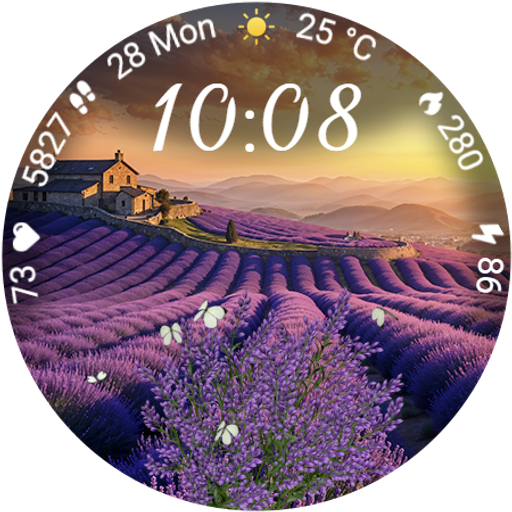
Immerse yourself in the serenity of lavender fields and white butterflies
4.5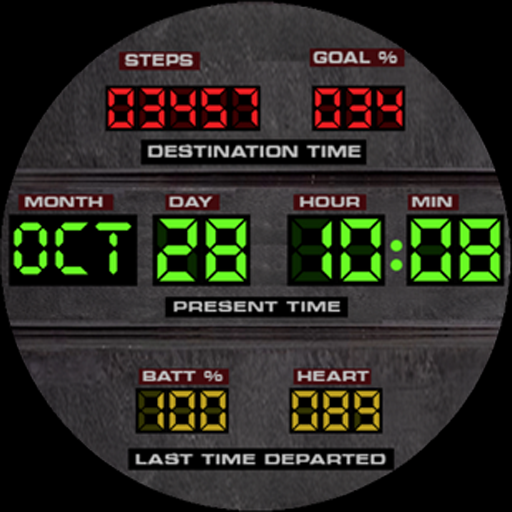
Futuristic watchface inspired by Back to the Future: sleek, retro, timeless
4.5


User Reveiws